
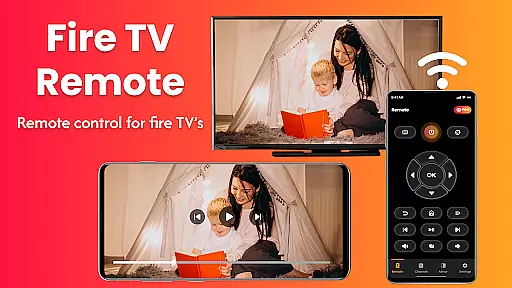
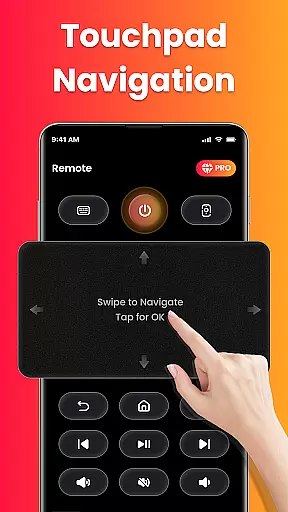
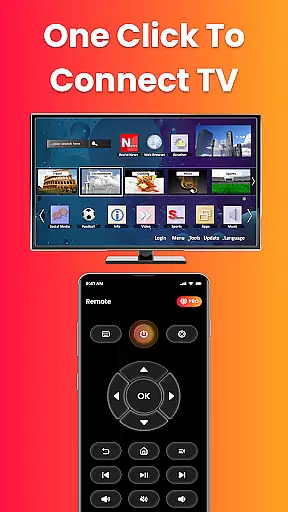
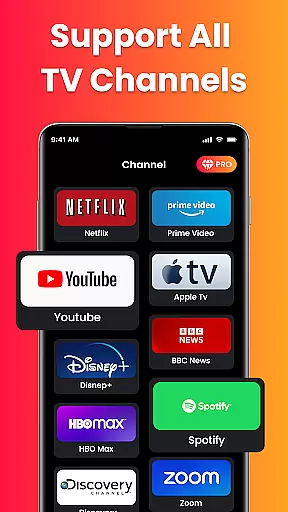
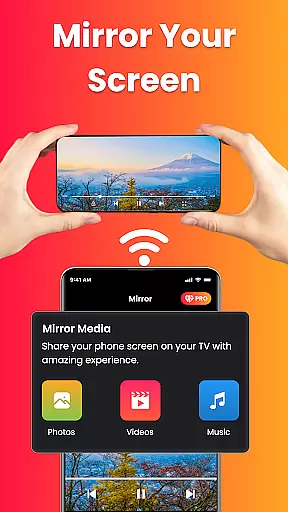
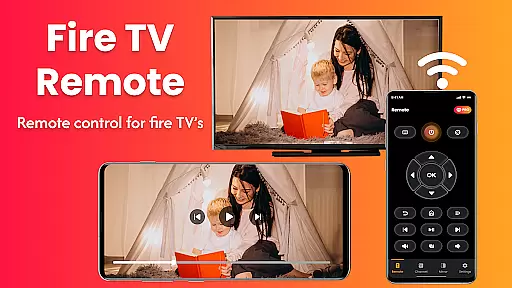
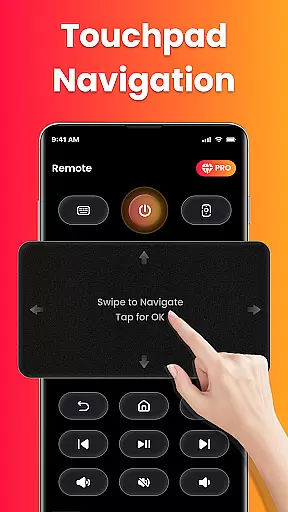
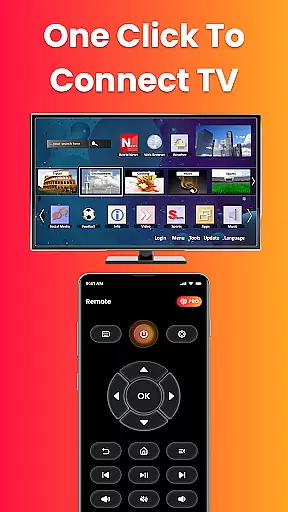
Fire Remote TV Control is a dedicated application that transforms your Android phone into a comprehensive remote control for Fire TV and Fire Stick devices. It offers full navigation, playback controls, volume management, and screen mirroring capabilities without the need for pairing codes or complex setups. Designed exclusively for Fire TV users, this app provides instant connection over Wi-Fi and supports all versions of Fire TV Stick, Fire TV Cube, and Fire TV Edition smart TVs.
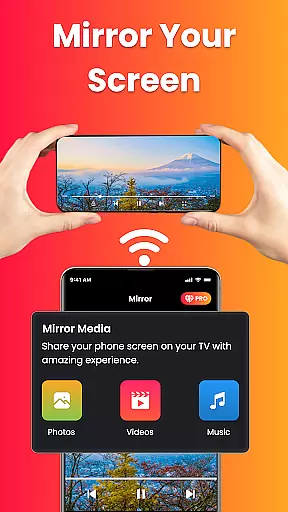
The app's standout feature is its ability to mirror your phone's screen directly to your Fire TV with just one tap. This makes it ideal for sharing photos, streaming videos, browsing apps, or presenting content wirelessly on a larger display. Whether you're watching mobile videos, displaying photo slideshows, or conducting presentations, Fire Remote TV Control ensures seamless integration between your mobile device and television.
For those who have misplaced their physical remote or simply desire faster control options, this app delivers an intuitive interface with essential functions like play, pause, rewind, fast forward, and an on-screen keyboard for quick searches. Its lightweight design ensures efficient battery usage while maintaining reliable performance tailored specifically for the Fire TV ecosystem.
Fire Remote TV Control stands out with its rich set of features designed specifically for Fire TV users. The app includes a full remote control functionality with directional pad and touch controls, allowing users to navigate menus effortlessly. It also provides essential playback controls such as play, pause, rewind, fast forward, and stop, along with volume management options like mute/unmute and power control where supported.
One of the most innovative aspects of this app is its screen mirroring capability. Users can cast their phone's screen directly to their Fire TV with a single tap, making it easy to share multimedia content, browse apps, or conduct presentations on a larger display. This feature is particularly useful for watching mobile videos, displaying photos, or showcasing work-related content in a wireless manner.
In addition to these core functionalities, the app offers an on-screen keyboard for quick typing and searches, ensuring that users can efficiently interact with their Fire TV interface. Its compatibility with various Fire TV models—including Fire TV Stick (all versions), Fire TV Stick 4K/4K Max, Fire TV Cube, and Fire TV Edition smart TVs—ensures broad usability within the Fire TV ecosystem. The absence of pairing codes or setup hassles further enhances user convenience, providing a streamlined experience from installation to daily use.
In the context of smart home management applications like Fire Remote TV Control, ensuring property listing authenticity is crucial for user trust and seamless device integration. This app verifies compatibility with various Fire TV devices, including Fire TV Stick versions, Fire TV Cube, and Fire TV Edition smart TVs.
The application provides accurate information about supported devices, ensuring users can confidently connect their Android phones to control Fire TV products without concerns about compatibility issues. By exclusively targeting the Fire TV ecosystem, it eliminates confusion and misleading information about its functionality with other streaming platforms.
Users benefit from clear, verified listings that prevent common frustrations associated with mismatched device connections. The app's focused design ensures reliable performance across all listed Fire TV models, enhancing the overall user experience through authentic and precise device representation.
Fire Remote TV Control offers essential home management features that simplify interactions with Fire TV devices. Its comprehensive remote functionality includes navigation controls, volume management, playback commands, and even an on-screen keyboard for efficient searching and typing.
A standout feature is the integrated screen mirroring capability, allowing users to display mobile content directly on their TV screens. Whether sharing photos, streaming videos, or presenting work materials, this function extends the app's utility beyond basic remote operations.
The app's instant Wi-Fi connection eliminates complex setup procedures, while its lightweight design ensures minimal battery consumption. These practical home management tools create a seamless bridge between mobile devices and home entertainment systems, significantly enhancing convenience and productivity in managing digital content across devices.
User-friendly interface
Instant Wi-Fi connection
Screen mirroring capability
Lightweight and efficient
No pairing code required
Limited to Fire TV ecosystem
No Chromecast support
Requires same Wi-Fi network
Third-party tool
No Roku compatibility

Use Home by ShowingTime to easily manage showings, tours, feedback and more
 3.60
3.60
Calculate baluster spacing with ease and precision.
4.3
Rent on-the-go with TurboTenant’s app made just for renters
4.50
AI floor creator to design your dream house, plan rooms & style your home
4.00
SmartRent - Opening Doors To A Smarter World
4.40
Innovative and budget-friendly housing options
4.60
Book your local plumber 24/7, track your service order & get exclusive coupons
4.00
Design your dream home with 3D planning app, Visualize your dream home in 3D.
4.20
Real estate app to find homes for sale or rent in the right neighborhood for you
4.70
Connect with reliable pros for maintenance services, plumbing, and home design!
4.80
Find your next home, house, apartment, condo, casa, flat, rental, studio, or bed
4.70
Security App with HD Video, 2-way Audio, and event detection for Home monitoring
4.40
Make your phone a surveillance camera remote with a home camera app for Android!
4.40
For all of your Airthings devices
4.30
Control your thermostat, comfort, and home monitoring from your phone
4.30
Fully control your Philips TV with this all-in-one remote control app.
4.20
Find the perfect paint color with advanced tools to explore and visualize color.
3.80
Design house plans in 2D & 3D, style furniture, and preview renovation layouts
3.70
Find paints using a Color Muse & ColorSnap® Match
3.60


User Reviews