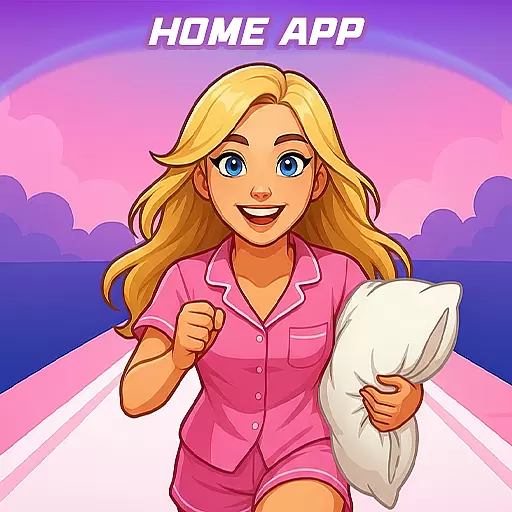
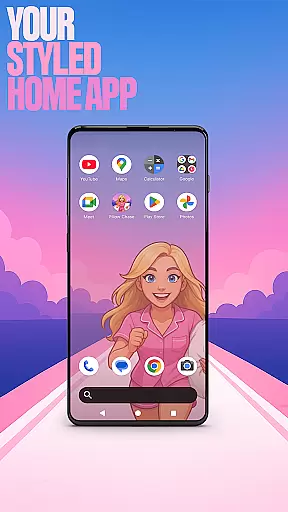

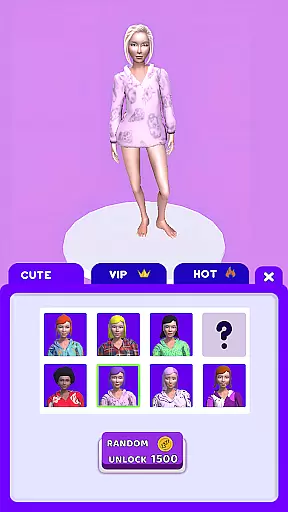
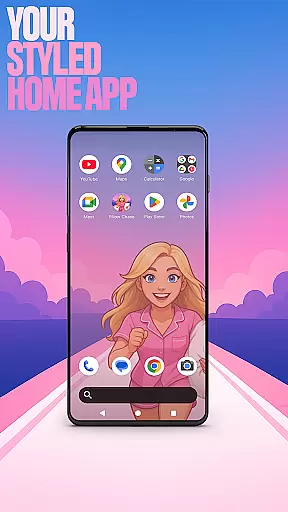

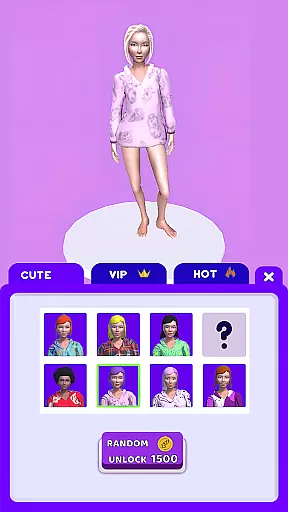
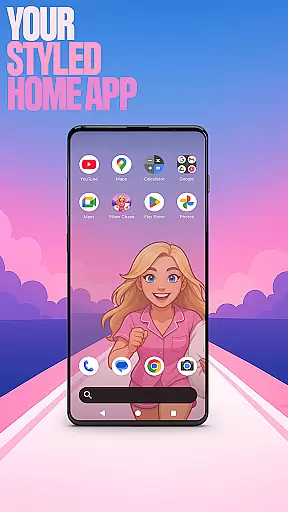

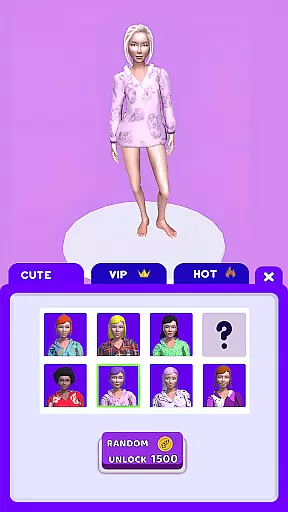
Pillow Chase Home App is a launcher app that allows users to create a personalized home screen. It offers full customization of the layout, folders, and colors, providing a fresh style for daily use. The app also includes a game feature called Pillow Chase, where players run, dodge, and race to collect pillows while avoiding obstacles like alarm clocks and coffee cups.
With its unique features such as Game Style Wallpapers, Custom Icon Shape, Custom Gestures, Hide Apps, and Accent Color, Pillow Chase Home App provides a customizable experience. Users can switch back to their previous launcher anytime, ensuring flexibility and control over their device's appearance and functionality.
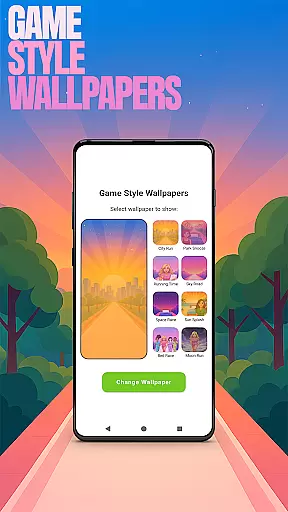
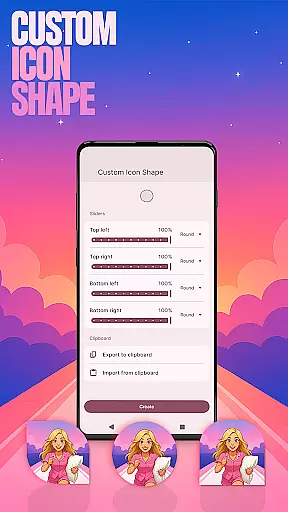
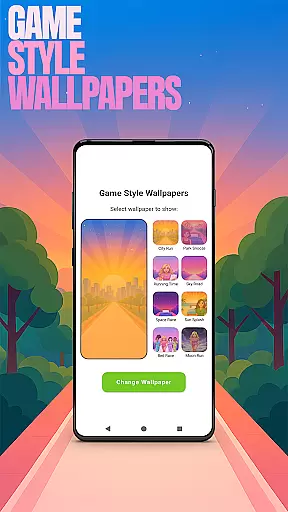
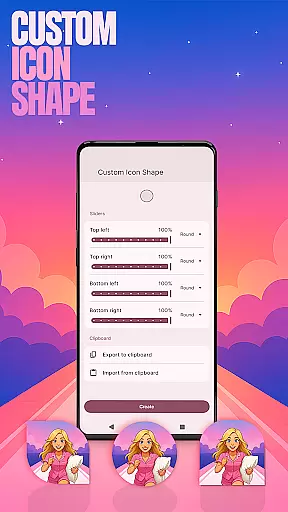
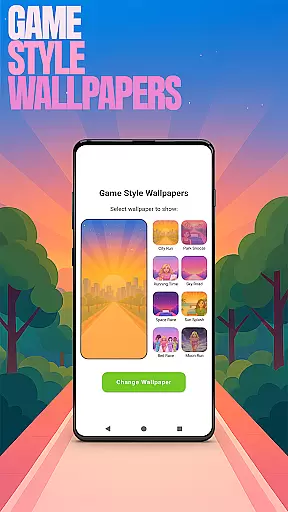
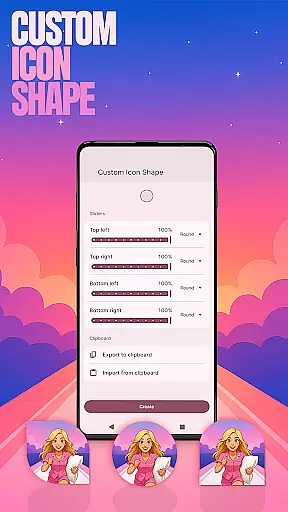
Pillow Chase Home App stands out with its extensive customization options. Users can personalize their home screen with Game Style Wallpapers inspired by the Pillow Chase game, choose from various icon shapes, and set custom gestures for quick access to apps or settings. The Hide Apps feature allows users to keep certain apps private, while the Accent Color option lets them customize the color scheme of their home screen.
The app also includes the Pillow Chase game, offering an entertaining break with its fast-paced gameplay and humorous elements. By integrating both utility and entertainment, Pillow Chase Home App caters to users looking for a personalized and engaging mobile experience. Its intuitive interface ensures that all these features are easily accessible through simple navigation on the home screen.
Customization is at the heart of Pillow Chase Home App, offering users a wide array of personalization options to truly make their device their own.
This app allows you to modify your home screen layout entirely, create personalized folders, and select from a spectrum of colors to match your style. The ability to customize icon shapes and apply unique game-style wallpapers inspired by Pillow Chase adds an element of fun and creativity.
With features like custom gestures for app shortcuts and accent color settings, users can tailor their interaction with the device in a way that feels intuitive and uniquely theirs.
The level of customization ensures that your home screen not only looks distinct but also functions in accordance with your personal workflow and aesthetic preferences.
Pillow Chase Home App excels in theme compatibility, ensuring that any changes you make are visually cohesive and compatible across your device.
Whether it's through selecting preset themes or crafting a bespoke look via the 'Accent Color' option, the app provides seamless integration of themes throughout your home screen. This compatibility extends to custom icon shapes and game-inspired wallpapers, which maintain visual consistency.
Moreover, when you choose to revert to your previous launcher, rest assured that your prior settings remain intact, allowing for worry-free experimentation with new themes within Pillow Chase Home App.
This flexibility empowers users to explore different themes without compromising on usability or design coherence.
Highly customizable
Unique game integration
User-friendly interface
Flexible privacy controls
Vibrant design options
May overwhelm new users
Limited widget support
Occasional performance lags
Not ideal for low-end devices
Some features require premium

Prank your friends with realistic broken screen and cracked HD effects!
 4.0
4.0
Gun Chase - Let the chase begin.
4.80
Shimeji adds cute animated characters to your screen, lively and fun.
4.70
Dark icon pack based on One 8
4.80
Wallpaper HD 4K Live - Thousands of high-quality Anime backgrounds for you.
4.80
Zip lock screen with magic wallpaper to decorate your phone with fun zipper lock
4.60
Design your screen with unique, vibrant clocks
3.80
HappyLighting is a Bluetooth lamp control software.
3.40
300+ widgets inspired by Material You and Material 3 expressive design.
4.60
Customizable Glass widgets. Over 360+ stunning widgets and more!
4.70
Add cute Shimeji pets to screen, interact with them and relax with cute motions
4.60
300+ Beautifully crafted widgets inspired by OneUI.
4.60
3D, live, and moving wallpapers & themes in 4K and HD for your device.
4.50 4.50
4.50
Transform your device in a game console
4.40
App Icon Changer & Shortcut Creator. Customize your icons without any watermarks
4.30
Adorable pets roam and play right on your phone screen!
3.30
Turn your lock screen into fun with smile live wallpapers & animated wallpapers!
2.50
⭐ OneUI inspired Fluffy Icon Pack – Soft. Stylish. Standout. ⭐
4.3


User Reviews