
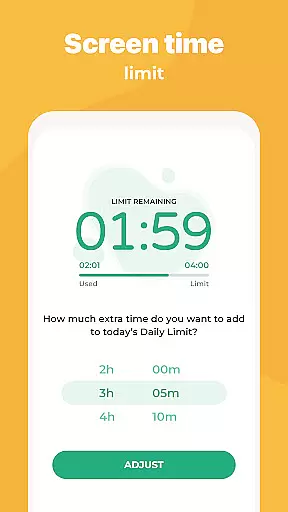
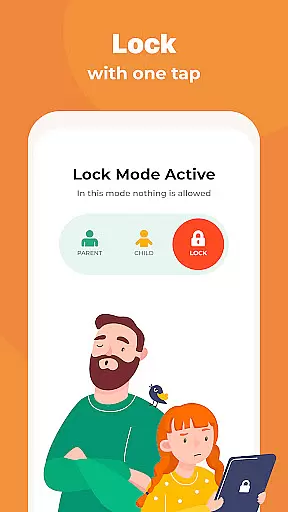
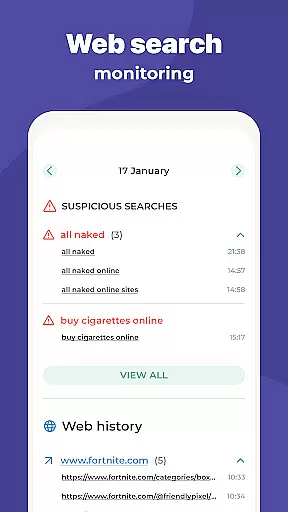
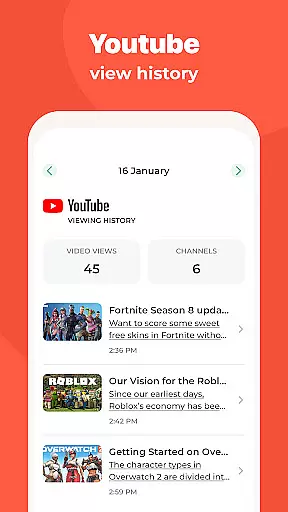
Kidslox Parental Control App is a comprehensive solution for parents seeking to manage their children's digital habits effectively. This secure parental control app allows parents to regulate screen time, track location, block inappropriate apps, and monitor overall device usage. With its multi-platform support, Kidslox extends its functionality across Android, iOS, Windows, and Mac devices, ensuring consistent parental guidance regardless of the device being used.
The app's core strength lies in its robust feature set that addresses various aspects of digital parenting. From setting strict screen time schedules to implementing instant app blocking, Kidslox provides parents with the necessary tools to establish healthy tech habits. Additionally, its location tracking capabilities offer peace of mind by enabling real-time monitoring of children's whereabouts through GPS technology.
Parents can utilize Kidslox to create a balanced digital environment at home by customizing access permissions based on different scenarios. Whether it's allowing educational apps during study hours or restricting gaming to leisure time, this app helps foster responsible device usage among children and teens while maintaining family values and priorities.
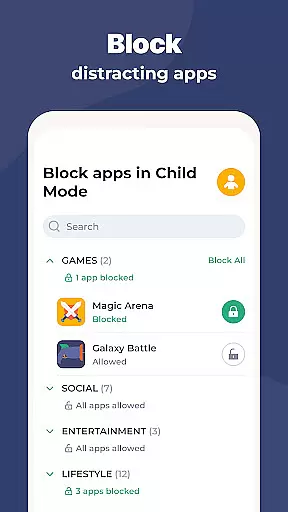
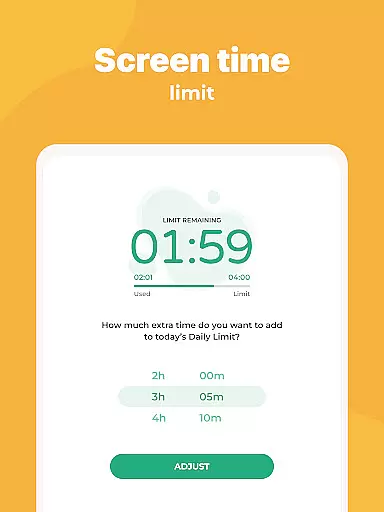
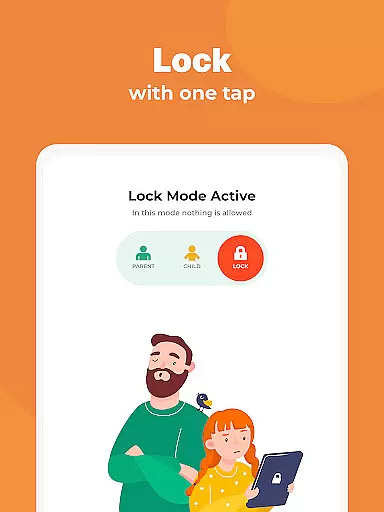
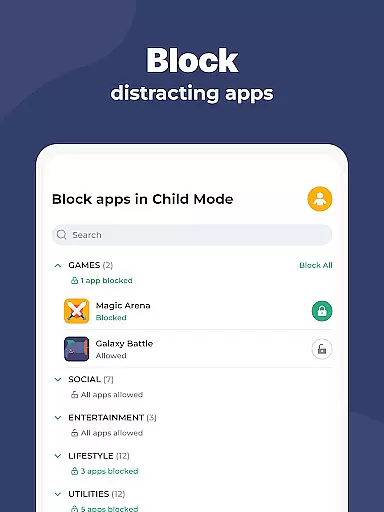
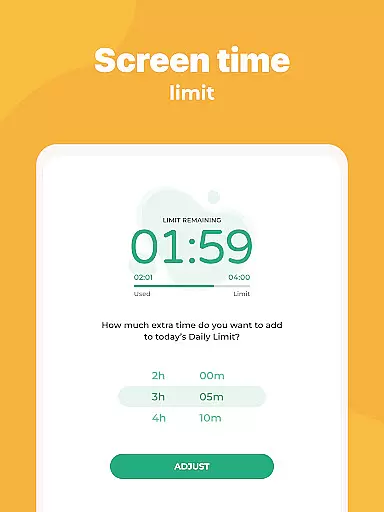
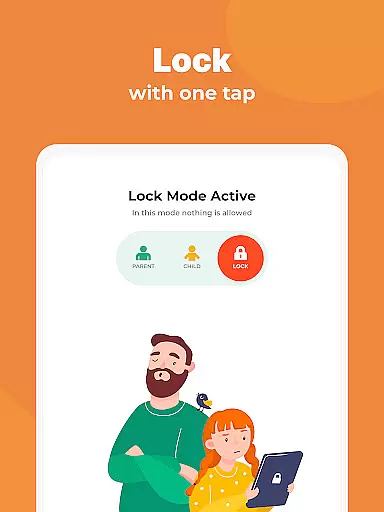
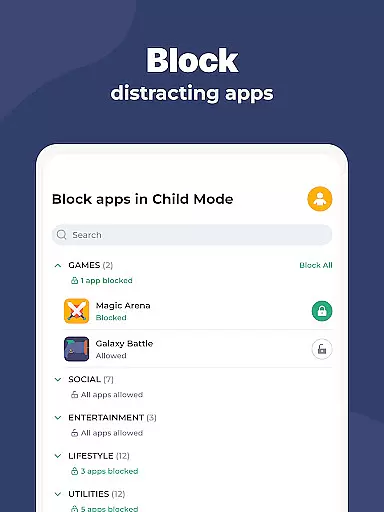
Kidslox stands out with its diverse range of parental control features designed to address multiple aspects of digital parenting. The app's instant lock functionality enables parents to remotely block apps on both Android and iOS devices, providing immediate control over children's app usage. Its scheduling feature allows precise timing of device availability, helping establish consistent daily routines and appropriate tech boundaries.
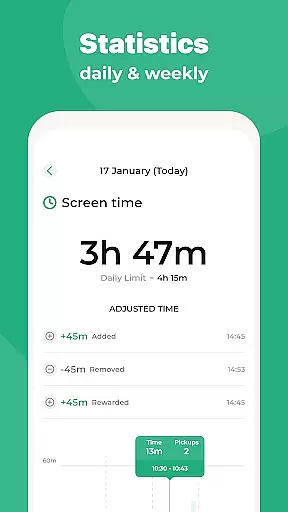
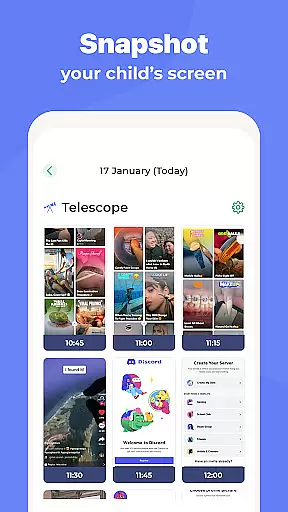
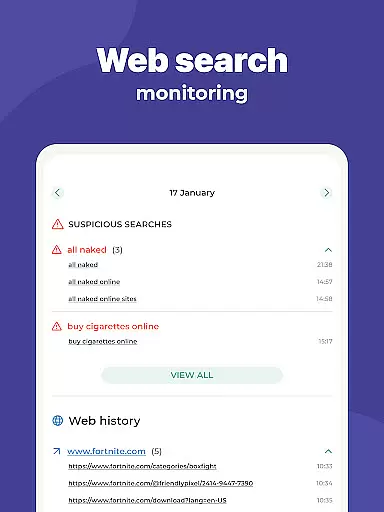
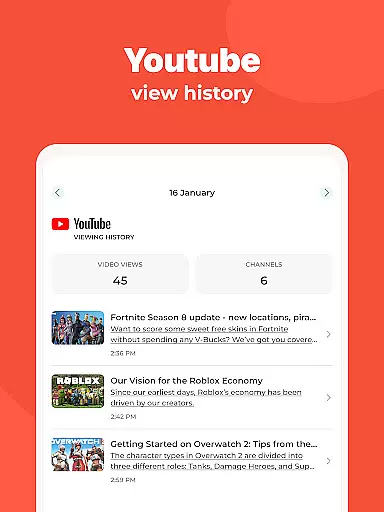
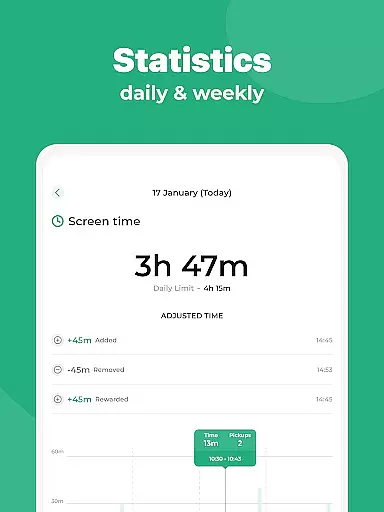
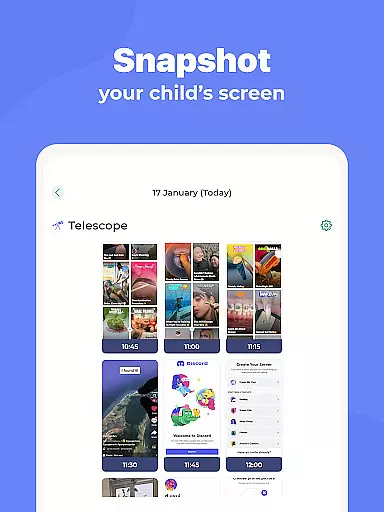
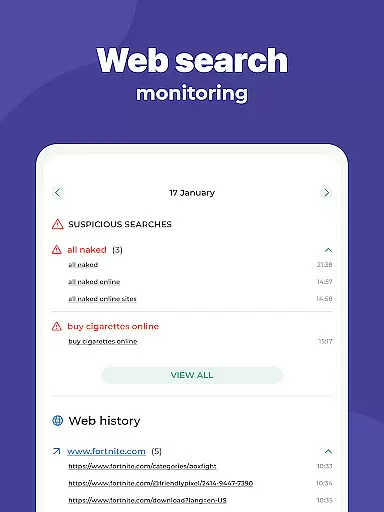
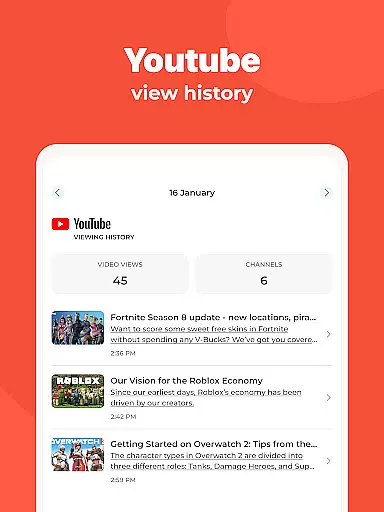
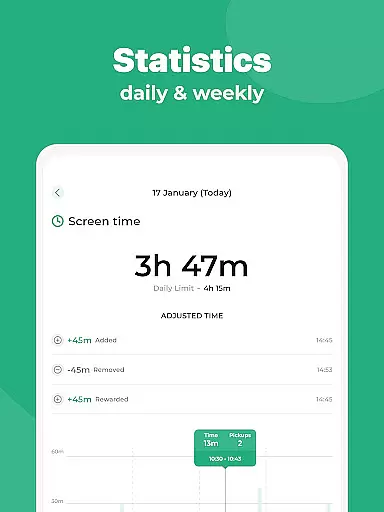
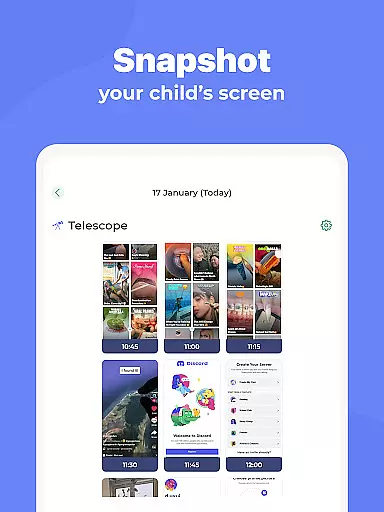
One of the app's notable strengths is its flexible approach to screen time management. Parents can set daily time limits, reward extra screen time for completing chores, and create custom modes that adapt to different situations. The monitoring capabilities extend beyond basic usage tracking, offering detailed insights into app usage patterns, web browsing history, and search activities.
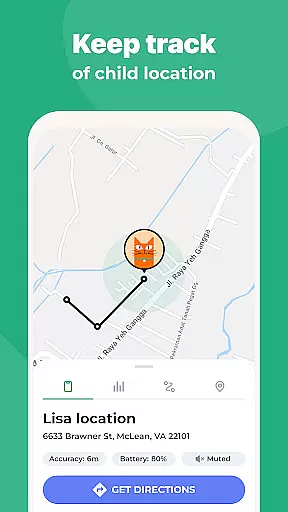
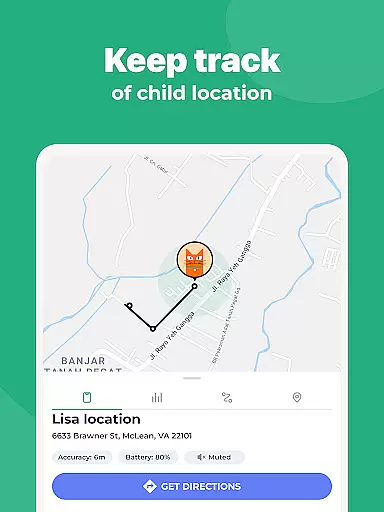
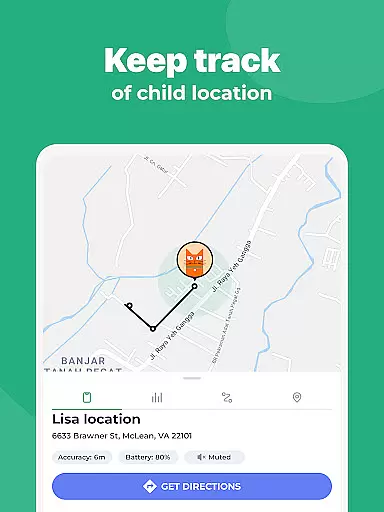
The location tracking feature adds another layer of security by providing real-time GPS monitoring and geofencing alerts. Combined with content filtering options that block adult material and in-app purchases, Kidslox creates a safer digital environment for children. The app's cross-platform compatibility ensures these protective measures remain consistent across all family devices, from smartphones to desktop computers.
In the realm of parenting apps, content credibility is paramount. Kidslox Parental Control App ensures that all information and guidance provided are thoroughly vetted by child development experts. This guarantees that parents receive reliable advice on managing their children's digital habits.
The app includes features like screen time schedules and daily time limits, which are designed based on expert recommendations for healthy device usage among children. These features not only help in setting boundaries but also promote a balanced lifestyle.
Furthermore, Kidslox offers location tracking and geo-fencing capabilities. These tools have been developed with input from safety experts to ensure they serve their purpose without infringing on privacy rights. Parents can trust these features to keep their children safe while respecting their personal space.
By integrating expert-validated content and functionalities, Kidslox empowers parents to make informed decisions about their children's digital wellbeing, fostering a safer and more controlled online environment.
Accurate growth tracking is essential for understanding a child's development over time. Kidslox Parental Control App provides detailed insights into children's screen time habits, enabling parents to monitor changes and identify potential issues early on.
The app's monitoring features allow parents to track app usage, web activities, and overall screen time. This data is presented in an easy-to-understand format, helping parents recognize patterns and adjust settings accordingly to promote healthier habits.
Kidslox also offers customizable modes where parents can block specific apps at different times. This feature supports accurate tracking of how children allocate their time across various activities, ensuring that educational and recreational uses are balanced appropriately.
With precise tracking tools, Kidslox enables parents to maintain a clear overview of their children's digital activities, facilitating timely interventions and adjustments to support optimal growth and development.
Comprehensive parental controls
Multi-platform compatibility
Real-time location tracking
Detailed usage monitoring
Flexible scheduling options
Requires constant internet connection
Some features need Device Administrator permission
VPN service might affect device performance
Paid subscription model
Setup process can be complex

Block apps, set screen time limits, and customize usage schedules
 4.50
4.50
Family GPS locator app — child location tracker. GPS kids tracker, family safety
4.70
Live Location, Alerts & 2-Way Voice for Kids and Adults with Special Needs
4.60
Watching baby, helping parents
4.10
FamilyMode helps you manage your family’s digital lives—at home or on the go.
4.30
The 10 development leaps of your baby | newborn milestones & leap days tracker
4.10
Track your labor contractions
4.90
Advanced baby tracking, expert sleep help & parenting support for every stage.
4.80
Parental control: child monitoring app, screen time control, GPS child tracker
4.40
Pinardin - Smart Parental Control, Online Safety & GPS Tracking!
4.80
Pregnancy+ App has helped 80m moms track their pregnancy with info & support!
4.80
FamilyAlbum helps you share, save, and remember your child's special moments.
4.80
App/Game blocker & GPS tracker
4.50
With BabyCam you can monitor your baby using your mobile phone, tablet, PC or TV
4.40
Keep track of your stored breastmilk
4.40
Free symptom & med tracker with expert-reviewed tips.
4.30
Findnumber: Real-time location tracker for ultimate family security
4.20
Keep Your Family Safe with Pollog Family Assistants
4.10
Affirmations | Stories | Bible
4.10


User Reviews