
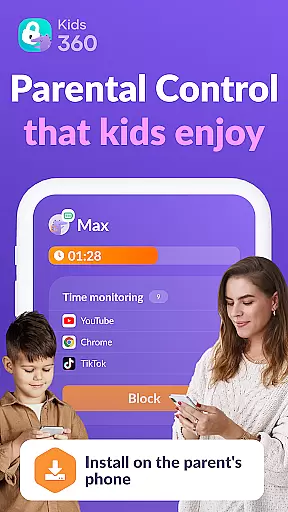
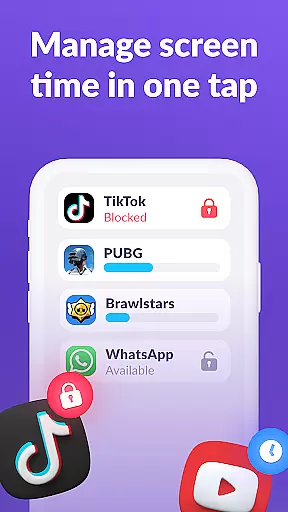
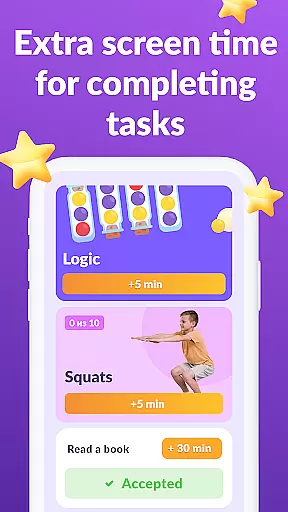

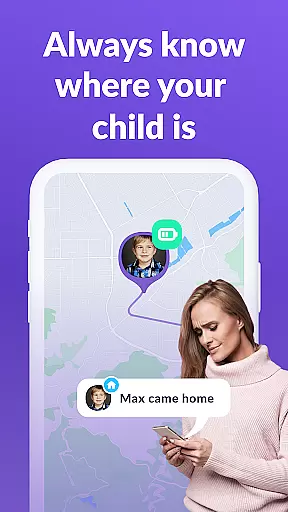
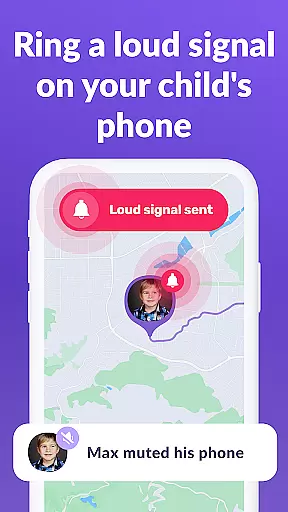
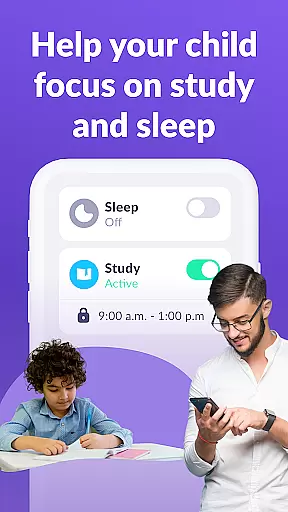
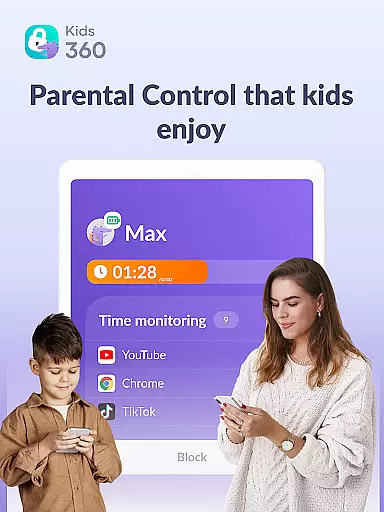
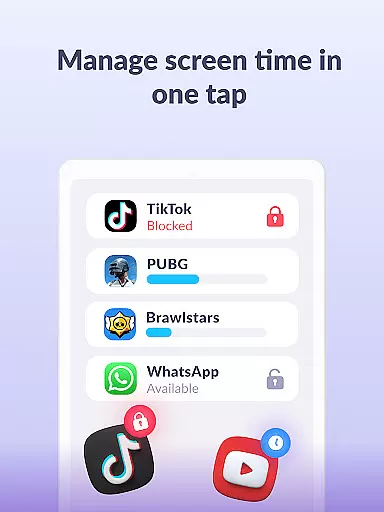
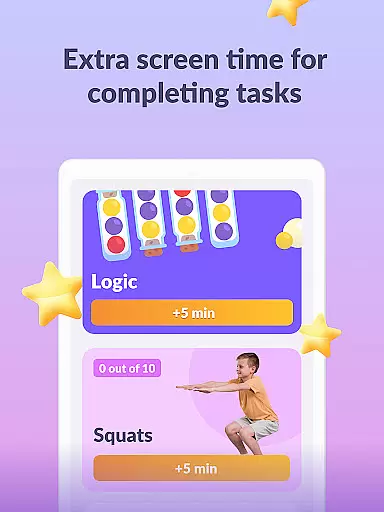
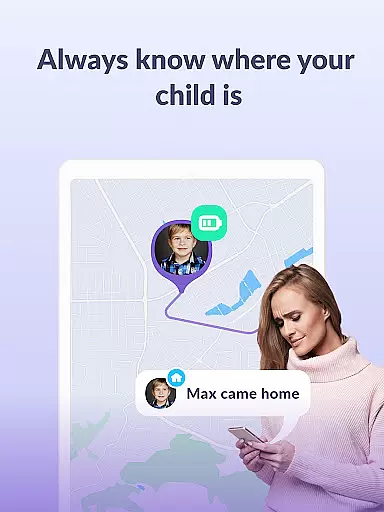

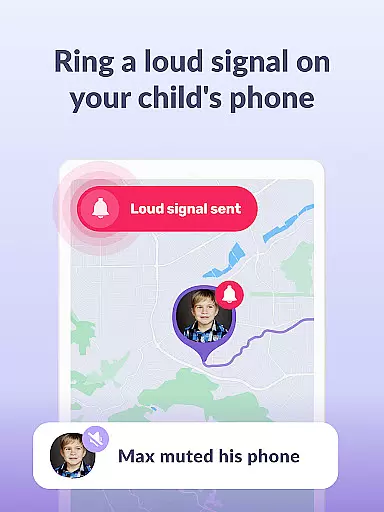
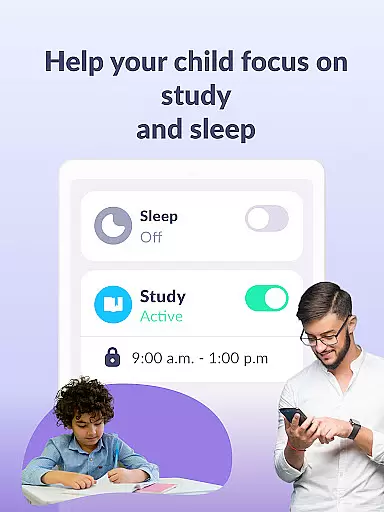
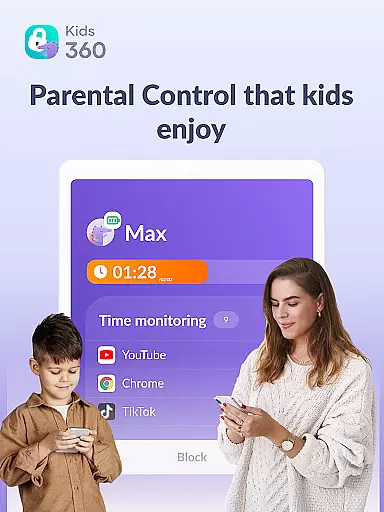
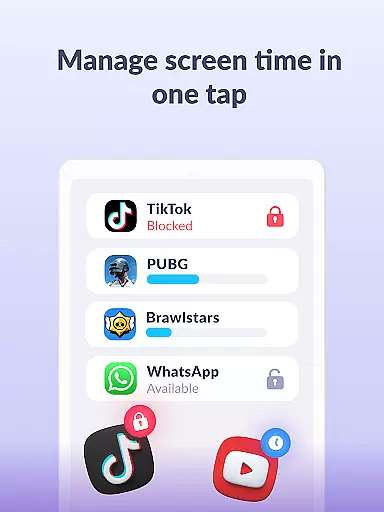
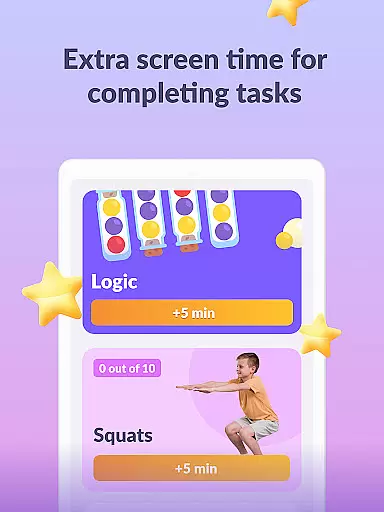
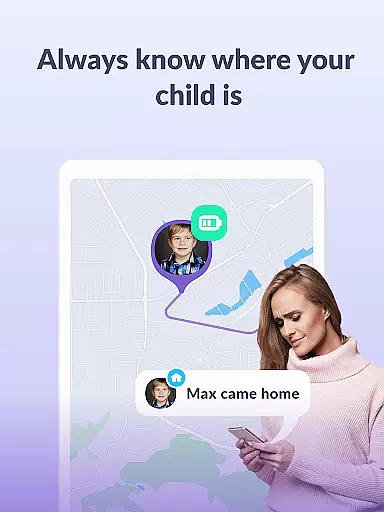

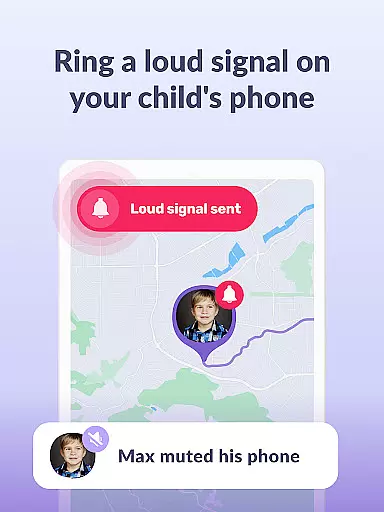
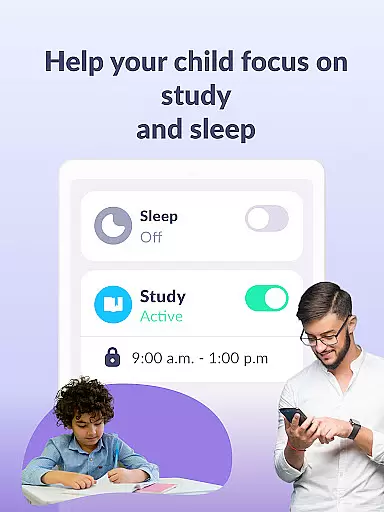
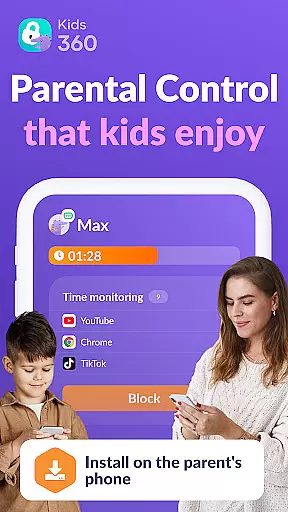
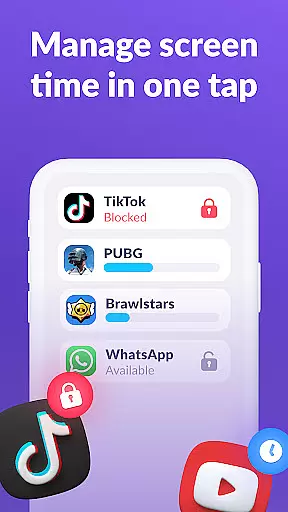
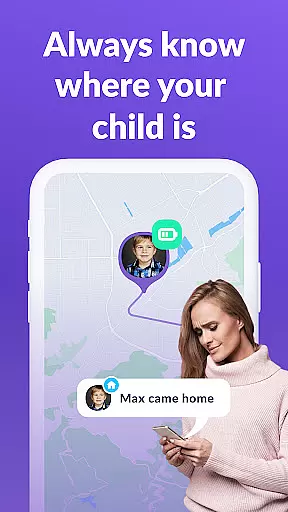
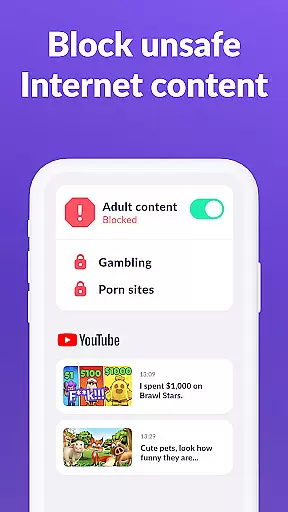
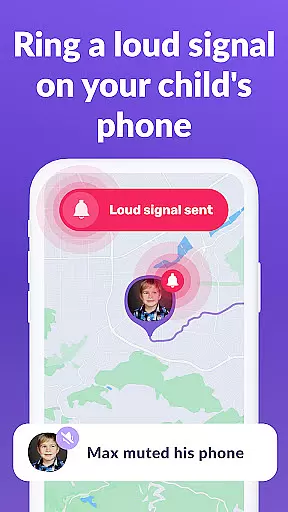
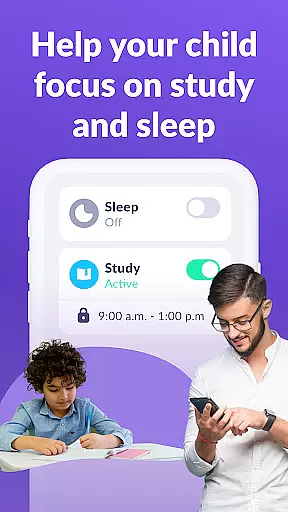
Kids360 is a comprehensive parental control app designed to help parents manage their children's device usage effectively. The app offers features like screen time management, app blocking, and GPS tracking to ensure family safety. With Kids360, parents can set time limits on distracting apps, games, and social media, ensuring that children focus on productive activities during school hours and sleep well at night.
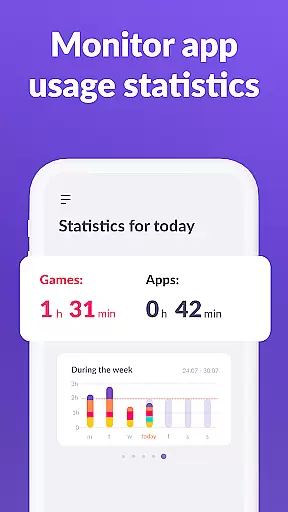
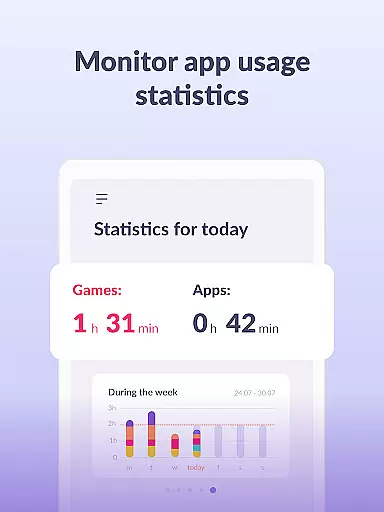
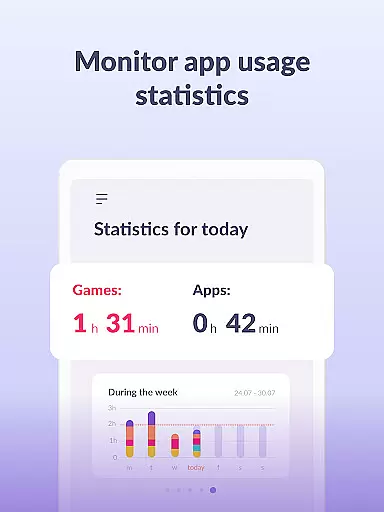
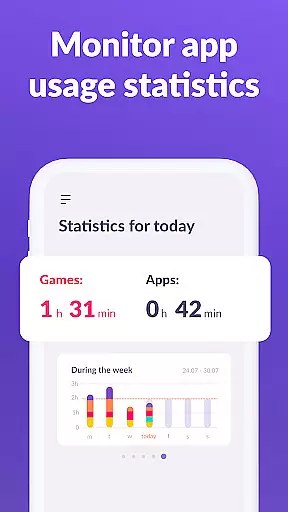
Beyond just limiting screen time, Kids360 provides detailed insights into app usage statistics, allowing parents to monitor what apps their children are using and for how long. This helps identify any misuse of devices during class hours. Additionally, essential communication apps remain accessible, ensuring parents stay connected with their kids while keeping them safe online.
Kids360 stands out with its robust feature set tailored for modern parenting needs. One of the key functionalities is the app usage limiter, which allows parents to restrict access to distracting apps and games, functioning as a child lock. The usage schedule feature lets parents define specific times for schoolwork and rest, promoting healthier habits by limiting phone use during critical periods.
The app also includes detailed screen time analytics, showing exactly how much time a child spends on their device and which apps occupy them the most. Parents can track GPS locations and receive regular updates on their child’s digital activity. Furthermore, Kids360 ensures that vital communication tools remain available, preventing any disruption in essential contact between parents and children.
When it comes to parenting applications, the credibility of content and expert validation play pivotal roles in ensuring that parents receive reliable guidance. Kids360 stands out by offering features that are not only designed by professionals but also align with expert recommendations on child safety and digital wellbeing.
The app includes functionalities such as screen time management, app usage tracking, and educational games, all of which are crafted based on thorough research and understanding of children's digital consumption patterns. By setting time limits and monitoring app activity, Kids360 empowers parents with tools that support healthy device habits, endorsed by child psychologists and digital wellness advocates.
Furthermore, Kids360 complies with legal standards like GDPR, ensuring that personal data is handled responsibly. This adherence to privacy regulations reflects the app's commitment to trustworthiness. Parents can feel confident that the strategies they implement through Kids360 are supported by both contemporary research and regulatory compliance.
Tracking a child's growth in terms of digital habits and screen time is essential for modern parenting. Kids360 excels in providing accurate growth tracking features that allow parents to monitor their children's progress effectively. The app meticulously records usage statistics, giving insights into which apps are used most frequently and for how long.
With detailed reports on app usage and screen time, Kids360 enables parents to identify patterns and make informed decisions about their childu2019s digital activities. This data-driven approach ensures that any interventions are based on actual behavior rather than assumptions, leading to more effective parenting strategies.
In addition to tracking, Kids360 offers scheduling features that help establish productive routines. By setting specific times for schoolwork and rest, parents can guide their children towards balanced lifestyles. These scientifically-backed methods ensure that growth tracking within Kids360 translates into actionable insights for fostering healthier developmental trajectories.
Effective screen time management
Comprehensive app usage tracking
GPS location tracking
Child-friendly interface
24/7 customer support
Requires child’s consent for installation
Limited free features
Paid subscription for advanced controls
Permissions may concern privacy
Dependent on another app for full functionality

Sleep better with white noise app! Discover rain sounds, fan noise and more.
 4.70
4.70
Family GPS locator app — child location tracker. GPS kids tracker, family safety
4.70
Pregnancy and baby formula tips for moms, plus Enfamil coupons & cash back
4.10
Watching baby, helping parents
4.10
Keep track of your stored breastmilk
4.40
Track pregnancy health and wellness with pregnant tracker from healthcare advice
4.0
GPS tracker app: Simple GPS phone tracker for fast family location tracking
4.60
App/Game blocker & GPS tracker
4.50
Track baby’s development & growth week by week with BabyCenter’s pregnancy app!
4.90
Track your labor contractions
4.90
FamilyAlbum helps you share, save, and remember your child's special moments.
4.80
All-in-one pregnancy app, contraction timer, kick counter & due date calculator
4.40
Real-time family location with consent, check-ins & SOS—private by default.
4.40
Find unique + popular baby names for your little peanut.
4.30
Protect kids online safety through GPS tracking,screen time control,app blocking
4.20
Limit screen time, Block Apps & Games, Monitor with Parental control app
4.20
Keep Your Family Safe with Pollog Family Assistants
4.10
The Baby’s Bounty App is your hub to register for our diaper banks in Nevada
3.70
Discover fun videos, kids songs, bedtime stories and games
3.60


User Reviews