


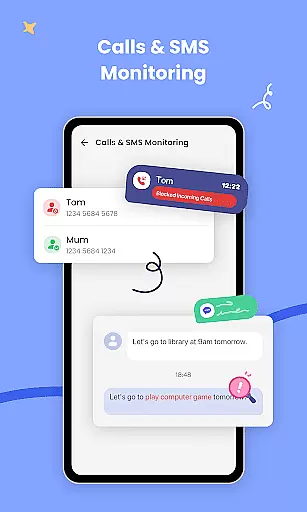

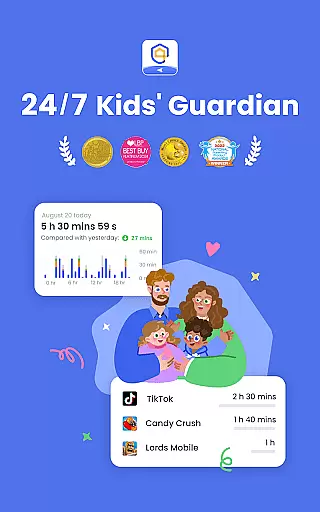
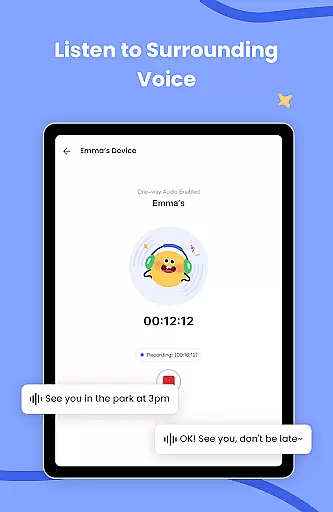
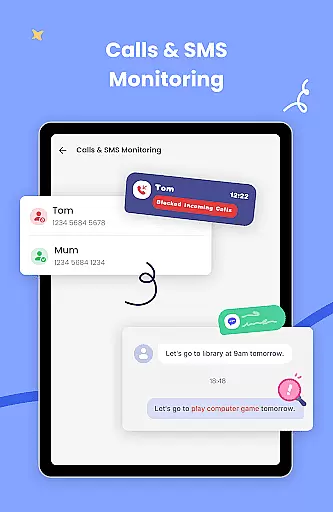
AirDroid Parental Control is a feature-rich application designed to prioritize child safety in the digital age. This parenting tool enables real-time monitoring of children's device usage, ensuring they stay protected from online threats.
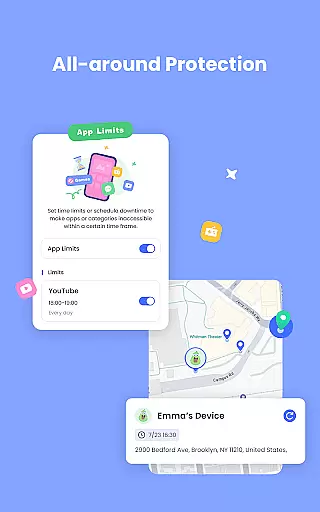
The app includes GPS tracking, app blocking, and content filtering capabilities. These features work together to create a safe online environment while helping parents stay informed about their children's digital activities.
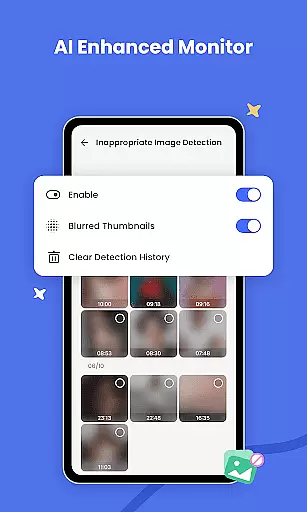
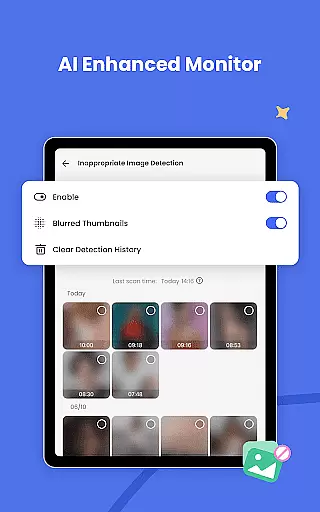
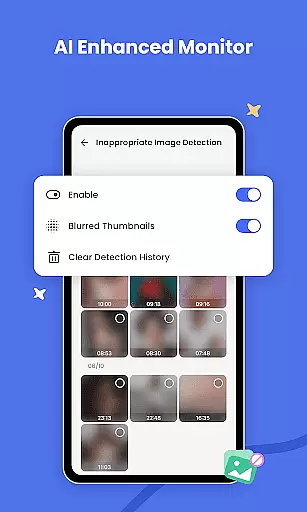
Parents can benefit from advanced AI-powered monitoring systems that go beyond basic keyword blocking. This makes AirDroid Parental Control a valuable solution for modern families seeking comprehensive digital protection.
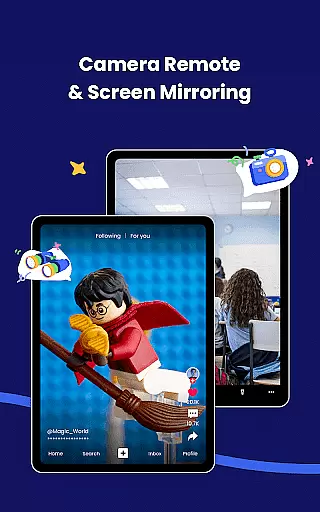
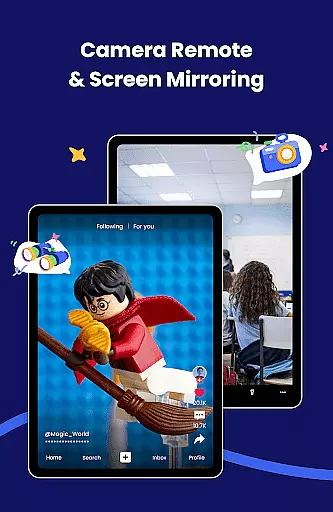
AirDroid Parental Control offers comprehensive monitoring tools for parents seeking to ensure their children's online safety. The app provides real-time screen mirroring, allowing parents to view their child's device activity instantly.
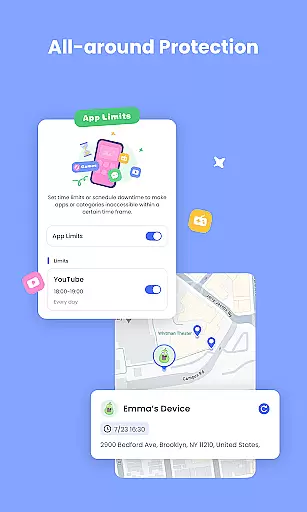
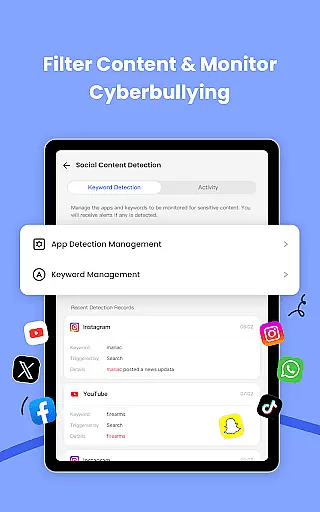
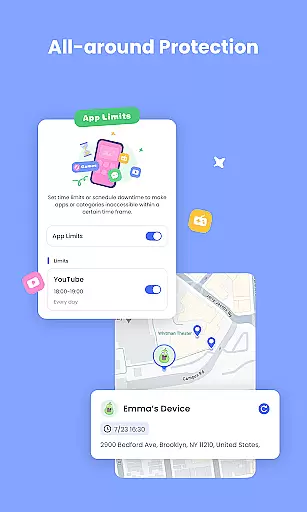
With advanced content filtering powered by AI technology, the app intelligently blocks inappropriate content while preventing cyberbullying. Parents can also set app permissions and schedule screen time to maintain a healthy digital environment.
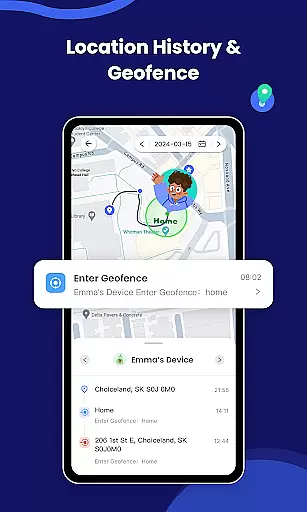
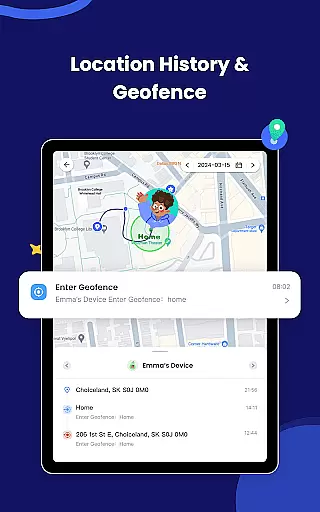
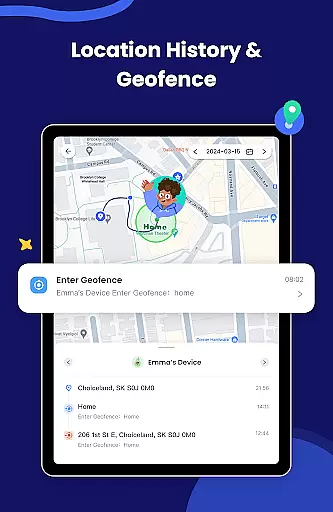
The GPS location tracker and geofencing features offer peace of mind by keeping tabs on children's whereabouts. Instant alerts notify parents of any suspicious activity or location breaches, making it an all-in-one parental control solution.
In the realm of parenting applications, content credibility is paramount. AirDroid Parental Control ensures that all information and guidance provided are vetted by child safety experts. This rigorous validation process guarantees that parents receive reliable advice on monitoring and protecting their children's digital presence.
The app employs advanced AI systems to monitor online content, going beyond basic keyword filtering. By understanding context, it provides intelligent protection against inappropriate material and potential cyber threats. This approach not only blocks harmful content but also educates parents on current online risks, ensuring they stay informed and vigilant.
Furthermore, AirDroid Parental Control collaborates with cybersecurity professionals to regularly update its features. This ensures that the app evolves with emerging online trends and dangers, offering cutting-edge solutions for digital parenting challenges. Parents can trust that they are using a service that prioritizes their children's safety above all else.
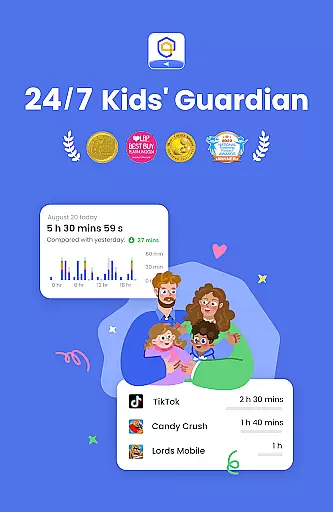
Growth tracking in parenting apps refers to the ability to monitor a child's development across various metrics. AirDroid Parental Control excels in this area by providing precise tools for observing a child's online behavior patterns and habits. The app meticulously records usage statistics, giving parents insights into how their children interact with technology.
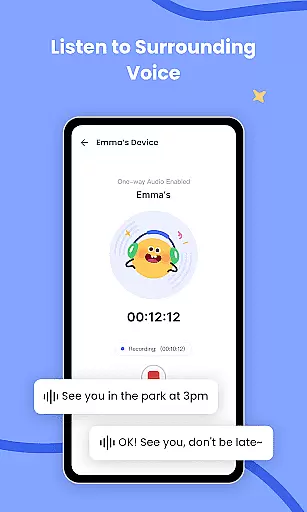
With real-time monitoring capabilities, parents can view their child's device screen directly on their phones. This feature allows them to understand which apps are being used during school hours and how frequently, helping prevent smartphone addiction. Additionally, location tracking offers accurate GPS data, enabling parents to ensure their children remain within safe boundaries.
AirDroid Parental Control also includes comprehensive reporting features. These allow parents to analyze historical route data and app usage trends over time. Such detailed analytics empower parents to make informed decisions about their child's digital environment, fostering healthy growth and development while maintaining open communication channels.
Real-time monitoring
AI content filtering
GPS tracking
App blocking
Location alerts
Subscription required
Privacy concerns
Complex setup
Limited free trial
Device limit

Free symptom & med tracker with expert-reviewed tips.
 4.30
4.30
With BabyCam you can monitor your baby using your mobile phone, tablet, PC or TV
4.40
Pregnancy and baby formula tips for moms, plus Enfamil coupons & cash back
4.10
Keep Your Family Safe with Pollog Family Assistants
4.10
3D Baby size, Fruit comparisons, Smart Checklist, Trending Names & Training.
4.90
Lullabies, Night Light & Age-based Routines to help your baby fall asleep
4.2
Screen Time, App and Web Block & Monitoring, Location Tracker
3.60
Reliable phone tracker by number & locate phone app. Protect your family.
4.50
The Most Trusted Co-Parenting App.
4.60
Kids story books for children. Baby reading books with audio for pre-k toddlers
4.70
Track your pregnancy & your baby's growth in 3D. Get support from our community
4.60
All-in-one pregnancy app, contraction timer, kick counter & due date calculator
4.40
Real-time family location with consent, check-ins & SOS—private by default.
4.40
Join over 1MM parents & professionals who've used OFW to navigate co-parenting
4.40
Babysitting video camera - Turn your two phones or tablets into a single nanny.
4.40
GeoLog - Real-Time Location Tracker
4.40
Cherish every beat - capture your baby's heart sounds with our app
4.30
FamilyMode helps you manage your family’s digital lives—at home or on the go.
4.30
The Baby’s Bounty App is your hub to register for our diaper banks in Nevada
3.70


User Reviews