
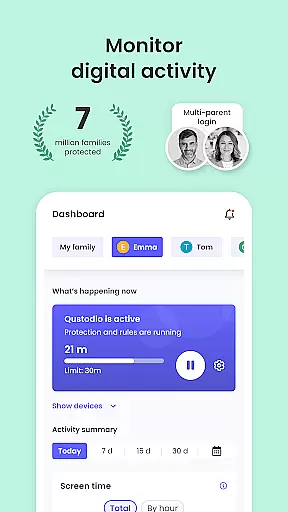
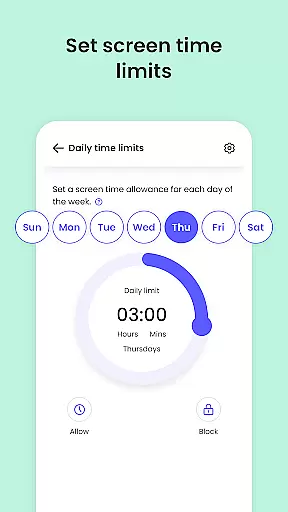
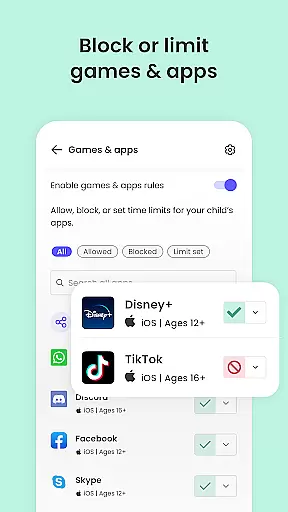
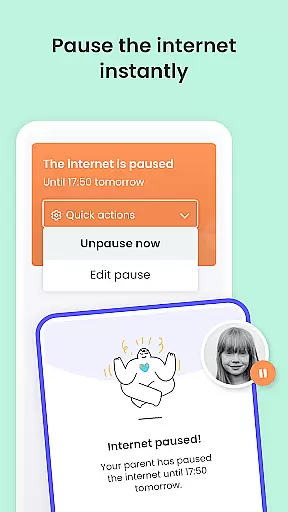
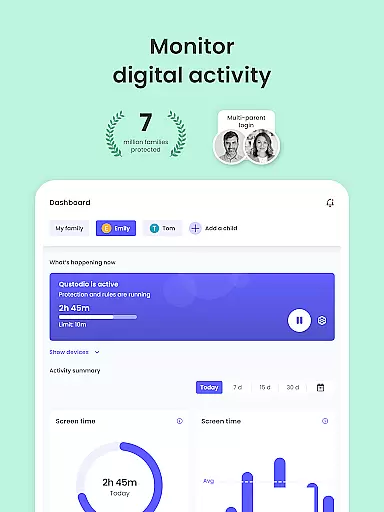
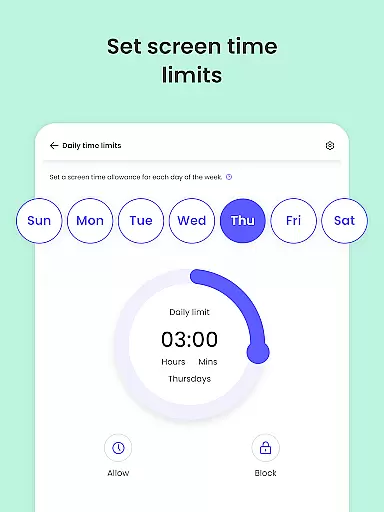
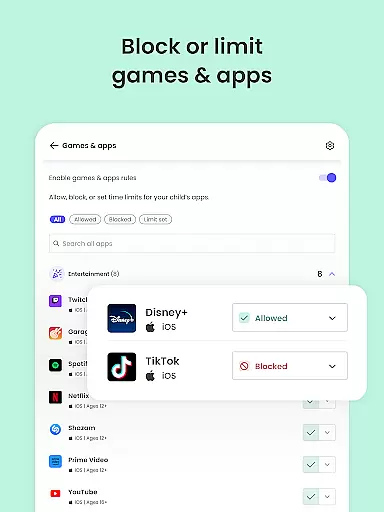
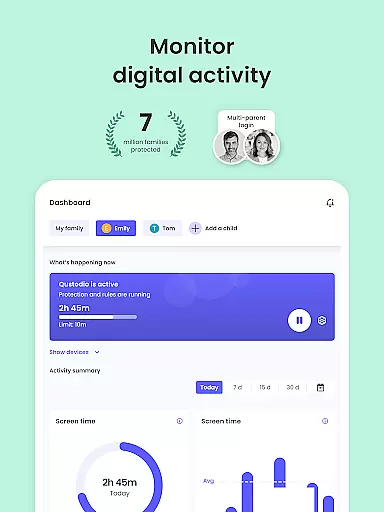
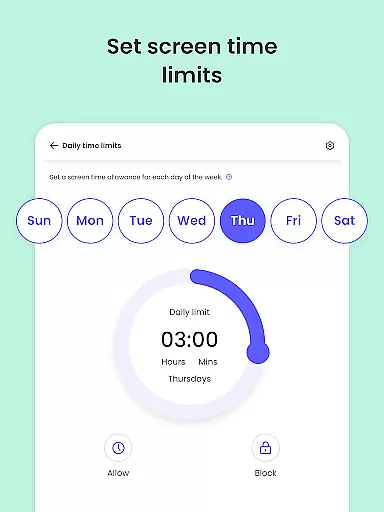
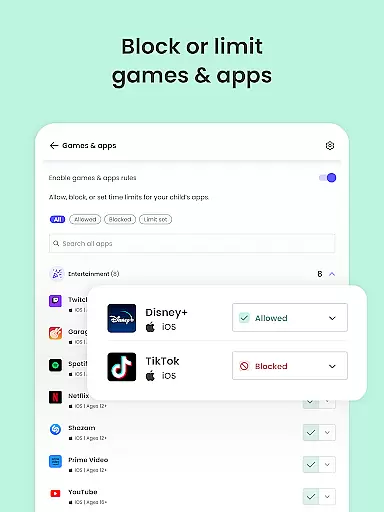
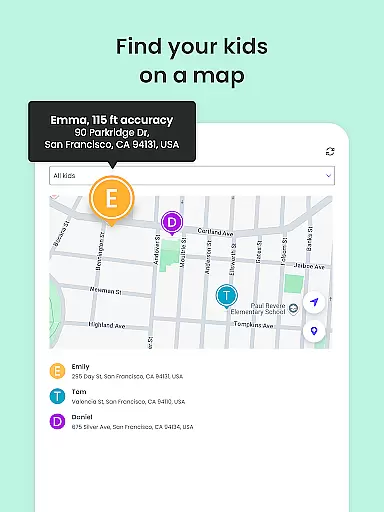
Qustodio Parental Control App is an advanced parenting solution that helps parents manage their children's digital lives. The app offers daily screen time limits, app blocking, location tracking, AI-powered search and message alerts, social media monitoring, and porn blocking. It ensures a safe online environment by filtering harmful content and providing detailed activity reports.
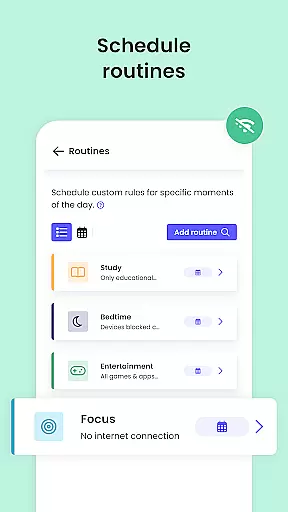
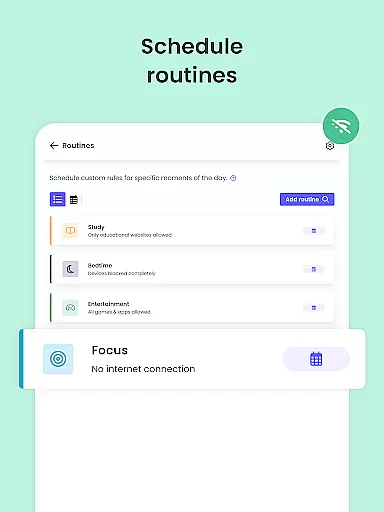
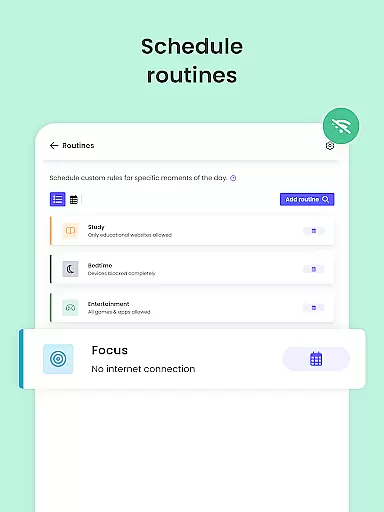
The app works in tandem with the Kids App Qustodio, allowing parents to control multiple devices across various platforms including Android, iOS, and others. With features like safe search enforcement, custom routines for apps, and website restrictions, it nurtures healthy digital habits among children. Parents can also track their child's location using GPS monitoring and even set up a panic button on their child's device.
This parental control tool provides peace of mind by offering full visibility into children's online activities. It sends alerts about suspicious browsing behavior, social media interactions, and app downloads. Available in both basic and premium plans, Qustodio equips modern families with essential tools to protect, monitor, and guide their children's screen time effectively.
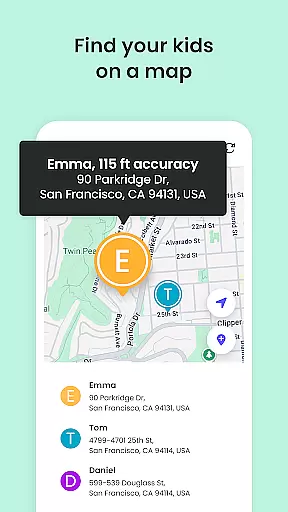
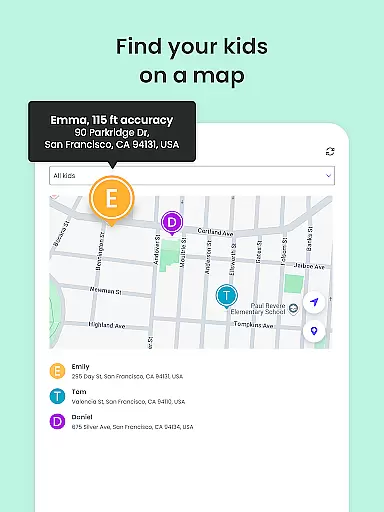
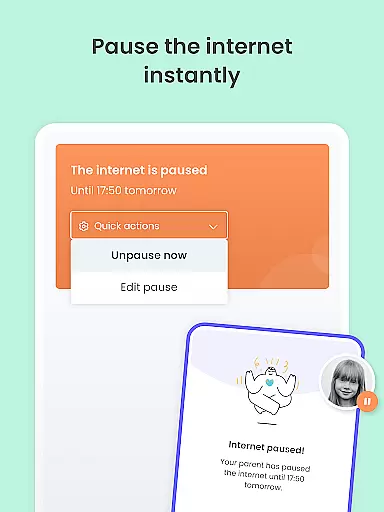
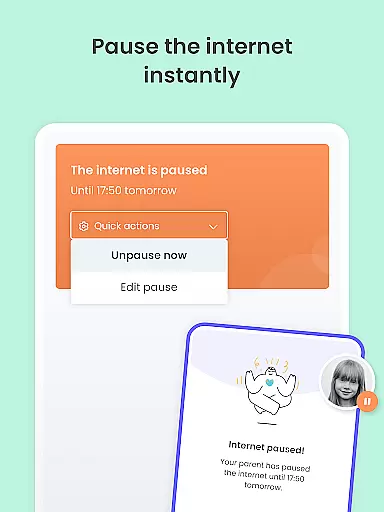
Qustodio Parental Control App stands out with its comprehensive feature set designed to ensure children's online safety. One of its key capabilities is setting automatic screen time limits, which helps parents enforce healthy usage habits by blocking devices after a specified duration. The Family Locator and GPS tracker provide real-time location updates, ensuring parents always know where their children are.
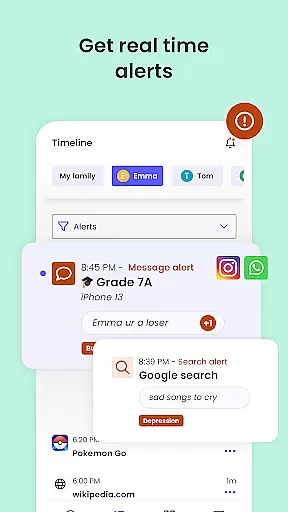
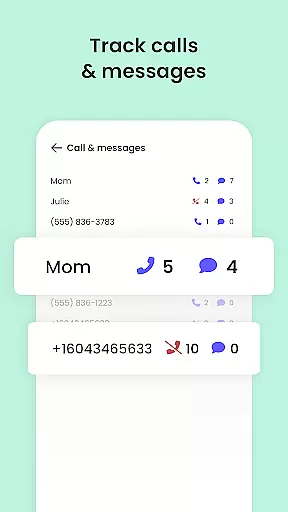
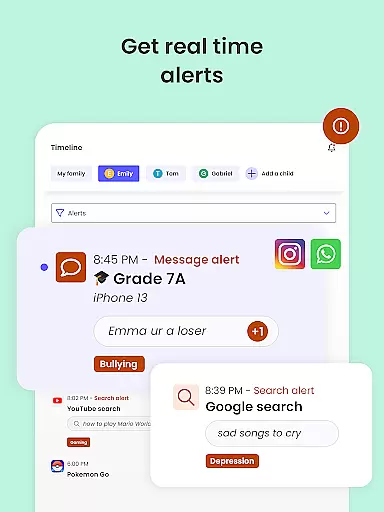
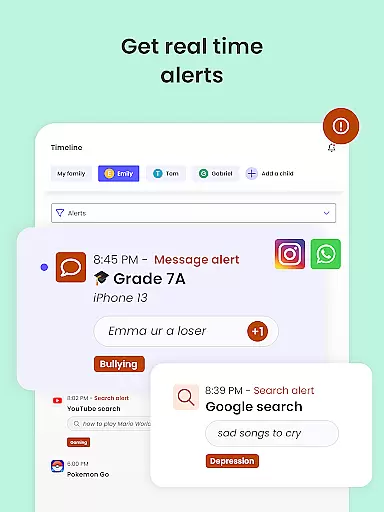
The app employs AI-powered technology to monitor and alert parents about potentially harmful online activities. This includes analyzing search queries, SMS messages, and social media interactions on platforms like WhatsApp, Instagram, and Line. Parents receive timely notifications about any suspicious behavior, enabling them to take immediate action when necessary.
Another significant feature is the robust content filtering system that blocks inappropriate websites, games, and applications. The app supports safe search across different browsers and allows parents to create custom access schedules for specific apps and websites. Additionally, the co-parenting functionality lets multiple guardians collaborate in setting and managing digital rules, making it a versatile tool for modern families.
When it comes to parenting apps, content credibility is paramount. Qustodio Parental Control App ensures that all the information and features provided are backed by child safety experts and psychologists. This guarantees that the app not only helps in monitoring but also nurtures a safe digital environment for children.
The app's features such as AI-powered message alerts and social media monitoring have been developed with expert consultation to ensure they effectively identify potential online threats. These tools are essential for modern parents who want to stay informed about their children's digital activities without being intrusive.
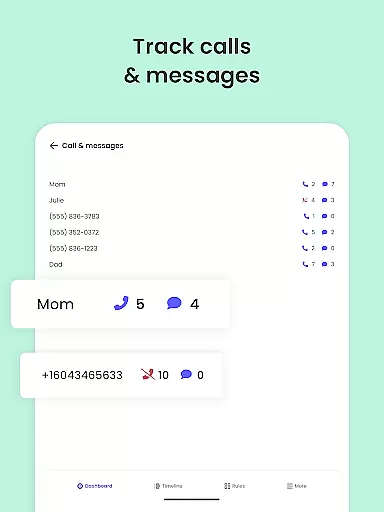
Qustodio goes beyond simple web filtering by providing detailed reports on children's online activities. Parents receive 30-day activity reports, giving them insights into browsing habits, app usage, and potential risks encountered online. This level of detail is crucial for making informed decisions about children's internet use.
Furthermore, the app includes verified educational content that helps parents understand the nuances of digital parenting. With resources reviewed by experts, Qustodio ensures that parents are equipped with reliable knowledge to guide their children safely through the digital world.
Tracking a child's digital growth is as important as monitoring their physical development. Qustodio Parental Control App offers precise growth tracking tools that allow parents to monitor their children's screen time and online activities accurately.
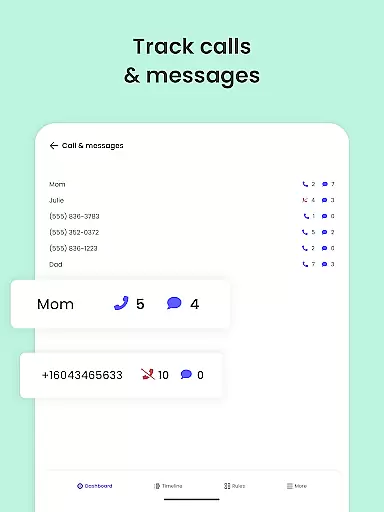
The app provides daily, weekly, and monthly reports on children's device usage. These reports include data on most-used apps, websites visited, and search queries made. Such comprehensive tracking enables parents to identify patterns and make necessary adjustments to ensure healthy digital habits.
One standout feature is the ability to set custom routines for app and website access. This allows parents to establish boundaries that align with their child's developmental stages and personal growth goals. The precision of these controls ensures that restrictions are neither too lenient nor overly harsh.
Additionally, Qustodio's location tracking capabilities offer peace of mind by allowing parents to monitor their child's physical whereabouts. The GPS family tracker sends real-time location updates, ensuring that parents always know where their children are when they're not at home.
Advanced AI monitoring
Cross-platform compatibility
Real-time location tracking
Comprehensive activity reports
Robust content filtering
Premium features costly
Complex setup process
Limited free version
Requires companion app
Device admin permission needed

Fun Ideas for Parents
 4.70
4.70
Pinardin - Smart Parental Control, Online Safety & GPS Tracking!
4.80
Babysitting video camera - Turn your two phones or tablets into a single nanny.
4.40
Introduce real food to baby with First Foods® Database, baby led weaning BLW
4.80
Track your labor contractions
4.90
Track pregnancy health and wellness with pregnant tracker from healthcare advice
4.1
Pregnancy+ App has helped 80m moms track their pregnancy with info & support!
4.80
App/Game blocker & GPS tracker
4.50
Parental control: child monitoring app, screen time control, GPS child tracker
4.40
Kids story books for children. Baby reading books with audio for pre-k toddlers
4.70
The Most Trusted Co-Parenting App.
4.60
It is a screen time management tool for games and mobile applications
4.50
Reliable phone tracker by number & locate phone app. Protect your family.
4.50
Join over 1MM parents & professionals who've used OFW to navigate co-parenting
4.40
Fake call application designed for parents and adults to discipline their children through the children's police.
4.20
Protect kids online safety through GPS tracking,screen time control,app blocking
4.20
Keep Your Family Safe with Pollog Family Assistants
4.10
Parental Control including Screen time control, GPS tracking, App/Game blocker.
3.90
The Baby’s Bounty App is your hub to register for our diaper banks in Nevada
3.70


User Reviews