
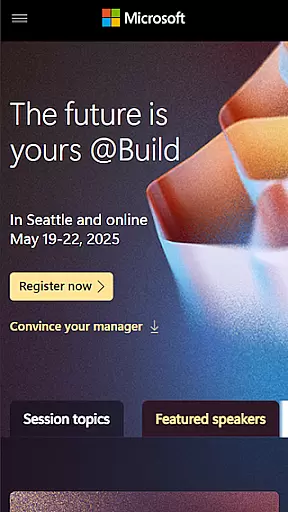
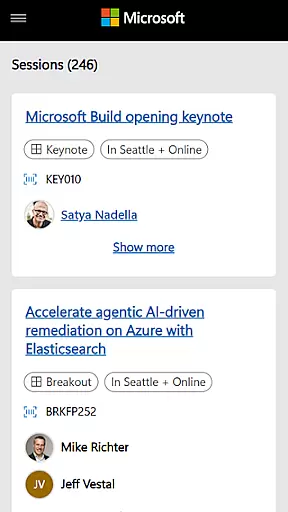
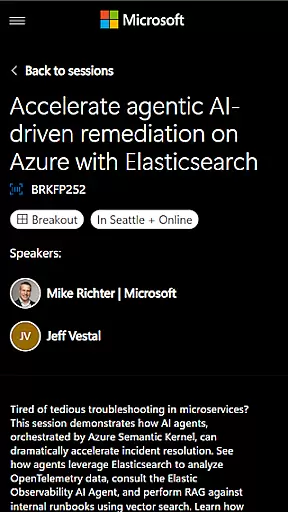
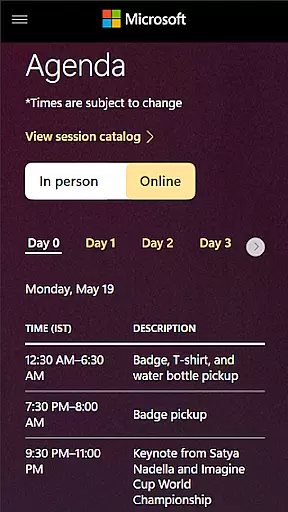
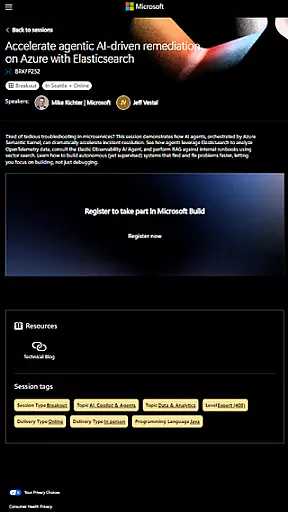
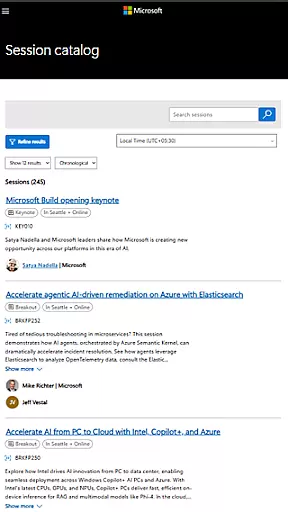
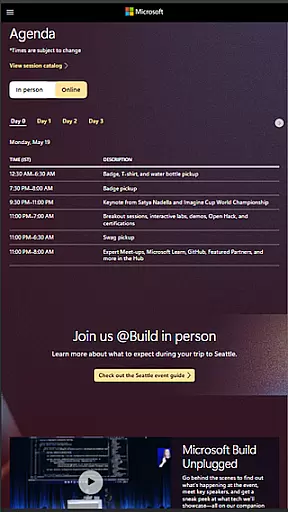
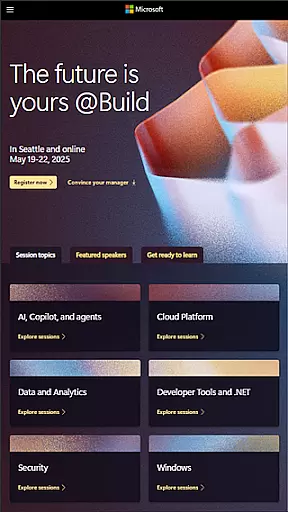
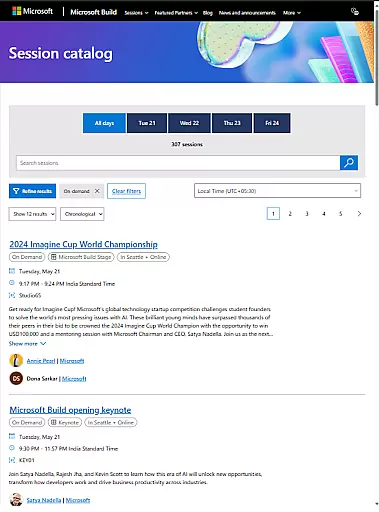
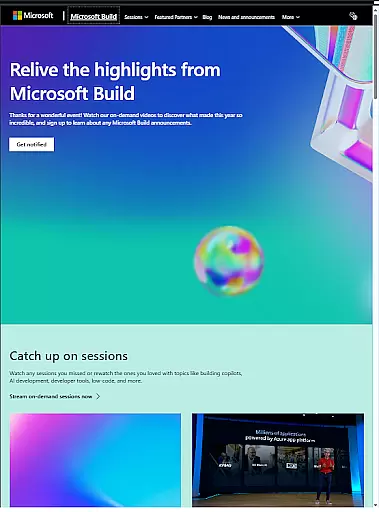
Microsoft Build is an annual developer conference hosted by Microsoft, focusing on the latest innovations in software development, cloud technologies, and artificial intelligence. The event provides a platform for developers, engineers, IT professionals, and tech enthusiasts to learn from industry leaders through keynotes, technical sessions, and hands-on labs.
This app serves as a comprehensive guide for attendees, offering access to session schedules, speaker information, venue details, and networking opportunities. It ensures participants can make the most of their conference experience by staying organized and informed about all the event's activities.
Whether you're looking to deepen your technical expertise or explore cutting-edge AI tools, Microsoft Build is designed to enhance your professional growth and connect you with like-minded individuals in the tech community.
The Microsoft Build app offers a range of features tailored to enhance the conference experience. Users can access detailed schedules of keynotes, technical sessions, and hands-on labs, allowing them to plan their attendance effectively. Speaker profiles provide insights into the experts leading each session, helping attendees choose the most relevant content for their interests.
In addition to scheduling, the app facilitates networking by providing attendee directories and social event information. This enables participants to connect with peers and industry leaders, fostering collaboration and knowledge sharing. Push notifications keep users updated on schedule changes, ensuring they never miss important sessions.
Designed with usability in mind, the app also includes interactive maps of the venue, making navigation seamless. Attendees can bookmark sessions, take notes, and provide feedback, creating a personalized and engaging conference experience.
Task creation and detail customization are essential features for any event management app. Microsoft Build offers a comprehensive suite of tools that allow users to create, manage, and customize various tasks associated with the event planning process.
The app provides an intuitive interface where users can easily set up new tasks, assign them to team members, and track their progress. Each task can be tailored with specific details such as deadlines, priorities, and descriptions, ensuring that all team members have a clear understanding of their responsibilities.
Moreover, the level of customization extends to integrating with other services like calendars and email notifications, which helps keep everyone on track and informed about upcoming deadlines or changes in schedule.
By leveraging these capabilities, attendees and organizers can significantly enhance their productivity and ensure smooth execution of all planned activities during the Microsoft Build conference.
Reminder settings play a crucial role in ensuring that users do not miss out on important sessions, meetings, or deadlines during busy events like Microsoft Build. The app offers robust reminder functionalities that help users stay organized and punctual throughout the event.
Users can set multiple reminders for different activities, choosing from various timeframes before the scheduled start. Whether it's a keynote speech, technical session, or networking opportunity, participants can configure alerts that suit their preferences and schedules.
In addition to basic reminders, the app also supports more advanced options such as location-based notifications. This means attendees will receive alerts when they are near a venue or session, enhancing their overall experience by keeping them engaged and informed at all times.
These thoughtful reminder features contribute significantly to making sure that every participant maximizes their time at the conference without missing critical moments.
Comprehensive session schedules
Expert speaker profiles
Real-time updates
Networking opportunities
User-friendly interface
Limited to conference dates
Requires internet connection
No offline functionality
Platform-specific content
Advanced features locked

The calendar app in this 2026 year see all dates.
 4.20
4.20
Watch live football matches and streaming events on our Arabic TV app!
3.50
Invitation card maker for birthday party & Wedding. Digital greeting card editor
4.90
The world's largest selection of tickets is now at your fingertips
3.90
The official app for Sched events! View your event schedule here.
4.20
ETH Mining provides secure way to mine Ethereum & earn ETH in Cloud mining app
3.50
Events, Meetings, Photo Shoots
4.50
Plan your wedding for free on the go: vendors, budget, website and checklists!
4.80
Find Live Event Ticket Deals to Sports, Concerts, Festivals, & Comedy For Less!
4.80
Birthday Greetings provides Birthday Card, Frames, Gifs & Father's day Wishes
4.80
For weddings, parties & events
4.60
Text message invitations for birthday party, wedding, graduation, baby shower +
4.60
Greeting card maker with photos best app| Birthday cards| All wishes eCards FREE
4.50
Buy and sell tickets to sports, concerts, theater, festivals, and comedy events
4.10
Microsoft Ignite is an event that showcases latest advancements in technology
4.00
Manages display and transfer of tickets from the Mundo Tickets platform
3.80
RAISE-365 makes fundraising easy and fun!
3.20
Soft Proxy for Your Online World
4.0
Thanksgiving Wishes, Thanksgiving Stickers & Animated GIF for Whatsapp Stickers
4.0


User Reviews