
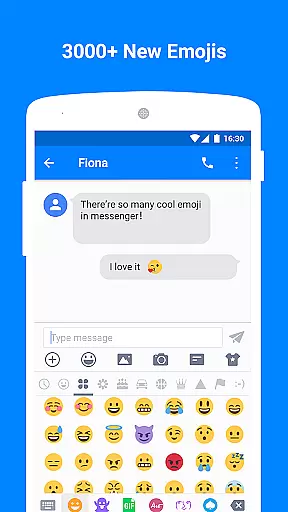
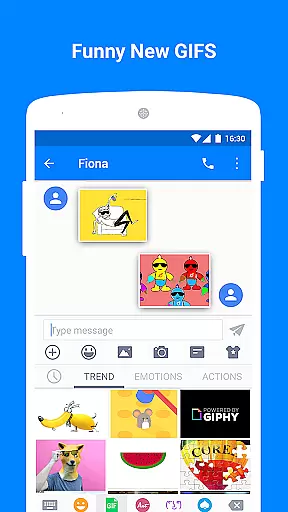
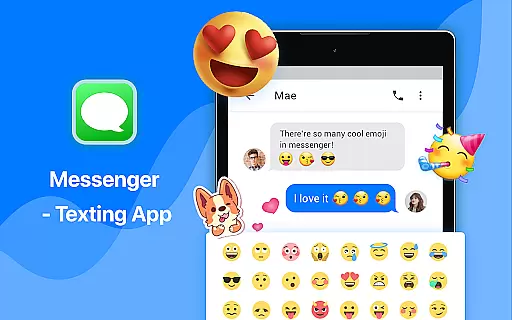
Messenger - Texting App is a feature-rich communication tool designed to enhance your texting experience. This app goes beyond basic SMS functionality by offering creative content options like Emoji Art, Animated GIFs, and customizable layouts. Users can enjoy over 3,000 emoji options and engaging GIFs that make conversations more expressive and fun.
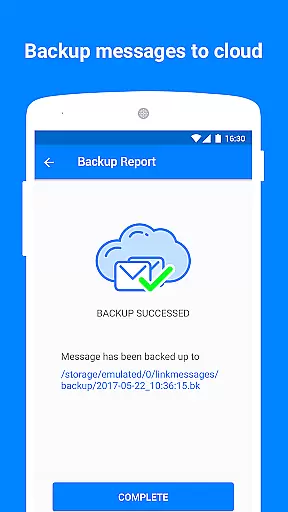
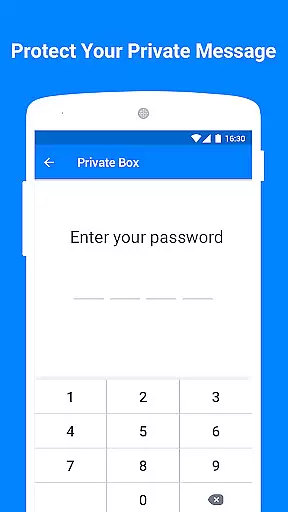
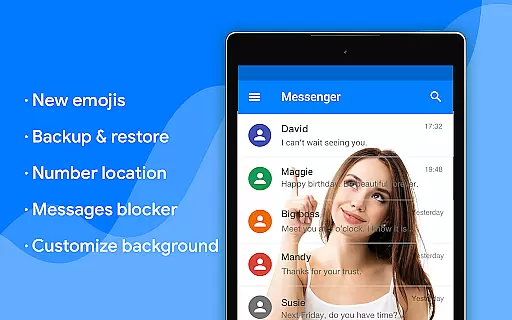
The application provides essential privacy and convenience features. With Private Box, users can encrypt and hide sensitive messages. The app also supports complete customization of chat wallpapers, bubble styles, text fonts, and colors, allowing for a personalized interface. Practical tools like Backup & Restore, Driving Mode, and Scheduled SMS ensure both security and ease of use.
Ideal for individuals seeking a versatile texting solution, Messenger - Texting App is perfect for personal and professional communication. Its compatibility with Android Wear and support for group messaging make it suitable for various user scenarios, from casual chats to important business discussions.
Messenger - Texting App stands out with its comprehensive feature set tailored for modern communication needs. One of the key highlights is the extensive library of over 3,000 emoji and animated GIFs, including popular collections like Emoji One. These visual elements allow users to add personality and creativity to their messages, making conversations more engaging.
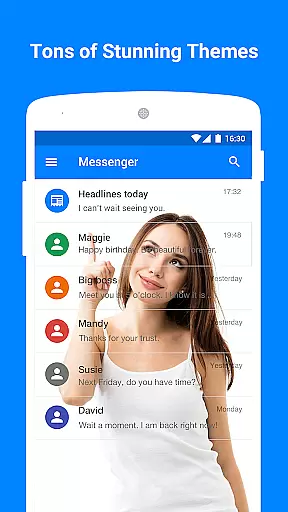
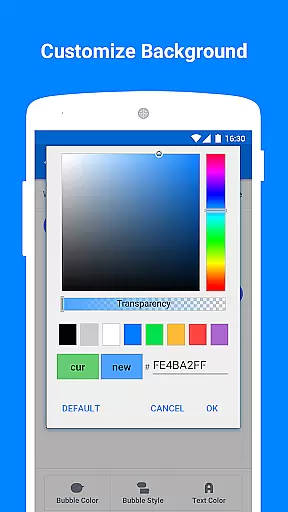
The app offers robust customization options. Users can personalize nearly every aspect of the interface, from setting custom wallpapers using gallery photos to adjusting chat bubble styles, text colors, and font sizes. Privacy is prioritized through features like Private Box, which encrypts messages and allows users to hide sensitive content. Additional functionalities include Spam Blocker, Auto Reply in Driving Mode, and SMS scheduling, all contributing to a seamless user experience.
Practicality meets innovation with features like cloud backup for message security, quick search for message history, and compatibility with Android Wear devices. The app's ability to send customized signatures with each message and organize romantic or themed SMS collections adds unique value. These features collectively create a dynamic texting platform that caters to diverse communication styles while maintaining user privacy and convenience.
Real-time messaging speed and reliability are crucial for maintaining seamless communication in any texting app. Messenger - Texting App excels in this area by ensuring messages are delivered instantly across devices.
The app leverages advanced synchronization technologies to provide real-time updates, ensuring that users receive messages without delays. This immediacy is vital for personal and professional conversations where timing can be critical.
Moreover, the reliability of message delivery is supported by robust server infrastructure that minimizes downtime and maximizes message throughput. Users can trust that their communications will reach the intended recipients every time they send a message.
With features like Driving Mode and Auto Reply, Messenger - Texting App not only delivers messages quickly but also ensures that users remain undisturbed when needed, enhancing both the speed and dependability of communications.
Media sharing support is an essential feature in modern communication apps, allowing users to exchange various types of media seamlessly. Messenger - Texting App offers extensive media sharing capabilities, enabling users to send images, videos, and GIFs effortlessly.
The app supports a wide range of file formats, ensuring compatibility and ease of use when sharing multimedia content. Whether it's through MMS or integrated social media platforms, users can enrich their conversations with visually engaging elements.
In addition to basic media sharing, Messenger - Texting App includes unique features such as Emoji Art & Animated GIFs, which add a creative touch to messaging. These features allow users to express themselves more vividly and make conversations more enjoyable.
Furthermore, the Backup & Restore functionality ensures that shared media is safely stored, preventing loss of valuable memories. This comprehensive approach to media sharing enhances user experience and sets Messenger - Texting App apart from other communication tools.
User-friendly interface
Extensive customization
Strong privacy protection
Vivid emoji and GIF support
Practical utility features
Limited iOS compatibility
Occasional ads display
Large app size
Advanced features may overwhelm new users
Cloud backup requires stable internet

 3.90
3.90
Call Forwarding is easy and simple application to use.
3.80
Messages is Private SMS Messenger 2023 with text message, instant messaging.
4.00
Send SMS and chat messages easily with a fast text messaging app for Android.
4.10
Comprehensive and powerful scan tool app with enhanced functions
3.00
Manage Phone Calls, call history, and contacts easily with Phone Pro.
4.5
Weargram is an unofficial Telegram Client for Wear OS.
3.50
Bringing the functionality of Winlink to your Android device
4.3
Telegram is a messaging app with a focus on speed and security.
4.00
Enhance browsing with AI-powered features and Copilot.
4.70
Adblock & VPN Browser: Blocks banners, pop-ups and video ads, fast downloader!
4.60
Welcome to the future of phone service.
4.60
An agentic AI browser for Android, built by Perplexity
4.50
Fast and mini browser with Ad Blocker,Video Downloader and Video Player
4.40
Phone Dialer with Caller ID, Address Book & Contacts Manager.
4.30
Block spam calls & scam - no more annoying calls with the call blocker function
4.30
Group Chat That’s Fun & Games
4.30
Fast, Simple And Secure Application That Provides SMBv3 Server On Your Device
3.30
Official NDI app: turn your phone into a professional live-streaming IP camera.
3.20


User Reviews