
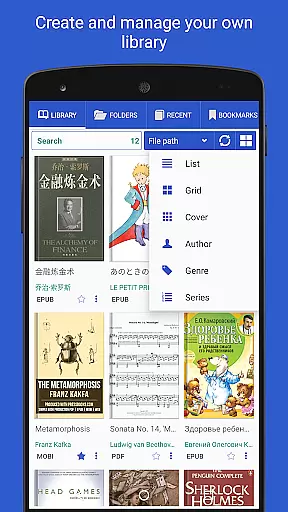
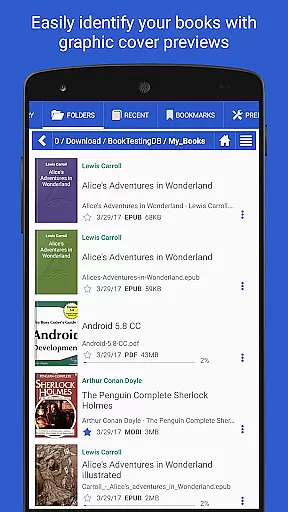
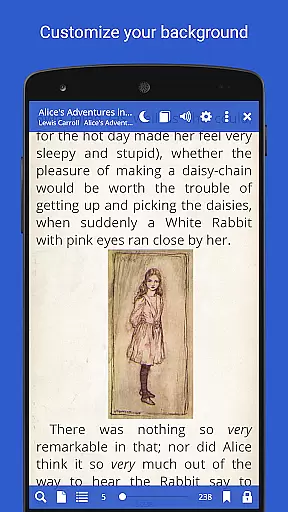
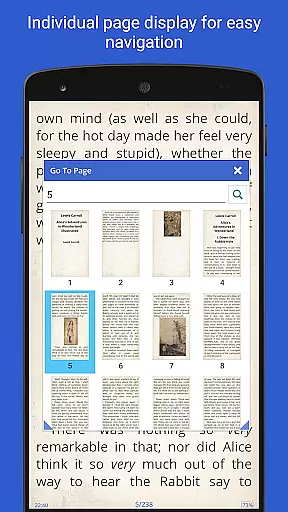
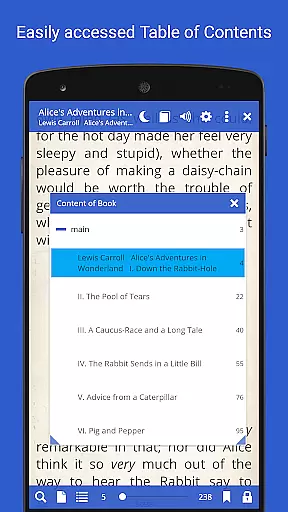
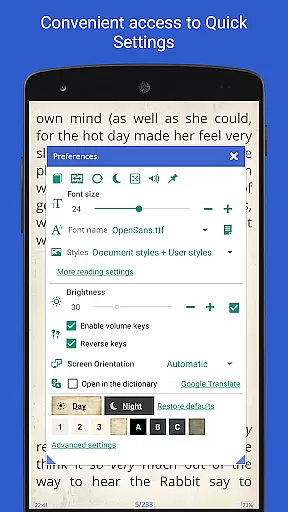
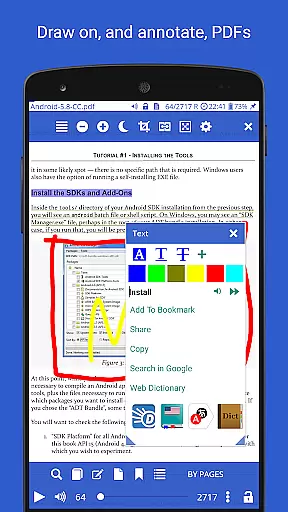
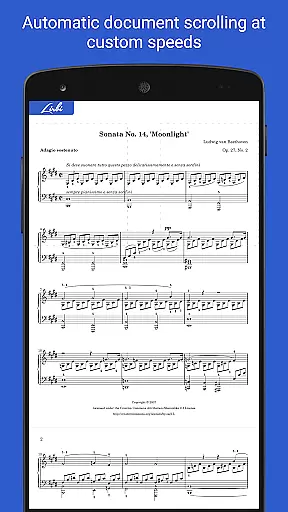
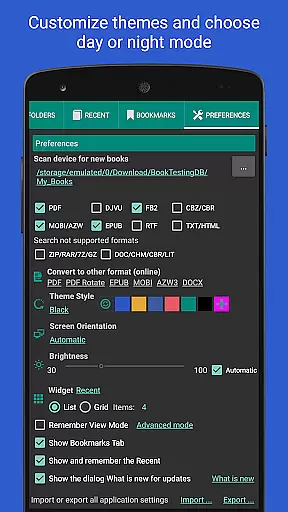
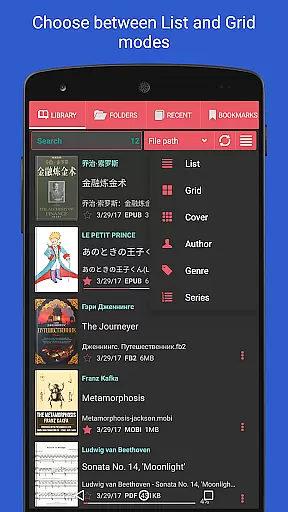
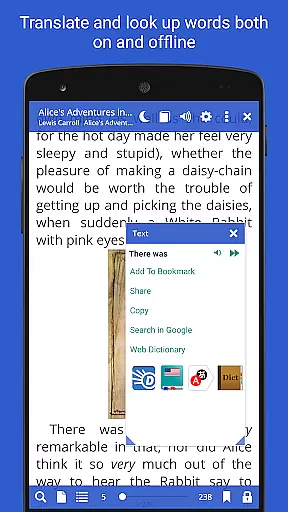
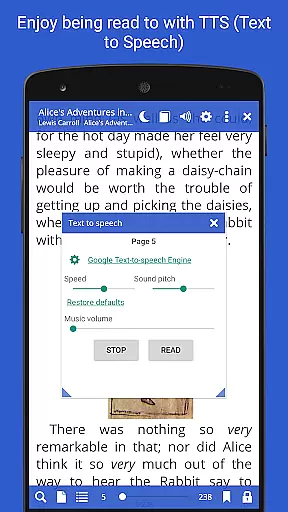
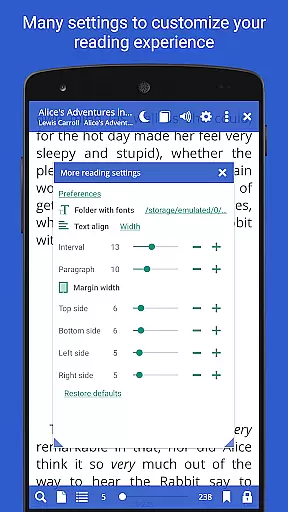
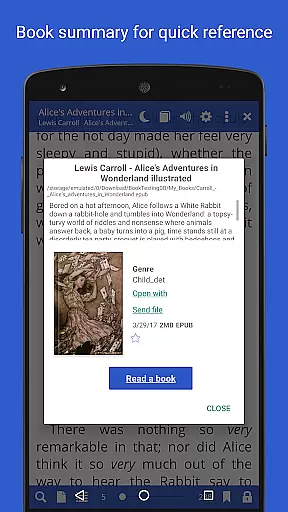
Librera PRO is a versatile and feature-rich reading application designed for book enthusiasts who require support for multiple document formats. This app supports PDF, EPUB, MOBI, DjVu, FB2, DOC, TXT, and many more, making it an all-in-one solution for digital reading. Its user-friendly interface offers both Day and Night modes, customizable reading settings, and even a unique Musician's mode for auto-scrolling at adjustable speeds.
Beyond basic reading, Librera PRO provides advanced functionalities such as bookmarking, annotations, text reflow in PDFs, and integration with online translators and offline dictionaries. The app also allows users to create self-maintaining libraries by scanning specified folders, organizing books by tags, and syncing reading progress across devices. With options like vertical-only scrolling, custom CSS for enhanced readability, and read-aloud capabilities via TTS engines, Librera PRO caters to a personalized and seamless reading experience.
Whether you're a student managing academic papers or a casual reader enjoying novels, Librera PRO enhances your reading workflow. Its powerful search functions, configurable layouts, and extensive format compatibility ensure that users can access, manage, and enjoy their documents effortlessly on both Android smartphones and tablets.
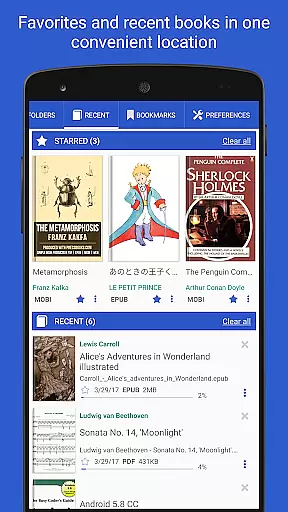
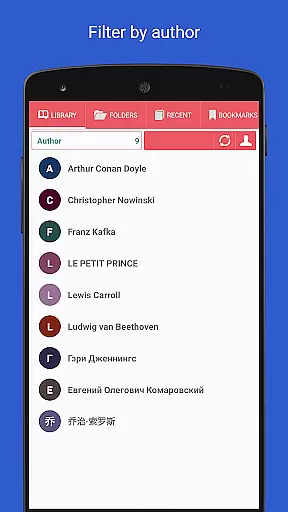
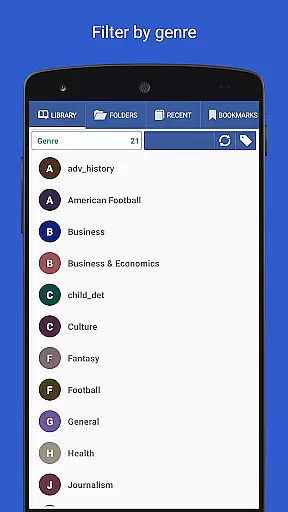
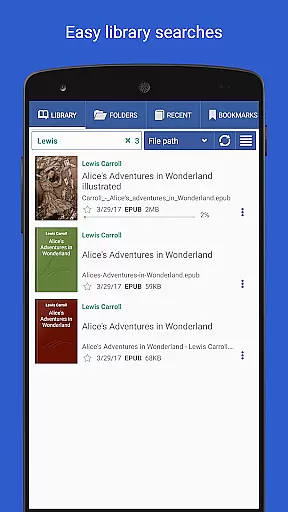
Librera PRO stands out with its comprehensive set of features tailored for avid readers and professionals alike. One of the key highlights is its ability to handle a wide array of document formats including PDF, EPUB, MOBI, and DjVu, ensuring that no file is left unread. The app's intelligent library management system allows users to auto-scan folders, organize books into Recent and Favorites categories, and apply filters by name, size, or date, providing a clutter-free reading environment.
Another remarkable feature is the Musician's mode, which enables hands-free reading through auto-scrolling at a user-defined pace. Additionally, the app supports RSVP reading (similar to Spritz), allowing faster consumption of text without manual page turning. Integration with online translators and offline dictionaries makes it ideal for multilingual users, while customizable CSS and TTS engine support enhance accessibility and personalization.
Librera PRO also excels in usability with options like vertical-scroll lock, dual-page viewing for PDFs, and configurable volume keys. Users can annotate texts, share excerpts, and even convert document formats online. With cross-device syncing and cloud backups, Librera PRO ensures that your reading experience remains uninterrupted regardless of where you left off.
Librera PRO offers an extensive e-book library that supports a wide array of document formats including PDF, EPUB, MOBI, and more. This ensures users have access to a vast collection of reading materials tailored to their preferences.
The application's support for numerous formats not only speaks to the library's size but also its versatility. Whether you're looking for novels, academic papers, or comics, Librera PRO can handle them all with ease.
Regarding copyright authenticity, Librera PRO respects intellectual property rights by enabling users to organize and read their legally acquired digital content. The app does not provide or promote unauthorized copies of e-books.
By allowing users to import documents from various sources and ensuring compatibility with DRM-protected files, Librera PRO maintains a balance between comprehensive format support and adherence to legal standards.
One of Librera PRO's standout features is its exceptional format compatibility, accommodating over ten different file types such as PDF, EPUB, and MOBI. This flexibility allows readers to enjoy their preferred content without worrying about format restrictions.
The app goes beyond basic support by offering advanced functionalities like text reflow in PDFs and customizable CSS for enhanced reading experiences. These options ensure that regardless of the original format, users can tailor the presentation to suit their needs.
Additionally, Librera PRO facilitates online document conversion, further expanding its already impressive range of compatible formats. Users can convert files directly within the app, streamlining their reading process.
This dedication to comprehensive format support makes Librera PRO an ideal choice for anyone seeking a versatile reading solution that adapts to various document types while maintaining high-quality display standards.
Extensive format support
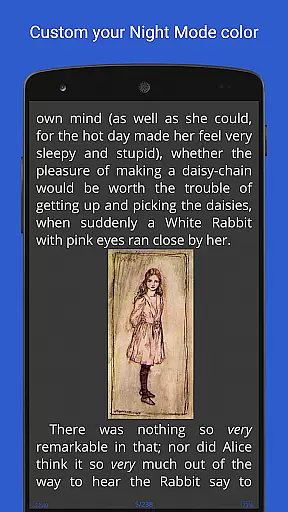
Customizable reading modes
Advanced library organization
Offline dictionary integration
Cross-device syncing
Complex interface for beginners
Occasional performance lags
Limited free version features
No native iOS support
Ads in free version

Contains the 365 daily readings and everything other thing needed for catholics
 4.70
4.70
Sea tide predictions for all coastal U.S. locations.
4.2
Offline translator from english to spanish, and from spanish to english.
4.50
"Do you like green eggs and ham?"
4.70
Unlock more features in Lithium and show your support. Expand for details.
4.00
Read books PDF, EPUB, WORD, KINDLE, MOBI! Your ebook reader among reading apps.
4.80
A lightweight reader for comics and mangas files (.cbr, .cbz, .cbt, .pdf, ...)
4.80
The Apostolic Lutheran Church hymnal
4.3
Follow complex state CCW permit laws and lawfully carry firearms in each state.
4.80
Universal Zoom, learn about sizes & distances of the universe and microcosmos
4.80
Learn Thai with 195,000+ entries, crisp Thai sounds, big text; works offline.
4.80
Holy Bible, a KJIV Bible study, audios & daily verses, talk with God now.
4.80
Read the KJV Bible with Strong’s offline: reading plans, audio Bibles, and more.
4.70
Read unlimited novels, audiobooks, stories & Unlock ebooks, fanfiction and more!
4.70
"Five Dr. Seuss titles in one omBook!"
4.60
The ultimate military vehicle identification (Equipment ID) guide.
4.40
Improve your vocabulary and grammar with the 15 biggest Oxford Dictionaries.
4.30
Zerobooks Light Novel Reader by GOLDENAGATO
4.20
University of North Carolina Herbarium presents the flora of TN, AL, & MS.
4.2


User Reviews