
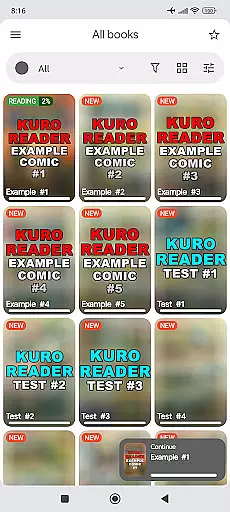
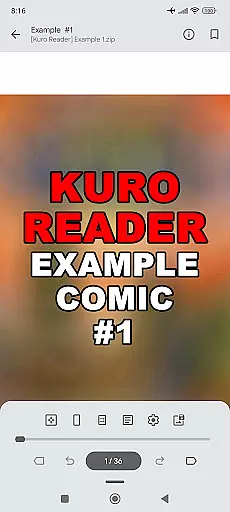
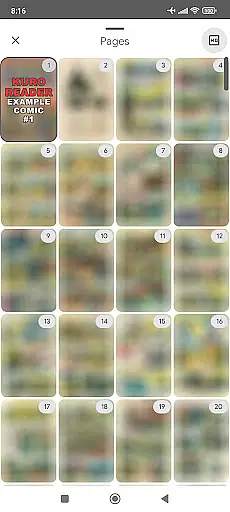
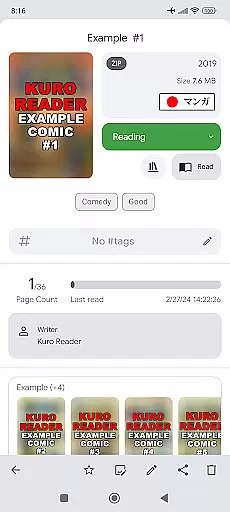
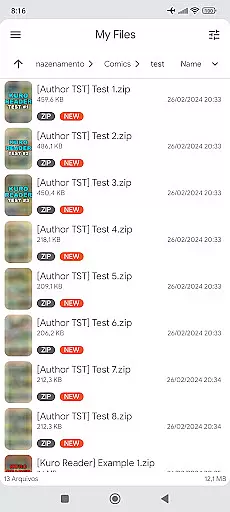
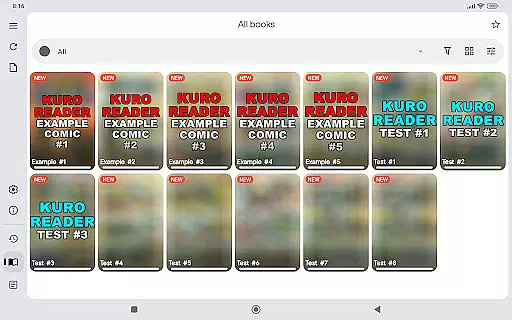
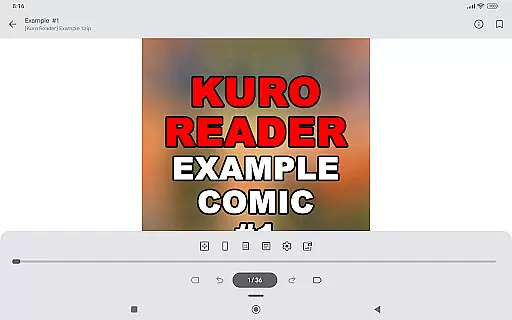
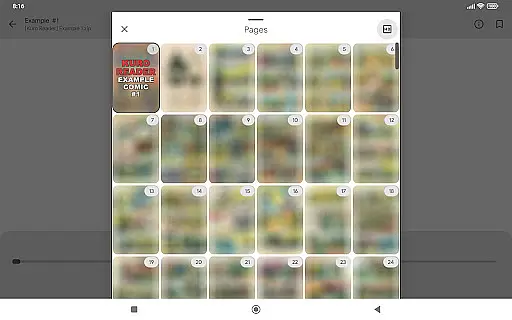
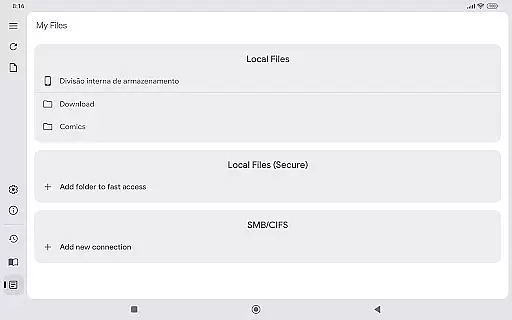
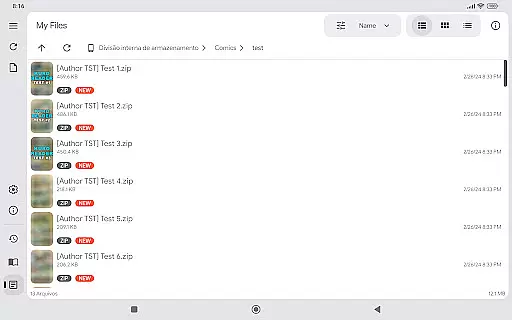
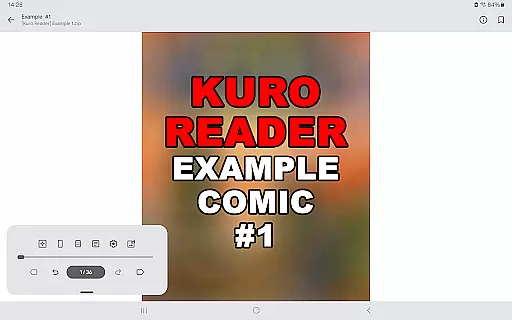
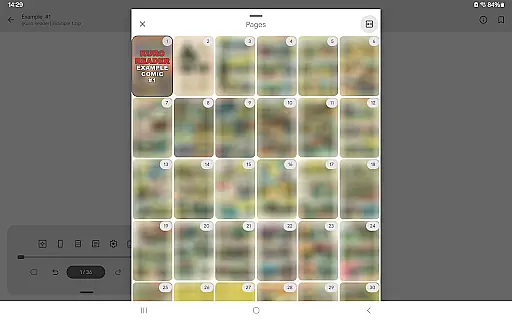
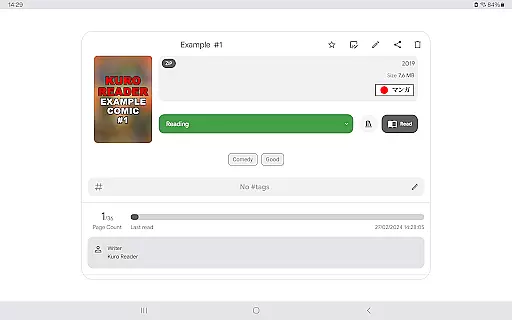
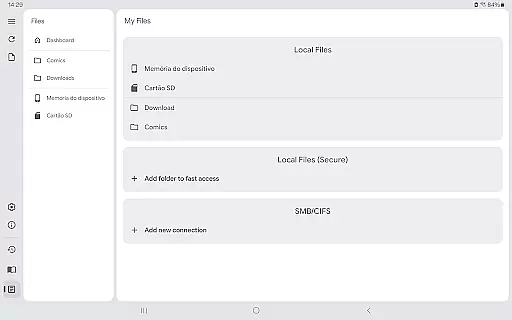
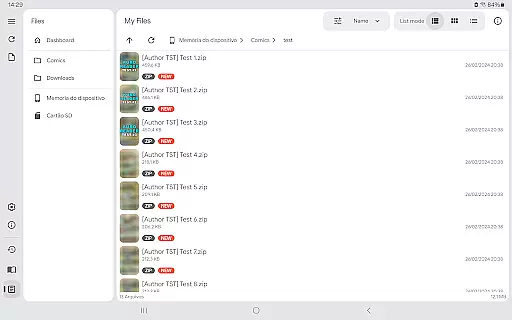
Kuro Reader+ Pro is a feature-rich comic and manga reader designed for book enthusiasts who value both functionality and customization. This application supports an extensive range of file formats including cbz, cbr, cbt, cb7, zip, rar, tar, 7z, and PDF files, making it versatile for various reading materials. With specialized reading modes such as Manga mode for right-to-left reading and Webtoon mode for vertical strip reading, users can enjoy their content the way it was intended.
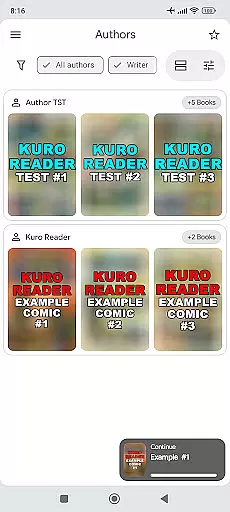
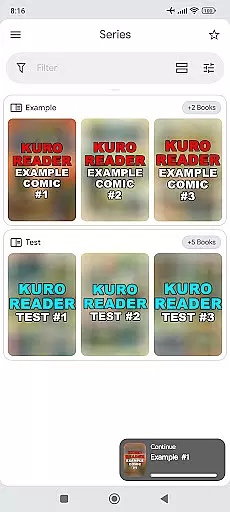
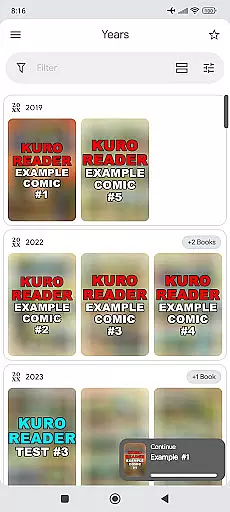
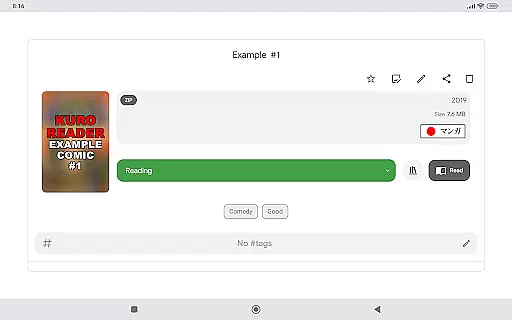
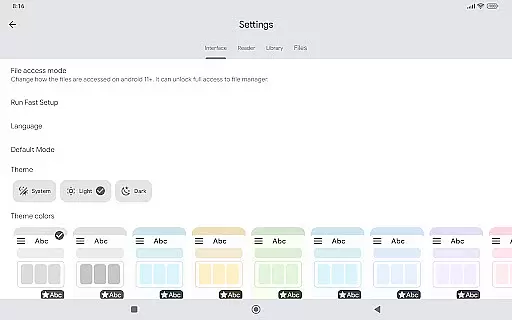
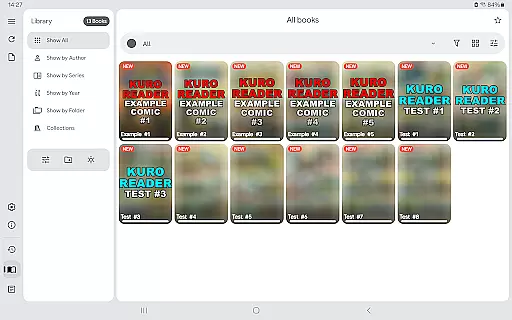
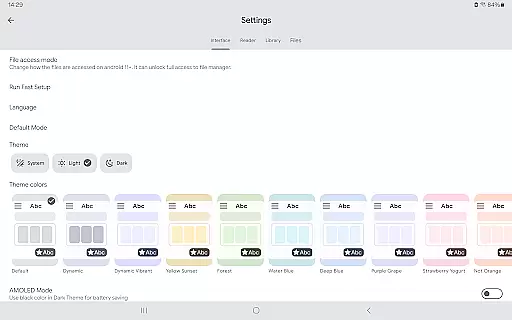
One of the standout features of Kuro Reader+ Pro is its advanced library organization options. Users can sort their collections by series, authors, or years, and even create custom collections and tags for easy access. The app also offers multiple interface customizations with 7 extra themes, including dark and AMOLED variants, ensuring a comfortable reading experience in any environment. Additionally, the app provides practical functions like fingerprint and screenshot lock, bookmarks, favorites, and metadata editing, which enhance user engagement and security.
This app is particularly useful for users who have legally purchased digital comics and manga and are looking for a comprehensive tool to manage and read their collection. By supporting the development of Kuro Reader+, users also encourage continuous improvements and updates, ensuring that they always have access to cutting-edge features and support.
Kuro Reader+ Pro stands out due to its wide array of features tailored for comic and manga enthusiasts. One of the primary advantages is its extensive file format support, accommodating cbz, cbr, cbt, cb7, zip, rar, tar, 7z, and PDF files. This ensures that no matter the source of your digital comics, you can easily import and read them without compatibility issues. Furthermore, the app includes specialized reading modes such as Manga mode, which allows for right-to-left reading, and Webtoon mode, enabling vertical strip reading, catering to different reading preferences.
The app's library management capabilities are another significant feature. Users can organize their collections by series, authors, or years, and create custom collections and tags. This level of organization makes it easy to manage large libraries and quickly find specific titles. Additionally, Kuro Reader+ Pro offers multiple interface customizations with 7 extra themes, including dark and AMOLED variants, providing a visually pleasing and comfortable reading experience. Practical features like fingerprint and screenshot lock, bookmarks, favorites, and metadata editing further enhance usability and security.
Another notable aspect is the app's multilingual support, available in languages such as English, Brazilian Portuguese, Catalan, Chinese (Simplified and Traditional), French, German, Indonesian, Italian, Korean, Japanese, Odia (Oriya), Polish, Russian, Santali, Spanish, Turkish, and Vietnamese. This broad language support makes Kuro Reader+ Pro accessible to a global audience, enhancing its appeal and usability across different regions.
Kuro Reader+ Pro offers a comprehensive reading experience with support for various file formats including cbz, cbr, cbt, cb7, zip, rar, tar, 7z, and PDF files. This extensive compatibility ensures that users can access a wide range of legally purchased e-books and comics.
The app emphasizes copyright authenticity by providing features like basic comic metadata editing and extended metadata support through ComicInfo.xml. These tools allow users to manage their collections while respecting intellectual property rights.
With its multilingual interface supporting languages such as English, French, German, and Chinese, Kuro Reader+ caters to a global audience. The app's commitment to legal content ensures that users engage with authentic materials, promoting ethical digital consumption.
One of Kuro Reader+ Pro's standout features is its exceptional format compatibility. The reader supports multiple comic book archive formats including cbz, cbr, cbt, cb7, alongside standard archive types like zip, rar, tar, and 7z. This versatility allows users to access their entire digital library without conversion hassles.
The application goes beyond comic formats by incorporating PDF support, making it suitable for both graphic novels and traditional documents. Its ability to handle different file types ensures that users can maintain a unified reading experience across various content sources.
Additional features like Manga mode with right-to-left reading and Webtoon mode with vertical strip reading demonstrate the app's dedication to format-specific optimization. These specialized viewing options enhance user experience while maintaining high standards of format compatibility.
User-friendly interface
Extensive file support
Customizable themes
Advanced library sorting
Multilingual support
No included content
Paid features only
Requires technical knowledge
Limited free version
Device compatibility issues

"Five Dr. Seuss titles in one omBook!"
 4.60
4.60
Novels, audiobooks, ebooks & fanfiction. Read anytime, anywhere!
3.40
Pretty Moon information App with Complications and Tile
4.30
This is the pro version King James bible Offline that we have
4.70
Track your Star Wars book collection across Canon & Legends
4.80
Master AKC Rally signs with in-depth hints, diagrams, and expert guidance.
4.50
The favorite Christmas story comes to life!
4.80
F9 Cookbook Mobile App
4.60
ARC Raiders Companion: Map, Quests, ARC/Item Info. Track everything instantly!
4.00
The Original Tropical Freshwater Aquarium Fish And Plant Care Guide
4.80
Audiobook player with cross-device progress sync, playlists, and widget support.
4.80
Learn Thai with 195,000+ entries, crisp Thai sounds, big text; works offline.
4.80
Enjoy daily devotionals, Bible verses, audio courses, and more.
4.80
Discover Stars and Planets: Live Map Shows Current Constellations in Full Detail
4.70
Manage collectibles, survey and treasure maps in Elder Scrolls Online.
4.40
Bilingual dictionary with English translations of Modern Standard Arabic words.
4.30
Provides location information of vehicle Shift Interlock releases.
4.30
KJV Bible works offline with Audio, Hebrew & Greek lexicon (concordance) & more!
4.20
Read Trending Romance Stories
4.00


User Reviews