
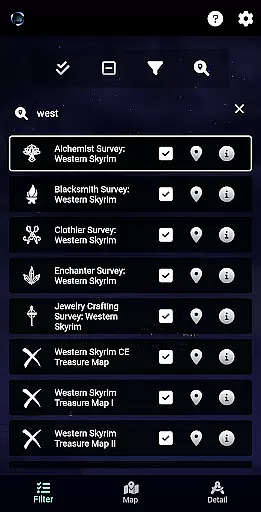
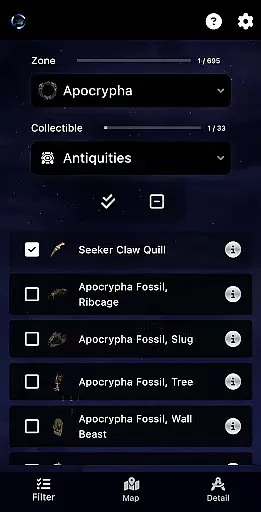
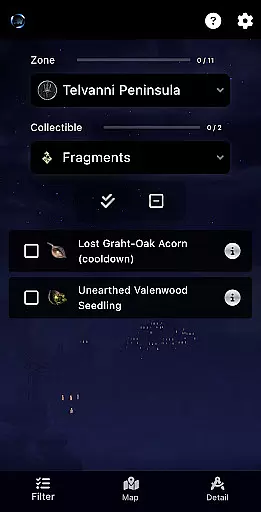
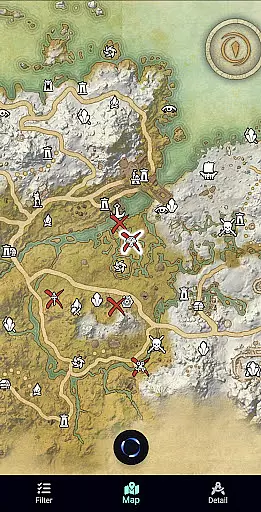
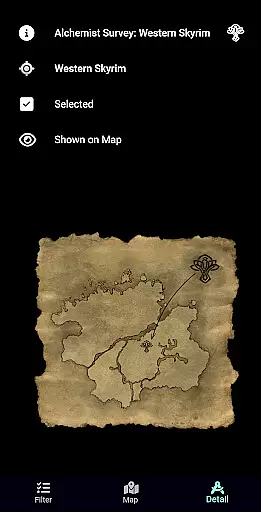
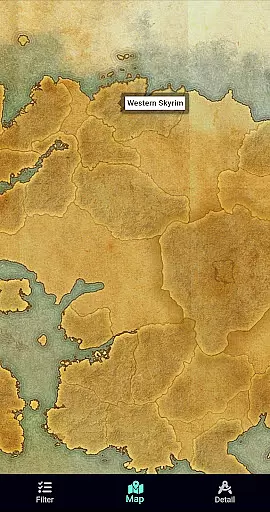
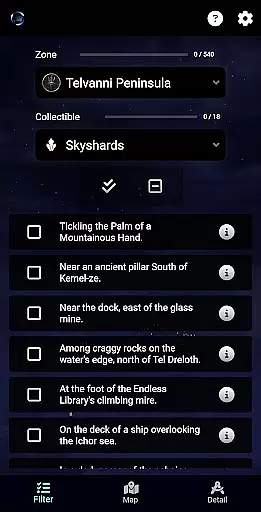
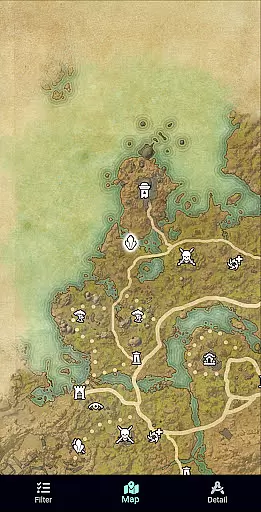
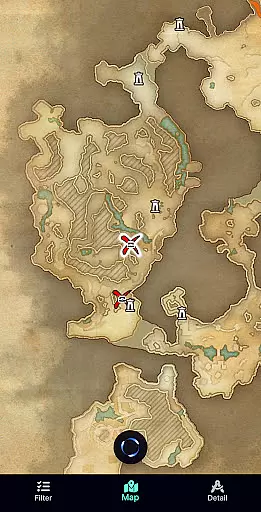
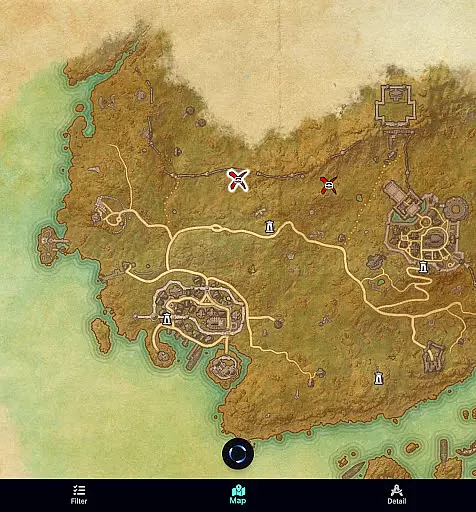
ESO Surveyor is a comprehensive reference tool designed for players of The Elder Scrolls: Online. This app allows users to efficiently locate and track various in-game items on zone maps, including surveys, treasure maps, Mages Guild books, Skyshards, and Antiquities. With features like cooldown tracking and inventory-saving shortcuts, it streamlines gameplay by helping players manage their resources effectively.
The app comes in two versions: the Lite version covers only the base game, while the full version offers unrestricted access to all zones, including DLC areas. Updated regularly to align with the latest game updates, ESO Surveyor ensures that players have access to current information. Whether you're a casual player or a dedicated explorer, this app enhances your gaming experience by keeping you organized and informed.
ESO Surveyor stands out with its detailed tracking capabilities and user-friendly interface. The app's primary feature is its ability to display item locations on respective zone maps, allowing players to mark them as completed. Each survey and treasure map includes specific details, eliminating the need to constantly check inventories during gameplay.
Additional features include tracking missing Mages Guild books, Skyshards, Public Dungeon fragments, and Antiquities. The app also provides cooldown tracking for fragments, ensuring players can optimize their collection times. With regular updates to match the latest game expansions, such as the Feast of Shadows update, ESO Surveyor remains a reliable companion for both new and veteran players seeking to enhance their exploration efficiency.
ESO Surveyor offers an extensive collection of in-game items, maps, and resources that can be considered as a rich e-book library for The Elder Scrolls: Online players. With detailed information on various zones, treasure maps, and surveys, the app provides a comprehensive database that enhances the gaming experience.
The app covers not only the base game but also includes unrestricted access to content related to DLC zones, making it a valuable resource for both new and experienced players. This vast library ensures users have access to all necessary information without switching between multiple sources.
Regarding copyright authenticity, ESO Surveyor clearly states its non-affiliation with ZeniMax Online Studios or Bethesda Softworks. The information is gathered from the game itself and various internet sources, ensuring transparency about the origin of its content while respecting intellectual property rights.
One of the key strengths of ESO Surveyor is its format compatibility, which allows seamless integration of diverse data types into a single platform. Players can view treasure maps, survey details, and track various in-game items without worrying about format issues.
The app supports different kinds of media and information formats, including texts, maps, and lists. This versatility enables gamers to efficiently manage their inventory and quests without the need for constant cross-referencing or format conversions.
Furthermore, ESO Surveyor's updates ensure that it stays compatible with the latest game updates, such as the Feast of Shadows and Update 47. This commitment to maintaining format compatibility guarantees that users always have access to current and accurate information in a usable format.
Comprehensive tracking system
User-friendly interface
Regular updates
Efficient inventory management
Detailed item information
Limited Lite version
No official affiliation
Requires manual updates
Occasional inaccuracies
Premium version cost

“There was one last piece of cake. My little sister said ‘Me too!’”
 4.00
4.00
Plan of Life that Saint Josemaría recommended
4.80
Discover Stars and Planets: Live Map Shows Current Constellations in Full Detail
4.70
F9 Cookbook Mobile App
4.60
KJV Bible works offline with Audio, Hebrew & Greek lexicon (concordance) & more!
4.20
Unlock unlimited access to bestselling ebooks, novels, stories, and audiobooks
4.60
My Bible offers a comprehensive app by providing offline access, daily verses.
4.80
Premium reader for ePub, PDF, and more. TTS and translation. Great on any screen
3.50
A highly sophisticated app for all of your mobile reading—any format, any time
4.50
"When tweetle beetles fight, it's called a tweetle beetle battle."
4.90
The Bible Audio Guide
4.80
The favorite Christmas story comes to life!
4.80
Find, discuss, and organize your world of books and shows.
4.60
Read aloud texts, audiobooks, PDFs or any eBook with text to speech AI audio
4.60
Bilingual dictionary with English translations of Modern Standard Arabic words.
4.30
Essential Technical Rescue Field Operations Guide 6, the Industry Standard Guide
4.20
Novels, audiobooks, ebooks & fanfiction. Read anytime, anywhere!
3.40
The Psalms for singing
4.2
Fast loot guide for ARC Raiders. Simple tips, stats, maps, and item details.
4.1


User Reviews