
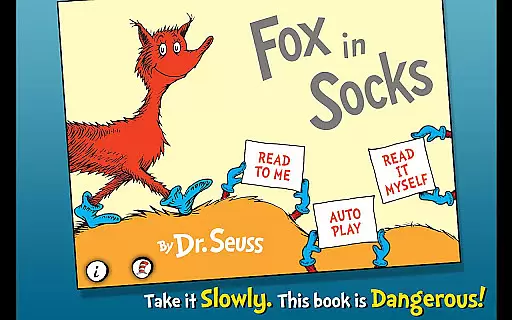
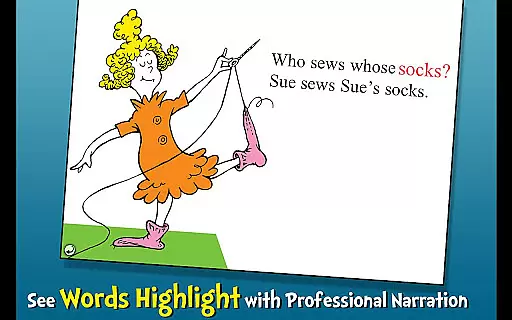
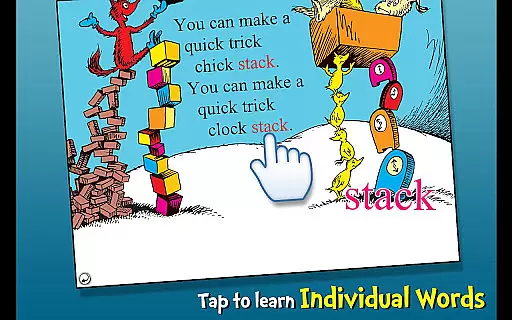
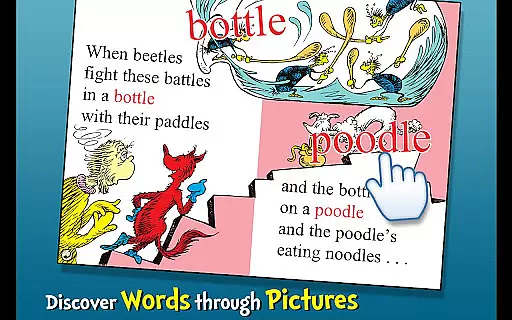
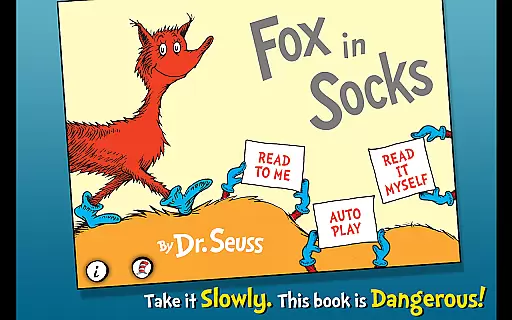
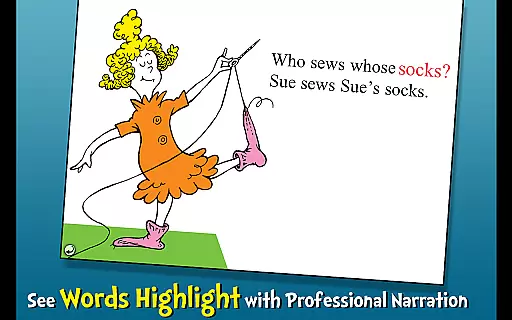
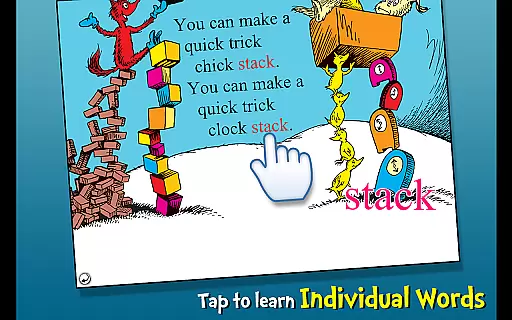
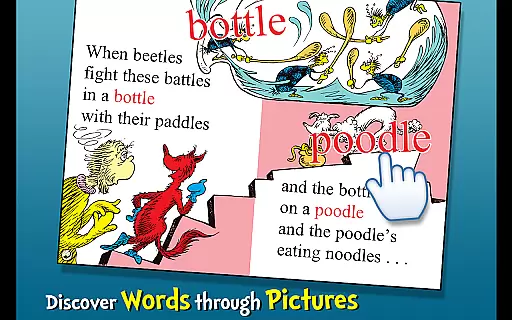
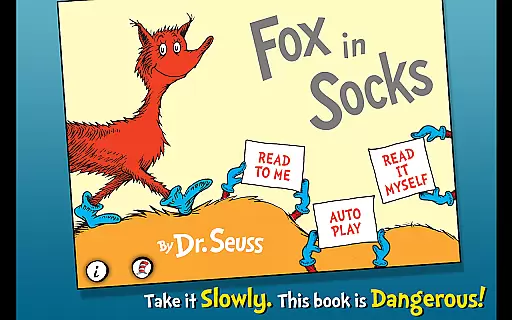
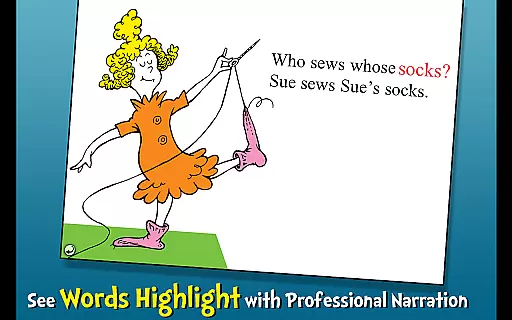
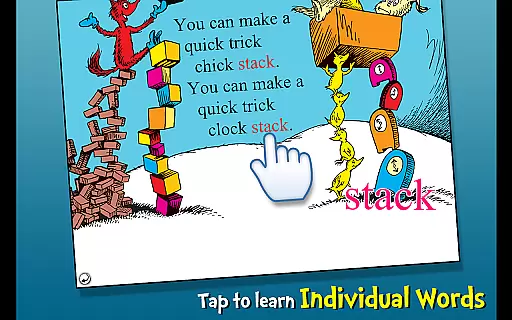
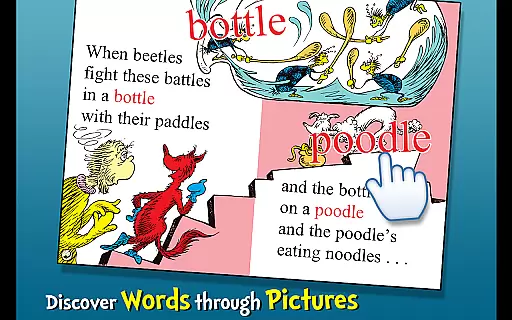
Fox in Socks is an interactive book app that brings Dr. Seuss's classic story to life for young readers. The app encourages literacy skills through highlighted narration and offers three different reading modes to engage children aged 2-6. With tappable words for vocabulary building and objects that speak their names when touched, it creates an immersive learning experience.
Children can follow along with the tricky tongue-twisters as Fox plays his game with Mr. Knox, making reading both fun and educational. This app not only entertains but also helps develop essential language skills in a playful environment, ensuring that kids enjoy learning while they read.
The Fox in Socks app stands out with its variety of features designed to enhance the reading experience. It includes three fun ways to read: 'Read to Me', 'Read it Myself', and 'Auto Play', catering to different levels of reader independence. Each mode supports a unique interaction between the child and the story, promoting engagement and comprehension.
Highlighted narration helps improve literacy by connecting spoken words with written text, while tappable words provide definitions and pronunciation, expanding vocabulary. Additionally, interactive illustrations allow children to tap on objects within the scenes, hearing them named aloud, which reinforces word recognition and association skills.
Fox in Socks by Dr. Seuss offers a rich e-book experience with its interactive features and authentic content. As an official Dr. Seuss licensed app, it guarantees the originality and copyright authenticity of the book.
The app provides access to the complete story of Fox in Socks, ensuring that readers can enjoy the full experience of this whimsical tale. With highlighted narration and vocabulary learning features, the app enriches the reading journey for young readers.
Parents and educators can trust in the legitimacy of the content provided within the app. The assurance of copyrighted material means that the story remains true to Dr. Seuss's creative vision without any alterations or unauthorized changes.
Ensuring format compatibility, Fox in Socks is designed to provide a seamless reading experience across various devices. Whether accessed on a tablet or smartphone, the app maintains its interactive functionalities.
The book app supports features such as tappable words and objects that help enhance literacy skills and engage young minds. These interactive elements are preserved regardless of the device being used.
Additionally, the app follows responsive design principles, which means that whether your child is reading on a small or large screen, the text and images adjust accordingly for optimal viewing. This flexibility allows children ages 2-6 to enjoy the story in a format that suits them best.
Interactive storytelling
Vocabulary expansion tools
Multiple reading options
Engaging illustrations
Educational content
Limited age range appeal
No offline functionality
Simple graphics only
In-app purchases possible
Requires parental guidance

"Five Dr. Seuss titles in one omBook!"
 4.60
4.60
Powerful Bible study tools linked to every verse in an easy-to-use Bible reader!
4.60
Sea tide predictions for all coastal U.S. locations.
4.2
Mirror Bible - eye-opening paraphrase translation of the NT by Francois du Toit
4.30
Improve your vocabulary and grammar with the 15 biggest Oxford Dictionaries.
4.30
Enjoy your favorite books
3.50
Learn Thai with 195,000+ entries, crisp Thai sounds, big text; works offline.
4.80
Daily Devotional Widgets & Hourly Verses. Listen to Bible & Watch Holy Stories
4.70
Daily thoughts, meditations, and prayers for living a sober life in recovery.
4.90
Flora of Virginia Project (www.floraofvirginia.org)
5.00
Plan of Life that Saint Josemaría recommended
4.80
Bible Study App with Audio Book, Verse of the Day, and Devotionals.
4.80
The dynamic dictionary/reference app for piano chords and scales!
4.80
Read books PDF, EPUB, WORD, KINDLE, MOBI! Your ebook reader among reading apps.
4.80
Enjoy daily devotionals, Bible verses, audio courses, and more.
4.80
Read the KJV Bible with Strong’s offline: reading plans, audio Bibles, and more.
4.70
Read unlimited novels, audiobooks, stories & Unlock ebooks, fanfiction and more!
4.70
Learn Electricians' Handbook PRO complete guide beginners to advance.
4.40
Cute bedtime story for kids
4.30


User Reviews