
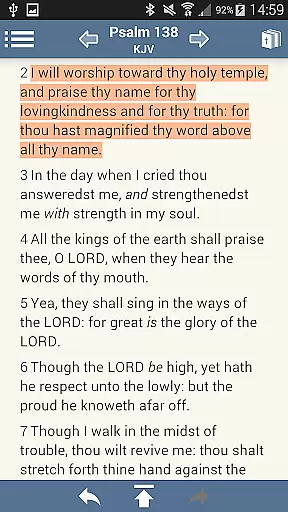
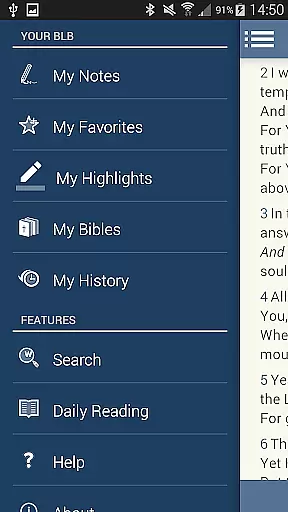
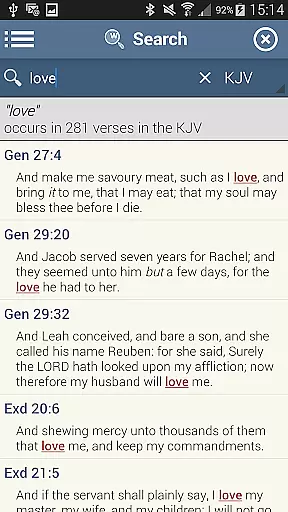
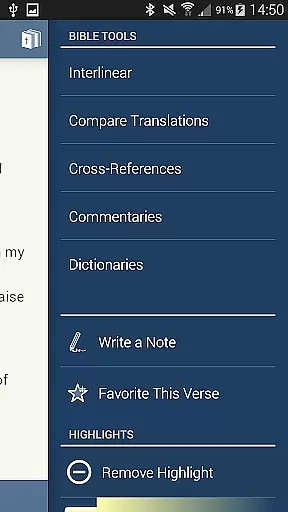
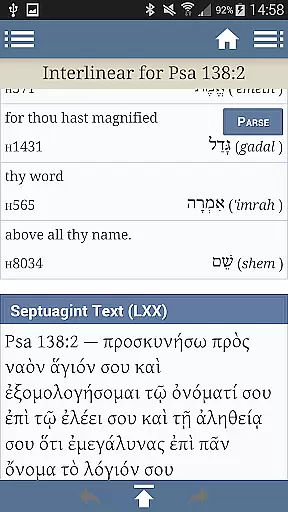
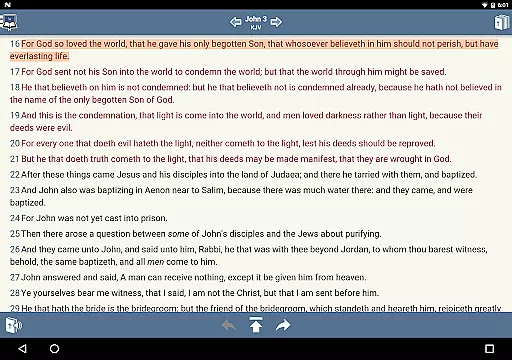
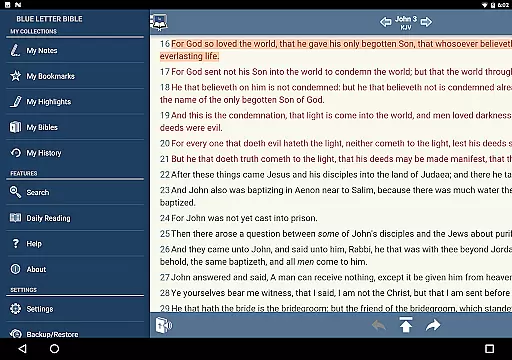
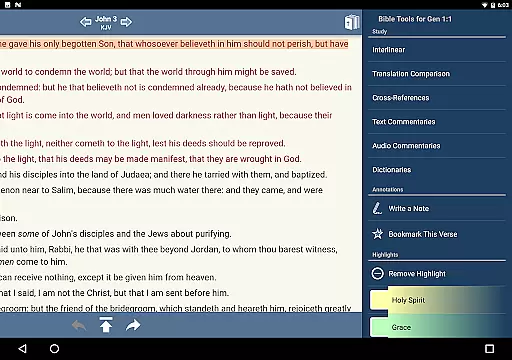
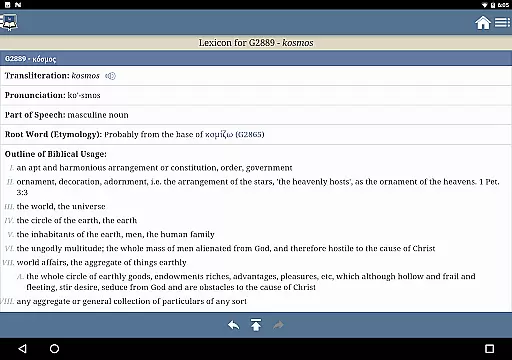
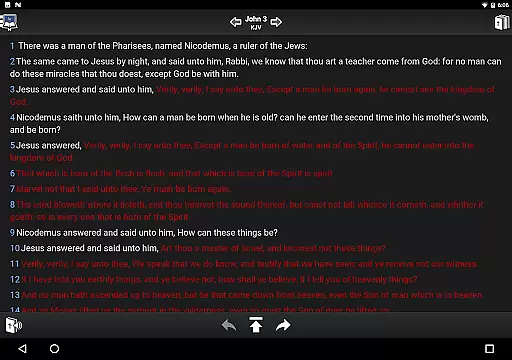
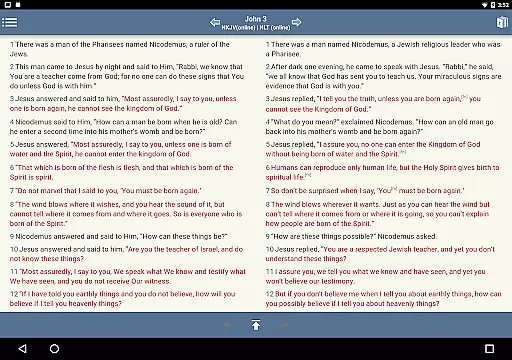
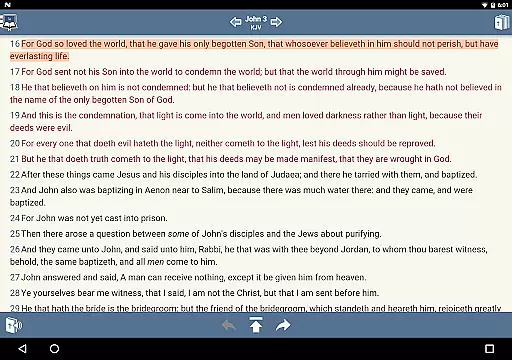
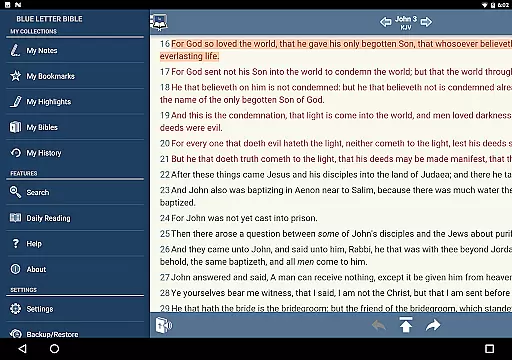
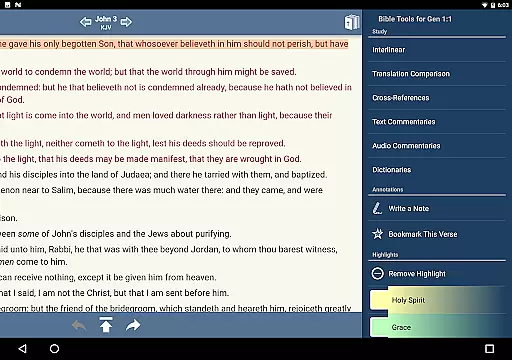
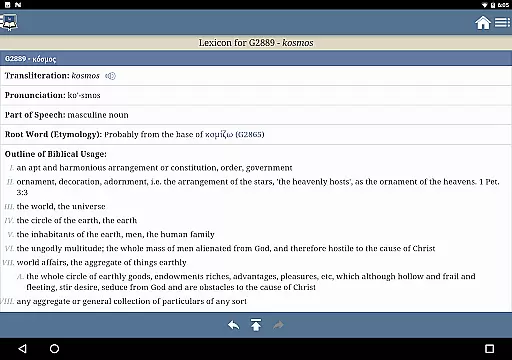
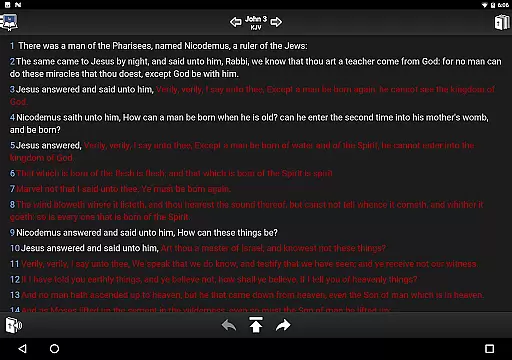
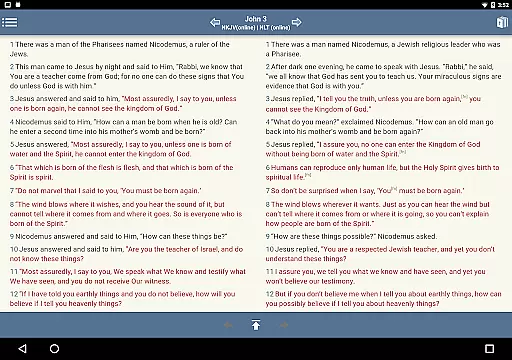
Blue Letter Bible is a comprehensive Bible study app that offers users access to over 15 Bibles along with powerful study tools. The app provides text commentaries, Hebrew and Greek lexicons, interlinear texts, dictionaries, and word search features. It allows for personalized study through highlighting, tagging favorite verses, and parallel Bible views. Whether you are a casual reader or a dedicated scholar, this app supports in-depth exploration of God's Word.
The app also includes features like adjustable font sizes, line height settings, and the ability to show or hide footnotes and verse markers. With millions of annual users, Blue Letter Bible helps readers dig deeper into scripture using their mobile devices. This makes it an essential tool for anyone looking to enhance their understanding of the Bible.
Blue Letter Bible stands out with its extensive library of study resources. Users can explore original language lexicons for both Hebrew and Greek, perform detailed word studies using multiple dictionaries and encyclopedias, and utilize the Treasury of Scripture Knowledge for deeper insights. The app contains over 8,000 text commentaries from more than 40 authors, providing diverse perspectives on biblical texts.
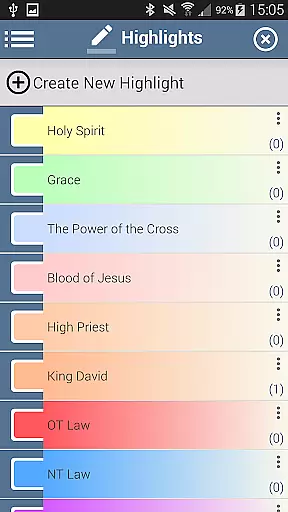
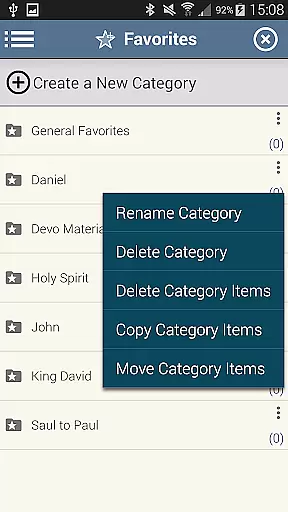
Personalization is key in Blue Letter Bible. You can take notes and organize them into notebooks, tag favorite verses into custom folders, and highlight verses in unlimited colors. Additional features include side-by-side parallel Bibles, adjustable font sizes, and options to show or hide specific text elements like footnotes and words of Christ in red. These functionalities ensure a tailored experience that meets individual study preferences.
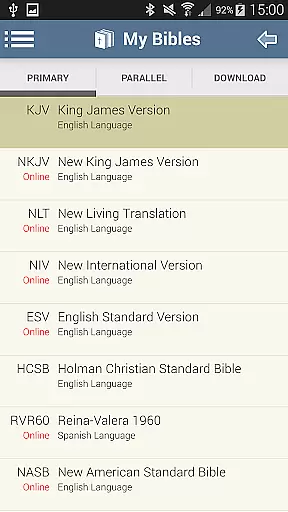
Blue Letter Bible offers an extensive collection of over 15 Bibles, making it a comprehensive resource for users seeking diverse biblical texts. This wide-ranging library ensures that readers can find the version that best suits their study needs.
In addition to multiple Bible versions, the app provides access to text commentaries, Hebrew and Greek lexicons, interlinear texts, and various dictionaries. These resources are carefully curated and authenticated, giving users confidence in the credibility of the content they are engaging with.
The app's dedication to copyright authenticity is evident through its inclusion of materials from reputable authors and sources. Users can trust that the resources available are legally obtained and respect intellectual property rights, ensuring a legitimate and ethical study experience.
Blue Letter Bible supports a variety of formats that cater to different study preferences. Whether users prefer reading plain text or exploring the original languages through interlinear texts, the app accommodates these needs seamlessly.
With features like adjustable font sizes and line heights, the app ensures optimal readability across devices. This flexibility allows users to customize their reading experience according to their visual comfort and device specifications.
Moreover, the ability to display parallel Bibles side by side demonstrates the app's commitment to format compatibility. By enabling simultaneous viewing of different translations or versions, Blue Letter Bible enhances comparative study and deepens scriptural understanding.
User-friendly interface
Extensive study resources
Customizable reading options
Parallel Bible views
Regular updates
Occasional bugs
Heavy on storage
Complex for beginners
Limited offline content
Ads in free version

The Bible Audio Guide
 4.80
4.80
7 Languages, Google, Wiki, Vocabulary.com, Cambridge & Urban Dictionary!
4.50
A wonderful reader for good time spend.
4.20
Find, discuss, and organize your world of books and shows.
4.60
Discover Stars and Planets: Live Map Shows Current Constellations in Full Detail
4.70
Read popular romance books and web novels on the fantastic ebook reader
3.50
All in one Calibre libraries on your phones and tablets.
3.80
Holy Bible with verses and audio for studying and prayer
4.30
Identify birds of North America by call or picture | Bird Identification
4.20
"When tweetle beetles fight, it's called a tweetle beetle battle."
4.90
The Original Tropical Freshwater Aquarium Fish And Plant Care Guide
4.80
Track your Star Wars book collection across Canon & Legends
4.80
Holy Bible, a KJIV Bible study, audios & daily verses, talk with God now.
4.80
Read the KJV Bible with Strong’s offline: reading plans, audio Bibles, and more.
4.70
"Five Dr. Seuss titles in one omBook!"
4.60
Read aloud texts, audiobooks, PDFs or any eBook with text to speech AI audio
4.60
ISAIAH EXPLAINED with Avraham Gileadi Ph.D.
4.00
America's best dictionary and thesaurus - with premium content and no ads
3.40
The Psalms for singing
4.4


User Reviews