
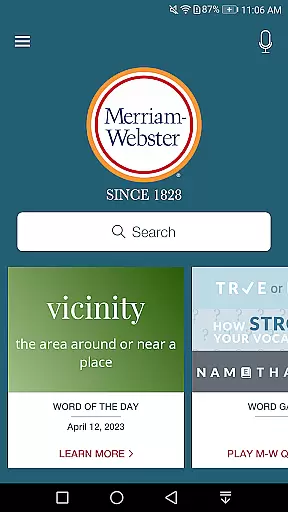
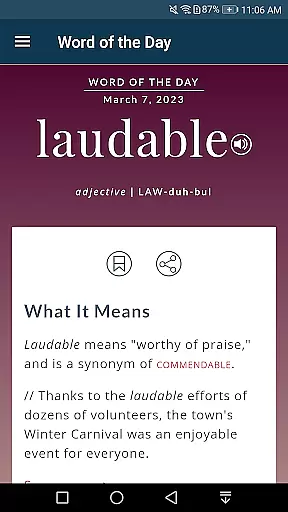
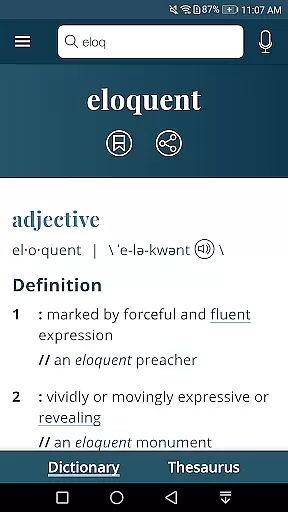
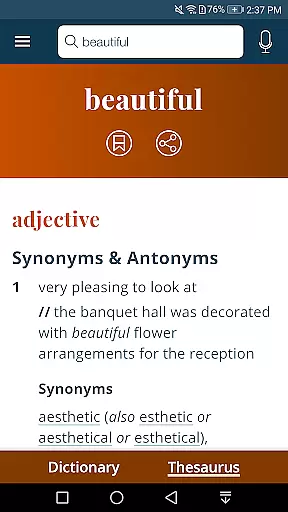
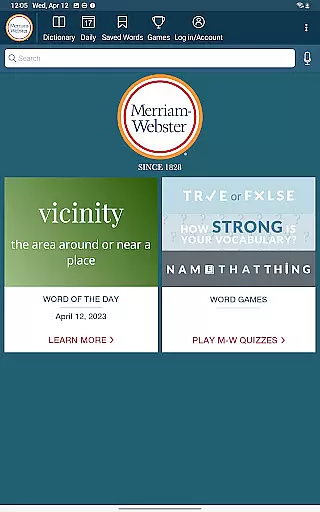
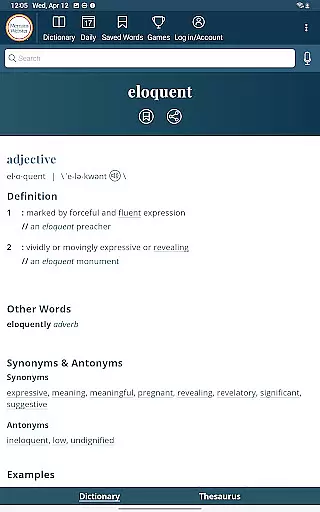
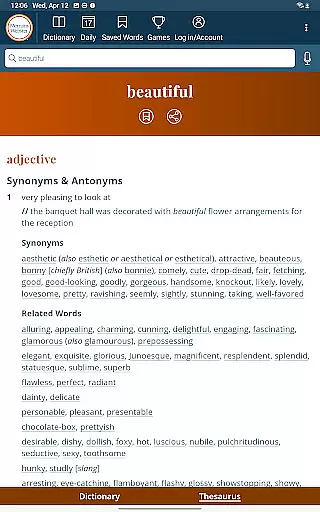
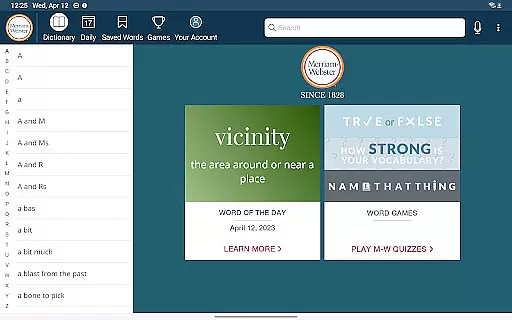
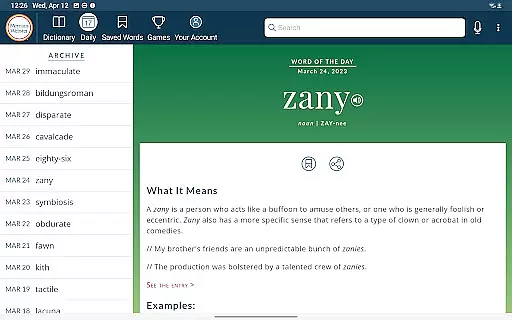
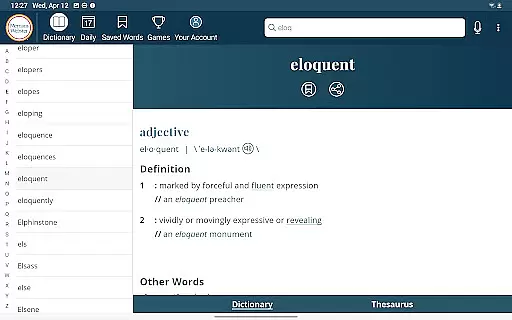
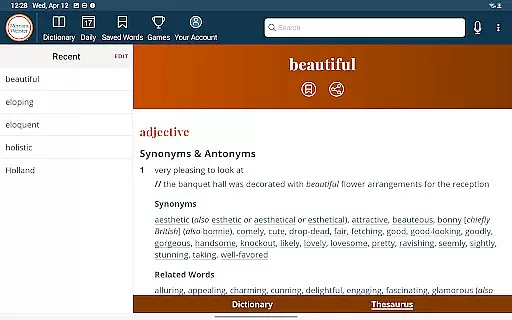
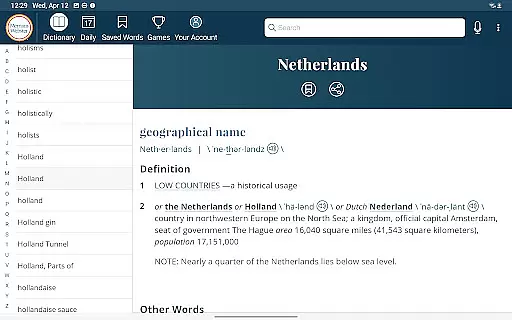
Dictionary is a premier Android app for English language reference, education, and vocabulary building. It provides users with America's most respected dictionary, continuously updated with the newest words and meanings. The app offers an integrated thesaurus with over 200,000 word choices, audio pronunciations voiced by real English speakers, and example sentences to understand word usage in context.
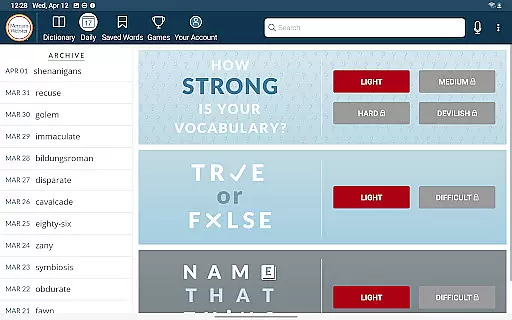
One of the standout features is its offline access capability, allowing users to view definitions and synonyms without an internet connection. Additionally, Dictionary includes fun vocabulary-building quizzes and a Word of the Day feature to enhance learning. With premium content such as graphical illustrations and extra entries covering people and places, this app serves as a comprehensive tool for both casual users and dedicated word enthusiasts.
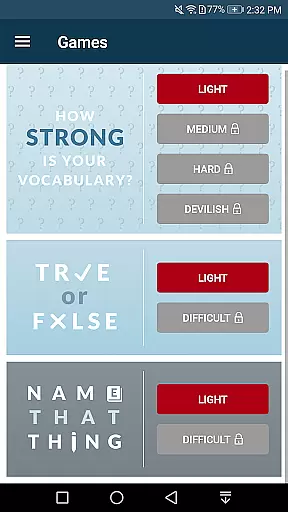
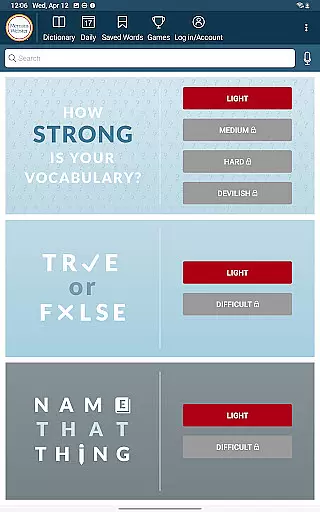
Dictionary offers a robust set of features designed to enhance vocabulary and provide comprehensive language reference. Its integrated thesaurus provides more than 200,000 word choices along with examples of their use, making it easier for users to find the right word. The app also includes new Vocabulary-Building Quizzes, which offer a fun and fast way to learn new words or test existing vocabulary.
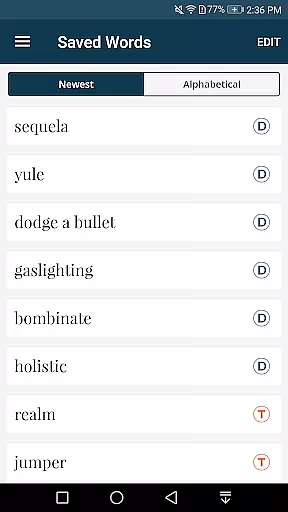
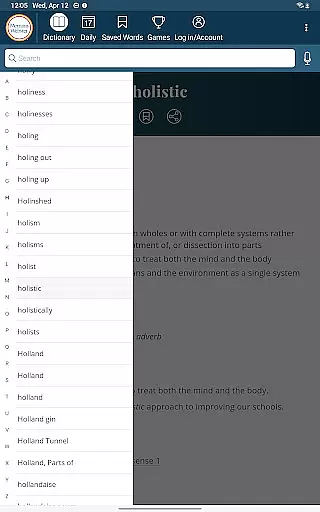
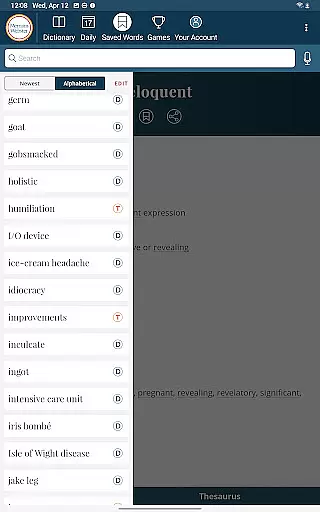
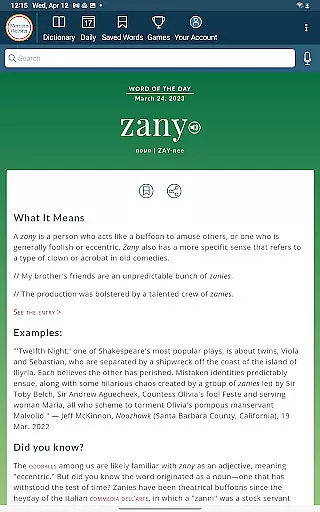
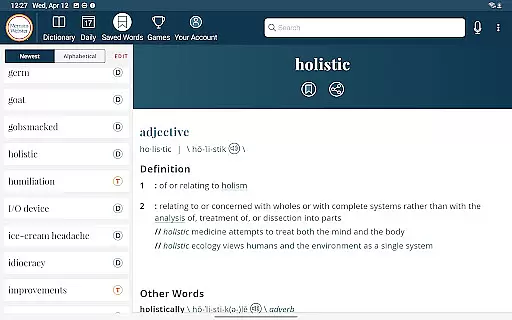
Voice Search functionality allows users to look up words without needing to spell them, while Word of the Day helps users expand their vocabulary daily. Audio pronunciations are provided by real English speakers, ensuring accurate pronunciation guidance. Users can also take advantage of Favorite Words and Search History features, enabling them to keep track of important words and even sync favorites between devices.
When evaluating a digital dictionary, the comprehensiveness of its word database and the credibility of its content sources are paramount. The Merriam-Webster Dictionary app boasts an extensive collection of over 15,000 additional entries covering people and places, alongside more than 1000 graphical illustrations.
This vast repository ensures users have access to a wide array of terms, from common words to specialized terminology. The app's commitment to authentic content is evident in its continuous updates with the newest words and meanings, making it a reliable resource for English language reference.
The premium content offered includes not just textual definitions but also rich multimedia elements like audio pronunciations voiced by real English speakers. This dedication to quality and accuracy makes the app a trusted tool for education and vocabulary building.
Comprehensive vocabulary
Offline access
Voice search
Word games
Audio pronunciations
Premium subscription
Limited free features
Internet required for some functions
No ads can be a con for some
Heavy on storage

"Five Dr. Seuss titles in one omBook!"
 4.60
4.60
The Bible Audio Guide
4.80
Discover Stars and Planets: Live Map Shows Current Constellations in Full Detail
4.70
Translate into 100+ languages with the world’s most accurate AI translator.
4.70
Bible Spiritual Companion
4.40
Manage collectibles, survey and treasure maps in Elder Scrolls Online.
4.40
The Original & Authentic Crystals, Gemstones, Rocks & Minerals Encyclopedia.
4.60
A KJV Bible with Apocrypha and precept-based study concordance
5.00
Identify birds of North America by call or picture | Bird Identification
4.20
Offline dictionary for learning Cantonese as a second language
4.90
“I am the Lorax. I speak for the trees.”
4.80
Bible Study App with Audio Book, Verse of the Day, and Devotionals.
4.80
Universal Zoom, learn about sizes & distances of the universe and microcosmos
4.80
Watch real short episodes in just minutes— addictive, you won't be able to stop!
4.70
Read aloud texts, audiobooks, PDFs or any eBook with text to speech AI audio
4.60
Unlock unlimited access to bestselling ebooks, novels, stories, and audiobooks
4.60
WebNovel - Read Solo Leveling novel and comic
4.10
Battle Royale Chapter 5 Season 2 HD Wallpapers Emotes Skins and BattlePass
3.00
A guide for the Court of Atonement spiritual healing process.
4.5


User Reviews