

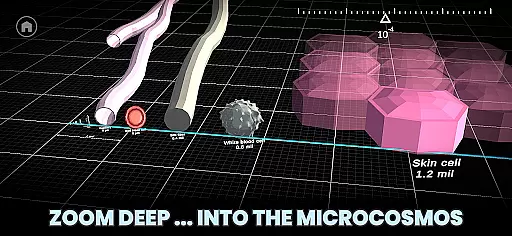

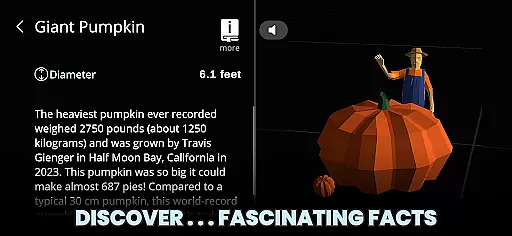
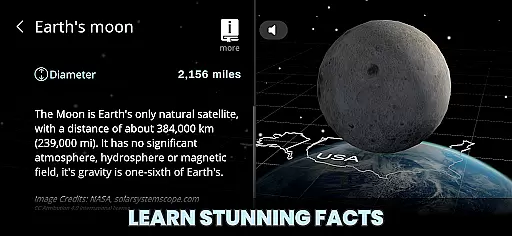






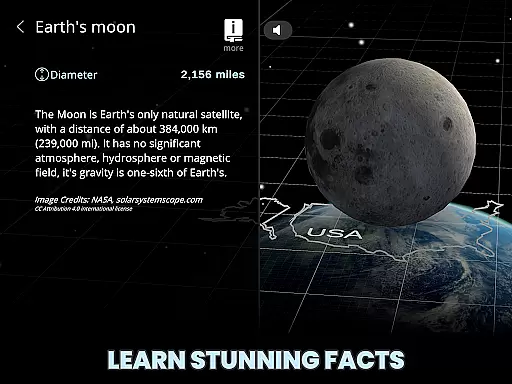

Univerzoom 3D is an interactive educational app that allows users to explore the vastness of the universe and microscopic worlds through intuitive 3D zooming. The app provides a unique perspective on cosmic and microcosmic scales, making complex scientific concepts accessible to all ages.
With features like light-speed zooming, object comparisons, and detailed facts at your fingertips, Univerzoom 3D serves as an invaluable tool for students, educators, and science enthusiasts. Users can seamlessly navigate from the edge of the visible universe down to subatomic particles, gaining a true sense of scale and appreciation for the wonders of our cosmos.
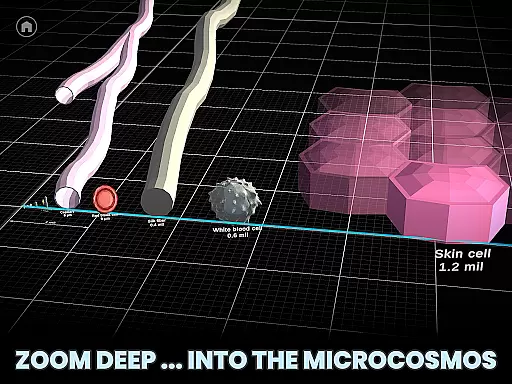
Univerzoom 3D stands out with its innovative gesture-based controls that let you manipulate scale with ease. Zoom billions of light years across space or delve into microscopic dimensions, exploring atoms and beyond with simple finger swipes.
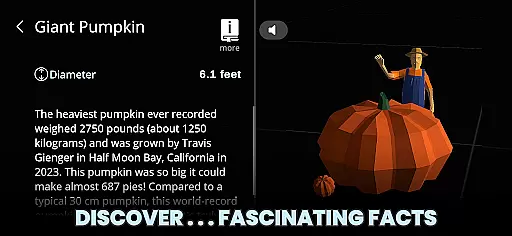
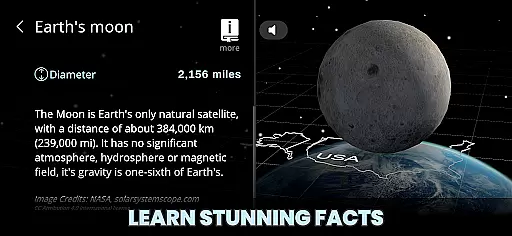
The app's Discover feature offers an immersive 3D experience, comparing celestial bodies, man-made objects, and biological specimens. With integrated Text-to-Speech functionality, users can listen to fascinating facts about various objects, enhancing the learning process for visual and auditory learners alike.
Designed for universal accessibility, Univerzoom 3D caters to curious minds of all ages, from children to adults. Its comprehensive content draws from trusted sources, ensuring accuracy while sparking interest in astronomy, physics, and biology.
Univerzoom 3D offers a vast virtual library that spans the scale of the universe, from the largest known structures to the smallest subatomic particles. This extensive range provides users with an unparalleled depth of content, ensuring there is always something new and fascinating to explore.
The app meticulously sources its information from trusted scientific databases and research, guaranteeing the authenticity and accuracy of every fact presented. Users can trust that the knowledge they gain about celestial bodies, microscopic organisms, and everything in between is both credible and up-to-date.
By integrating Text-to-Speech functionality, Univerzoom 3D makes its rich content accessible to all users, regardless of age or reading ability. This inclusivity ensures that everyone, from children to adults, can benefit from the educational value provided by this interactive experience.
Univerzoom 3D supports a wide array of formats, allowing users to seamlessly interact with diverse types of content. Whether it's exploring detailed 3D models of planets or reading intricate facts about subatomic particles, the app delivers a smooth and engaging user experience across all supported formats.
In addition to visual exploration, the app also integrates external resources for further learning. These resources are carefully curated to ensure they complement the primary content and provide additional insights without compromising on quality or reliability.
With intuitive controls and gestures, users can easily navigate through different scales and dimensions. The responsive interface adapts to various devices and orientations, making it convenient for users to delve into the wonders of the universe anytime, anywhere.
User-friendly interface
Interactive 3D models
Educational value
Wide age appeal
Reliable information
Requires significant storage
High system requirements
Limited offline content
Potential performance issues
Subscription fees may apply

Read the romance stories on the go. Take my breath away, The Spoiled Girl
 4.30
4.30
Bible Spiritual Companion
4.40
The dynamic dictionary/reference app for piano chords and scales!
4.80
Learn Electricians' Handbook PRO complete guide beginners to advance.
4.40
Unlock more features in Lithium and show your support. Expand for details.
4.00
Daily Prayer, personalized Bible Study, AI-guided Insights, and Spiritual Growth
4.80
My Bible offers a comprehensive app by providing offline access, daily verses.
4.80
Premium reader for ePub, PDF, and more. TTS and translation. Great on any screen
3.50
Identify birds of North America by call or picture | Bird Identification
4.20
Flora of Virginia Project (www.floraofvirginia.org)
5.00
Offline dictionary for learning Cantonese as a second language
4.90
The Original Tropical Freshwater Aquarium Fish And Plant Care Guide
4.80
"Five Dr. Seuss titles in one omBook!"
4.60
7 Languages, Google, Wiki, Vocabulary.com, Cambridge & Urban Dictionary!
4.50
Master AKC Rally signs with in-depth hints, diagrams, and expert guidance.
4.50
“It is fun to have fun, but you have to know how!”
4.40
“There was one last piece of cake. My little sister said ‘Me too!’”
4.00
ISAIAH EXPLAINED with Avraham Gileadi Ph.D.
4.00
The Psalms for singing
4.0


User Reviews