
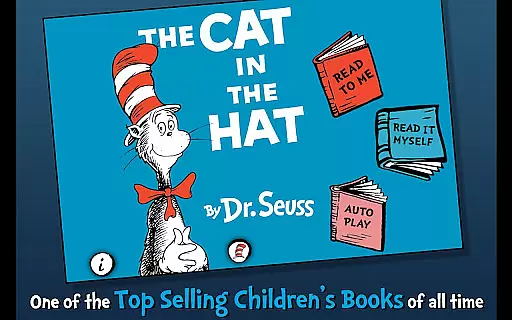
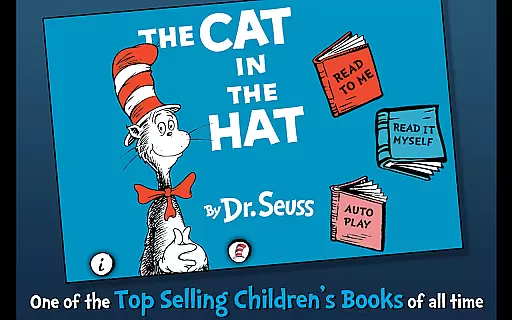
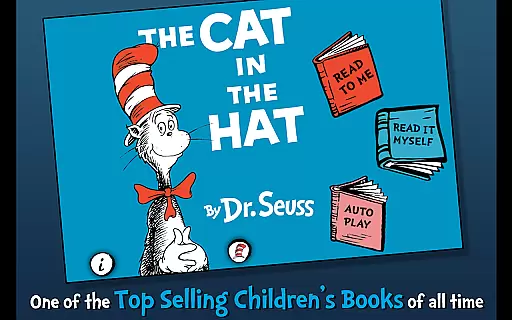
The Cat in the Hat is an interactive book app that brings Dr. Seuss's classic story to life for young readers. With engaging narration and playful illustrations, this app encourages literacy skills while providing entertainment. Designed for children ages 3-6, it offers various reading modes and interactive features.
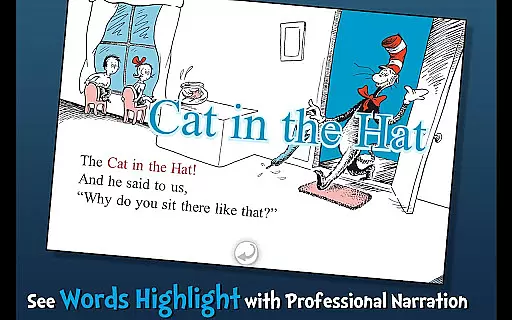
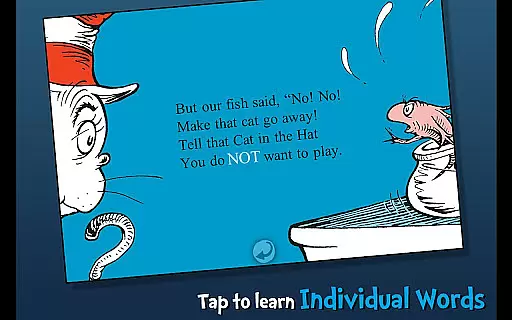
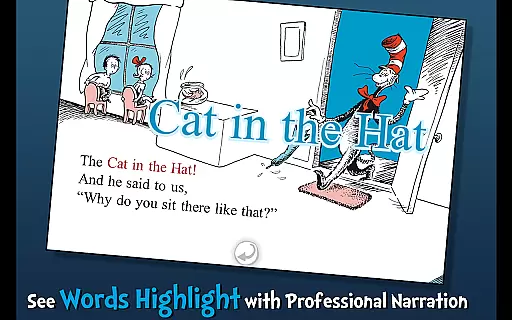
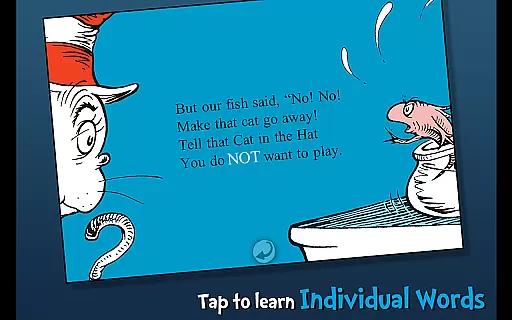
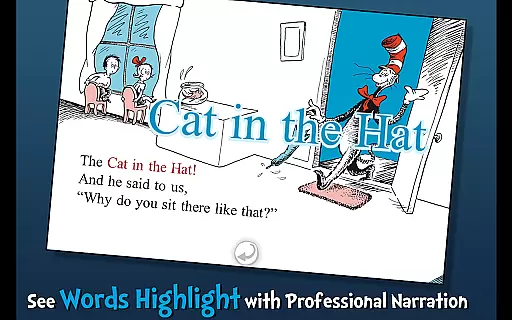
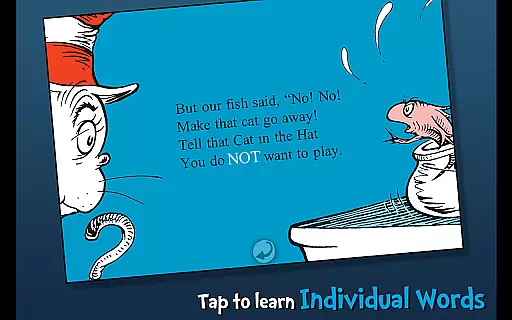
Children can follow along with highlighted narration, learn new vocabulary through tappable words, and interact with objects on the screen. The app also includes three fun ways to read, allowing kids to engage with the story at their own pace. Whether used at home or on the go, The Cat in the Hat provides a valuable educational experience.
This interactive book app stands out with its variety of engaging features designed to enhance the reading experience. Highlighted narration helps build literacy skills by encouraging children to follow along as the story is read aloud. Three distinct reading modes cater to different learning styles and preferences.
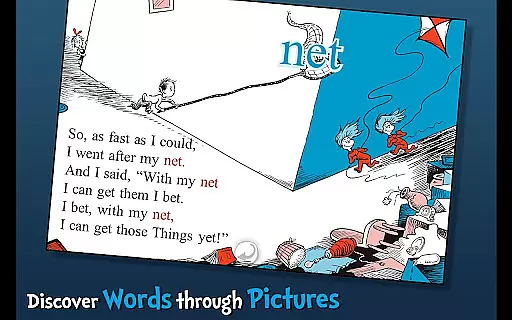
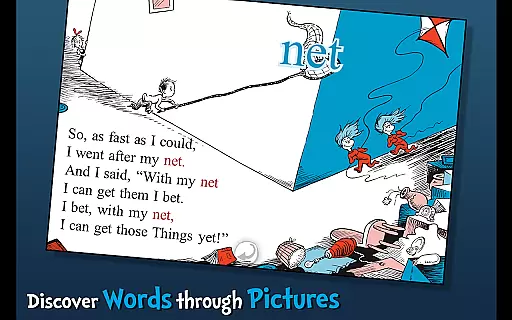
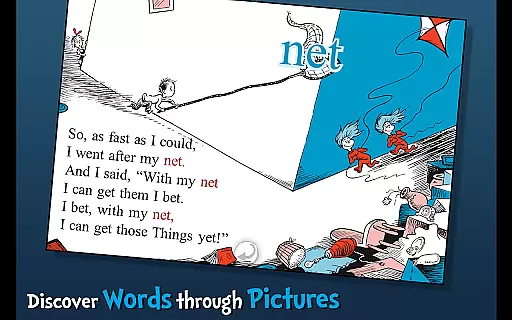
Vocabulary building is supported through tappable words that provide definitions and pronunciation. Additionally, interactive elements allow children to tap objects and hear their names read aloud. These features combine to create an immersive environment where learning feels like play, making it ideal for young learners aged 3-6.
When evaluating an e-book app like The Cat in the Hat, the size and quality of the digital library are crucial factors. This particular app offers a complete digital version of the original Dr. Seuss book, maintaining all the illustrations and text that make this story so iconic.
The developers have ensured proper licensing and copyright authenticity by partnering directly with Dr. Seuss Enterprises. This official partnership guarantees users are accessing a legitimate version of the book, protecting both the intellectual property and the user experience.
While the app focuses on a single title, it maximizes its value through interactive features that enhance the reading experience beyond what's possible with physical books alone.
Parents can trust they're providing their children with an authentic literary experience that respects the original work's integrity while adding modern educational elements.
The Cat in the Hat app demonstrates excellent format compatibility across different devices. Whether accessed on tablets or smartphones, the book maintains its visual quality and interactive features without compromising functionality.
Developers have optimized the app to support both Android and iOS platforms, ensuring wider accessibility for young readers. The responsive design automatically adjusts to different screen sizes while preserving the book's original layout and illustrations.
Furthermore, the app supports multiple reading formats including read-along narration and interactive vocabulary features. These technical implementations allow for various learning styles and reading preferences.
This comprehensive approach to format compatibility makes the app accessible to more families while maintaining consistent quality across different devices and operating systems.
User-friendly interface
Engaging interactive elements
Educational value
Multiple reading options
Official Dr. Seuss license
Limited to young children
Additional content costs
No offline mode
Occasional bugs
Ads between pages

“There was one last piece of cake. My little sister said ‘Me too!’”
 4.00
4.00
A guide for the Court of Atonement spiritual healing process.
4.3
Crowd-sourced listing of businesses with anti-gun signs, and pro-2a alternatives
4.60
WebNovel - Read Solo Leveling novel and comic
4.10
The dynamic dictionary/reference app for piano chords and scales!
4.80
Daily Devotional Widgets & Hourly Verses. Listen to Bible & Watch Holy Stories
4.70
A story reading app: Read stories, novels and books, or write your own.
3.90
World's most comprehensive dictionary app: 13 languages, all online or offline!
4.80
ARC Raiders Companion: Map, Quests, ARC/Item Info. Track everything instantly!
4.00
Universal Zoom, learn about sizes & distances of the universe and microcosmos
4.80
Bible Study App with Audio Book, Verse of the Day, and Devotionals.
4.80
My Bible offers a comprehensive app by providing offline access, daily verses.
4.80
This is the pro version King James bible Offline that we have
4.70
Scan. Price. Grade.
4.60
Offline translator from english to spanish, and from spanish to english.
4.50
Daily Bible app: King James Version with verses and audio for studying&prayer
4.40
Improve your vocabulary and grammar with the 15 biggest Oxford Dictionaries.
4.30
University of North Carolina Herbarium presents the flora of TN, AL, & MS.
4.5
Fast loot guide for ARC Raiders. Simple tips, stats, maps, and item details.
4.4


User Reviews