
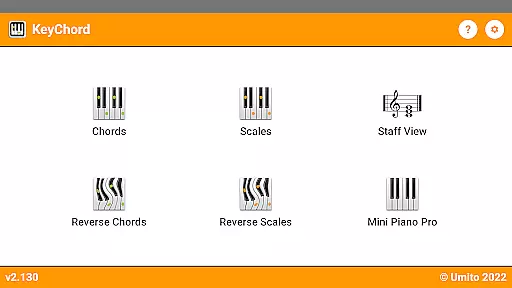
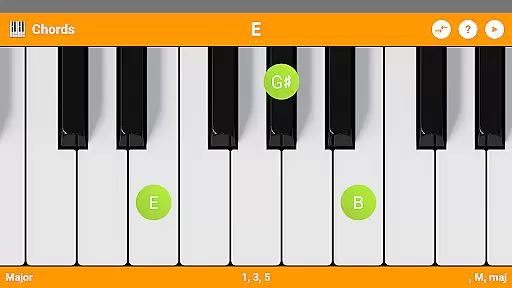
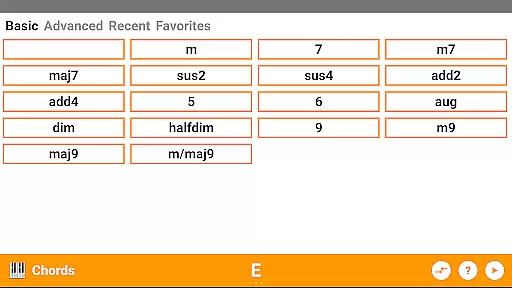
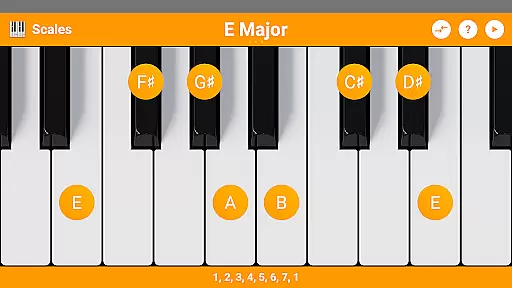
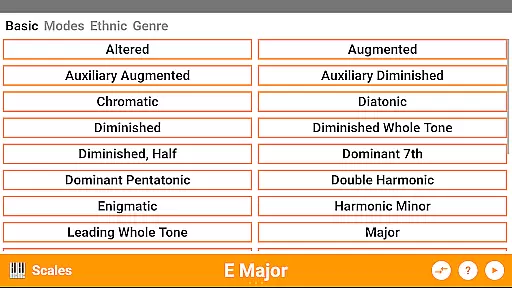
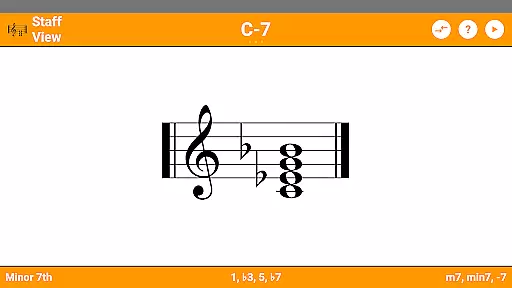
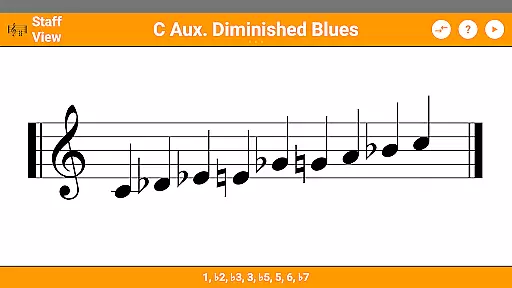
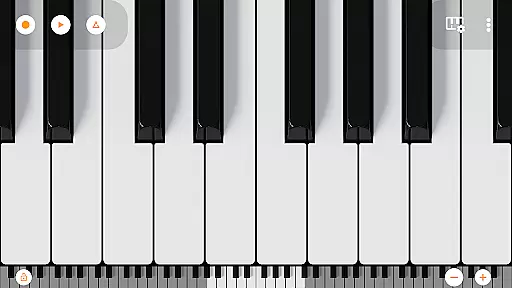
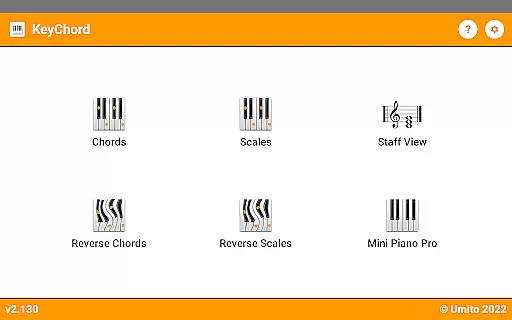
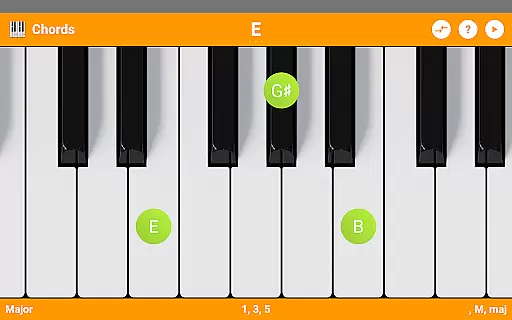
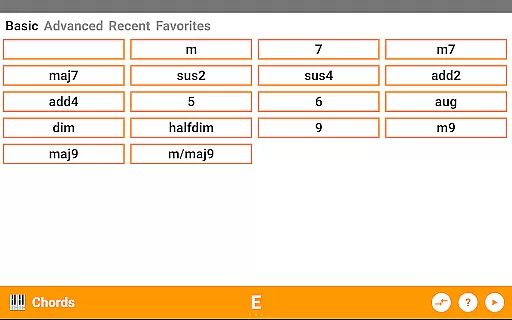
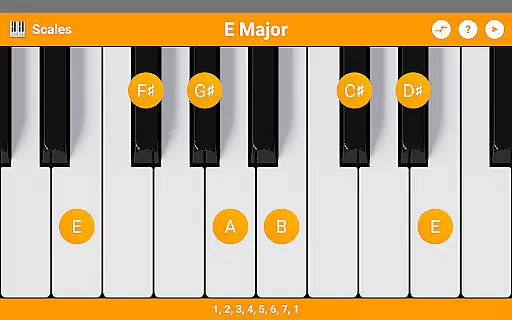
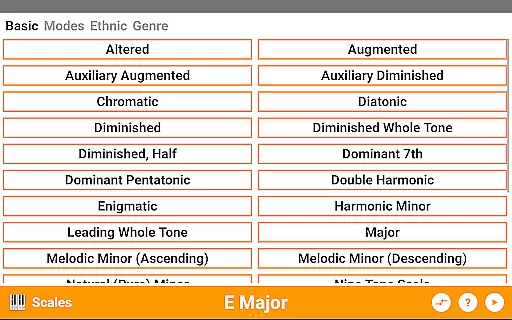
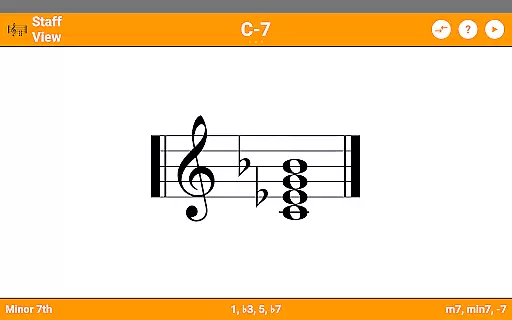
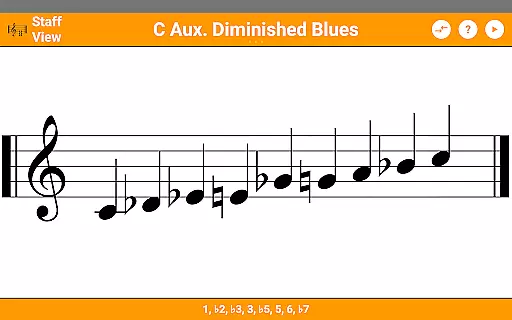
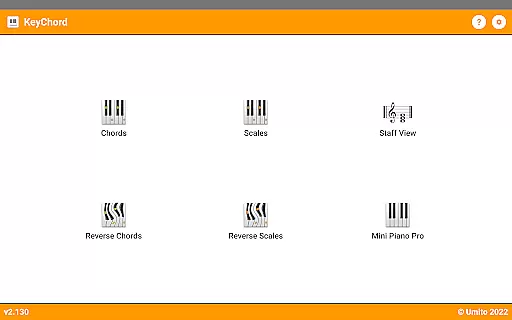
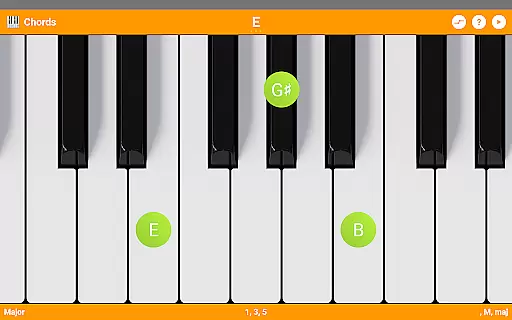
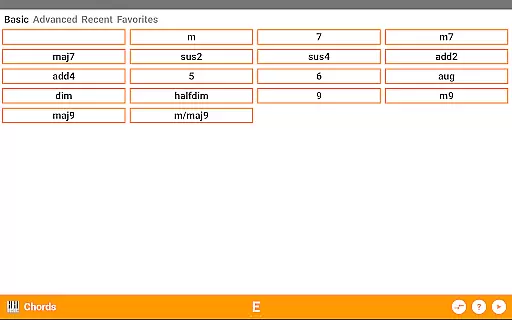
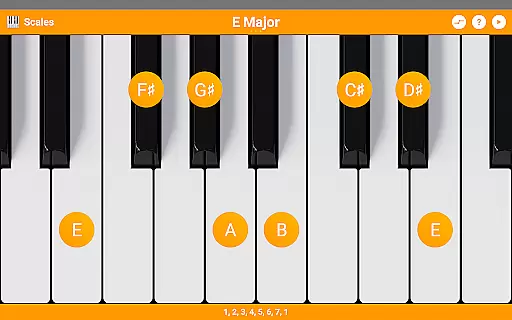
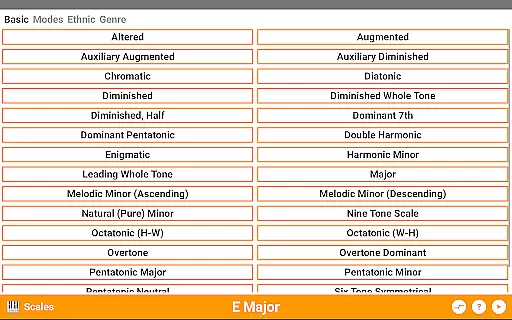
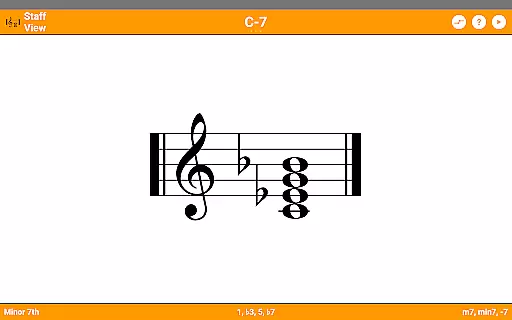
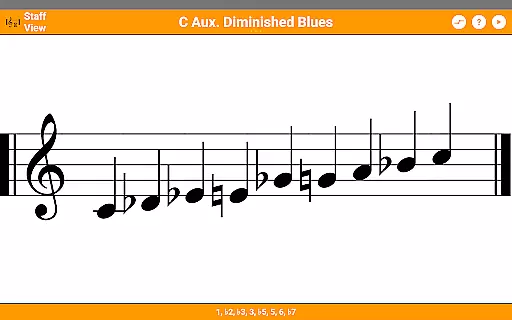
KeyChord is an innovative reference app designed for musicians and piano enthusiasts, offering a comprehensive dictionary of piano chords and scales. The app features a dynamic virtual keyboard that allows users to explore over 50 chord types and 100 scale types with ease. Whether you're a beginner or an experienced musician, KeyChord provides valuable tools such as reverse lookup, staff view, and audio playback for every chord and scale.
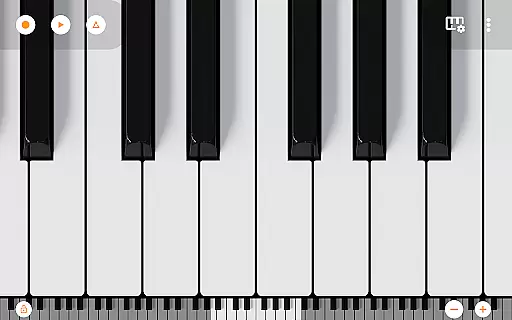
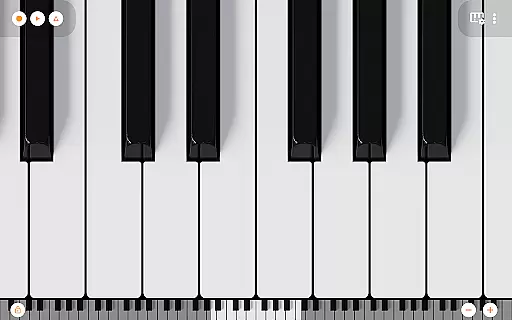
The app's standout feature is its interactive 88-key multitouch piano, which lets users experiment with different sounds and compositions. With dark mode support, recording capabilities, and the ability to save creations as ringtones, KeyChord delivers both functionality and creativity. This makes it an essential tool for anyone looking to deepen their understanding of music theory while enjoying a hands-on learning experience.
KeyChord stands out with its robust set of features tailored for music exploration. The app includes over 50 chord types and 100 scale types, complete with note names, component intervals, and inversions. Its reverse lookup functionality supports partial chords, enabling users to identify complex musical structures effortlessly. Additionally, the staff view provides a traditional representation of chords and scales, enhancing the learning process.
One of the app's highlights is the full 88-key multitouch virtual piano, sourced from Mini Piano Pro, which offers 128 unique sounds. Users can record their compositions in MIDI format and even set them as ringtones. With added conveniences like dark mode and the ability to save favorite or recent chord types, KeyChord ensures a seamless and enjoyable user experience for all musicians.
KeyChord offers an extensive virtual library of musical knowledge, featuring over 50 chord types and 100 scale types. This vast collection ensures that musicians of all levels have access to a comprehensive reference for their practice and performance needs.
The app's content is carefully curated and verified, ensuring the accuracy and legitimacy of each chord and scale. By avoiding pre-defined static databases, KeyChord dynamically generates chords and scales based on music theory principles, guaranteeing authenticity in every note displayed.
Musicians benefit from this reliable resource as they can explore various musical combinations with confidence. The assurance of copyright authenticity means users can trust the integrity of the information provided, making it an invaluable tool for learning and experimentation.
KeyChord supports a wide range of formats, accommodating different learning styles and preferences. Whether you prefer viewing notes as intervals or traditional note names, the app adapts to your needs seamlessly.
In addition to its versatile display options, KeyChord also includes audio playback functionality across all modes. This feature allows users to hear every chord and scale in high-quality sound, enhancing the learning experience through auditory feedback.
Furthermore, the inclusion of a fully functional 88-key multitouch piano with 128 different sounds adds another layer of format compatibility. Musicians can record their compositions as MIDI files and even set them as ringtones, demonstrating the app's commitment to supporting diverse user requirements.
Comprehensive chord library
Interactive virtual piano
Reverse chord lookup
Audio playback feature
Dark mode support
Complex for beginners
Occasional bugs
No free version
Heavy on storage
Limited visual design

"BIG A, little a. What begins with A?"
 4.10
4.10
Audiobook player with cross-device progress sync, playlists, and widget support.
4.80
Cute bedtime story for kids
4.30
University of North Carolina Herbarium presents the flora of TN, AL, & MS.
4.1
Bible Spiritual Companion
4.40
ISAIAH EXPLAINED with Avraham Gileadi Ph.D.
4.00
Fast loot guide for ARC Raiders. Simple tips, stats, maps, and item details.
4.5
A Comprehensive Restoration of Sacred Scripture
4.50
Learn to tie more than 200 knots in 3D!
4.90
A KJV Bible with Apocrypha and precept-based study concordance
5.00
Bible Study App with Audio Book, Verse of the Day, and Devotionals.
4.80
My Bible offers a comprehensive app by providing offline access, daily verses.
4.80
World's most comprehensive dictionary app: 13 languages, all online or offline!
4.80
This is the pro version King James bible Offline that we have
4.70
F9 Cookbook Mobile App
4.60
Offline translator from english to spanish, and from spanish to english.
4.50
Read the romance stories on the go. Take my breath away, The Spoiled Girl
4.30
Improve your vocabulary and grammar with the 15 biggest Oxford Dictionaries.
4.30
A wonderful reader for good time spend.
4.20


User Reviews