
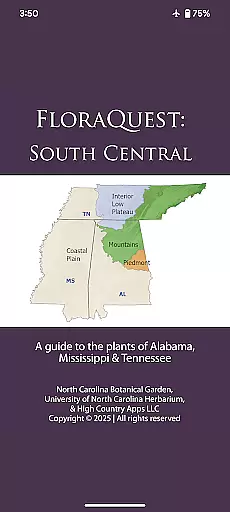
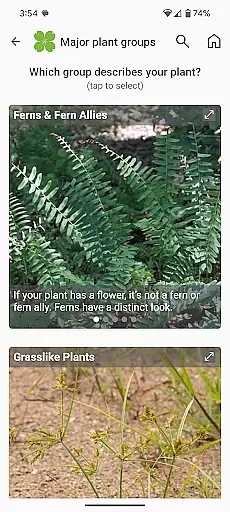
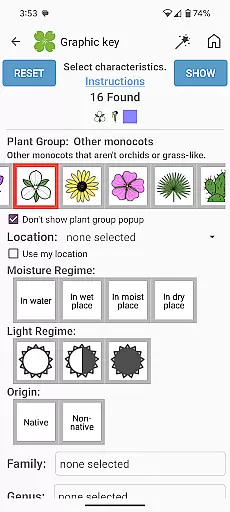
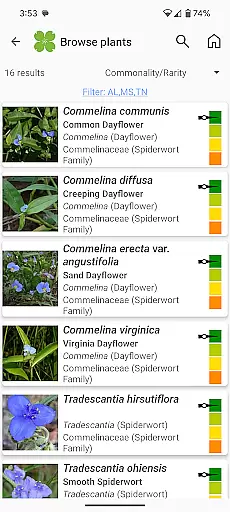
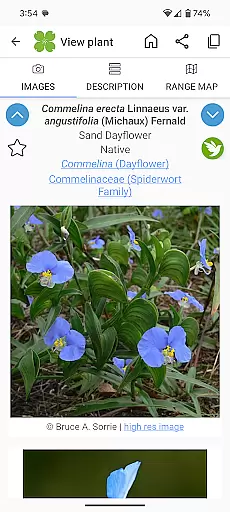
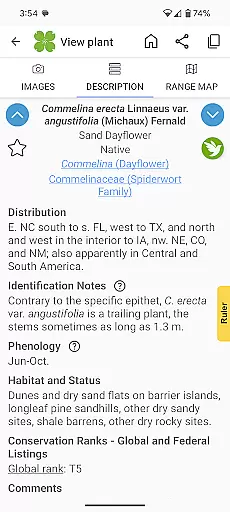
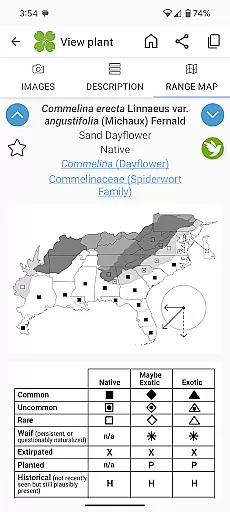
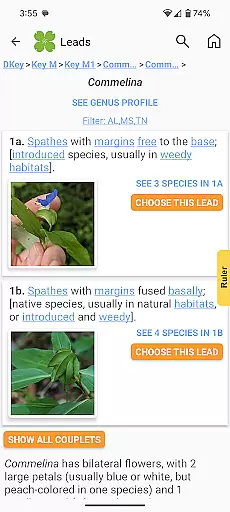
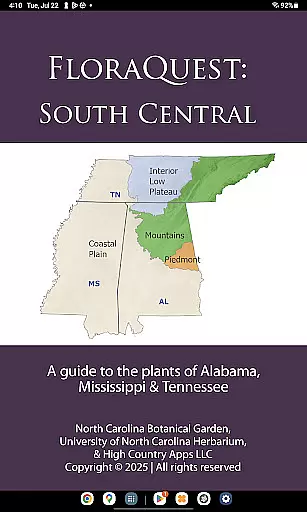
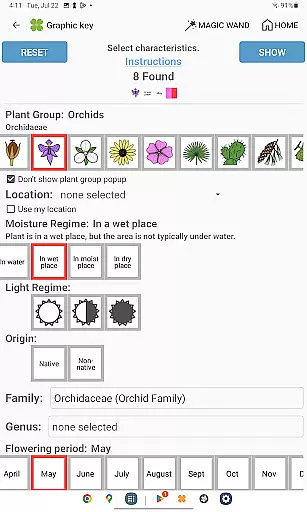
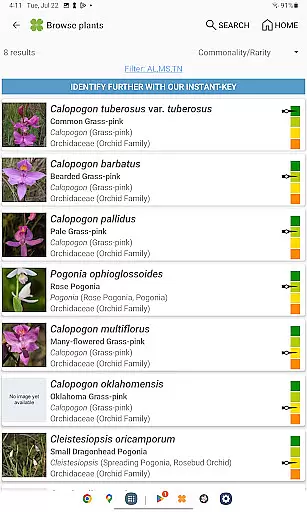
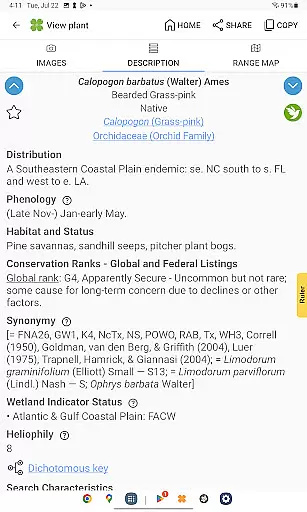
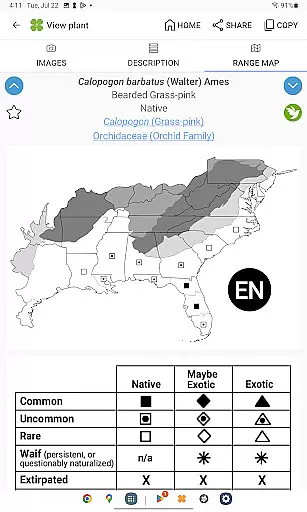
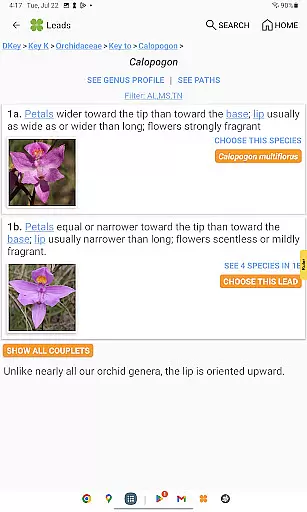
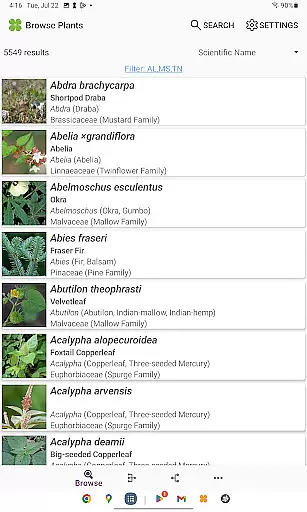
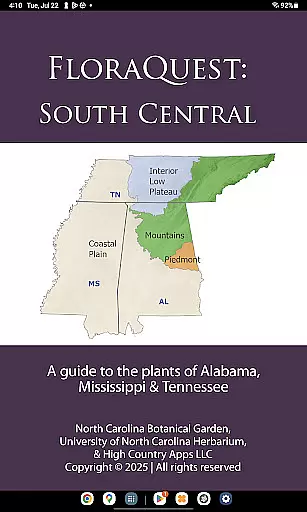
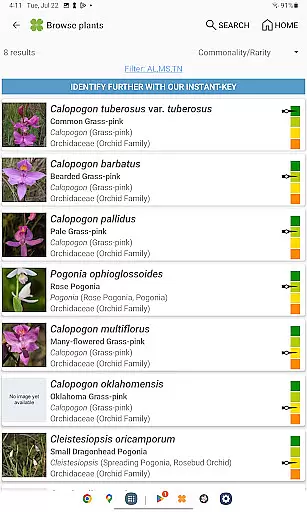
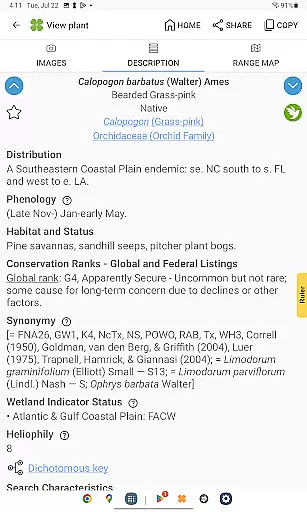
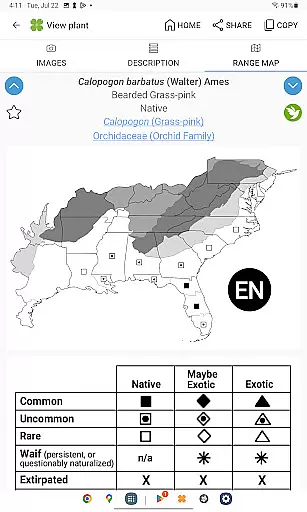
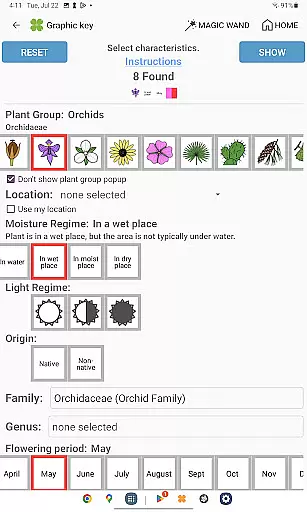
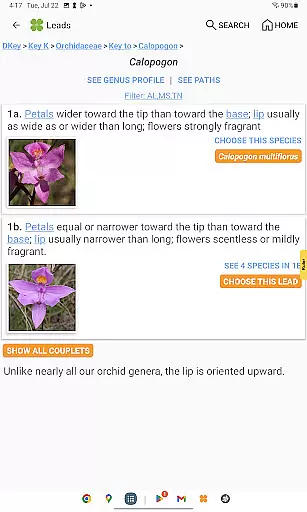
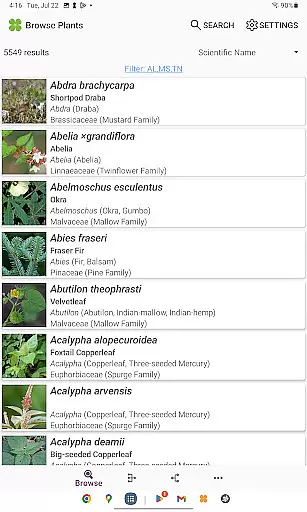
FloraQuest: South Central is an extensive plant identification app developed by the University of North Carolina's Southeastern Flora Team. It provides a comprehensive guide to 5,549 plant species across Alabama, Mississippi, and Tennessee. The app features easy-to-use graphic keys, dichotomous keys, detailed habitat descriptions, range maps, and a library of over 38,000 diagnostic photographs.
One of the standout features of FloraQuest: South Central is its offline functionality, allowing users to identify plants without an internet connection. This makes it particularly useful for botanists, ecologists, and nature enthusiasts who venture into areas with limited connectivity. Additionally, the app includes illustrated glossary terms, image-enhanced keys, dark mode support, and enhanced search capabilities, making plant identification more accessible and efficient.
This app serves as an essential tool for anyone interested in botany, offering not only identification features but also guiding users to prime botanical exploration sites through its 'Great Places to Botanize' section. Whether you're a professional or hobbyist, FloraQuest: South Central enriches your understanding and appreciation of regional flora.
FloraQuest: South Central stands out with its array of innovative features designed to enhance plant identification. The app includes easy-to-navigate graphic and dichotomous keys, which simplify the process of identifying plant species. These keys are now improved with illustrations and images, providing clearer guidance and understanding.
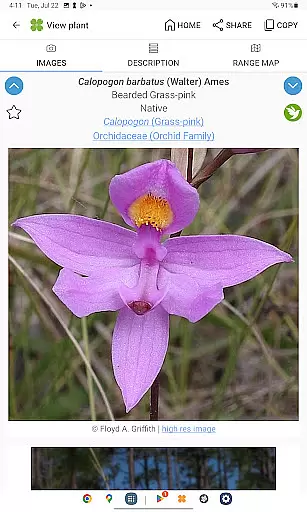
Another remarkable feature is the comprehensive collection of high-quality diagnostic photographs—over 38,000 images that assist in accurate identification. The app also supports offline use, ensuring that users can identify plants even without internet access. Additional functionalities such as dark mode, plant sharing capabilities, and enhanced search options with base 2 and base 3 codes further improve user experience.
Moreover, the 'Great Places to Botanize' feature offers curated recommendations for botanical exploration across Alabama, Mississippi, and Tennessee. This encourages users to explore and appreciate the rich biodiversity of these regions while facilitating educational and recreational activities.
FloraQuest: South Central offers an extensive e-book library comprising detailed information on 5,549 plant species found across Alabama, Mississippi, and Tennessee. This vast collection ensures that users have access to a comprehensive resource for plant identification and study.
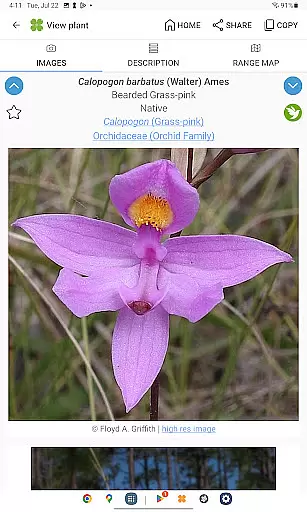
The app includes over 38,000 high-quality diagnostic photographs, providing visual references that enhance the learning experience. These images are not only numerous but also carefully curated to ensure accuracy and relevance in identifying various flora.
Copyright authenticity is guaranteed as FloraQuest is developed by the University of North Carolina's Southeastern Flora Team. The involvement of academic professionals ensures that all content is original, properly licensed, and credible.
Users benefit from this robust library through reliable offline access, making it an indispensable tool for botanists, students, and enthusiasts who need accurate botanical information without requiring an internet connection.
FloraQuest: South Central excels in format compatibility, ensuring that its rich content is accessible across various devices and platforms. Whether you're using a smartphone or tablet, the app provides seamless access to its features.
The app supports multiple formats including illustrated glossary terms and image-enhanced dichotomous keys, which enrich the user experience by providing clear and visually engaging content. These formats help simplify complex botanical concepts, making them easier to understand.
Additionally, FloraQuest supports dark mode, catering to user preferences and improving readability in different lighting conditions. This feature enhances usability and comfort during extended periods of use.
With enhanced search functionality utilizing base 2 and base 3 codes, users can efficiently navigate the extensive database regardless of their device type. This compatibility ensures that every user has a consistent and intuitive experience when exploring the diverse range of botanical resources available within the app.
User-friendly interface
Offline functionality
Comprehensive plant database
High-quality images
Enhanced search options
Limited to specific regions
Large app size
Advanced features may overwhelm beginners
Occasional updates needed
Premium version costs

Offline dictionary for learning Cantonese as a second language
 4.90
4.90
Mirror Bible - eye-opening paraphrase translation of the NT by Francois du Toit
4.30
Essential Technical Rescue Field Operations Guide 6, the Industry Standard Guide
4.20
Find, discuss, and organize your world of books and shows.
4.60
Battle Royale Chapter 5 Season 2 HD Wallpapers Emotes Skins and BattlePass
3.00
Prime novels await! Fantasy & Romance on JoyRead. Immersive reads!
4.20
A story reading app: Read stories, novels and books, or write your own.
3.90
Daily thoughts, meditations, and prayers for living a sober life in recovery.
4.90
Identify birds of North America by call or picture | Bird Identification
4.20
Daily rosary and gospel reflections for catholic
4.90
Universal Zoom, learn about sizes & distances of the universe and microcosmos
4.80
“I am the Lorax. I speak for the trees.”
4.80
Read the KJV Bible with Strong’s offline: reading plans, audio Bibles, and more.
4.70
"Do you like green eggs and ham?"
4.70
Offline translator from english to spanish, and from spanish to english.
4.50
Bible Spiritual Companion
4.40
Bilingual dictionary with English translations of Modern Standard Arabic words.
4.30
KJV Bible works offline with Audio, Hebrew & Greek lexicon (concordance) & more!
4.20
Read popular romance books and web novels on the fantastic ebook reader
3.50


User Reviews