
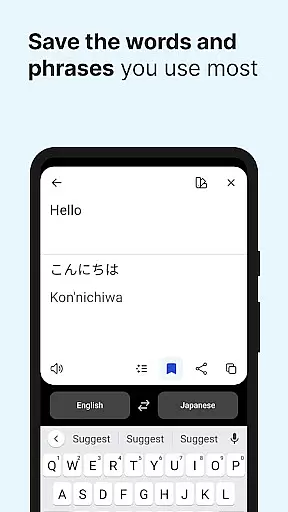
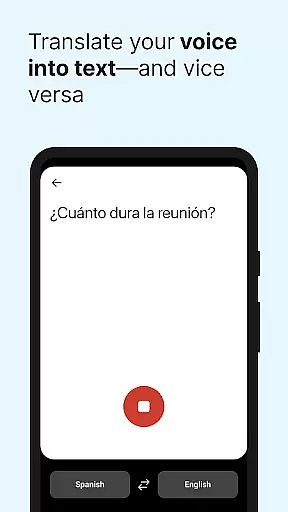
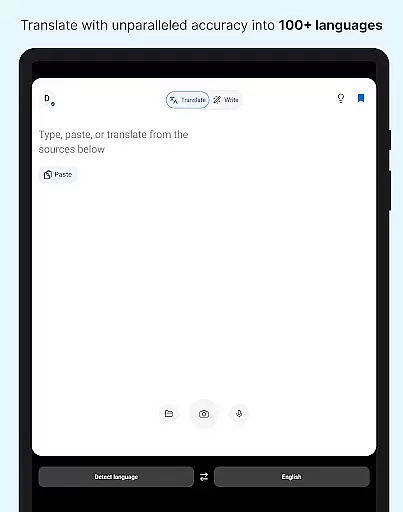
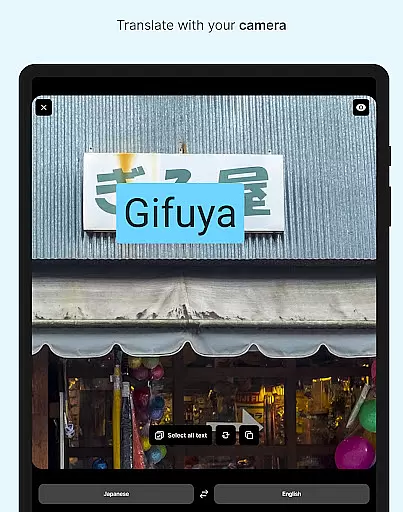
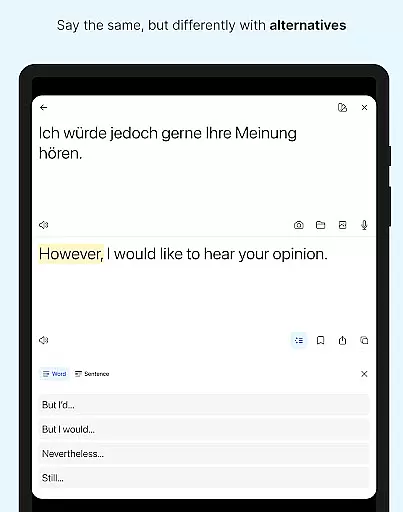
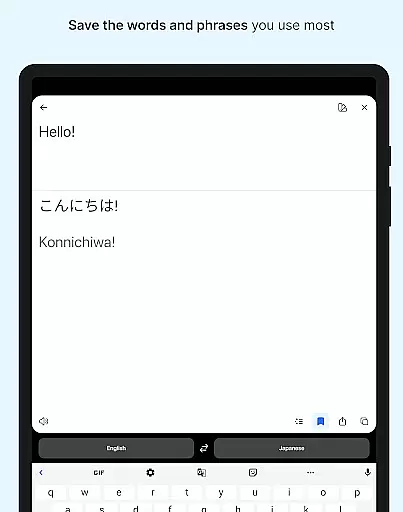
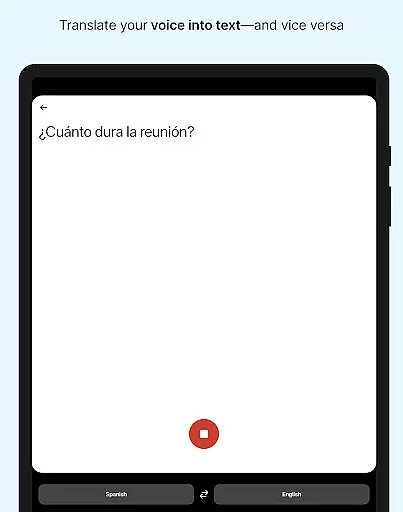
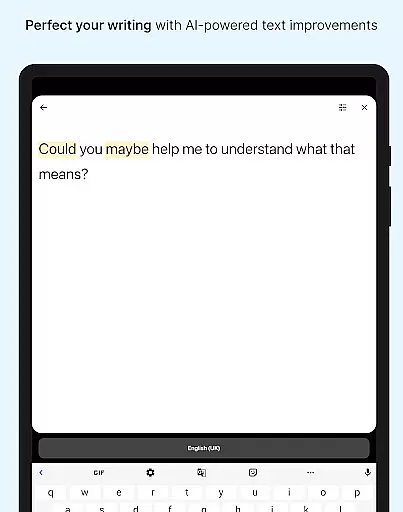
DeepL Translate is a powerful translation tool designed to break language barriers across various contexts. The app offers multiple translation methods including camera translation, photo translation, dictation, and file translation. Users can also benefit from text-to-speech functionality, quick detection as you type, alternative translations for nuanced understanding, and transliteration for non-Latin languages.
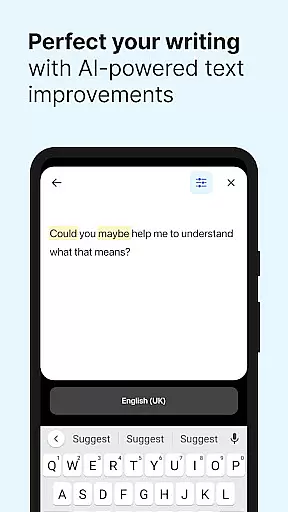
Beyond basic translation, DeepL provides advanced features such as a personal glossary for key terms, tone selection for formal or informal contexts, and DeepL Write for intelligent writing suggestions. With support for numerous languages and specialized features like handwriting recognition on iPad, this app caters to both casual users and professionals who require precise communication.
The app's true value lies in its ability to facilitate seamless communication in personal, academic, and professional settings. Whether you're traveling, conducting business internationally, or collaborating with global teams, DeepL Translate ensures accurate and context-aware translations that preserve the original meaning and tone of your content.
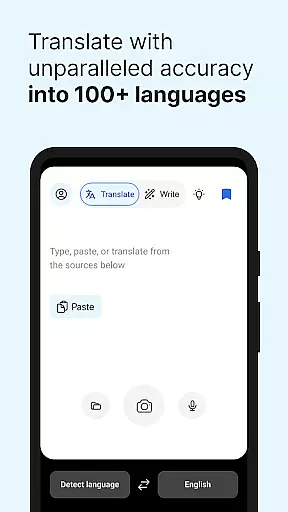
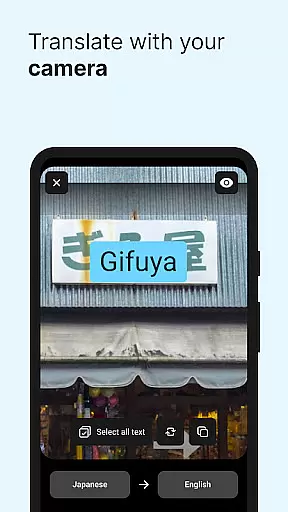
DeepL Translate stands out through its comprehensive feature set tailored for diverse translation needs. One of its core strengths is the multiple input methods it supports - users can translate text via camera, uploaded photos, voice dictation, or by typing directly into the app. This versatility makes it suitable for different scenarios, whether you need to translate signs while traveling or documents for work.
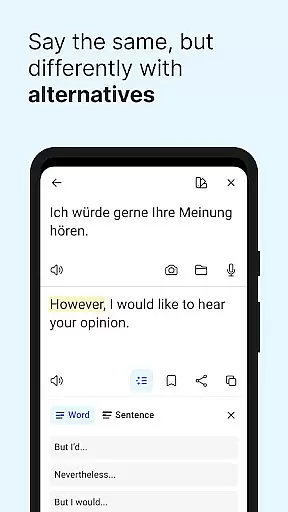
The app goes beyond simple word-for-word translation by offering alternative translations and maintaining context through its sophisticated AI engine. The inclusion of a personal glossary allows users to define specific terms crucial for their field or organization, ensuring consistent and accurate translations across projects. Additionally, the tone selection feature enables users to choose between formal and informal language, which is particularly valuable in professional communications.
For those seeking to improve their writing, DeepL Write provides intelligent suggestions that help create clear, error-free texts. The app's support for numerous languages, including less common ones like Acehnese and Guarani, demonstrates its commitment to global accessibility. These features collectively make DeepL Translate an indispensable tool for anyone working across language boundaries.
DeepL Translate offers an extensive collection of language translations, akin to a vast e-book library. With support for over 70 languages, the app provides users with access to translations that are both diverse and comprehensive.
The application ensures copyright authenticity by offering high-quality translations that respect intellectual property rights. This is particularly important when dealing with professional or organizational content where accuracy and legal compliance are paramount.
Users benefit from this vast resource as they can translate texts, files, and even spoken words with confidence in the legitimacy of the source material. The assurance of authentic translations supports both personal growth and business communication needs.
Moreover, DeepL Translate's commitment to copyright authenticity means users receive not just quantity but quality, ensuring reliable and precise translations across different languages and dialects.
DeepL Translate excels in format compatibility, allowing users to engage with content in multiple ways. Whether it's through camera translation, photo uploads, dictation, or file translation, the app accommodates various input methods.
This flexibility extends to output options too, with features like text-to-speech enabling auditory learning and comprehension. Transliteration further enhances accessibility by presenting non-Latin scripts in familiar Latin characters.
For those requiring specialized formats, such as glossaries for key terms or tone adjustments for formal versus informal contexts, DeepL Translate caters to these needs under its paid plans. Such versatility ensures that all user requirements are met efficiently.
Ultimately, this broad format compatibility empowers users to interact with translated content seamlessly, enhancing their ability to communicate across language barriers effectively.
Wide language support
Accurate translations
User-friendly interface
Advanced writing tools
Context-aware alternatives
Paid features required
Limited offline use
Occasional glitches
Storage requirements high
Subscription costs

Novels, audiobooks, ebooks & fanfiction. Read anytime, anywhere!
 3.40
3.40
This is the pro version King James bible Offline that we have
4.70
Offline translator from english to spanish, and from spanish to english.
4.50
Bible Spiritual Companion
4.40
Enjoy your favorite books
3.50
Build family tree & discover DNA, family history heritage, origins and ancestors
4.60
Identify birds of North America by call or picture | Bird Identification
4.20
The Apostolic Lutheran Church hymnal
4.4
Follow complex state CCW permit laws and lawfully carry firearms in each state.
4.80
Bible Study App with Audio Book, Verse of the Day, and Devotionals.
4.80
Universal Zoom, learn about sizes & distances of the universe and microcosmos
4.80
Enjoy daily devotionals, Bible verses, audio courses, and more.
4.80
Crowd-sourced listing of businesses with anti-gun signs, and pro-2a alternatives
4.60
Learn Electricians' Handbook PRO complete guide beginners to advance.
4.40
Bilingual dictionary with English translations of Modern Standard Arabic words.
4.30
Knots 360 Pro ( 3D ) shows you animated 192 knots in 3D perspective
4.10
ISAIAH EXPLAINED with Avraham Gileadi Ph.D.
4.00
All in one Calibre libraries on your phones and tablets.
3.80
Sea tide predictions for all coastal U.S. locations.
4.4


User Reviews