
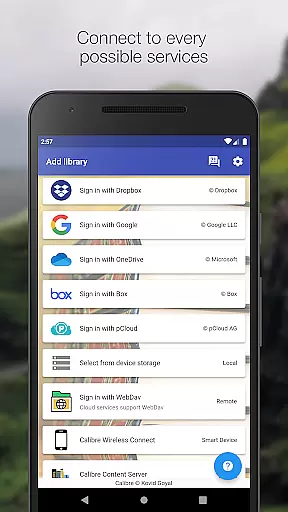
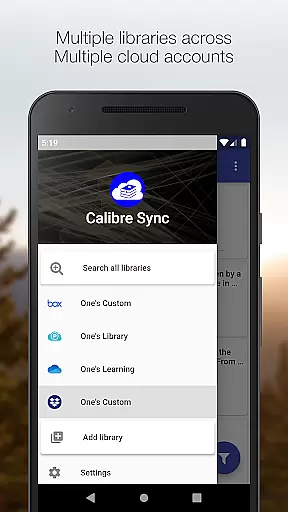
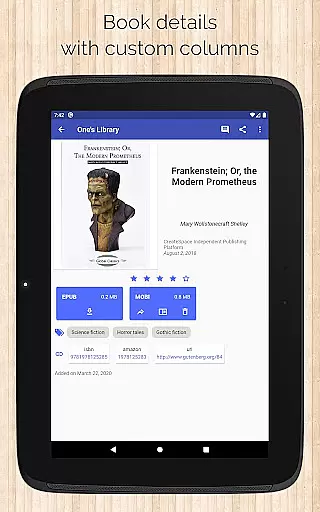
Calibre Sync is a powerful tool designed for book enthusiasts who want seamless access to their Calibre libraries across multiple cloud services. The app supports popular platforms like Google Drive, Dropbox, OneDrive, and more, allowing users to browse, sort, search, and read books directly from their devices. With its wireless connectivity feature, it transforms your device into a smart emulator that connects effortlessly to Calibre, even supporting external storage and Content Server integration.
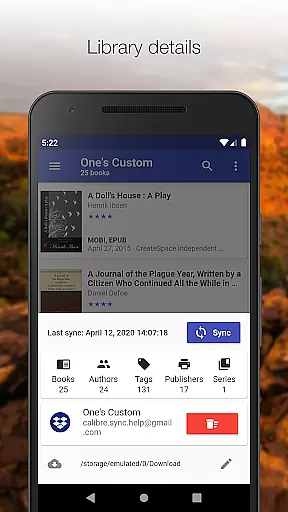
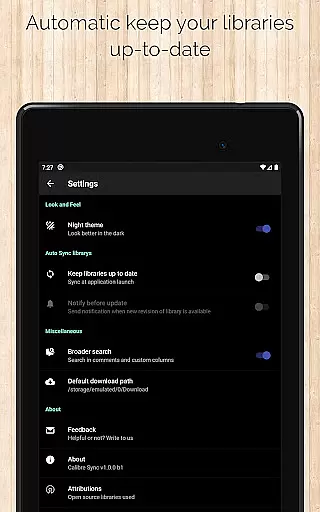
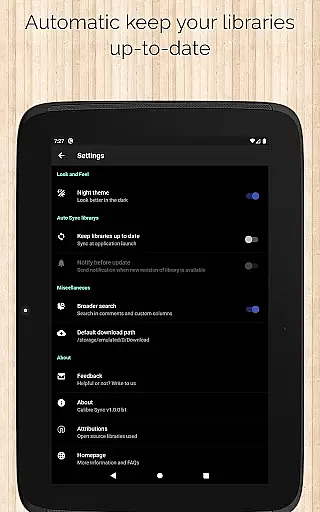
Beyond basic library access, Calibre Sync offers advanced functionalities such as automatic library updates, multiple account management, and support for custom columns in book details. Users can enjoy features like zoomable book covers, swipe navigation, and email sharing of downloaded books. Its compatibility with various cloud providers ensures users can manage unlimited libraries while enjoying an optimized reading experience through light/dark themes and detailed library statistics.
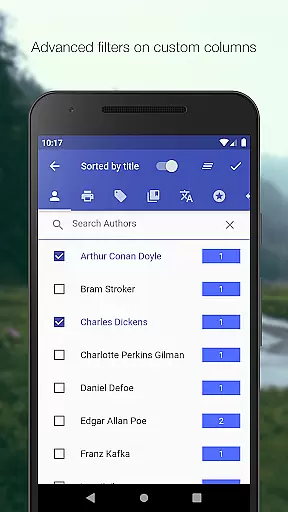
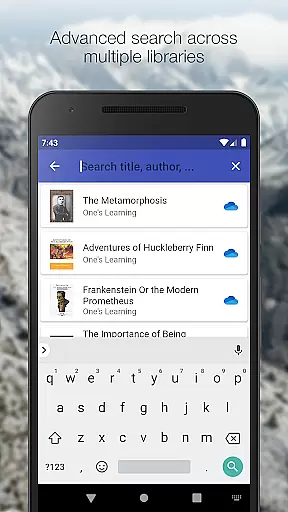
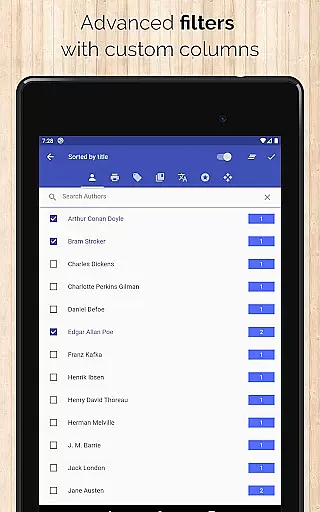
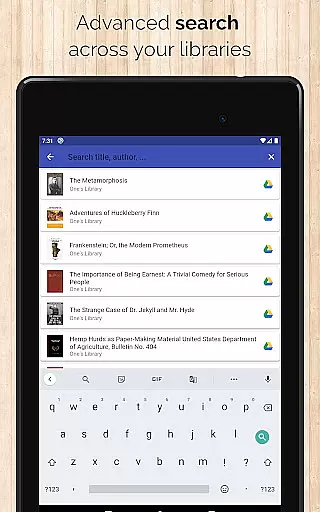
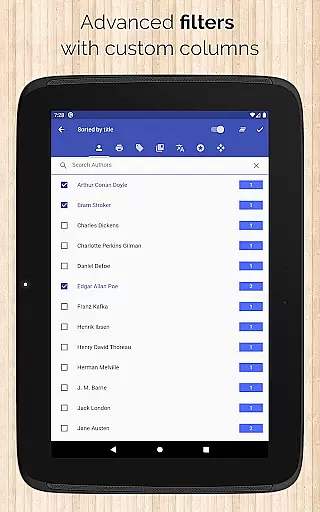
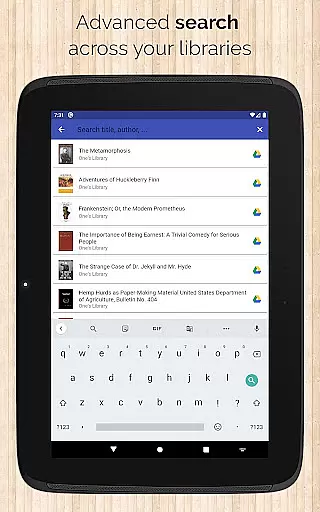
Calibre Sync stands out with its extensive feature set tailored for managing e-book libraries. It allows users to connect wirelessly to Calibre as a smart device, providing effortless access to unlimited libraries stored on different cloud accounts. The app supports advanced search and filter options, enabling users to find books by title, author, comments, or custom columns. Sorting options include title, author, ratings, and date fields, ensuring a personalized browsing experience.
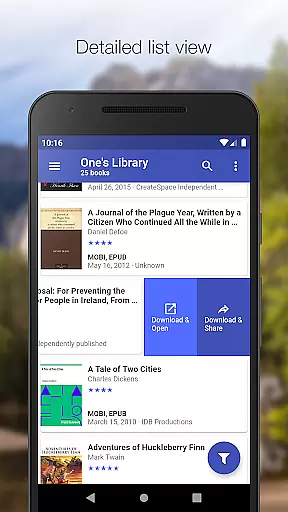
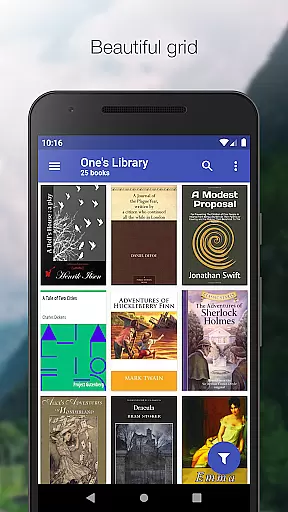
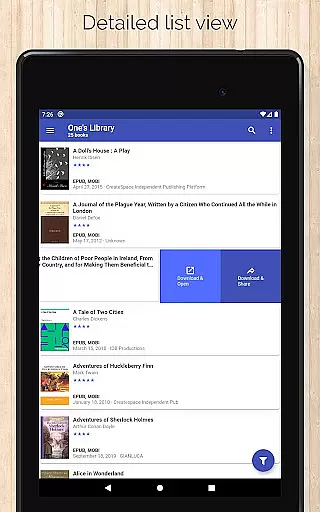
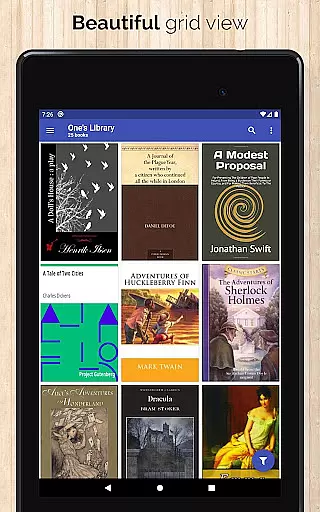
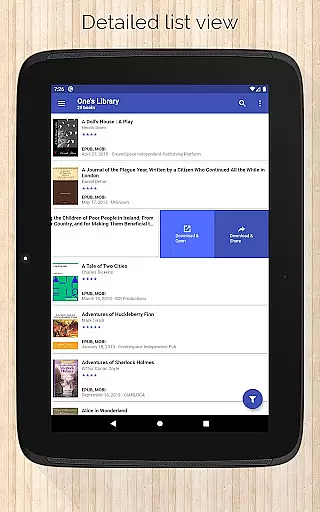
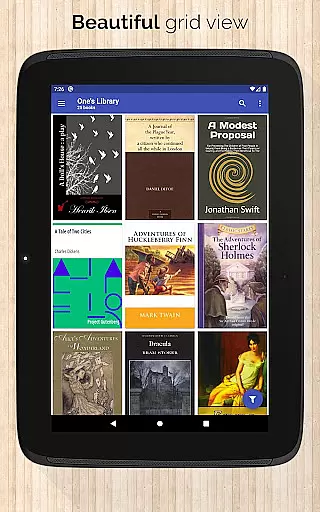
Additional notable features include multiple book list layouts (List, Grid, Carousel), library statistics, and the ability to configure download locations for each library. Users can also zoom book covers, swipe between books in detail view, and share/download books via slideable lists. The app's compatibility with external storage and cloud services like WebDav, Nextcloud, and OwnCloud makes it a versatile solution for organizing and accessing extensive e-book collections from any location.
Calibre Sync offers an impressive e-book library management system that supports unlimited Calibre libraries across multiple cloud services. This extensive library support ensures users can access a vast collection of books without any restrictions.
The application maintains strict adherence to copyright authenticity by allowing users to connect their legitimate Calibre libraries stored on various personal cloud services. This guarantees that all e-books accessed through the app are legally obtained and properly managed.
With its ability to handle libraries from different cloud accounts simultaneously, Calibre Sync provides a comprehensive solution for managing extensive e-book collections while ensuring copyright compliance. Users can confidently organize and access their digital libraries knowing that the content is authentic and legally sourced.
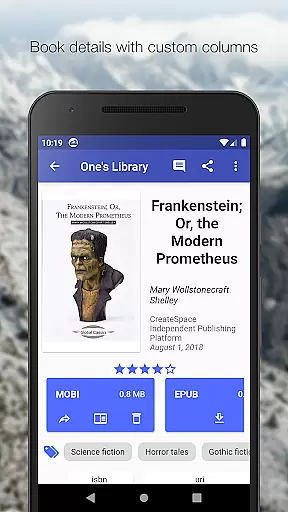
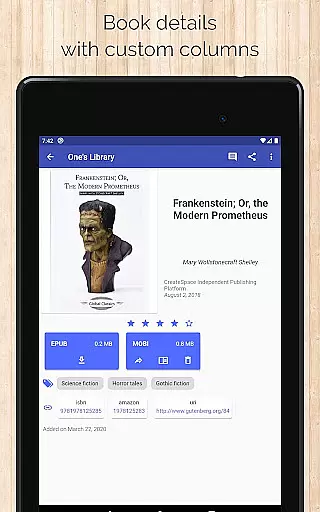
One of Calibre Sync's standout features is its exceptional format compatibility, supporting various book formats and custom columns in book details view. This flexibility allows users to work with multiple file types without conversion issues.
The app supports popular e-book formats and enables users to view file sizes for each format, making it easier to manage storage space. Additionally, it provides options to filter books based on formats, enhancing organization capabilities.
Calibre Sync goes beyond basic format support by offering advanced features like custom column display in book details and quick access to download or share books via slideable list views. These features ensure seamless integration with different reading applications while maintaining optimal performance across devices.
User-friendly interface
Wide cloud service support
Advanced search and filter
Multiple library management
Customizable reading experience
No built-in reader app
Limited OneDrive support
Requires storage permission
Case-sensitive file system needed
Box API write permission required

CleverBook Pro makes the popular guide for the game even better!
 4.00
4.00
The ultimate military vehicle identification (Equipment ID) guide.
4.40
A wonderful reader for good time spend.
4.20
Read the romance stories on the go. Take my breath away, The Spoiled Girl
4.30
Universal Zoom, learn about sizes & distances of the universe and microcosmos
4.80
"When tweetle beetles fight, it's called a tweetle beetle battle."
4.90
The Original & Authentic Crystals, Gemstones, Rocks & Minerals Encyclopedia.
4.60
Unlock more features in Lithium and show your support. Expand for details.
4.00
Daily Devotional Widgets & Hourly Verses. Listen to Bible & Watch Holy Stories
4.70
Daily Prayer, personalized Bible Study, AI-guided Insights, and Spiritual Growth
4.80
Liturgy of the Hours totally off-line
4.80
Read books PDF, EPUB, WORD, KINDLE, MOBI! Your ebook reader among reading apps.
4.80
Enjoy daily devotionals, Bible verses, audio courses, and more.
4.80
Master AKC Rally signs with in-depth hints, diagrams, and expert guidance.
4.50
Daily Bible app: King James Version with verses and audio for studying&prayer
4.40
Bilingual dictionary with English translations of Modern Standard Arabic words.
4.30
Cute bedtime story for kids
4.30
Holy Bible with verses and audio for studying and prayer
4.30
Prime novels await! Fantasy & Romance on JoyRead. Immersive reads!
4.20


User Reviews