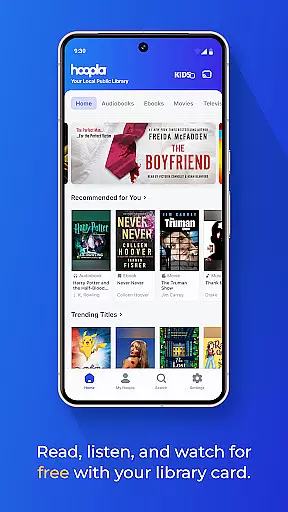
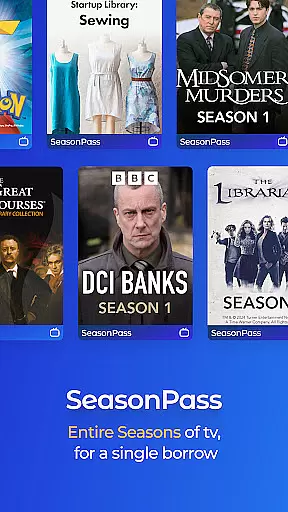
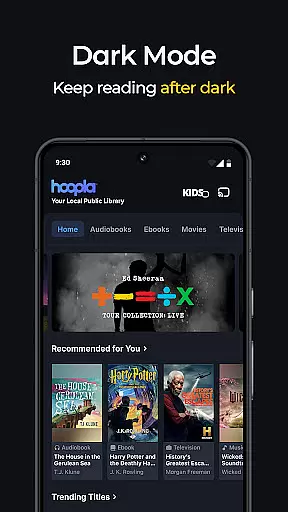
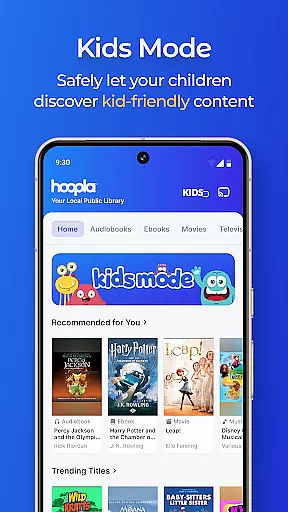
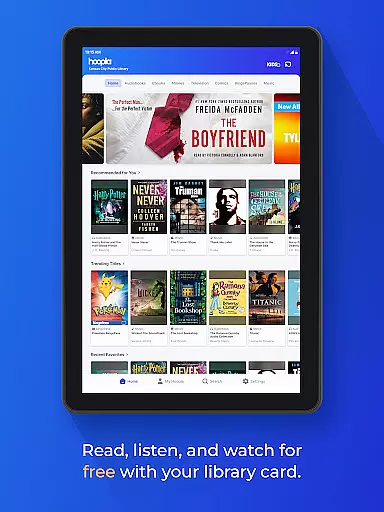
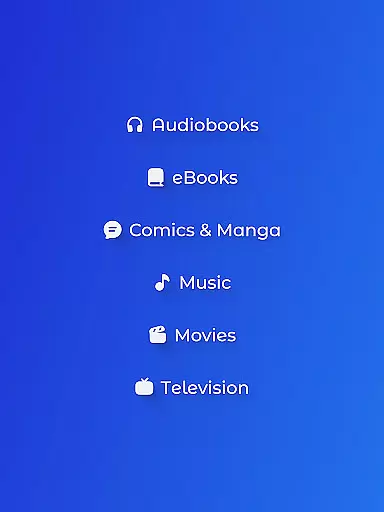
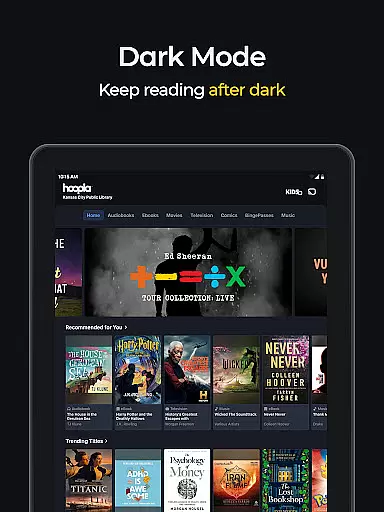
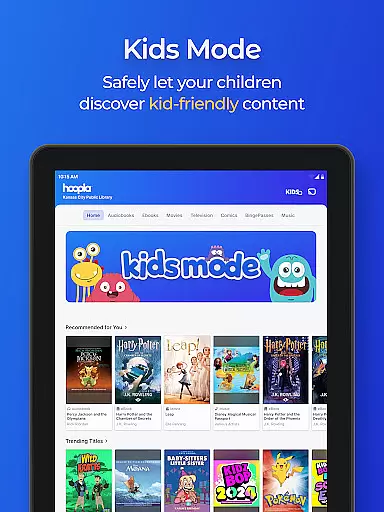
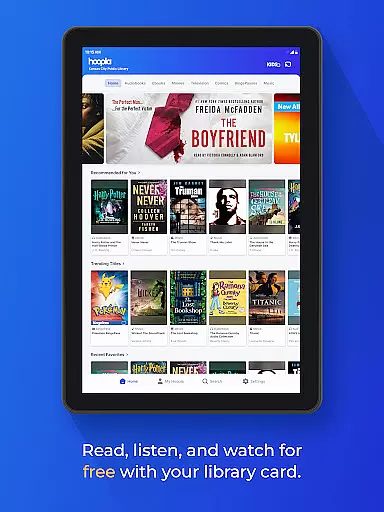
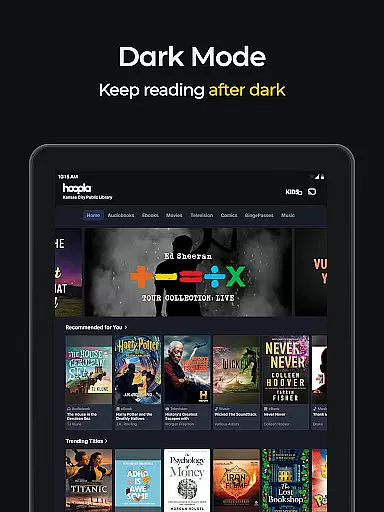
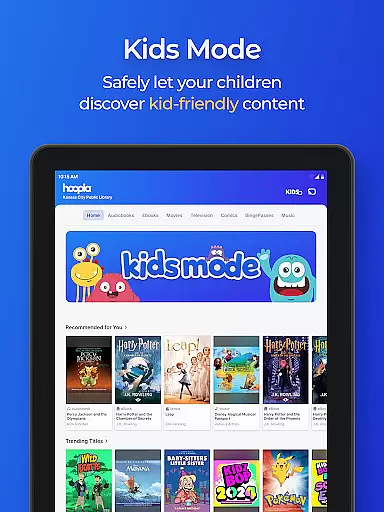
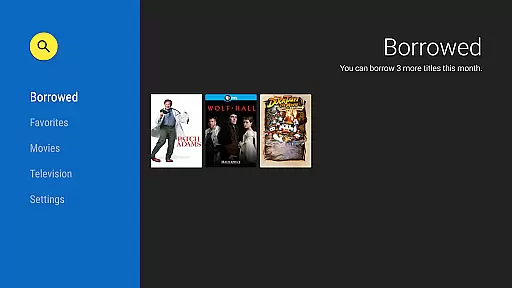
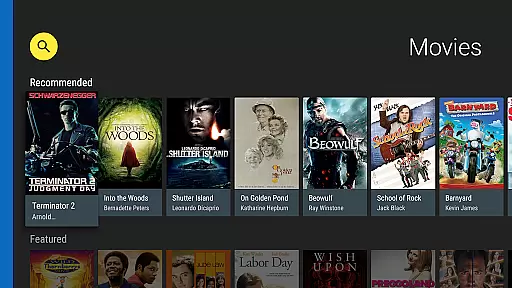
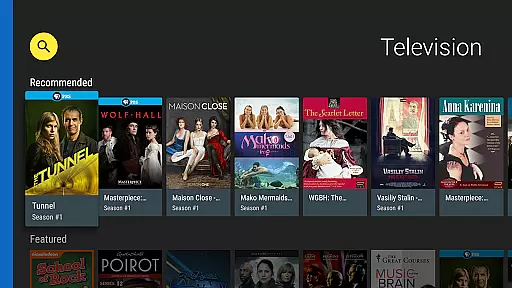
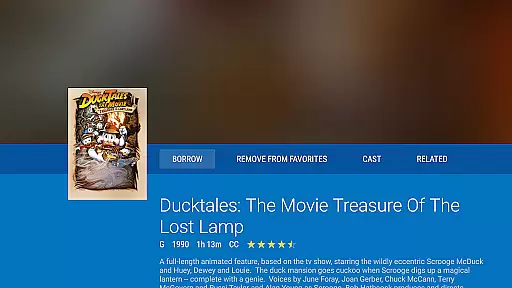
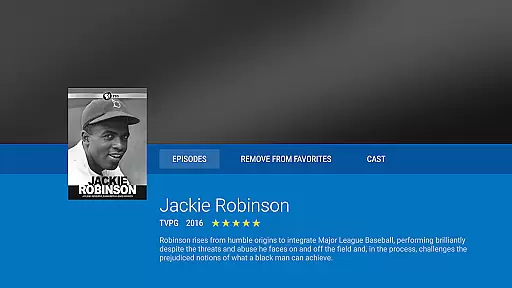
Hoopla Digital is a comprehensive digital media platform that provides users with access to over 1.5 million titles, including eBooks, audiobooks, comics, movies, TV shows, music, and more. The app stands out by offering all these resources without ads or late fees, relying solely on library cards from participating libraries for access.
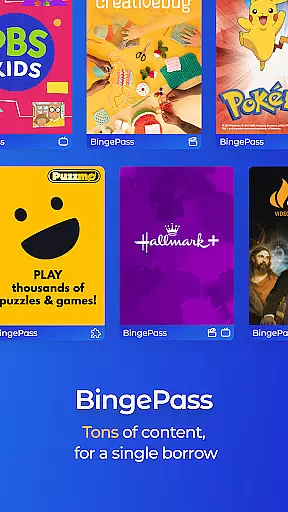
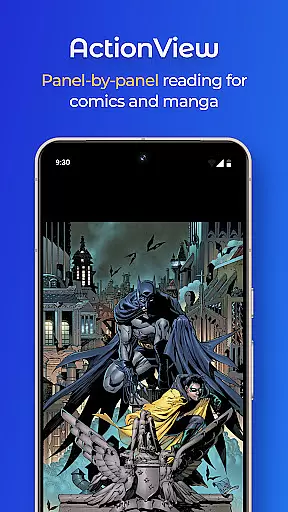
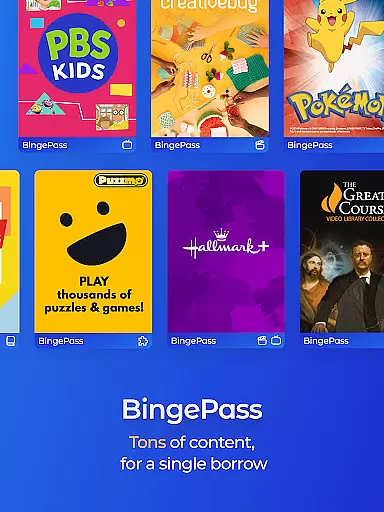
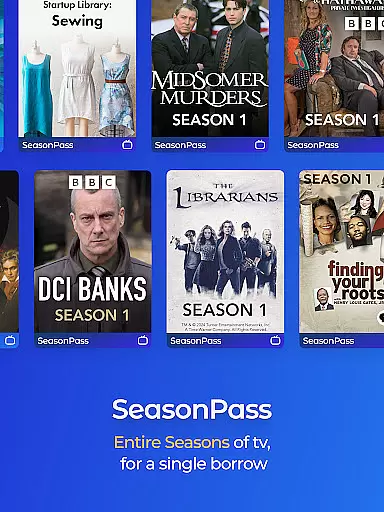
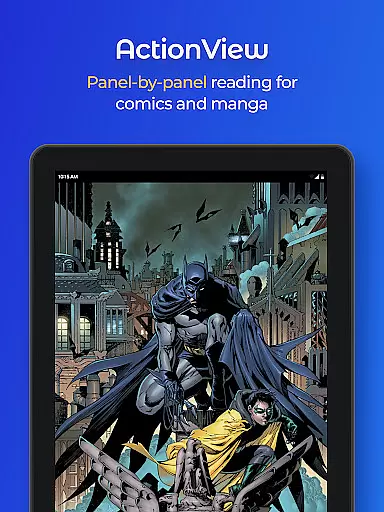
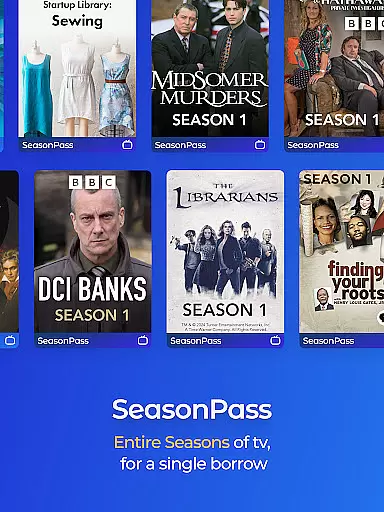
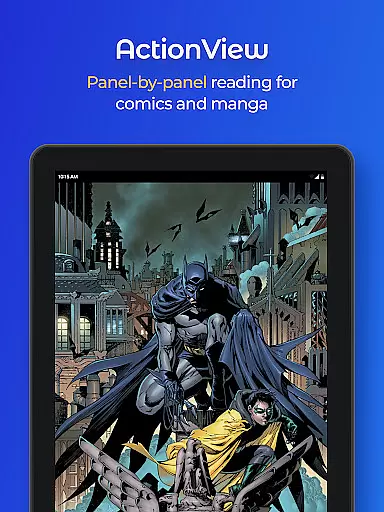
One of the key features of Hoopla Digital is its diverse content library. Users can explore best-selling novels, educational audiobooks, popular movies, and even niche comics. With innovative technologies like ActionView for panel-by-panel comic reading and BingePass for unlimited temporary access to entire collections, the app ensures an engaging experience across various formats.
This app is particularly useful for avid readers, students, and families who want instant access to quality entertainment and educational materials. By partnering with local libraries, Hoopla makes premium content accessible to everyone, promoting literacy and lifelong learning in a user-friendly digital environment.
Hoopla Digital offers several standout features that enhance the user experience. First is its extensive content library, which includes over 1.5 million titles spanning multiple formats such as eBooks, audiobooks, comics, and streaming media. This diversity allows users to find content that suits their specific interests and needs.
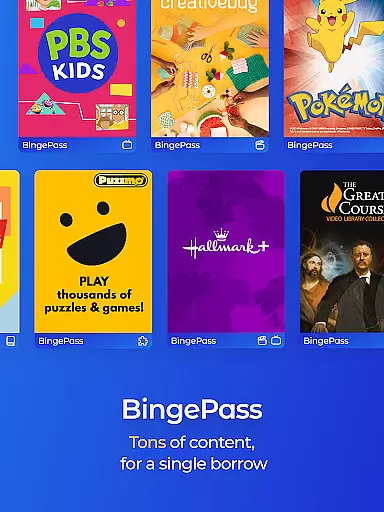
The app also incorporates advanced technologies like ActionView, which revolutionizes the way users read comics and graphic novels through a panel-by-panel display. Additionally, features like BingePass provide unlimited access to curated collections for a limited time, making it easy to explore new genres or binge-watch favorite series.
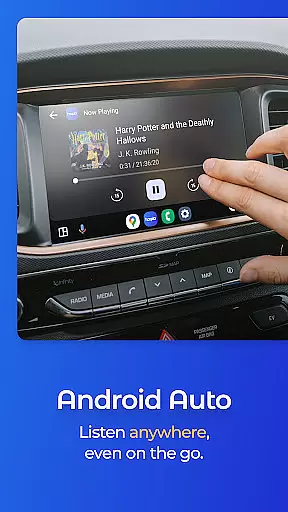
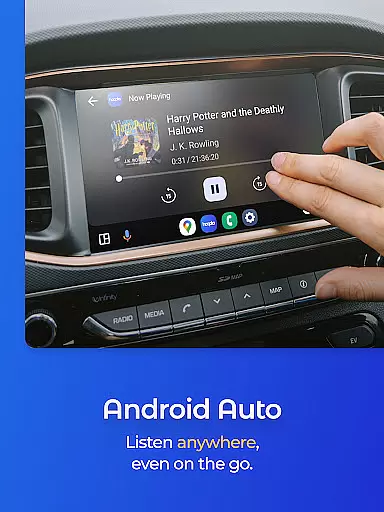
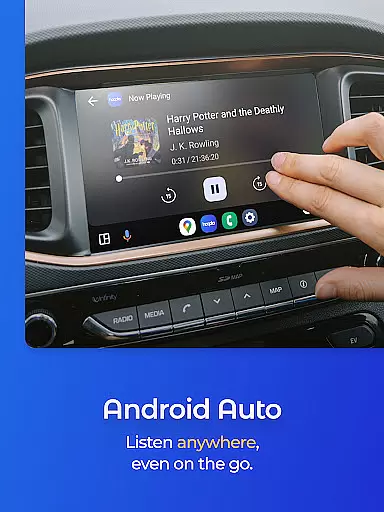
Another notable feature is the seamless cross-device synchronization. Whether users are switching between their phone, tablet, or computer, Hoopla ensures that their progress is saved and synced, allowing them to pick up right where they left off. This flexibility, combined with offline download options and Android Auto compatibility, makes Hoopla a versatile tool for accessing digital media anytime, anywhere.
When it comes to digital libraries, the size and authenticity of the content are paramount. Hoopla Digital offers a vast collection of over 1.5 million titles, ensuring that users have access to an extensive range of eBooks. This immense library includes everything from gripping mysteries to thought-provoking non-fiction, catering to diverse tastes and interests.
The platform prides itself on the authenticity of its content, with all eBooks being legitimate copies. Users can indulge in heartwarming romance or captivating historical tales, knowing that each title is provided through proper licensing agreements. This respect for copyright not only supports authors and publishers but also guarantees readers are engaging with genuine works.
Hoopla's eBook collection celebrates diversity by offering titles that resonate with readers from all walks of life. With new content added daily, there is always something fresh to discover. Whether you're interested in bestsellers or niche genres, Hoopla ensures that your reading journey is both expansive and enriching.
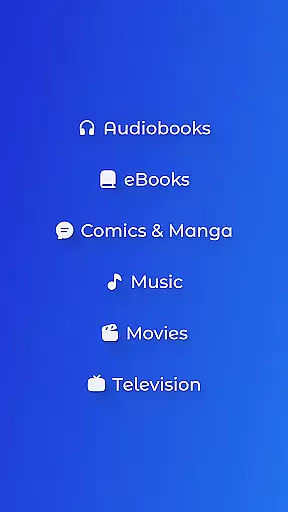
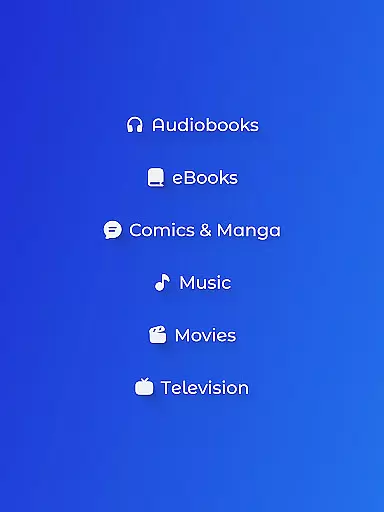
Hoopla Digital stands out for its exceptional format compatibility, allowing users to enjoy various types of media seamlessly. The app supports a wide array of formats including audiobooks, eBooks, comics, graphic novels, manga, magazines, music, movies, and TV shows. This versatility ensures that no matter what type of content you prefer, Hoopla has you covered.
For book lovers, Hoopla provides both eBooks and audiobooks, making it easy to switch between reading and listening based on your preference or situation. Audiobooks come alive with talented narrators who bring stories to life during commutes or workouts. Meanwhile, comic enthusiasts can dive into classic series or explore new titles using ActionView technology for a panel-by-panel experience.
Music aficionados will appreciate the ability to stream albums without interruptions while movie buffs can watch Hollywood blockbusters or indie gems directly within the app. With such comprehensive format support, Hoopla ensures that every user finds their preferred entertainment medium readily available and easily accessible across different devices.
User-friendly interface
Extensive content library
No ads or late fees
Innovative reading technologies
Library card integration
Limited to library participation
Content availability varies
Requires internet connection
Regional restrictions apply
Download limits per month

Bible, Catechism, Study, Saints, Mass Readings, Rosary, Prayer, Bible in a Year
 4.80
4.80
Track your Star Wars book collection across Canon & Legends
4.80
Scan. Price. Grade.
4.60
Read popular romance books and web novels on the fantastic ebook reader
3.50
Full text, sheet music, and recordings of the print edition
4.60
Daily Prayer, personalized Bible Study, AI-guided Insights, and Spiritual Growth
4.80
Enjoy daily devotionals, Bible verses, audio courses, and more.
4.80
World's most comprehensive dictionary app: 13 languages, all online or offline!
4.80
Learn to tie more than 200 knots in 3D!
4.90
Offline dictionary for learning Cantonese as a second language
4.90
Audiobook player with cross-device progress sync, playlists, and widget support.
4.80
The dynamic dictionary/reference app for piano chords and scales!
4.80
A lightweight reader for comics and mangas files (.cbr, .cbz, .cbt, .pdf, ...)
4.80
8 Dr. Seuss short stories in 1 app!
4.70
Watch real short episodes in just minutes— addictive, you won't be able to stop!
4.70
A wonderful reader for good time spend.
4.20
CleverBook Pro makes the popular guide for the game even better!
4.00
Battle Royale Chapter 5 Season 2 HD Wallpapers Emotes Skins and BattlePass
3.00
University of North Carolina Herbarium presents the flora of TN, AL, & MS.
4.5


User Reviews