
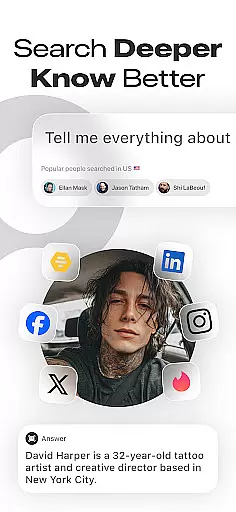
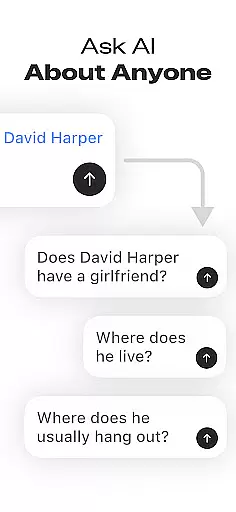
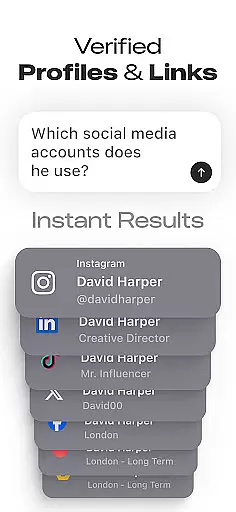
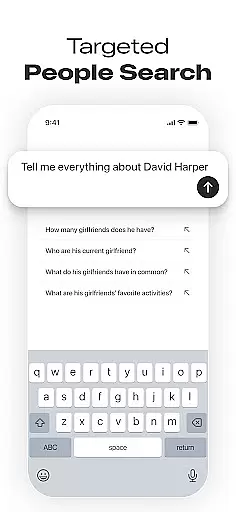
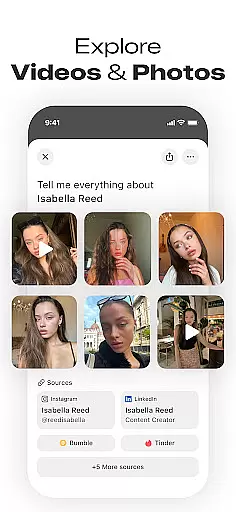
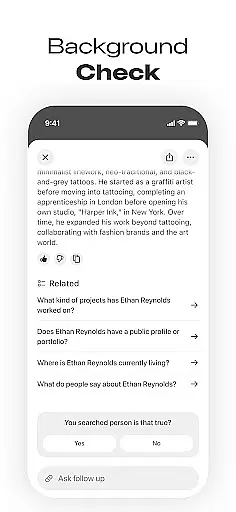

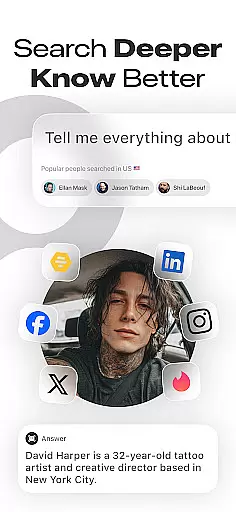
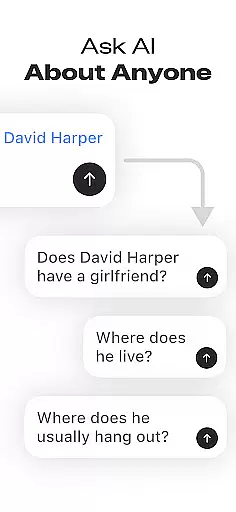
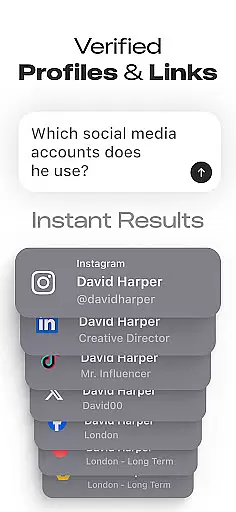
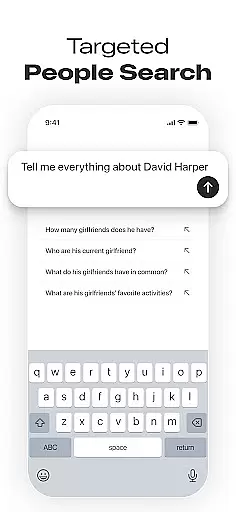
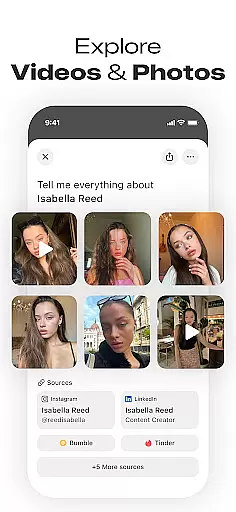
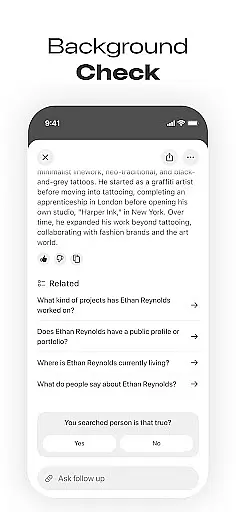

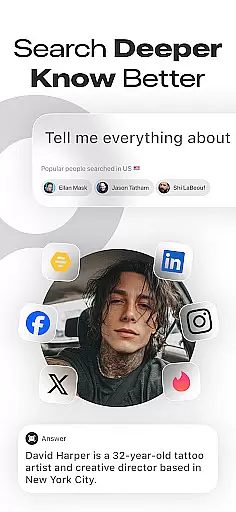
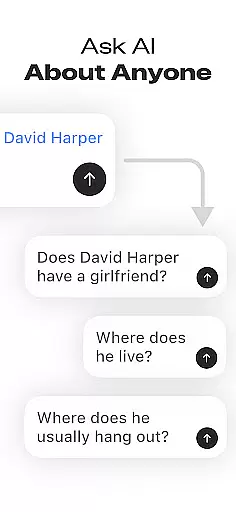
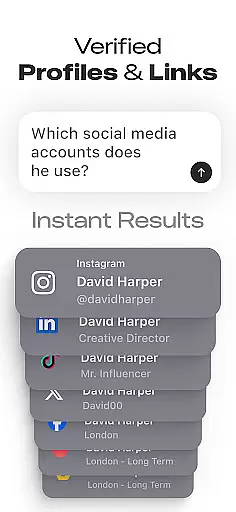
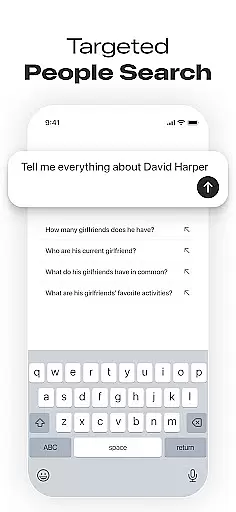
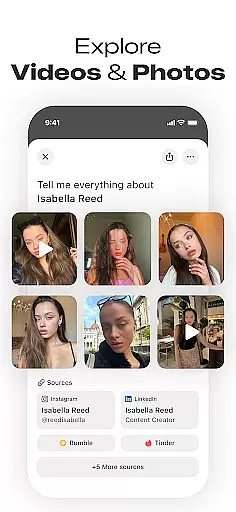
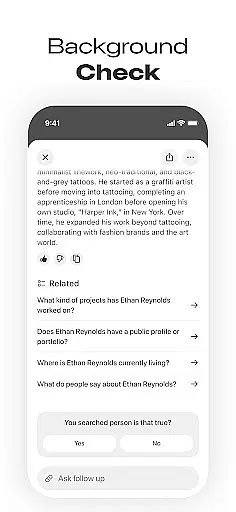

Deepsearch AI Search Assistant is a powerful tool designed to help users find publicly available information about individuals across multiple platforms. With just a name, phone number, email, or username, the app scans various sources to locate social media accounts and provide insights into someone's online presence. This includes professional details, images, videos, and other relevant data.
The app consolidates everything in a single, easy-to-use interface, saving users from endless searching across different websites. Whether you're looking to reconnect with old friends, verify someone's identity, or conduct research, Deepsearch AI Search Assistant offers quick and efficient solutions. Its comprehensive background search feature ensures that users can access a wide range of information effortlessly.
Deepsearch AI Search Assistant is particularly useful for networking enthusiasts, recruiters, journalists, and curious individuals who want to gather publicly available data without the hassle of manual searches. By providing fast and accurate results, this app helps users stay informed and make better decisions based on the information they uncover.
Deepsearch AI Search Assistant boasts several advanced features that set it apart from other people search apps. One of its standout capabilities is the Advanced Social Media Finder, which allows users to locate someone's social accounts across various platforms by simply entering a name or username. This cross-platform search functionality saves time by aggregating data from multiple sources into one convenient location.
In addition to finding social profiles, the app provides comprehensive background information, including professional details, online mentions, and public records. Users can also take advantage of the Search History and Popular Searches feature to keep track of previous queries and explore trending searches. The app emphasizes privacy and transparency, ensuring that all provided information is publicly accessible and used ethically.
These features collectively enhance user experience by making it easier to find people online quickly and efficiently. Whether you're conducting a background check or trying to reconnect with an old acquaintance, Deepsearch AI Search Assistant delivers valuable insights that can inform your decisions and expand your network.
Deepsearch AI Search Assistant offers extensive coverage across various lifestyle categories, making it an invaluable tool for networking enthusiasts, recruiters, journalists, and curious individuals alike. The app's ability to search by name, phone number, email, or username ensures that users can locate social media accounts and publicly available information across multiple platforms with ease.
The comprehensive background search feature provides access to professional details, online mentions, images, videos, and other relevant data about individuals. This functionality is particularly useful for those looking to reconnect with old friends, verify someone's online presence, or gather information for professional purposes. By consolidating all this data into a single interface, the app eliminates the need for time-consuming searches across different websites.
Moreover, Deepsearch AI Search Assistant includes advanced features such as cross-platform search and search history tracking. These tools not only save time but also enhance the user experience by providing quick and efficient access to the information needed. Whether you're attending a business event, conducting research, or simply trying to learn more about someone, this app delivers fast and accurate results using publicly accessible data.
When it comes to gathering information, content authenticity and expert credibility are paramount. Deepsearch AI Search Assistant prioritizes these aspects by ensuring that all provided data is publicly accessible and ethically sourced. This commitment to transparency builds trust with users who rely on the app to deliver accurate and reliable information.
The app employs advanced algorithms to scan multiple platforms and verify the authenticity of social profiles and other online mentions. This process helps ensure that the information presented to users is both credible and up-to-date. Additionally, the inclusion of professional details and insights adds another layer of reliability, making it easier for users to make informed decisions based on verified data.
Furthermore, Deepsearch AI Search Assistant caters to professionals such as recruiters and journalists who require high standards of accuracy in their work. By offering a robust set of features including comprehensive background searches and social media discovery, the app supports these users in their efforts to gather credible information efficiently. Overall, the emphasis on authentic content and expert validation makes Deepsearch AI Search Assistant a trusted resource in the realm of people search and social media lookup applications.
User-friendly interface
Comprehensive data coverage
Fast search capabilities
Transparent privacy policies
Versatile use cases
Limited free searches
Premium subscription required
Occasional data inaccuracies
Dependent on public data
Not available globally

Chat, meet genuine singles in your area. Real connections start with being real.
 4.30
4.30
Unique informative Dial with Live Moon Phase at a glance!
3.60
Easily manage your child's playtime, spending messaging and more.
3.50
Immerse yourself in the serenity of lavender fields and white butterflies
4.0
Spirit Communicator is a real paranormal ghost hunting app with many fun modes.
3.90
Smart home security protection
3.20
A smart Siddur with halachic times
4.50
Celebrate the holidays with Advent Calendar: daily surprises and festive fun!
4.2
Redecor your home with Home AI interior design, room planner and home designer.
4.50
Good magnifier app to see tiny things bigger and more clearly!
4.80
The all-new Cync app. The simple, connected app for Cync and C by GE.
4.50
Get your life organized with My Agenda!
4.30
Fly your Solo like a boss.
4.10
Unique BIG BOLD TIME with amazing colors and customisations.
3.70
Paranormal EVP, Ghost Box, Spirit box, ITC, Haunted, Spirit communication device
3.70
Communicate with your vehicles and Powerwalls anytime, anywhere
3.60
Unique Dual Colors with 6 Custom Complications for Wear OS watches!
3.40
View over 160,000 line dance stepsheets from the CopperKnob website.
3.30
Duo Watch Face (animated)
4.3


User Reviews