
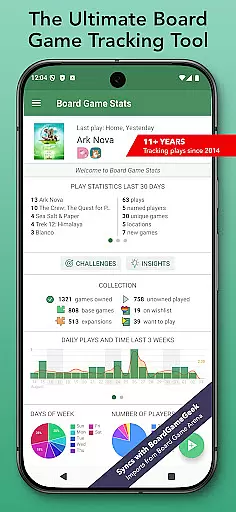
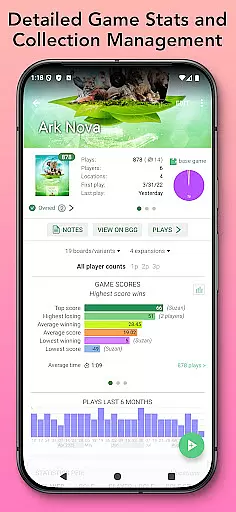
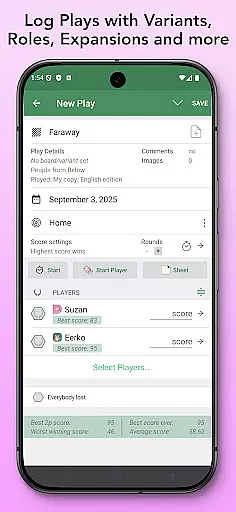
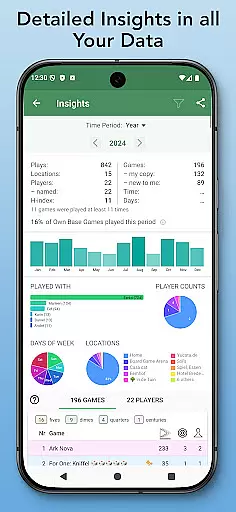
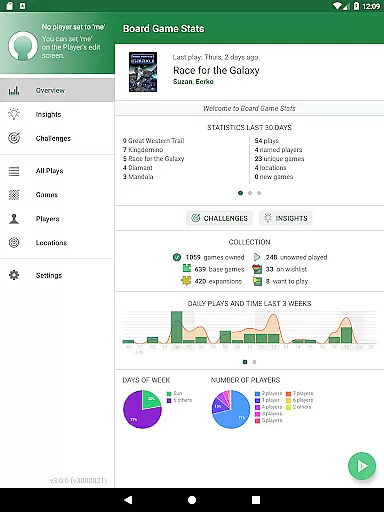
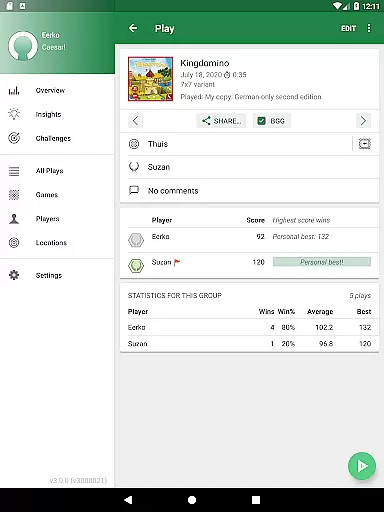
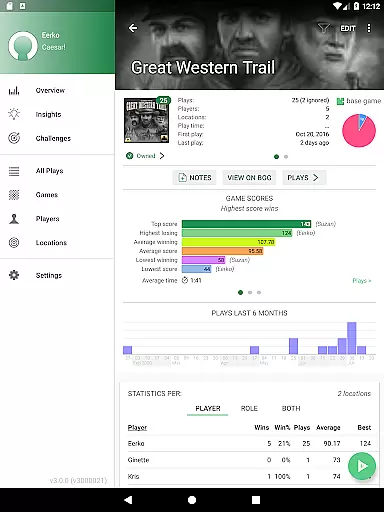
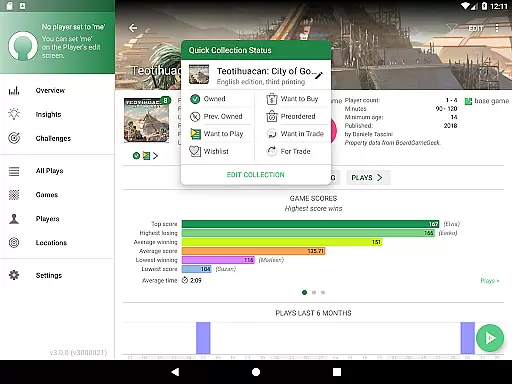
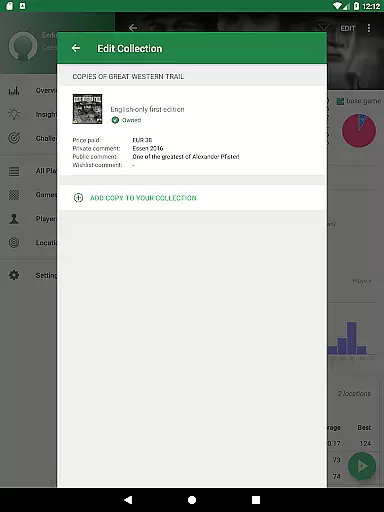
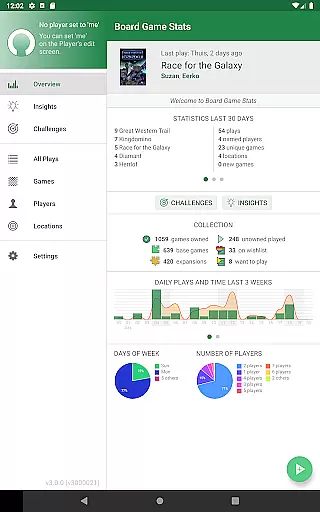
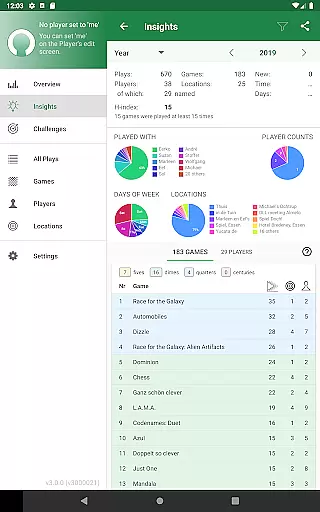
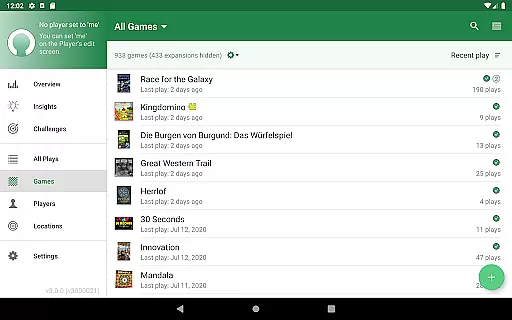
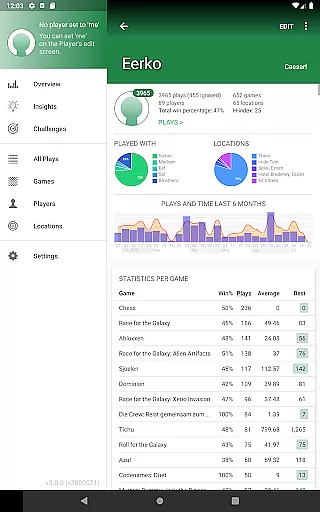
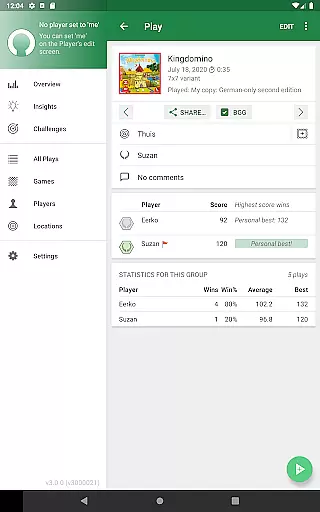
Board Game Stats (BG Stats) is a comprehensive lifestyle app designed for board game enthusiasts who want to track their gaming activities and collections. The app allows users to log plays, scores, and detailed statistics while offering seamless offline functionality and synchronization with BoardGameGeek. Whether you're tracking your recent games, comparing player performance, or analyzing trends through graphs, BG Stats provides an intuitive interface that caters to both casual and serious gamers.
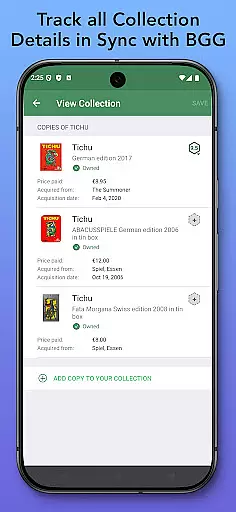
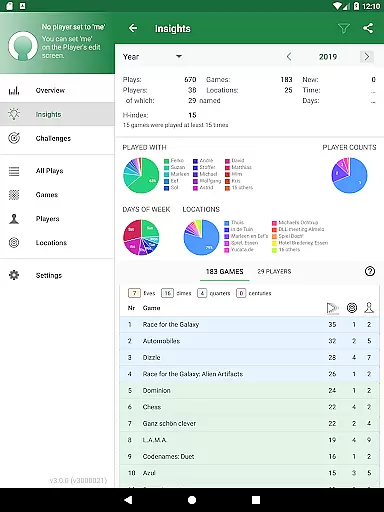
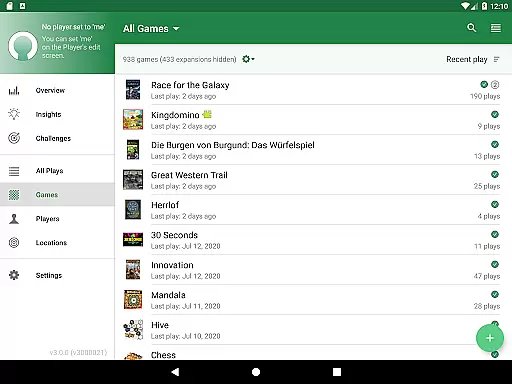
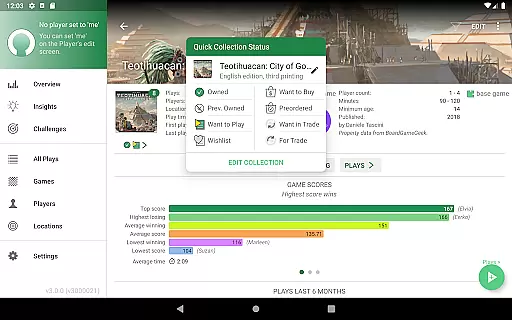
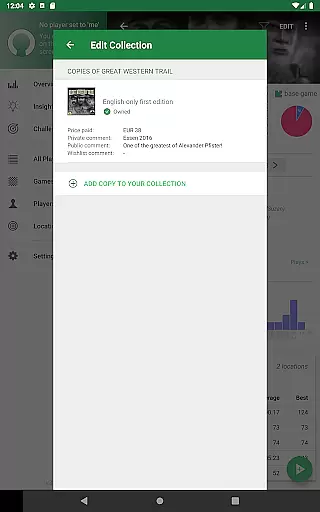
One of the standout features of BG Stats is its robust collection management system. Users can maintain an organized record of owned games, wishlist items, and even specific versions of games. With tailored score sheets, play duration tracking, and team-based scoring options, the app ensures every detail of your gaming sessions is captured accurately. Additionally, advanced insights like cost per play and H-index calculations offer valuable perspectives on your gaming habits, making it an essential tool for optimizing your board gaming experience.
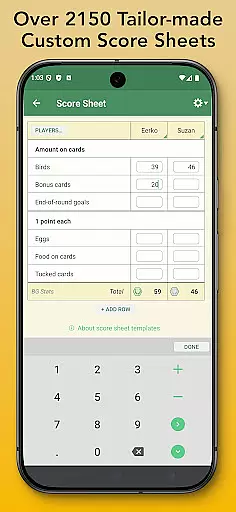
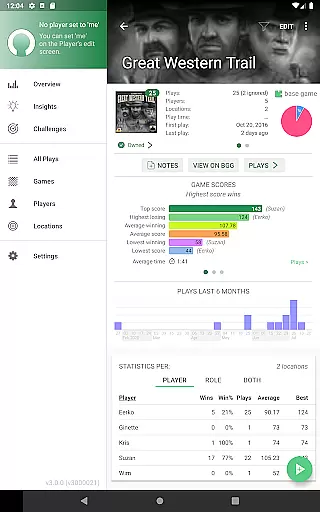
BG Stats offers an impressive array of features that cater to various aspects of board gaming. Its play tracking functionality lets users set custom scoring rules, manage expansions, and add notes for each session. The app also supports importing plays from platforms like BoardGameGeek and Board Game Arena, streamlining data entry. For those seeking deeper analysis, the app provides over 2300 game-specific score sheets and generates detailed charts such as pie graphs, win ratios, and playtime heatmaps.
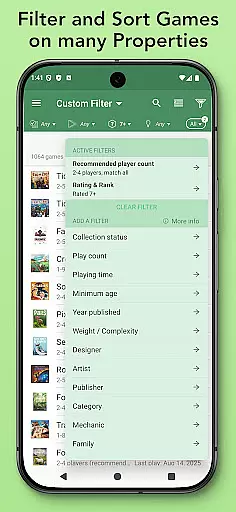
With optional in-app purchases like the Power Expansion and Challenges Expansion, users gain access to enhanced filtering, role-based stats, and customizable challenges. These premium features allow players to create complex filters based on tags, locations, or player counts, enabling highly personalized insights. Furthermore, cloud sync functionality ensures all devices stay updated, while dark mode and tablet optimization enhance usability across different platforms. Overall, BG Stats combines powerful tools with user-friendly design to deliver a top-tier board gaming companion.
Board Game Stats offers comprehensive coverage of the board gaming lifestyle, catering to both casual players and dedicated enthusiasts. The app allows users to manage their entire board game collection, track plays, and analyze detailed statistics, all within a single platform.
The application's robust feature set includes play tracking with customizable scoring rules, team management, and over 2300 game-specific score sheets. It also provides advanced filtering options for organizing games based on status, player groups, or custom criteria, ensuring that every user can tailor the experience to their specific needs.
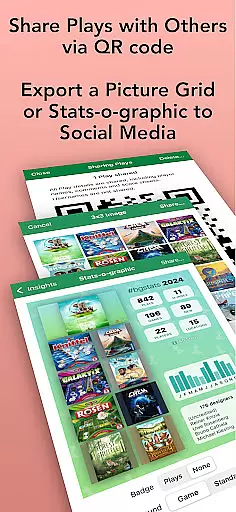
With seamless integration to BoardGameGeek (BGG), users can sync their collections and plays, import existing data, and even share plays with other users. This connectivity enhances the overall experience by bridging personal tracking with the larger board gaming community.
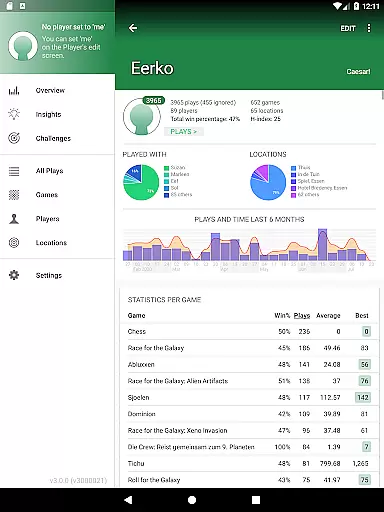
For those seeking deeper insights, the app offers extensive statistical tools, including graphs, pie charts, and play duration heat maps. These features not only help users understand their gaming habits but also foster friendly competition through comparative analytics.
Board Game Stats ensures content authenticity by providing accurate and reliable data tailored specifically for board game enthusiasts. Every feature, from collection management to play tracking, is designed with precision to reflect real-world gaming scenarios and interactions.
The app supports its claims of authenticity through meticulous attention to detail. Users can track not just games played, but also scores, player roles, locations, and even the time spent on each session. This level of granularity ensures that every piece of information recorded is both meaningful and verifiable.
Expert credibility is further reinforced through the app's ability to generate detailed statistics and visual reports. Users can view insights such as H-index scores, win percentages, and cost per play, which are calculated using proven methodologies. These metrics provide a trustworthy basis for evaluating gaming performance and trends.
Additionally, the optional Power Expansion and Challenges Expansion modules offer advanced filtering and comparative analytics, elevating the appu2019s utility for serious gamers. With these tools, users can confidently rely on Board Game Stats to deliver credible and actionable insights into their board gaming lifestyle.
User-friendly interface
Comprehensive stats tracking
Offline functionality
Syncs with BoardGameGeek
Customizable filters
Premium features require purchase
Steep learning curve
Limited free imports
No multiplayer sync
Occasional BGG API issues

Big bold weather watch face with dynamic backgrounds and 3 complications
 4.3
4.3
Unique Dark Analog style for Wear OS watches.
4.4
A smart Siddur with halachic times
4.60
Unique Dual Colors with 6 Custom Complications for Wear OS watches!
3.40
Unique "Isometric" style digital watch face for Wear OS
4.50
The go to app for taking unlimited notes!
4.50
Get the news, events and savings that matter to you with AARP Now.
4.80
SmartHQ: Your Connected Home Command Center
4.10
Going above and beyond known spirit communication
3.60
Digital smart watch face made for Wear OS.
4.70
Simple, stylish & fresh watch face. Customize colors, gradients & complications.
4.70
Colorful minimal digital watch face for Wear OS
4.60
Premium floor cleaning robots
4.50
Redecor your home with Home AI interior design, room planner and home designer.
4.50
Earn points with every purchase with Moe Rewards.
4.20
This is a simple and highly functional alarm clock "Smart Alarm" paid version.
4.20
Smart controls for your Ember Smart Mugs
4.10
Turn your watch into a key fob for your Tesla
2.90
Immerse yourself in the serenity of lavender fields and white butterflies
4.0


User Reviews