
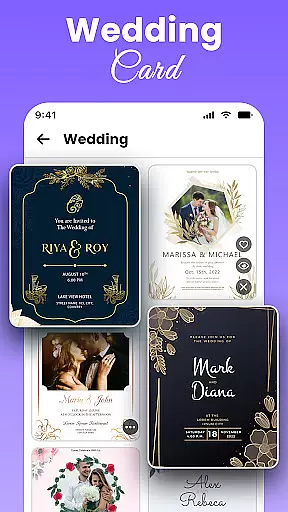
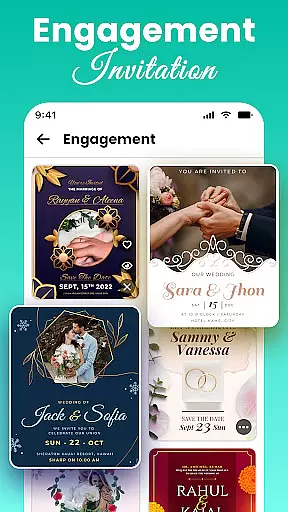
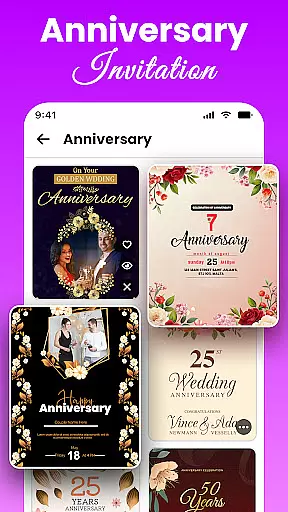
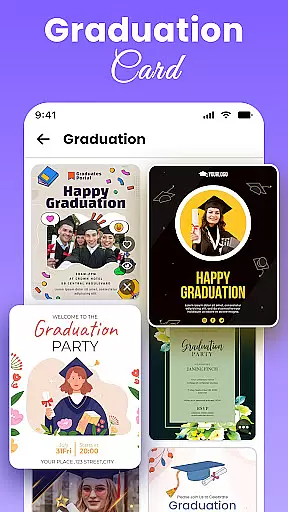
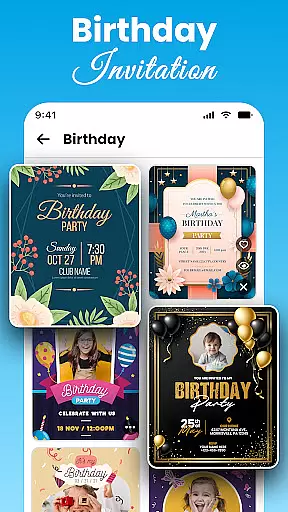
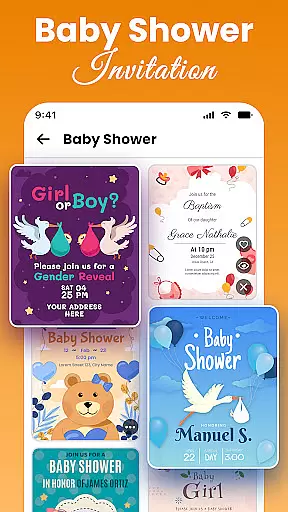
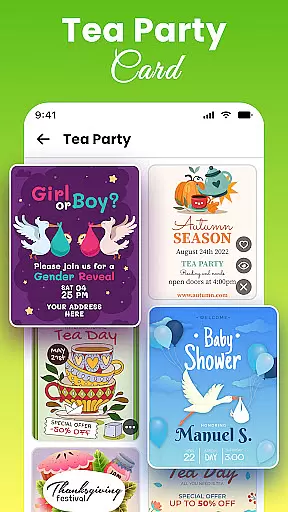
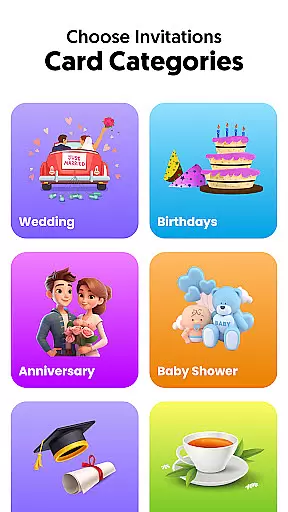
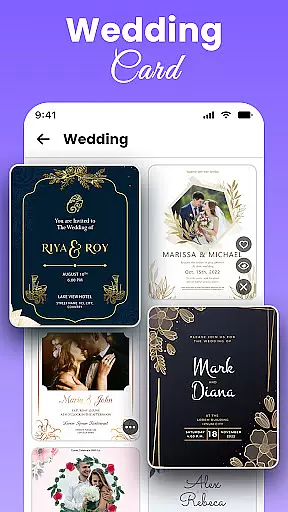
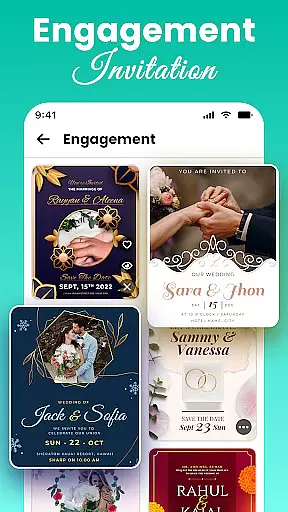
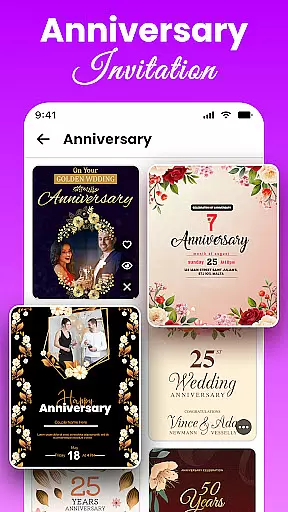
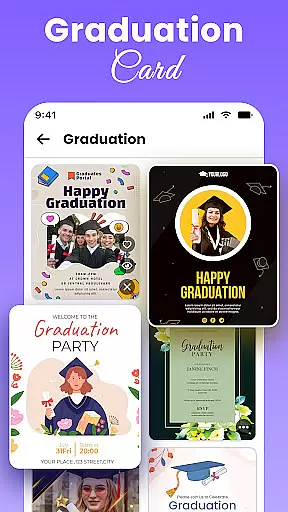
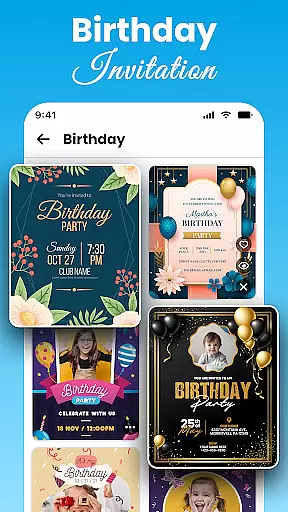
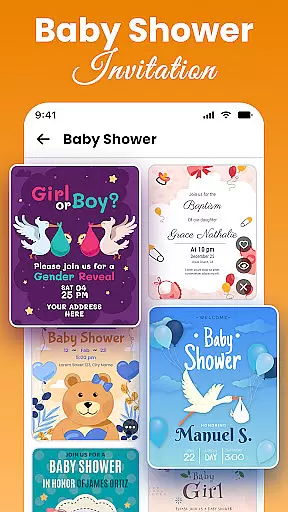
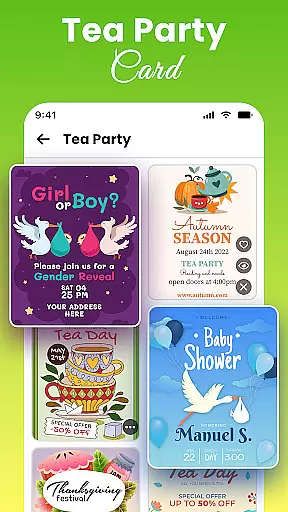
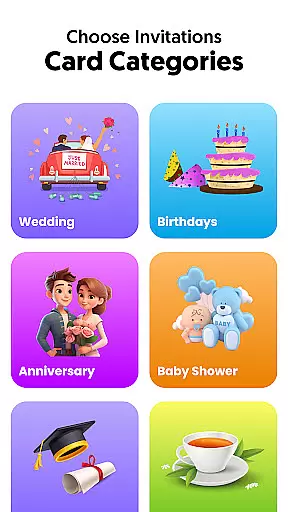
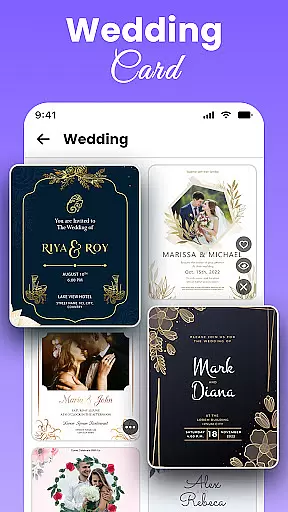
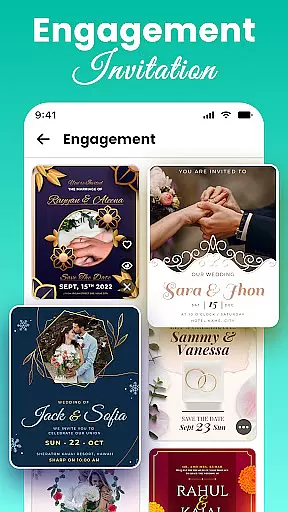
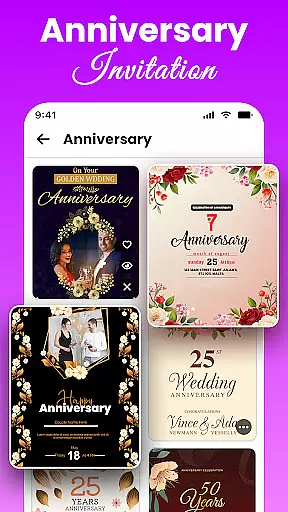
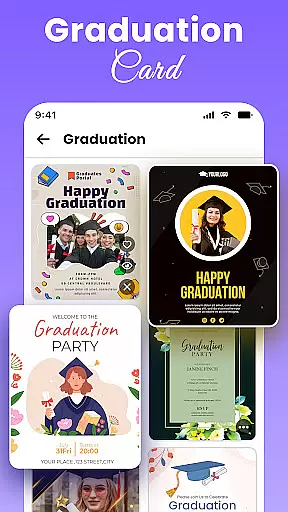
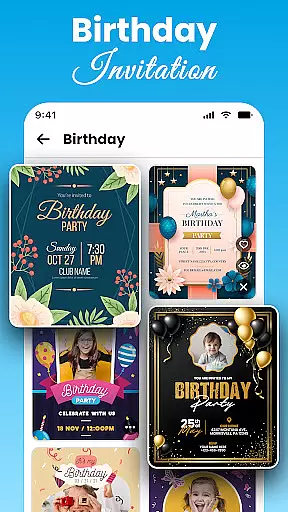
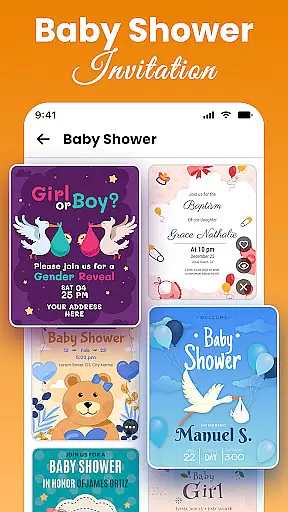
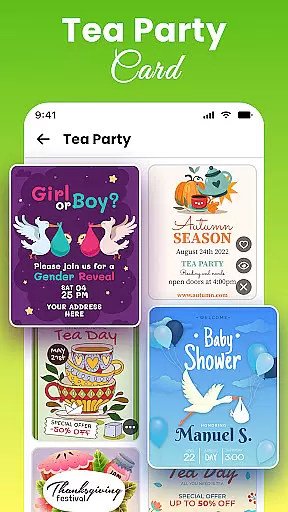
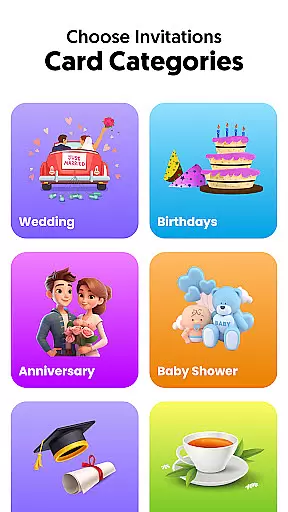
All Invitation Card Maker App is a comprehensive design tool that allows users to create professional-quality invitations for various events. The app provides an extensive library of over 1000 customizable templates, catering to occasions such as weddings, birthdays, engagements, baby showers, and corporate gatherings.
Users can personalize their invitations with custom text, fonts, colors, images, and stickers. The app supports adding essential event details like names, dates, venues, and RSVP information. Its intuitive interface ensures that even beginners can design elegant invitations quickly and easily.
This app is particularly useful for individuals planning special events who want to create unique, personalized invitations without the need for professional design skills. By offering both traditional and modern design options, it caters to diverse cultural preferences and contemporary trends in event planning.
All Invitation Card Maker App stands out with its robust set of features designed to make invitation creation both efficient and enjoyable. The app offers a vast collection of pre-designed templates across multiple categories including weddings, birthdays, engagements, and parties, each with unique themes and styles.
The customization capabilities are extensive, allowing users to modify every aspect of their invitations. Users can upload personal photos, choose from various backgrounds, and select from a wide range of fonts and colors. The app also includes decorative elements like stickers and emojis to enhance the visual appeal of each invitation.
Additional features include easy text editing tools, Save The Date card creation, and instant sharing options. These features collectively ensure that users can create professional-looking invitations that perfectly match their event requirements while maintaining creative control throughout the design process.
Task creation and detail customization are essential features for any event planning application. All Invitation Card Maker App excels in this area by providing users with a comprehensive suite of tools to create personalized invitations tailored to various occasions. The app offers an extensive selection of templates designed for events such as weddings, birthdays, and engagements, ensuring that users can find the perfect starting point for their invitation.
The level of detail customization available within the app is impressive. Users have the ability to modify text, choosing from a variety of stylish fonts and colors that best match the theme of their event. This feature allows for the inclusion of specific details like names, dates, venues, and RSVP information, making each invitation not just a call to action but a reflection of the event's unique character.
In addition to textual modifications, the app also supports photo and background customization. This means users can upload personal images or select from pre-existing beautiful backgrounds to give their invitations an even more personalized touch. By integrating visual elements that hold significance to the event or the individuals involved, invitations become both informative and sentimental keepsakes.
Ultimately, the task creation and customization capabilities of All Invitation Card Maker App empower users to design invitations that truly resonate with their vision. Whether it's for a joyous wedding, a milestone birthday, or a corporate gathering, the app ensures that every aspect of the invitation reflects the importance and uniqueness of the occasion, enhancing guest anticipation and engagement.
Reminder settings in event applications play a crucial role in ensuring that both planners and guests stay informed and punctual. All Invitation Card Maker App incorporates this functionality seamlessly into its platform, allowing users to set up timely reminders for their events. This feature is particularly useful when managing multiple events or when there are significant gaps between the planning phase and the actual date of the event.
Upon designing an invitation, users can specify reminder notifications that will be sent out at predetermined intervals. These reminders serve as prompts for invitees to RSVP or simply mark their calendars, thereby increasing attendance rates and reducing last-minute scheduling conflicts. For event organizers, these notifications provide updates on the status of their guest list and confirmations, enabling them to make necessary arrangements well in advance.
Moreover, the flexibility of reminder settings within the app enhances user experience significantly. Guests can choose how they wish to receive remindersu2014whether through push notifications, emails, or SMSu2014and can adjust the frequency according to their preferences. Such personalization ensures that communication remains effective without becoming intrusive or overwhelming.
In summary, the reminder settings offered by All Invitation Card Maker App contribute greatly to the efficiency and success of event management. By keeping all parties engaged and informed throughout the process, the app facilitates smoother coordination and execution of events, ultimately leading to memorable experiences shared by all participants.
User-friendly interface
Extensive template library
Customizable design elements
Instant sharing capabilities
Cross-platform compatibility
Limited advanced design tools
Some features may require payment
Occasional app stability issues
Learning curve for beginners
Internet connection required

PheedLoop Go! is the mobile event app for events powered by PheedLoop.
 4.40
4.40
Some connections are better kept private
4.1
Greeting card maker with photos best app| Birthday cards| All wishes eCards FREE
4.50
Track birthdays, habits & goals. Unlimited countdowns and count-ups
4.20
The world's largest selection of tickets is now at your fingertips
3.90
The Official App
3.70
Fast Scans. Happy Fans. For Every Hometown!
4.60
Octrober 2025: We've updated the MyGenMobile App with a new look and feel!
4.40
Save money on concert, sport, and theater tickets, and discover upcoming events.
4.80
Design Invitations & Cards for Any Occasion
4.80
Birthday Greetings provides Birthday Card, Frames, Gifs & Father's day Wishes
4.80
Discover events, experiences, and things to do near you - Anytime, Anywhere!
4.70
Discover events & experiences in NYC, LA, Chicago, DC, Miami and more!
4.70
Events, Meetings, Photo Shoots
4.50
The calendar app in this 2026 year see all dates.
4.20
Microsoft Build is an annual developer conference hosted by Microsoft
4.20
Audio guide companion APP for SEE's Michelangelo's Sistine Chapel
3.50
The Official Football Ticketing App for Fans in Qatar
4.0
Thanksgiving Wishes, Thanksgiving Stickers & Animated GIF for Whatsapp Stickers
4.0


User Reviews