

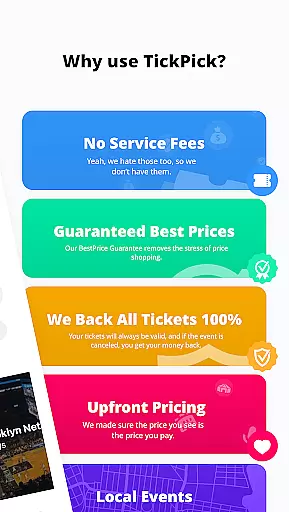
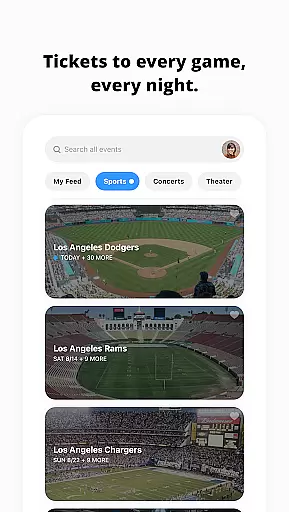
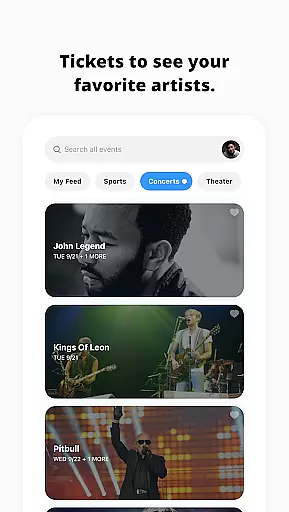

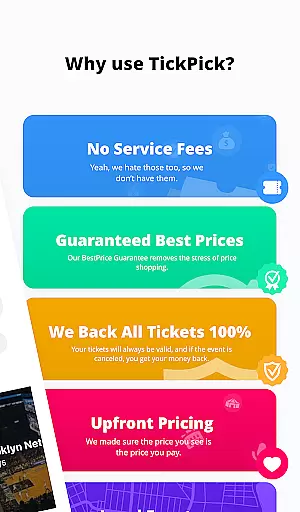
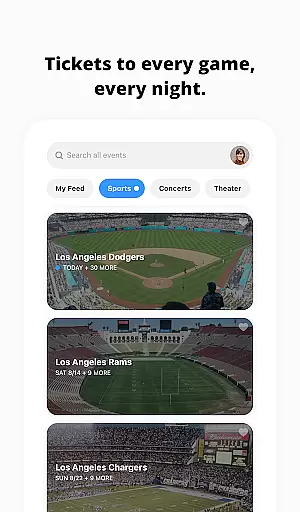
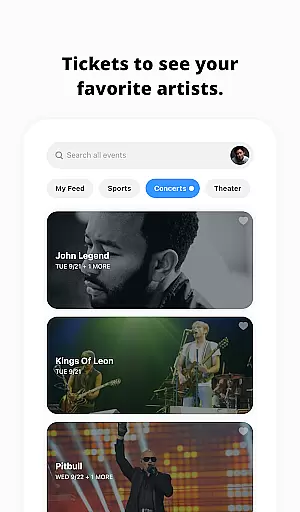
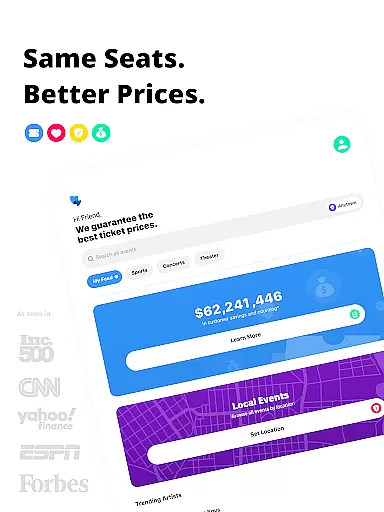
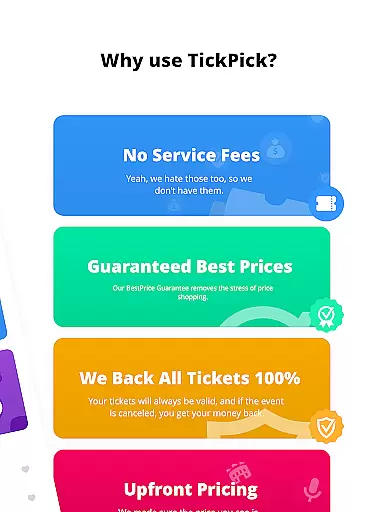
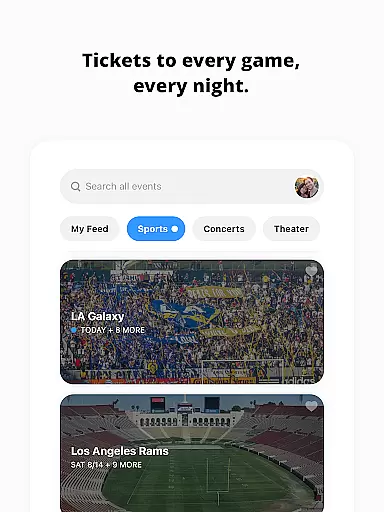
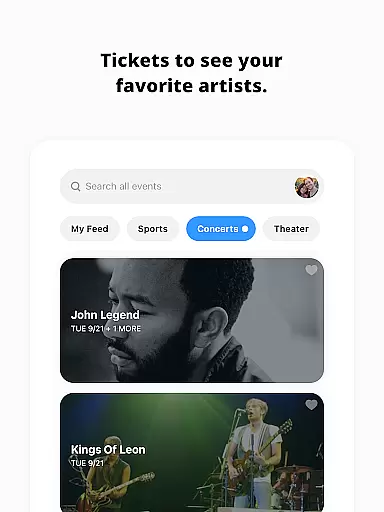
TickPick is a premier ticketing platform designed to provide users with a seamless experience in purchasing tickets for live events. The app specializes in offering tickets for sports games, concerts, and theater performances without adding service fees, making it an affordable choice compared to competitors. With its user-friendly interface, TickPick ensures that buying tickets is as simple as a few taps on your mobile device. Whether you're looking for NFL, NBA, MLB, NHL games, or concerts and theater shows, TickPick provides a comprehensive solution for all your ticketing needs.
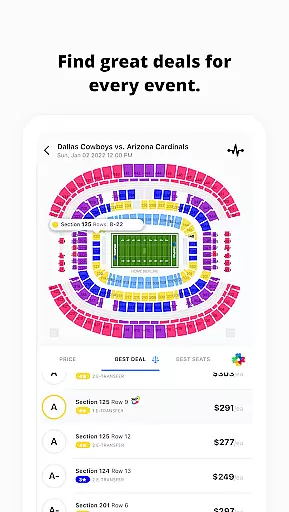
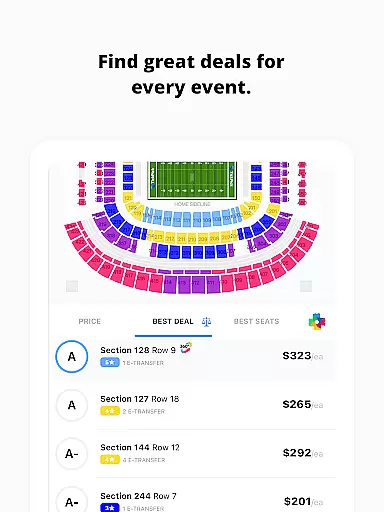
One of the standout features of TickPick is its patented Score Report and Seat Rating system, which helps users find the best deals and seats available. This functionality not only enhances the buying experience but also ensures that users get the most value for their money. Additionally, TickPick offers a 100% BuyerTrust Guarantee, ensuring that all tickets are valid and backed by a full refund policy for canceled events. This makes TickPick a reliable option for anyone looking to attend live events without worrying about extra costs or ticket validity.
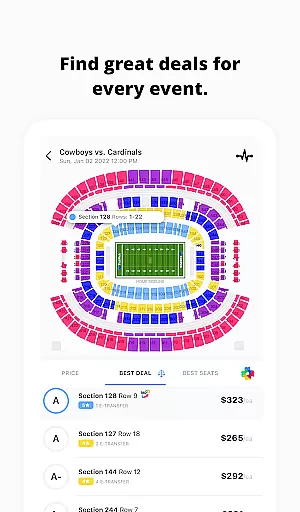
TickPick stands out due to its innovative features tailored to enhance the ticket-buying process. One of the key functionalities is the patented Score Report, which ranks tickets based on price and seat location, allowing users to make informed decisions and secure the best possible deals. Alongside this, the proprietary Seat Rating system enables users to sort tickets from the best seats to the worst, ensuring they can find the perfect spot for their event.
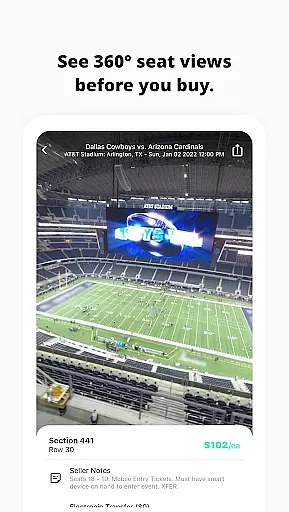
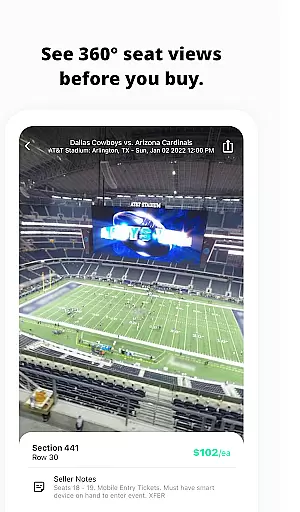
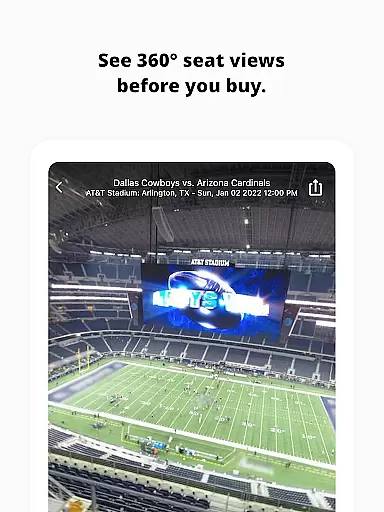
Another significant feature is the 360-degree seat view, available for major sports events, providing users with an immersive virtual experience right from their seats. This feature allows buyers to preview their view before purchasing tickets. Additionally, TickPick offers tools like event tracking and favorite artist options, which help users stay updated on upcoming events and easily access tickets for preferred artists. The app also supports various payment methods, including Apple Pay, PayPal, and major credit cards, ensuring quick, easy, and secure transactions.
For those interested in selling tickets, TickPick provides robust management tools. Users can manage their listings and track sales through dedicated tabs, simplifying the process of updating current listings and monitoring past sales. These features collectively ensure that TickPick remains a top choice for both buying and selling tickets efficiently and securely.
Task creation and detail customization are essential features for any event management app, allowing users to tailor their event planning process to specific needs. TickPick excels in this area by offering a streamlined interface that simplifies the ticket purchasing process for live events such as sports, concerts, and theater performances.
The app provides various tools to enhance the user's ability to customize their ticket buying experience. For instance, TickPick's patented Score Report ranks tickets based on price and seat location, ensuring users can find the best value for their money. Additionally, the Seat Rating system helps users sort through available options to discover the perfect seats, from the best in the house to more budget-friendly choices.
TickPick also offers features like 360-degree seat views for major sports events, giving users an immersive preview of their seating before purchase. This level of detail empowers users to make informed decisions without surprises on the event day. Moreover, the Favorite Artists feature allows users to prioritize events by artists they love, making it easier to stay updated on relevant happenings.
By integrating these detailed customization options, TickPick not only enhances the user experience but also ensures that each ticket purchase aligns perfectly with individual preferences and requirements, ultimately leading to greater satisfaction and enjoyment of live events.
Reminder settings play a crucial role in ensuring users never miss an important event or deadline. TickPick incorporates this functionality to keep users informed and up-to-date with their planned activities, thus enhancing overall user engagement and reliability.
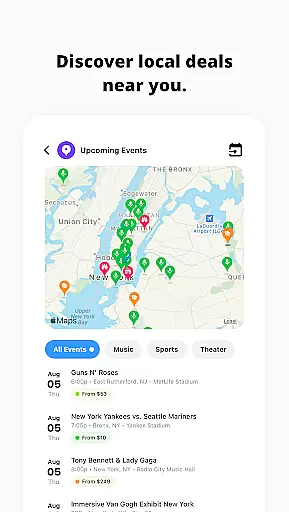
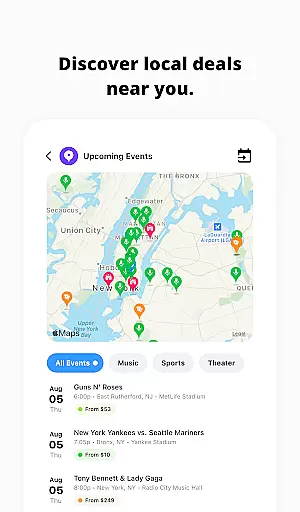
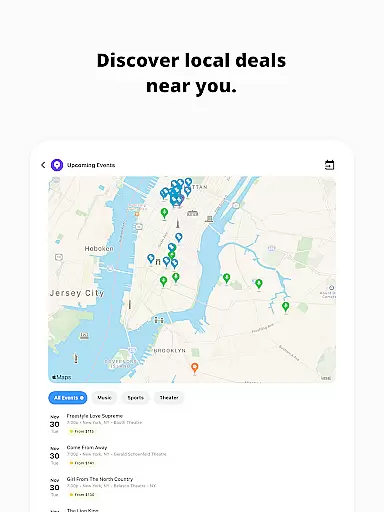
Upon downloading the TickPick app, users gain access to features that allow them to track events effortlessly. The Track Events feature is particularly useful, enabling users to monitor average ticket prices and available inventory. This way, users can decide the optimal time to purchase tickets, ensuring they get the best deal possible without feeling rushed.
In addition to tracking, TickPick provides timely reminders about upcoming events. Users receive notifications about their favorite artists' concerts or significant sporting events, prompting them to secure tickets before they sell out. These reminders are customizable, allowing users to set preferences according to their schedules and priorities.
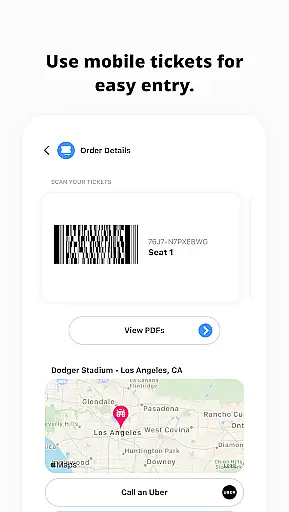
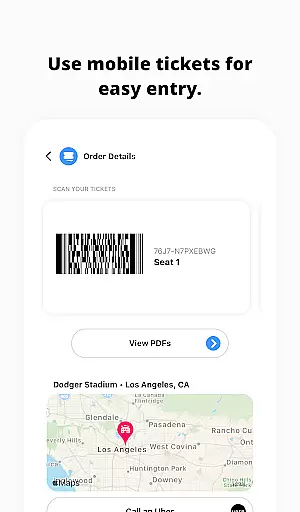
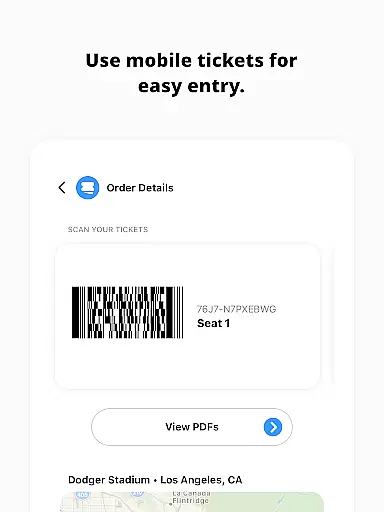
Furthermore, TickPick goes beyond simple reminders by offering post-transaction conveniences. After purchasing tickets, users can order transportation, get directions to the venue, and share e-tickets with friends directly through the app. This comprehensive approach to reminder settings ensures users remain engaged throughout the entire event lifecycle, from initial interest to attending the event itself.
No service fees
User-friendly interface
Patented Score Report
Seat Rating system
100% BuyerTrust Guarantee
Limited international events
Occasional app glitches
Fewer discounts on premium seats
Customer support delays
Complex return policy

Manages display and transfer of tickets from the Mundo Tickets platform
 3.80
3.80
Fantasy of Lights Event App
5.00
Community for Mods, Addons, Melsaves, Melmods for Melon Playground
4.5
TV Garden is a video player to play your own TV streams from around the world!
4.2
Clubs, Festivals, Discounted Tickets, Guest Lists & VIP Tables
4.90
TV.Garden is a video player to play your own TV streams from around the world!
3.40
No invest, Easy way to earn USDT through crypto cloud mining
3.80
Everything you need for the Best Thursday Ever.
4.40
The world's largest selection of tickets is now at your fingertips
3.90
Beautiful invitation cards + easy RSVP tracking for any event. Design Invites.
4.80
Buy and Sell Tickets for Concerts, Sports, and Theater.
4.70
The calendar app in this 2026 year see all dates.
4.20
Microsoft Build is an annual developer conference hosted by Microsoft
4.20
Buy and sell tickets to sports, concerts, theater, festivals, and comedy events
4.10
Microsoft Ignite is an event that showcases latest advancements in technology
4.00
An App for Bhutanese
4.3
It is an Event Planning Application.
4.4
Digital Income Wallet of the Final Libertadores 2025
4.4
Thanksgiving Wishes, Thanksgiving Stickers & Animated GIF for Whatsapp Stickers
4.0


User Reviews