
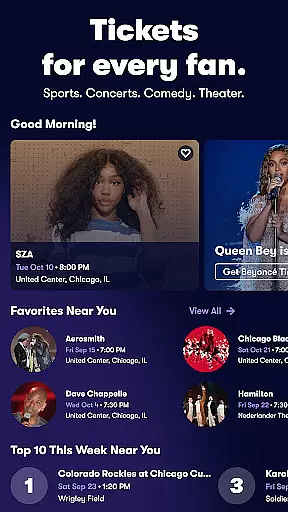
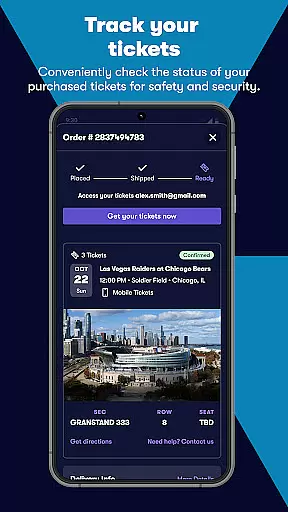
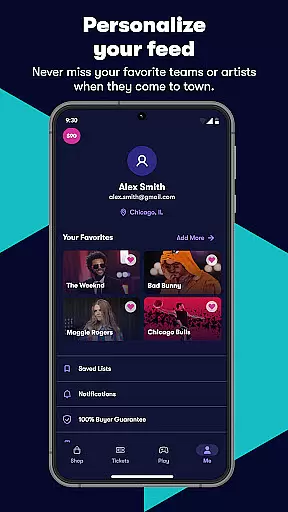
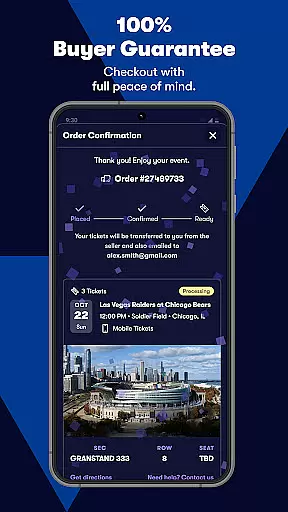
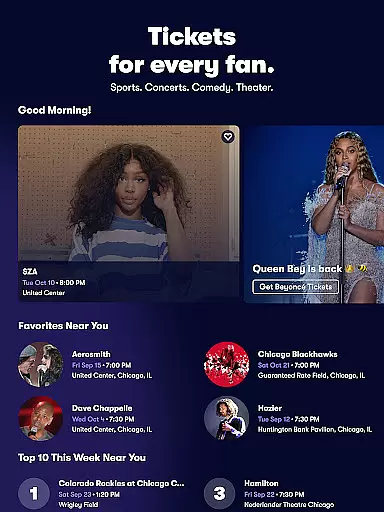
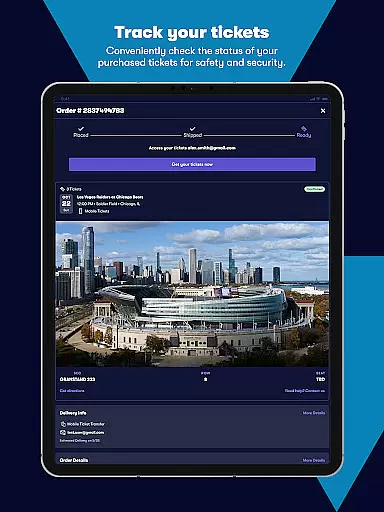
Vivid Seats is a premier mobile ticketing platform that empowers fans to access live events and create unforgettable memories. The app provides a comprehensive marketplace for purchasing and selling tickets to top-tier sports games, concerts, and theater performances across the United States. With its user-friendly interface and innovative features, Vivid Seats ensures a seamless experience for event enthusiasts.
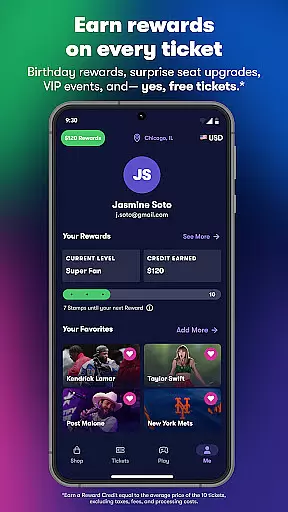
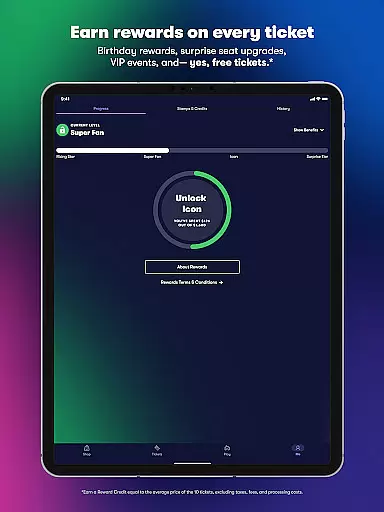
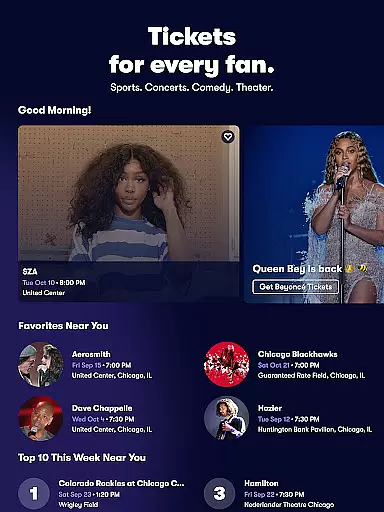
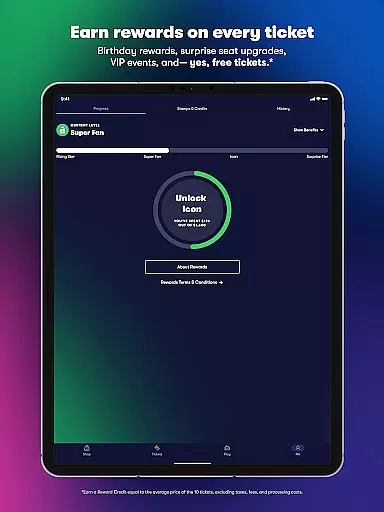
One of the standout features is the Vivid Seats Rewards program, which incentivizes users by offering reward credits with every ticket purchase. Whether you're looking for last-minute tickets or planning ahead, the app's extensive inventory and personalized recommendations make it easy to find the perfect seats. Plus, with mobile ticket integration and interactive seating maps, users can conveniently access and manage their tickets directly from their devices.
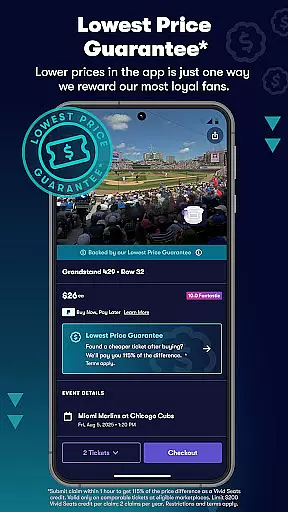
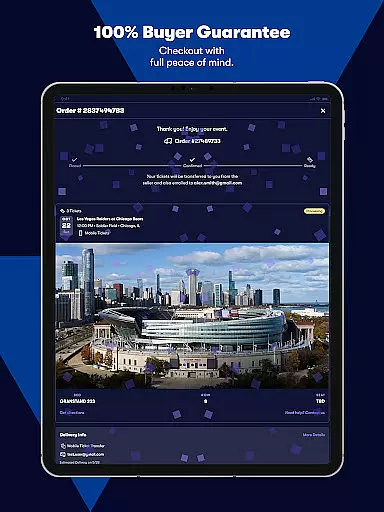
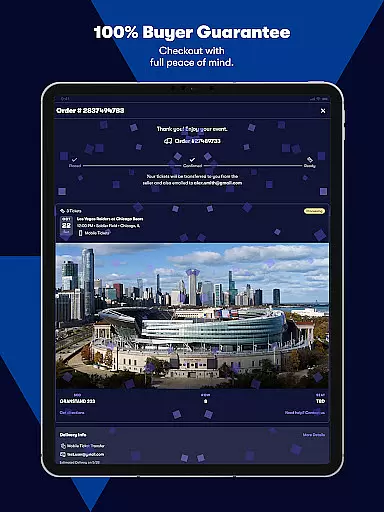
The app's value extends beyond convenience; it offers peace of mind through its 100% Buyer Guarantee and dedicated customer support. Whether you're attending a sold-out concert or a must-see sporting event, Vivid Seats is your go-to solution for accessing live entertainment nationwide.
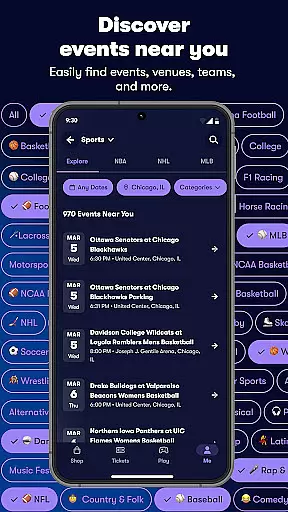
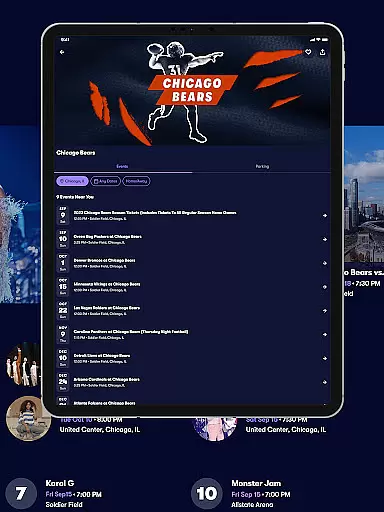
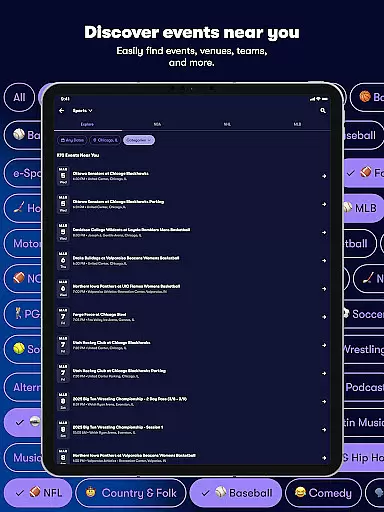
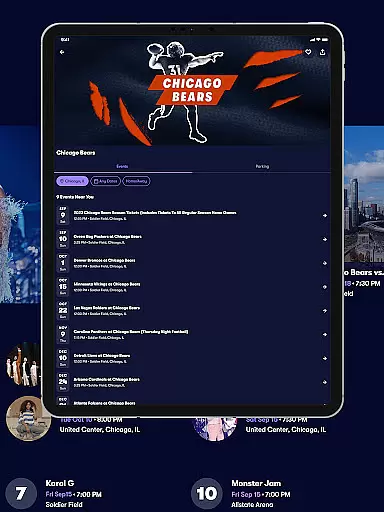
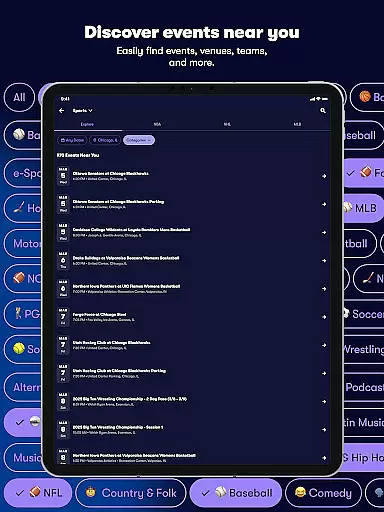
Vivid Seats stands out with its robust set of features designed to enhance the ticket-buying experience. The app's marketplace aggregates tickets from various sellers, providing users with an extensive selection of options often unavailable elsewhere. This includes tickets for major sports leagues like the NBA, NFL, MLB, NCAA, and NHL, as well as popular concerts and Broadway shows.
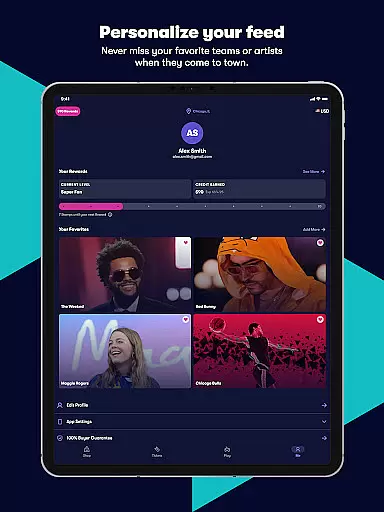
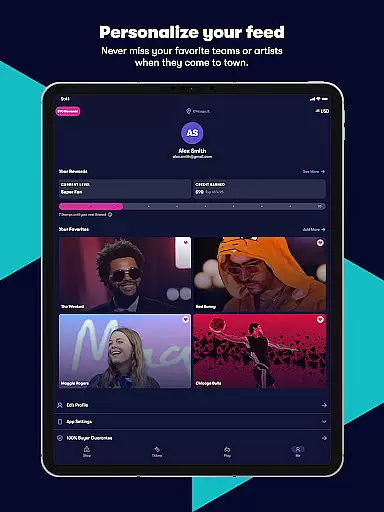
A key innovation is the app's interactive seating maps, which allow users to explore available sections and preview views from specific areas. The Seat View feature further enhances this by giving users a visual representation of their potential vantage point. Additionally, the Favorites function enables quick access to events you're interested in, while Music Scan integrates with Spotify to automatically populate your list based on your music preferences.
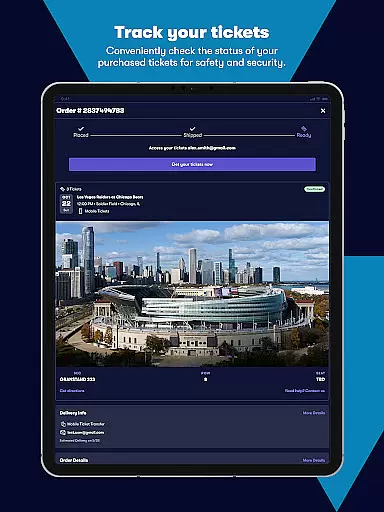
Security and ease of use are prioritized through features like secure sign-in, in-app checkout, and mobile ticket accessibility. These functionalities ensure that users can confidently complete transactions and easily manage their tickets. Whether you're a sports fan, concert-goer, or theater enthusiast, Vivid Seats' comprehensive feature set caters to all your live event needs.
Task creation and detail customization are essential features for any event management app, allowing users to tailor their event planning process to their specific needs. Vivid Seats offers a robust platform where users can create tasks related to purchasing tickets for various events, including concerts, sports games, and theater performances.
The app provides an intuitive interface that lets users input detailed information about each event they wish to attend. This includes setting preferences for seat locations, price ranges, and even specific dates. The ability to customize these details ensures that users can find tickets that perfectly match their requirements, making the entire ticket-buying experience more personalized and efficient.
By leveraging the app's comprehensive marketplace, users benefit from unique inventory listings that may not be available elsewhere. This feature empowers fans to secure tickets for must-see games, sold-out concerts, and popular Broadway shows with ease. Additionally, the appu2019s interactive seating maps and Seat View functionality allow users to visualize their potential seats, further enhancing the customization process.
Ultimately, the task creation and detail customization capabilities of Vivid Seats enable users to streamline their event planning, ensuring they never miss out on live events that matter most to them. With these tools, attending top sports games, concerts, and theater performances becomes a seamless and enjoyable experience.
Reminder settings play a crucial role in ensuring users never miss an important event or deadline. In the context of Vivid Seats, this feature allows users to set timely reminders for upcoming events, ensuring they are always prepared and informed about their planned activities.
Vivid Seats offers flexible reminder options that cater to different user preferences. Whether it's receiving notifications days before an event or getting last-minute alerts, the app provides customizable settings that help users stay organized. These reminders can be tailored to notify users about ticket availability, upcoming games, concerts, or theater performances, thus enhancing the overall user experience.
Moreover, the app integrates seamlessly with personal calendars, enabling users to sync their event schedules effortlessly. This synchronization ensures that all reminders are accurate and up-to-date, reducing the risk of missing out on key events. By utilizing these reminder settings, users can manage their busy schedules more effectively, balancing their attendance at live events with other commitments.
In summary, the reminder settings within Vivid Seats offer a practical solution for managing event schedules. By providing timely and relevant notifications, the app helps users maintain an active social life while staying engaged with their favorite sports teams, musicians, and theatrical productions. This functionality underscores the app's commitment to empowering fans to create vivid memories through live events.
User-friendly interface
Extensive ticket inventory
Interactive seating maps
Secure payment system
Excellent customer support
Limited international events
Occasional high fees
No offline functionality
Requires account creation
Dependent on third-party sellers

Manage all your events, leads, ticketing, payments and check-ins.
 4.30
4.30
Browse events, find transportation, keep up with the latest news from your team
4.5
Here you can choose tickets for films, performances, concerts and other events
4.60
Watch live football matches and streaming events on our Arabic TV app!
3.50
Digital Income Wallet of the Final Libertadores 2025
4.4
The Official App
3.70
Thanksgiving Wishes, Thanksgiving Stickers & Animated GIF for Whatsapp Stickers
4.2
Plan your wedding for free on the go: vendors, budget, website and checklists!
4.80
Buy tickets for any event!
3.90
CUE Live utilizes ultrasonic sound waves to sync devices at CUE enabled events
4.80
The KRUU app - plan, celebrate, remember
4.80
The Ultimate Tournament Hub
4.70
Everything you need for the Best Thursday Ever.
4.40
Meet people over dinner
4.40
The world's largest selection of tickets is now at your fingertips
3.90
RAISE-365 makes fundraising easy and fun!
3.20
Some connections are better kept private
4.3
TV Garden is a video player to play your own TV streams from around the world!
4.0
The Official Football Ticketing App for Fans in Qatar
4.5


User Reviews