

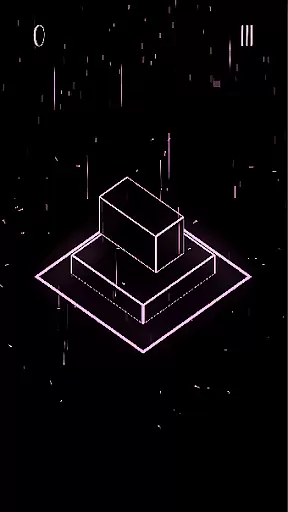

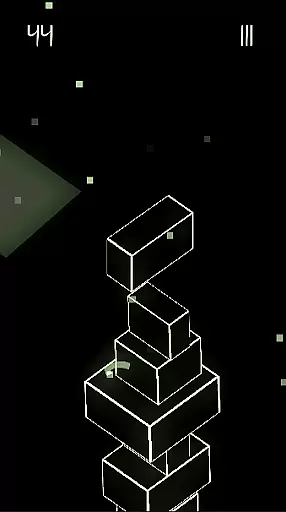
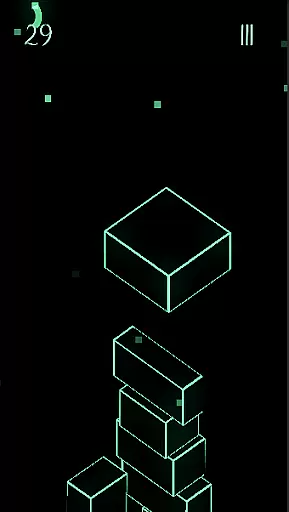


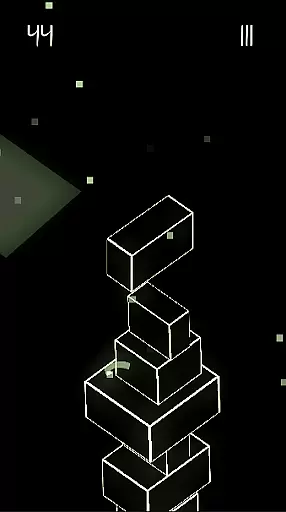
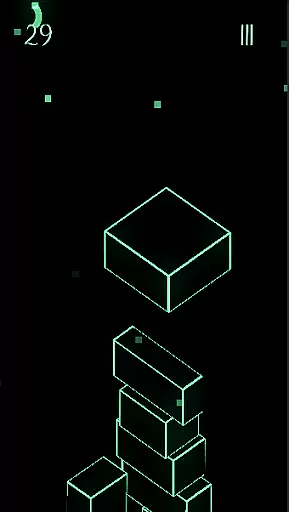

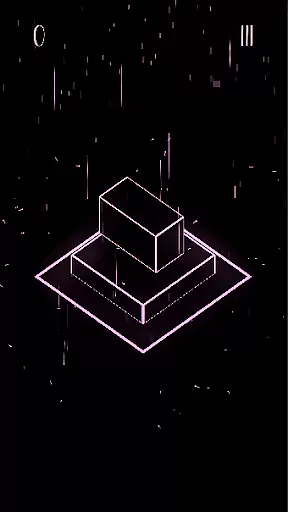

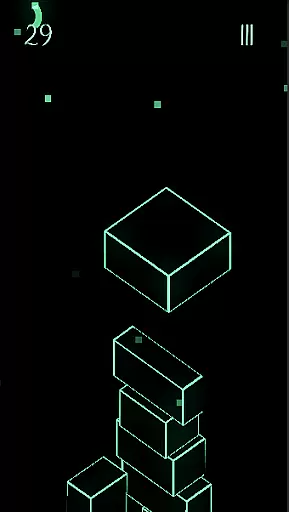
Upping Floors is a premium arcade-style block stacking game that combines realistic physics with stunning neon visuals. The core gameplay revolves around precision stacking, where players must carefully balance blocks to build the tallest tower possible. With its challenging mechanics and sleek design, the game appeals to both casual gamers and hardcore challenge enthusiasts.
Beyond the main stacking feature, Upping Floors offers a competitive edge through its global leaderboard system. Players can measure their skills against others worldwide, striving to reach the top ranks. The game also stands out with its no-ads policy and affordable pricing model, ensuring an uninterrupted and fair gaming experience. Whether you're looking to test your reflexes or simply enjoy a visually pleasing tower builder game, Upping Floors delivers a complete package for mobile gamers.
One of the standout features of Upping Floors is its incorporation of realistic gravity and physics. Every block placement requires careful timing and precision, as one wrong move can lead to the entire tower collapsing. This creates a highly engaging and addictive experience that tests both mental strategy and physical reflexes.
The game's visual presentation is another key highlight. Featuring vibrant neon aesthetics optimized for AMOLED screens, Upping Floors transforms simple block stacking into a feast for the eyes. The sharp contrasts and vivid colors make it especially appealing for late-night gaming sessions. Additionally, performance optimization ensures smooth gameplay even on older devices, without compromising the high-quality graphics.
Upping Floors also emphasizes user convenience by offering a completely ad-free environment. Players can enjoy the game from start to finish without interruptions from banners or forced videos. Coupled with its one-time purchase model, this approach provides exceptional value for gamers seeking a hassle-free arcade experience.
Arcade authenticity in Upping Floors brings players back to the golden era of gaming with its simple yet challenging mechanics. The game captures the essence of classic arcade experiences while infusing modern elements.
With realistic gravity and physics, each block placement feels precise and impactful, reminiscent of traditional stacking machines found in arcades. This creates a sense of nostalgia for players who appreciate the tactile feedback of real-world games.
The neon aesthetic enhances this nostalgic journey by incorporating vibrant visuals that were iconic in retro arcade titles. These stunning graphics make every session visually engaging and evoke memories of playing arcade hits from the past.
Control responsiveness is at the heart of Upping Floors, ensuring that every tap and swipe translates directly into precise block movements. Players will find the touch controls intuitive and highly sensitive to their inputs.
This immediacy in response allows gamers to execute their strategies without delay, which is crucial in high-stakes situations where timing can make or break a tower. The seamless interaction between player and game creates an immersive experience.
Furthermore, the smooth performance optimization means that even on older devices, control remains consistently responsive. This reliability ensures that no matter the hardware, players enjoy a lag-free stacking challenge.
Premium no-ads experience
Realistic physics engine
Vibrant neon visuals
Global leaderboard competition
Affordable one-time cost
Limited free content
No multiplayer mode
Repetitive gameplay
Requires precision
Offline only

Bomb the communists back to 1916!
 4.70
4.70
Play retro games with ease – NES, SNES, PSX, PSP & more supported
4.0
Machine Gun Fire Rumbles in the Jungle
4.1
Mine planets, upgrade your space ship, battle others, and dominate the galaxy!
3.90
Local offline 2 3 4 player multiplayer minigames - race, tanks, football
4.60
Eat & evolve your shark in the ultimate shark survival game!
4.50
Nostalgia.GBA Pro is a high quality GBA emulator.
4.40
Jump and fly your way through danger in this rythm-based action platformer!
4.50
The precise emulator of 8 bit handheld... Now even better!
4.50
Play, Craft and Share your Endless Runner Levels on Kooply Run: Subway Craft
4.50
Nostalgia.GBC is a high quality GBC emulator.
4.50
Fruit is waiting to be sliced, ninja. Play the hit mobile game !
4.50
GBA Emulator
4.40
Playing venom RPG alien games? Set spider alien isolation base, with no survivor
4.30
Sit back and relax! Tap to move the black hole, and swallow weapons to win.
4.20
Monster Run its a game for relax.
4.3
Snake Legacy, sans pub, repensé pour une expérience fluide et élégante.
4.3
Fast reflexes, glowing obstacles, endless action.
4.1
Reach high, and shine in the neon world in 3D!
4.1


User Reviews