

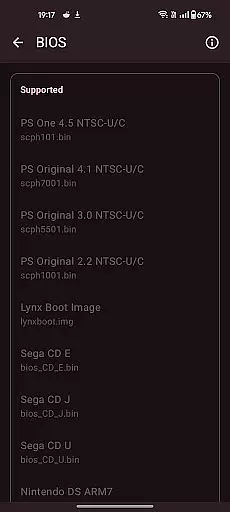
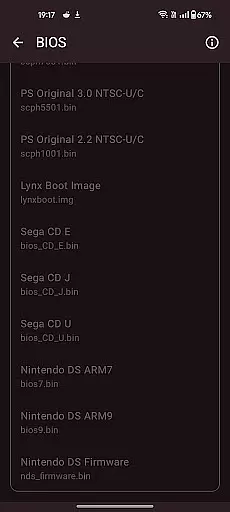
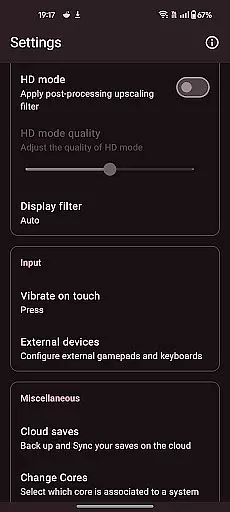
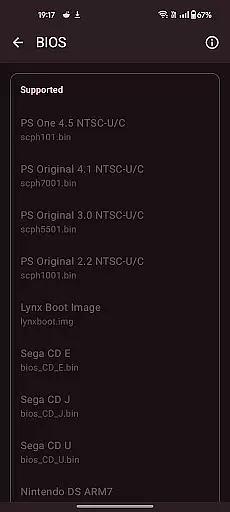
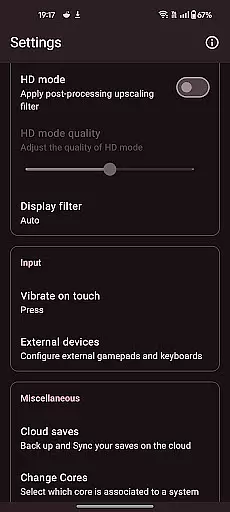

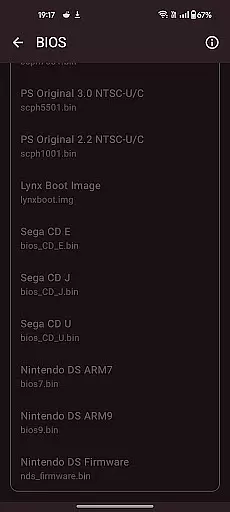
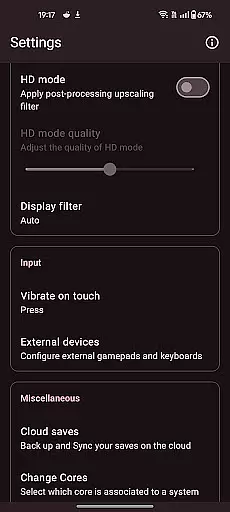
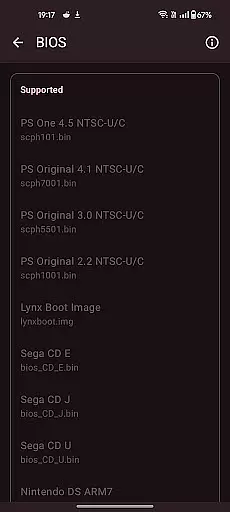

Retro emulator classic is an all-in-one emulator app designed for Android users who want to relive the nostalgia of retro gaming. This app supports a wide range of systems including Atari, Nintendo, PlayStation, Sega, and more, making it versatile for different gaming preferences. Whether you're playing on a phone, tablet, or TV, Retro emulator classic offers smooth performance with an intuitive interface and no ads.
One of the standout features of this app is its automatic save and restore states, allowing gamers to pick up right where they left off. The app also includes optimized touch controls with full customization, quick save/load with multiple slots, and support for zipped ROMs. With video filters and display simulation, users can enjoy an authentic retro gaming experience. Additionally, the app supports cloud save sync, gamepad, tilt-stick, and local multiplayer, enhancing the overall gaming experience.
This app is perfect for retro gaming enthusiasts who want to enjoy their favorite games on modern devices. Its comprehensive feature set and compatibility with various systems make it a valuable tool for preserving the legacy of classic games while enjoying them on the go.
Retro emulator classic stands out with its extensive list of features tailored for retro gaming aficionados. One of the key highlights is the automatic save and restore states, ensuring that players never lose their progress. This feature alone can greatly enhance the user experience by providing convenience and peace of mind.
The app also excels in its ROM scanning and library indexing capabilities, making it easy for users to organize and access their game collections. With optimized touch controls that are fully customizable, gamers can tailor the interface to their liking. Quick save/load functionality with multiple slots adds another layer of flexibility, allowing for more dynamic gameplay. Support for zipped ROMs means users can save space on their devices without sacrificing their gaming library.
Video filters and display simulation further enrich the gaming experience by mimicking the look and feel of old-school CRT or LCD screens. Fast-forward support and cloud save sync are additional features that cater to user convenience, while gamepad and tilt-stick support ensure that players can choose their preferred control method. Local multiplayer functionality allows for shared gaming experiences on a single device, making it a great choice for social gaming sessions.
Arcade authenticity and nostalgia are at the heart of Retro emulator classic, providing users with an immersive experience that harks back to the golden era of gaming. This app meticulously emulates a wide range of systems, ensuring that each game feels as authentic as possible.
The emulator supports classic arcade systems like Atari, Nintendo, and Sega, capturing the essence of beloved games from the past. By offering optimized touch controls and customizable settings, it ensures that players can enjoy the original gameplay mechanics just as they remember them.
One of the standout features is the video filters and display simulation options, which replicate the visual experience of playing on old CRT or LCD screens. This attention to detail enhances the nostalgic feel, making each gaming session a trip down memory lane.
Ultimately, Retro emulator classic delivers immense value by allowing gamers to relive their favorite moments from the past. Its comprehensive support for various systems and commitment to preserving the original gaming experience make it a must-have for any retro gaming enthusiast.
Control responsiveness is crucial in delivering an engaging and seamless gaming experience, and Retro emulator classic excels in this area. The app offers highly responsive touch controls that have been optimized for Android devices, ensuring that every tap and swipe translates instantly into in-game actions.
Players can fully customize the control layout to suit their preferences, enhancing the overall usability and comfort during extended gaming sessions. This level of customization allows users to fine-tune the emulator to match their playstyle, whether they prefer landscape or portrait mode.
In addition to touch controls, Retro emulator classic supports gamepads and tilt-stick functionality, providing even more ways to interact with your favorite games. This versatility ensures that no matter how you choose to play, the controls will always feel precise and intuitive.
By prioritizing control responsiveness and offering multiple input methods, Retro emulator classic guarantees that players can fully immerse themselves in the gaming experience without any lag or delay, making it a top choice for arcade enthusiasts.
User-friendly interface
Wide system compatibility
No ads
Cloud save sync
Customizable controls
Requires powerful hardware
No included games
Complex setup
Limited customer support
Occasional bugs

Bomb the communists back to 1916!
 4.70
4.70
Machine Gun Fire Rumbles in the Jungle
4.3
Antistress & relaxing games,stress relief; Antistress toys, calming games.
4.20
Join the art challenge: Guess the word and draw fast before the timer runs out!
4.20
Punch your way through the Streets of Rage once again!
4.80
Ready… Set… DASH! Play now!
4.70
Flip and flail a rag doll through endless levels and plunge into outlandish fun!
4.60
Collect layers in running game & build the biggest slinky toy to beat the giant!
4.30
Train your Champ. Compete. Get rewards.
4.50
R-TYPE game
4.60
Cool car builder & racing simulator: make a car to win the obstacle course race!
4.60
The precise emulator of 8 bit handheld... Now even better!
4.50
Relax and catch fish for your aquarium while earning rewards in these tank games
4.40
Sega Saturn Emulator
4.20
Epic offline war strategy game - build your city, train your army, conquer
4.20
John GBC is GB/GBC emulator. This emulator is easy to use.
3.80
Monster Run its a game for relax.
4.3
M64Pro FZX Classic Emulator for Android
4.5
Reach high, and shine in the neon world in 3D!
4.0


User Reviews