

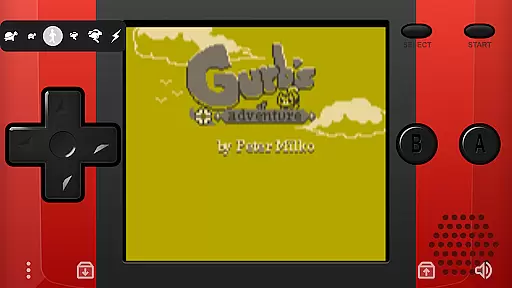
Pizza Boy C Pro is a highly precise 8-bit handheld emulator designed for arcade gaming enthusiasts. This application offers an authentic retro gaming experience with its meticulous emulation capabilities and advanced features.
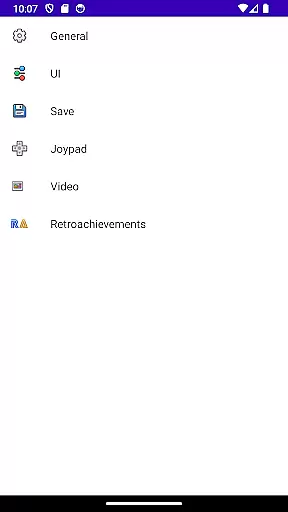
Key enhancements include a beautiful GUI, customizable palettes, quick/auto save functionality, and MBC7 support with gyroscope integration. The app also provides fully customizable skins with stickers, allowing users to personalize their gaming interface.
Ideal for gamers seeking a nostalgic experience, Pizza Boy C Pro ensures top performance even on older devices, making it accessible to a wide range of users who want to relive classic arcade games.
Pizza Boy C Pro stands out with its comprehensive feature set tailored for both casual and hardcore gamers. The emulator passes all super-hard Blargg tests, ensuring unprecedented precision in game emulation.
Developed entirely in C, the app delivers incredible performance while maintaining low battery consumption. It leverages OpenGL and OpenSL native libraries for optimal video and audio performance, guaranteeing 60 FPS even on older hardware.
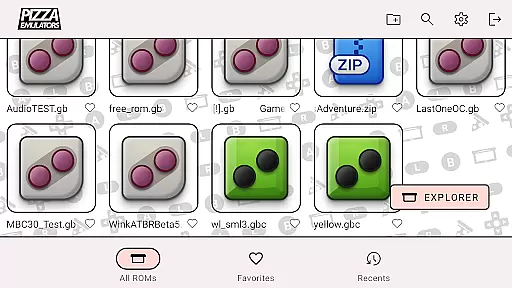
Additional features include serial link emulation through wifi, hardware joypad support, and compatibility with zip and 7z archives. These capabilities make Pizza Boy C Pro a versatile tool for enjoying classic arcade games on modern devices.
Arcade authenticity is at the heart of Pizza Boy C Pro, offering users an immersive experience that harks back to the golden era of 8-bit handheld gaming. This emulator meticulously replicates the original hardware's behavior and graphics, ensuring every pixel and sound is just as you remember.
The emulator goes beyond mere replication by incorporating advanced features like customizable palettes and super 8-bit borders. These enhancements not only preserve the nostalgic feel but also allow users to tailor their visual experience to personal preferences, making classic games feel both familiar and refreshingly new.
By passing all the rigorous Blargg tests, Pizza Boy C Pro guarantees unprecedented accuracy in emulation. Gamers can relive their favorite titles with confidence, knowing that even the most complex operations are emulated flawlessly, providing a truly authentic arcade experience.
Control responsiveness is crucial for an optimal gaming experience, and Pizza Boy C Pro excels in this area. The emulator features an improved control system that ensures every button press is registered instantly, allowing for precise and seamless gameplay.
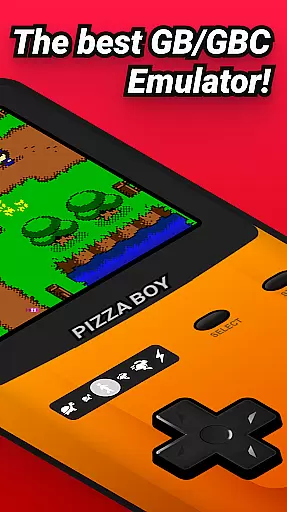
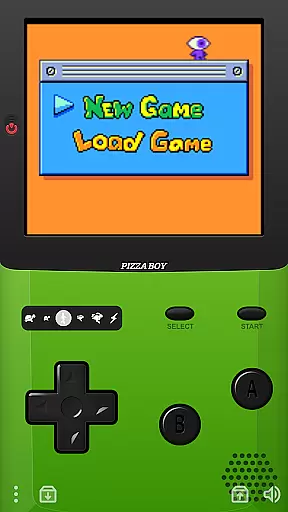
With full customization options for button size and position, users can create a control layout that suits their playstyle perfectly. This level of personalization enhances comfort and efficiency during extended gaming sessions, making it easier to lose oneself in retro classics.
In addition to customizable controls, Pizza Boy C Pro supports hardware joypads, further expanding its versatility. Whether using touch controls or external devices, players will appreciate the snappy feedback and reliable performance that keep them coming back to their cherished arcade hits.
High emulation accuracy
Customizable user interface
Excellent performance
Comprehensive feature set
Supports multiple file formats
No included game ROMs
Limited to 8-bit systems
Advanced features may overwhelm beginners
Requires BIOS files
Some features need specific hardware

Welcome back to Vice City. Welcome back to the 1980s.
 3.30
3.30
Snake Legacy, sans pub, repensé pour une expérience fluide et élégante.
4.0
Flip the bottle! Do tricks and don't let the bottle fall!
4.50
Get into your tractor to cut grass and harvest the crops in our mowing simulator
4.10
Mine planets, upgrade your space ship, battle others, and dominate the galaxy!
3.90
Reach high, and shine in the neon world in 3D!
4.0
Genesis/Mega Drive/CD & Master System/Mark III Emulator
4.30
Absorb, or be absorbed...
4.70
John GBA is GBA emulator. This emulator is easy to use.
3.10
Challenge your friends across the world to see who can jump the farthest!
4.50
NES Emulator
4.40
Three awesome new levels for The Impossible Game.
4.30
Playing venom RPG alien games? Set spider alien isolation base, with no survivor
4.30
Join the art challenge: Guess the word and draw fast before the timer runs out!
4.20
A Ball Bouncer With Depth
4.00
Monster Run its a game for relax.
4.1
Machine Gun Fire Rumbles in the Jungle
4.5
BallStack is a vibrant match-3 game where you stack and match colorful balls!
4.4
A fluid, action-packed arcade space shootout!
4.2


User Reviews