
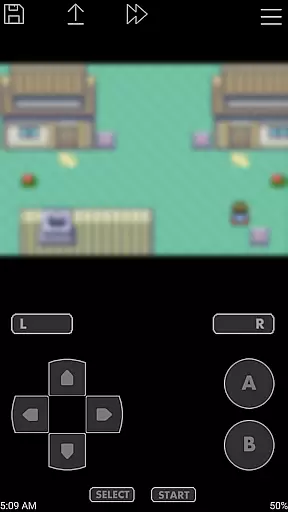
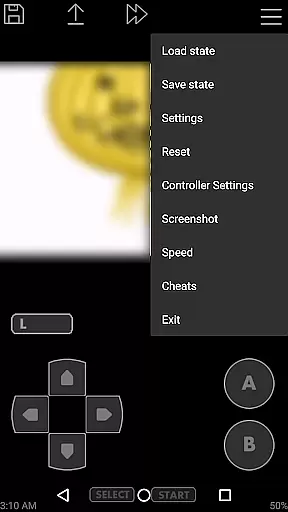
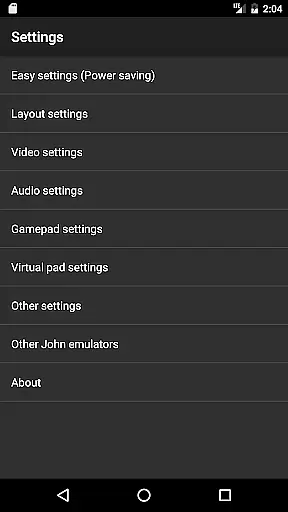
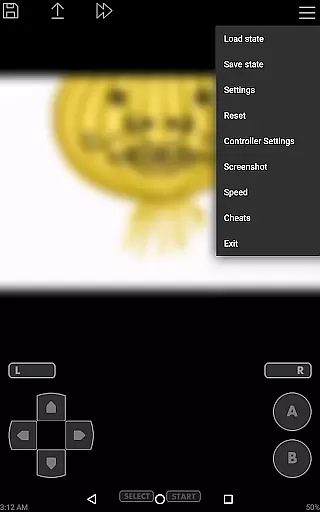
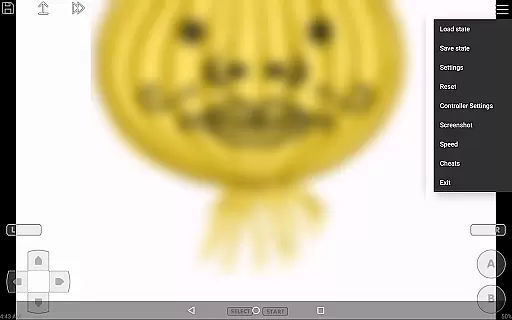
John GBA is a high-performance Game Boy Advance emulator designed for Android devices running version 6.0 and above. This application allows users to relive their favorite classic games directly on their smartphones or tablets. It features an original GBA engine that ensures authentic gameplay experiences while offering modern enhancements such as high-quality rendering and customizable controls.
The app supports various useful functionalities including cheat codes, save states with previews, turbo buttons, and adjustable playback speeds. Additionally, John GBA can integrate seamlessly with cloud services like Dropbox through additional plugins, providing convenient access to your game library from anywhere. Whether you're a casual gamer or a dedicated retro enthusiast, John GBA offers a comprehensive solution for enjoying GBA games on the go.
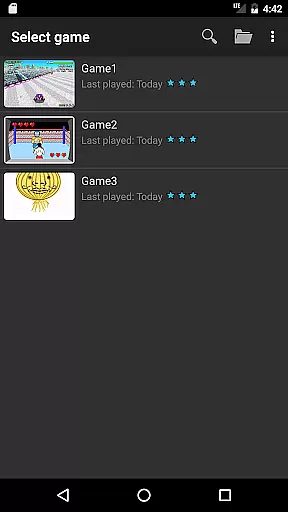
One of the standout features of John GBA is its robust compatibility with different types of game files stored on both SD cards and internal storage. The virtual on-screen keypad provides intuitive control options, which can be further customized according to user preferences. Advanced functionalities such as zipped file support and save states ensure that gamers have flexibility in managing their gaming sessions.
For those seeking enhanced performance, John GBA includes fast forward and slow down capabilities ranging from 0.25x to 16x speed. Moreover, it supports external controllers via Bluetooth or MOGA, catering to players who prefer physical inputs over touchscreens. With no advertisements or mandatory internet connections required, this emulator guarantees uninterrupted gameplay experiences tailored specifically to each player's needs.
Arcade authenticity is a crucial aspect of any gaming emulator, ensuring that the experience remains true to the original games. John GBA delivers this by incorporating an original GBA engine, which meticulously replicates the classic gameplay of the Game Boy Advance. This attention to detail guarantees that users can relive their favorite arcade moments without any deviation from the expected performance.
The emulator goes beyond mere replication by offering advanced features such as cheats and high-quality rendering. These enhancements not only preserve the nostalgic value but also elevate the gaming experience. With support for various cheat formats like Raw, GameShark, and CodeBreaker, players have the freedom to customize their gameplay while still maintaining the authentic feel of arcade classics.
Moreover, John GBA provides functionalities that were not possible in the original hardware, such as save states with previews and customizable keys. These modern conveniences allow users to seamlessly integrate their past gaming experiences with present-day expectations, creating a harmonious blend of nostalgia and innovation.
Control responsiveness is vital for an immersive and enjoyable gaming experience, especially in arcade-style games where precision and timing are key. John GBA excels in this area by providing a virtual on-screen keypad that is both intuitive and highly responsive. Players can expect immediate feedback when interacting with the controls, ensuring that every action is accurately reflected in the game.
In addition to the standard touch controls, John GBA supports external controllers such as Bluetooth and MOGA devices. This flexibility allows users to choose their preferred method of interaction, whether it be through tactile buttons or a more traditional gamepad setup. The result is a personalized and optimized control scheme that caters to individual play styles.
Furthermore, the emulator includes turbo buttons and fast forward/slow down capabilities, giving players even more control over their gaming sessions. These features enhance the overall responsiveness of the app, empowering users to fine-tune their experience according to their skill level and preferences. With John GBA, gamers can enjoy a seamless and dynamic control system that elevates their arcade adventures.
High-quality graphics rendering
Customizable on-screen controls
Supports multiple controller types
No intrusive advertisements
Offline play capability
Requires personal game files
Limited to Android 6.0+
Paid version necessary for full features
No native iOS support
Occasional compatibility issues

R-TYPE game
 4.60
4.60
Join the art challenge: Guess the word and draw fast before the timer runs out!
4.20
Punch your way through the Streets of Rage once again!
4.80
Bounce through platforms. Avoid obstacles. Get the bouncing ball to the finish.
4.00
Protect the balloon! Only 1% of players can reach lvl 100 with all the balloons!
3.70
This app is a very fast emulator
3.40
Full featured version of Pizza Boy A (GBA emulator)
4.80
Merge bowmasters to win the bow and arrow war! Play the fun archery game!
4.60
Thoughtful strategy and tactical thinking are required to win each battle!
4.30
Try this unique restaurant sim and enjoy the fun of cooking in busy kitchens!
4.70
Local offline 2 3 4 player multiplayer minigames - race, tanks, football
4.60
Cool car builder & racing simulator: make a car to win the obstacle course race!
4.60
Use superpower in your magic hands. Defeat the enemies in a fun elemental game.
4.50
Shoot the web, jump and teleport! Be a stickman hero and destroy your enemies!
4.50
Relax and catch fish for your aquarium while earning rewards in these tank games
4.40
Slice up a juicy storm!
4.20
Enter Double Dragon Trilogy, a compilation of the beloved arcade series
4.10
BallStack is a vibrant match-3 game where you stack and match colorful balls!
4.2
M64Pro FZX Classic Emulator for Android
4.1


User Reviews