
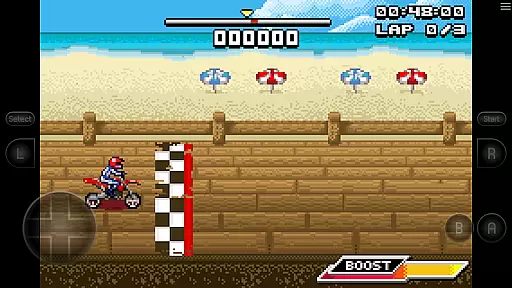
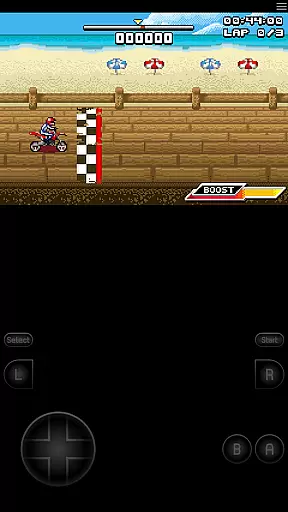
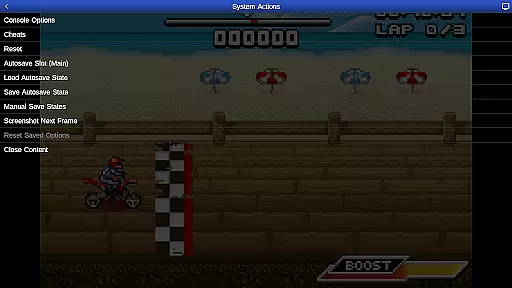
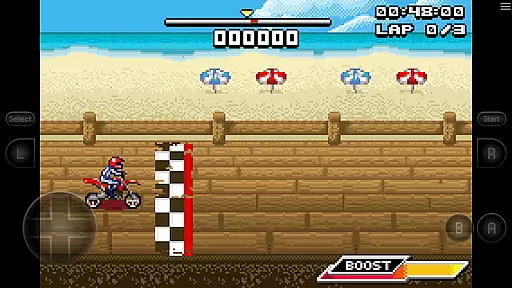
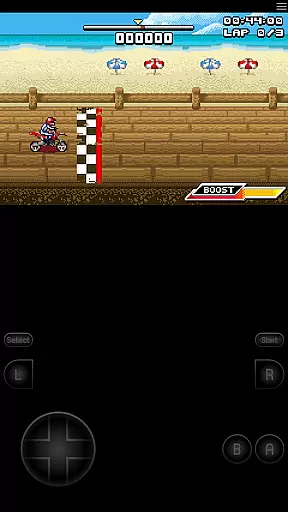
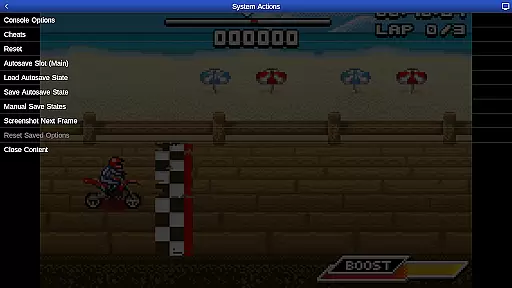
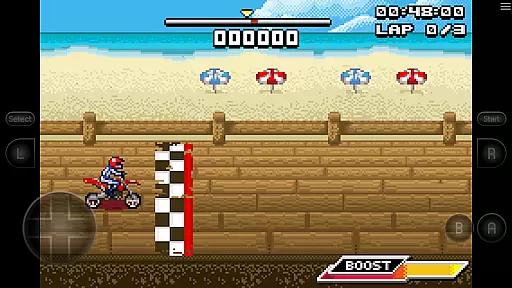
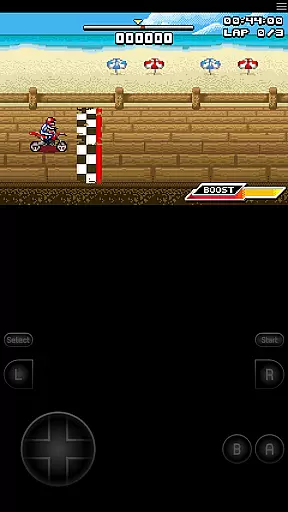
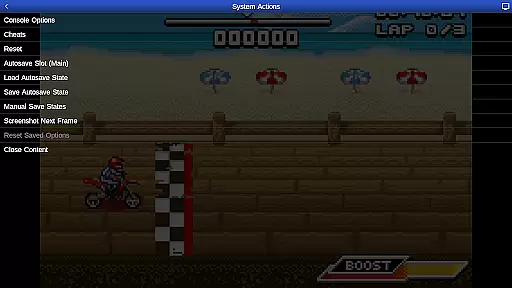
GBA.emu is an advanced open-source Gameboy Advance emulator that offers a minimalist UI and focuses on low audio/video latency. It supports a wide range of devices, from the original Xperia Play to modern devices like the Nvidia Shield and Pixel phones. The app provides high-level BIOS emulation without the need for a BIOS file and supports .gba file formats, optionally compressed with ZIP, RAR, or 7Z.
One of its standout features is the support for hardware accelerometer, gyroscope, and light sensors, making it versatile for different types of games. Additionally, users can enjoy configurable on-screen controls and compatibility with Bluetooth/USB gamepads and keyboards, including Xbox and PS4 controllers. This makes GBA.emu not just a tool for nostalgia but also a comprehensive platform for enjoying classic games with modern conveniences.
GBA.emu boasts several notable features that enhance the gaming experience. Firstly, it includes high-level BIOS emulation, eliminating the need for a BIOS file, and supports a variety of file formats such as .gba, ZIP, RAR, and 7Z. Secondly, the app supports cheat codes using VBA-M-compatible files (.clt extension), ensuring that users can enjoy their games with added flexibility.
Another significant feature is the support for hardware sensors like the accelerometer, gyroscope, and light sensors, which are crucial for certain games. Users can also configure on-screen controls to suit their preferences and utilize Bluetooth/USB gamepads and keyboards, compatible with any HID device recognized by the OS. These features collectively ensure that GBA.emu delivers a seamless and customizable gaming experience across various devices.
GBA.emu brings the authentic arcade experience to your mobile device by emulating the original Gameboy Advance hardware with remarkable precision. The emulator's high-level BIOS emulation ensures that users can enjoy their favorite games without needing an actual BIOS file, preserving the nostalgic feel of classic titles.
The app supports a wide range of devices, from older models like the Xperia Play to modern devices such as the Nvidia Shield and Pixel phones. This extensive compatibility allows users to relive the arcade experience on various hardware configurations, maintaining the original gameplay mechanics and visual style.
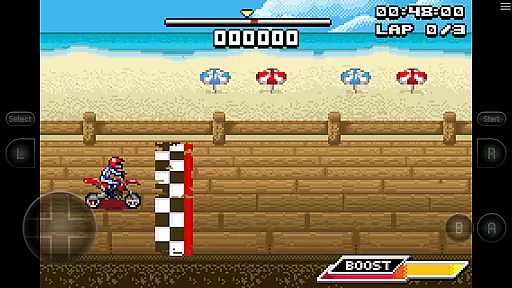
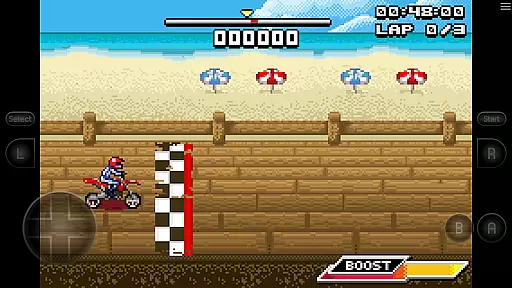
With support for the .gba file format and optional compression through ZIP, RAR, or 7Z, GBA.emu makes it easy to manage and play a vast library of games. The inclusion of Motocross Challenge, courtesy of developer David Doucet, further enriches the arcade experience by providing a ready-to-play game that captures the excitement of retro bike racing.
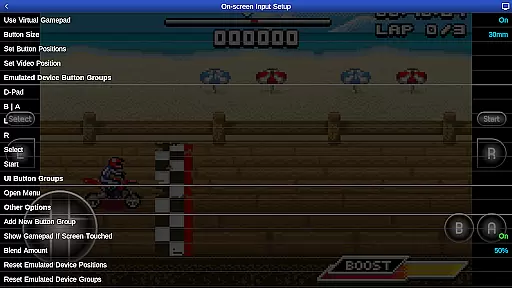
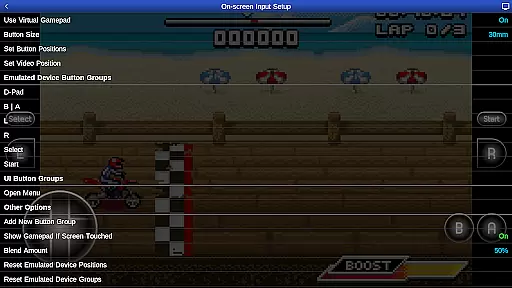
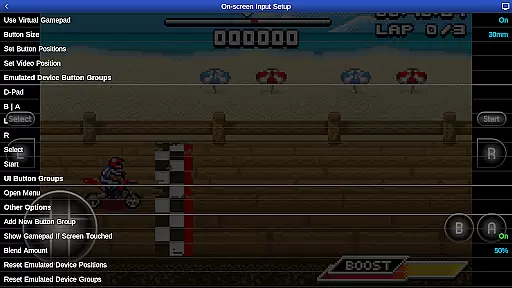
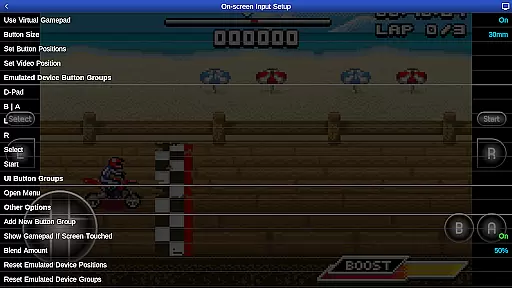
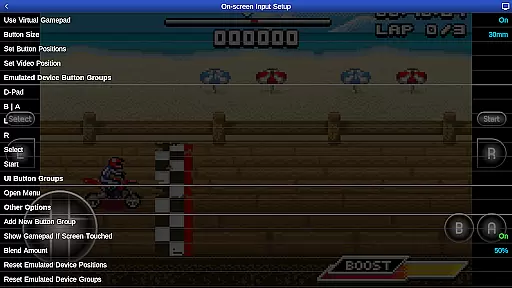
Control responsiveness is crucial for an immersive arcade experience, and GBA.emu excels in this area by offering configurable on-screen controls. Users can customize the layout and size of the virtual buttons to suit their preferences, ensuring precise and comfortable input during gameplay sessions.
In addition to touch controls, GBA.emu supports Bluetooth and USB gamepads, including popular models like Xbox and PS4 controllers. This compatibility with HID devices recognized by the operating system enhances control responsiveness, allowing players to use physical controllers for a more tactile gaming experience.
The emulator also leverages hardware features such as accelerometers, gyroscopes, and light sensors to provide dynamic control schemes. These sensors enable motion-based gameplay where applicable, adding another layer of interactivity and making the gaming experience more engaging and true to the original arcade spirit.
High-level BIOS emulation
Supports multiple file formats
Hardware sensor support
Configurable on-screen controls
Compatible with HID devices
No included ROMs except one
Limited to Gameboy Advance
Requires manual updates
Occasional device-specific issues
Dependent on user-supplied files

Spaceship racing on a rocky planet — pure action and challenge.
 4.5
4.5
Dig yourself a way to gold, diamonds and success with this addictive mining game
3.90
Fruit is waiting to be sliced, ninja. Play the hit mobile game !
4.50
Eat & evolve your shark in the ultimate shark survival game!
4.50
Fast reflexes, glowing obstacles, endless action.
4.3
It's quite possibly the world's hardest game!
3.90
Restore peace and order in the city
3.20
John GBA is GBA emulator. This emulator is easy to use.
3.10
Train your Champ. Compete. Get rewards.
4.50
*Try for free.* Survive alone in a Roguelike Reverse Bullet Hell.
4.80
Cool car builder & racing simulator: make a car to win the obstacle course race!
4.60
Premium version. Save the galaxy from alien shooter in this classic game
4.50
Outrun cops, ignite the thrill of a high-speed chase!
4.50
Three awesome new levels for The Impossible Game.
4.30
Playing venom RPG alien games? Set spider alien isolation base, with no survivor
4.30
Join the art challenge: Guess the word and draw fast before the timer runs out!
4.20
Enter Double Dragon Trilogy, a compilation of the beloved arcade series
4.10
Get into your tractor to cut grass and harvest the crops in our mowing simulator
4.10
Machine Gun Fire Rumbles in the Jungle
4.3


User Reviews