
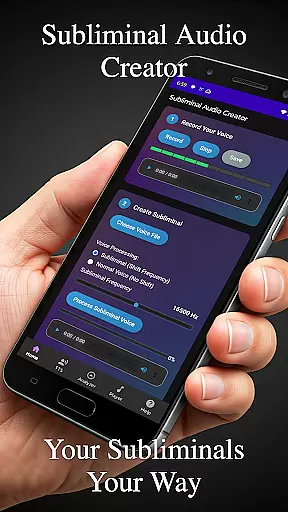
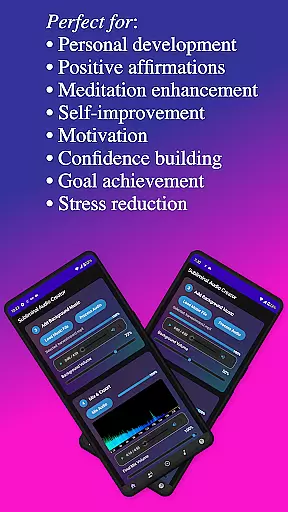
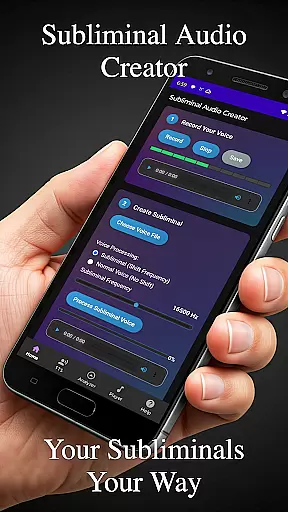
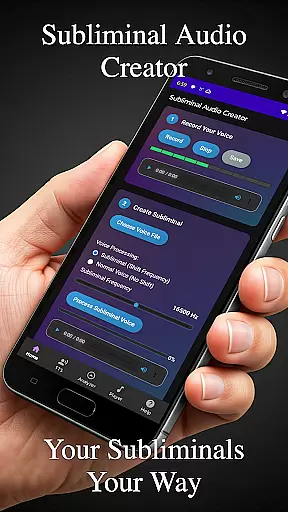
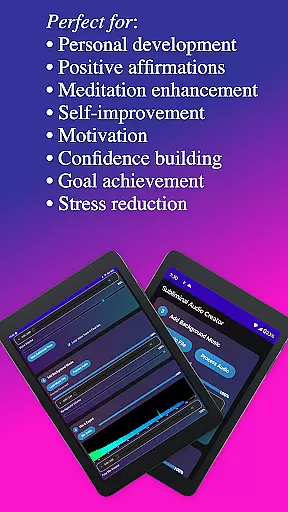
Subliminal Audio Creator is a comprehensive tool designed for creating personalized subliminal audio tracks, self-hypnosis recordings, and meditation music. This professional-grade app allows users to craft high-quality audio files by combining voice recordings or text-to-speech affirmations with background music or ambient sounds. Perfect for those interested in positive affirmations, self-improvement, meditation enhancement, motivation boosting, and personal development, the app offers an intuitive interface that simplifies the process of generating powerful subliminal messages.
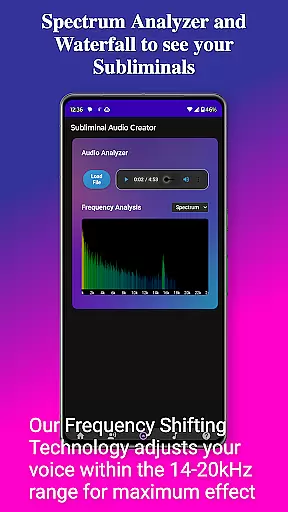
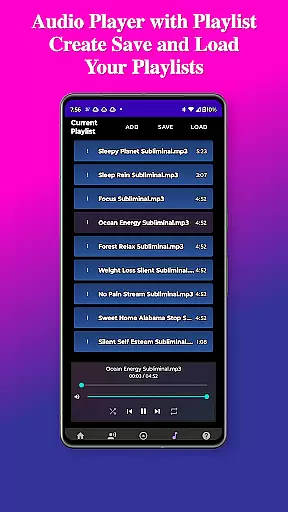
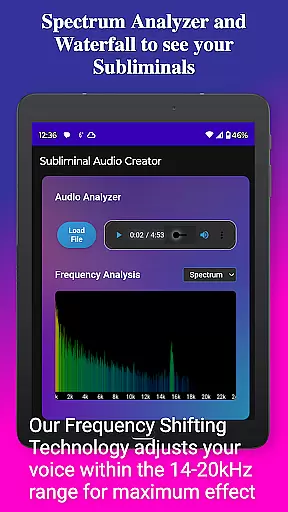
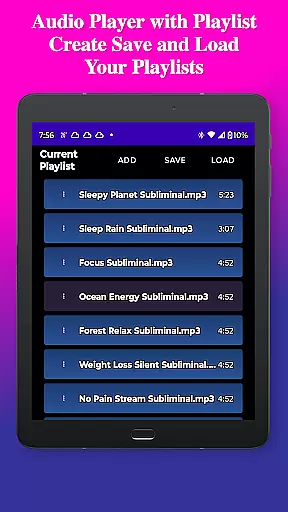
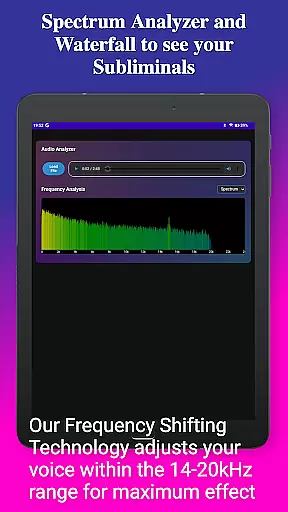
The app features a built-in audio analyzer for visualizing subliminal frequencies, ensuring the perfect mix for manifestation and personal growth. With full-featured MP3 player capabilities including playlists, wireless streaming to Chromecast devices, and Bluetooth connectivity, users can enjoy flexible listening options. Whether you're looking to enhance your meditation practice, boost confidence, reduce stress, or achieve specific goals, Subliminal Audio Creator provides all the tools necessary to support your journey toward personal transformation.
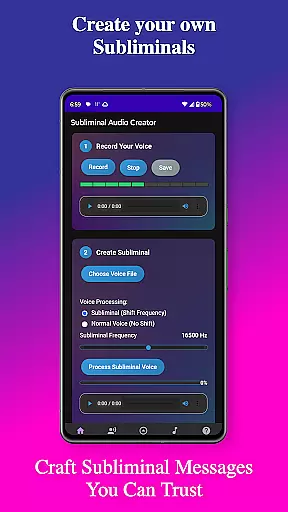
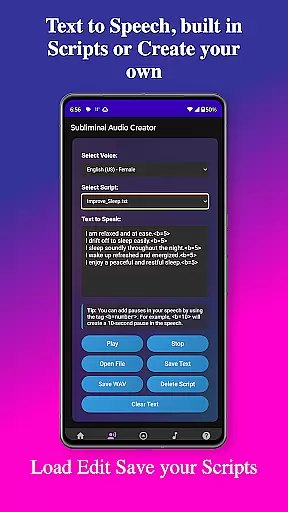
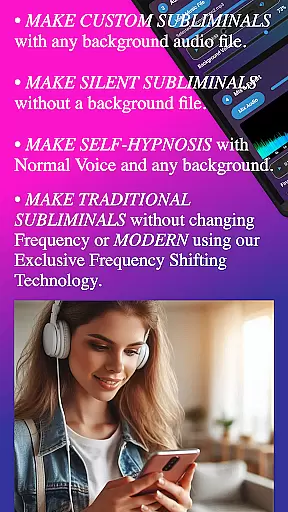
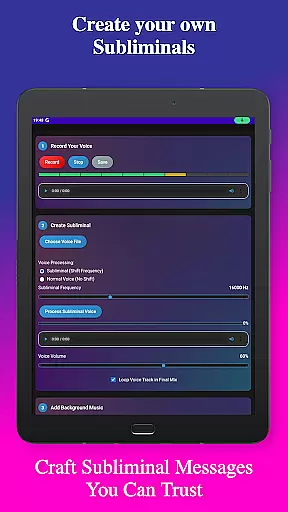
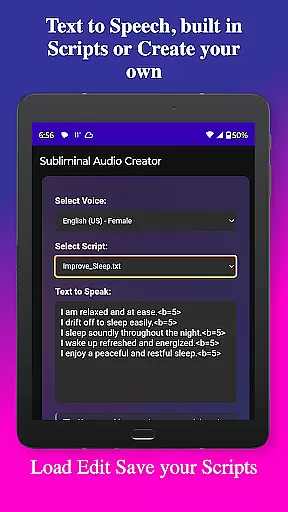
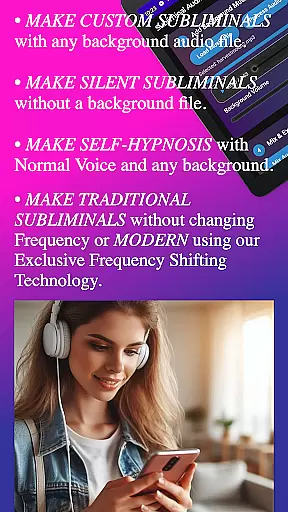
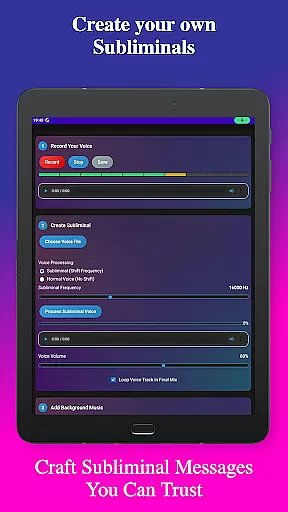
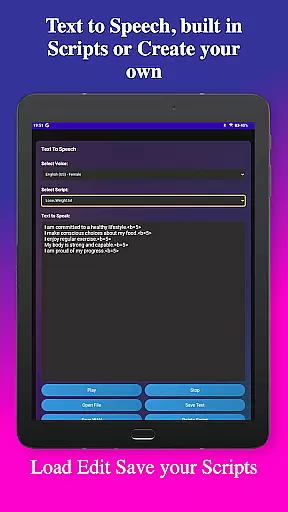
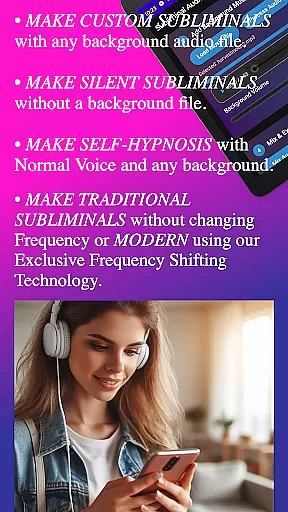
Subliminal Audio Creator stands out with its robust set of features tailored for both beginners and advanced users. The app includes voice recording functionality with crystal-clear audio quality, allowing users to record custom affirmations and preview them until satisfied. For those preferring text-to-speech, multiple voice options are available, along with the ability to add custom pauses between affirmations and manage scripts effectively.
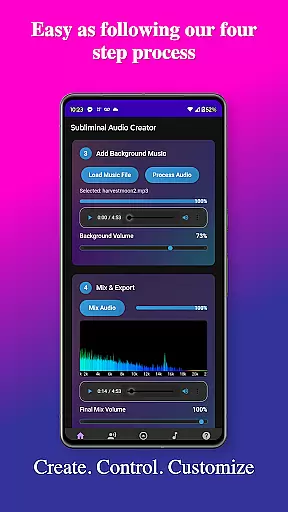
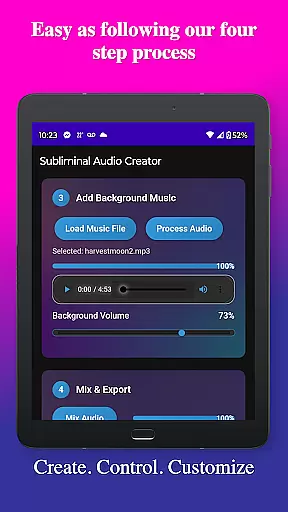
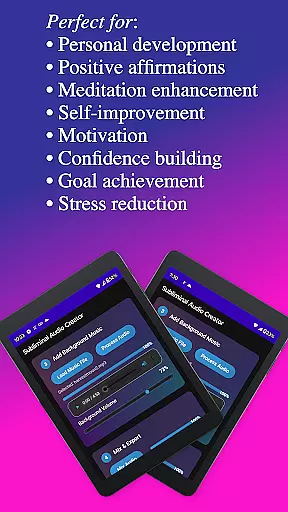
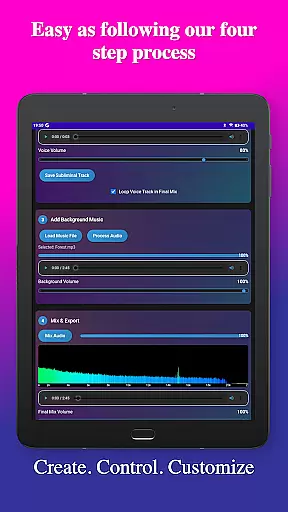
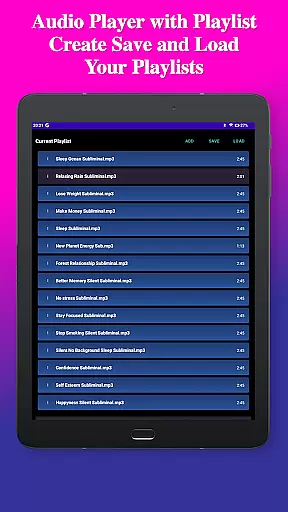
Background music mixing is another highlight, enabling users to blend affirmations with included tracks or their own music, adjusting volumes independently for optimal balance. The real-time frequency spectrum analyzer and waterfall display provide detailed visualization of subliminal frequencies, ensuring high-quality mixes. Advanced controls allow fine-tuning of subliminal and background volumes, creation of seamless loops, and encoding in high-quality MP3 format. Playback features include a built-in MP3 player, Google Cast support, background playback capability, and media controls integration, offering versatile listening experiences.
User-friendly interface elements such as a clean design, step-by-step creation process, easy-to-use controls, and a dark theme enhance usability. File management is streamlined with organized structures for saving and loading projects, exporting in MP3 or WAV formats, and automatic organization into dedicated folders for different file types. These features collectively make Subliminal Audio Creator an indispensable tool for anyone focused on personal development and wellness.
Personalized planning in the Subliminal Audio Creator app allows users to craft tailored subliminal audio tracks that cater specifically to their individual goals and needs. This feature is crucial for those seeking self-improvement, as it enables the creation of unique affirmations and messages that resonate personally, thus enhancing the effectiveness of the subliminal audio.
The app provides a step-by-step creation process where users can either record their own voice or utilize text-to-speech technology with multiple voice options. This flexibility ensures that each subliminal track is customized not only in content but also in delivery, making it more impactful. Users can further personalize their experience by adjusting the frequency and volume levels of their affirmations, ensuring the audio aligns perfectly with their personal development objectives.
By offering pre-written subliminal scripts alongside the ability to write and save custom scripts, the app empowers users to continuously refine their personalized planning. This ongoing customization supports sustained motivation and progress tracking, allowing individuals to adapt their subliminal messages as their goals evolve over time.
Progress visualization within the Subliminal Audio Creator app serves as a powerful tool for users to monitor and understand the impact of their personalized subliminal audio tracks. By incorporating an advanced real-time frequency spectrum analyzer and waterfall display, the app provides detailed visual feedback on the audio frequencies being used, which is essential for verifying the effectiveness of subliminal mixes.
This feature allows users to visualize the balance between their affirmations and background music or ambient sounds. With independent volume controls and the ability to adjust subliminal frequencies, individuals can fine-tune their audio creations while observing the changes in real-time through the spectrum analyzer. Such precise control ensures optimal audio quality and maximizes the potential benefits of the subliminal messages.
Moreover, the visual feedback provided by the app's audio analysis tools helps users maintain consistency across different sessions, promoting better focus and understanding of their progress. As users create seamless audio loops and experiment with various settings, the progress visualization feature becomes integral to achieving desired outcomes in areas such as confidence building, stress reduction, and goal achievement.
User-friendly interface
High-quality audio output
Flexible customization options
No ads or subscriptions
Comprehensive feature set
Requires storage permission
Limited free version
Advanced features may overwhelm beginners
Occasional bugs reported
Specific hardware requirements

The simplest way to track your 21 Day Program containers, exercises, and water.
 4.50
4.50
Weight loss app: home workout for women to lose weight & burn calories.
4.80
sobriety counter app to help and motivate people to stop drinking alcohol.
4.90
Mind on steroids - relaxation, productivity, meditation and sleep!
4.60
The Sleep Miracle Sound Machine: Soothes baby to sleep with a gentle "Shhh"
3.00
The OFFICIAL Couch to 5K® running training app! A 9 week walk-run workout plan.
4.50
The Crunch Mobile app - Find a gym, manage favorites, reserve & cancel classes.
4.60
Make sense of your health data.
3.80
Fast Body building & Weight Loss. Home Workouts with Daily Coach, No Equipment.
4.30
Protect your healthy sleep
4.80
Load the bar with this barbell & plate calculator. It's leg day, not brain day!
4.70
Measure your Pupil Distance for Eyeglasses and VR headsets in 3 quick steps.
4.70
Build Healthy Habits!
4.60
Period Tracker, the easiest way to track your periods!
4.50
Your personal BP tracking companion, focus on helping you achieve wellness goal.
4.10
FitCloudPro takes care of your health every minute.
3.70
Sync your activities of the most popular sports tracking services
2.70
Use your watch as a bike computer, heart rate monitor and cycling power meter
2.50
Using Recognise™ has been shown to reduce pain and improve performance
4.2


User Reviews