
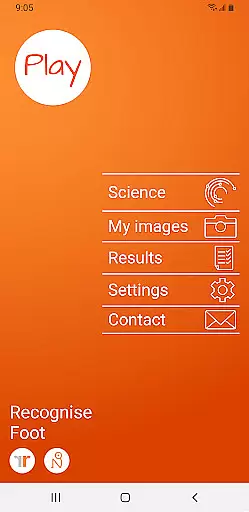
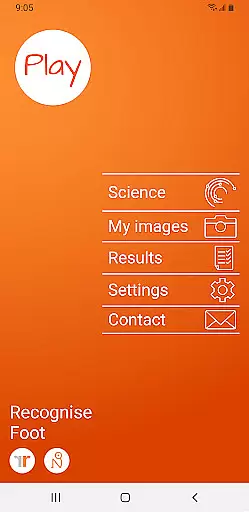
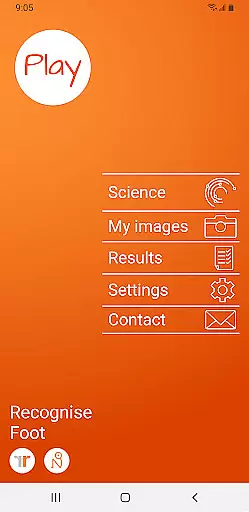
Recognise Foot is a specialized health and fitness application designed to assist users in reducing pain, enhancing performance, and aiding rehabilitation through a structured Graded Motor Imagery program. The app focuses on improving the user's ability to distinguish between left and right body parts, which is crucial for recovery from various complex pain conditions and injuries.
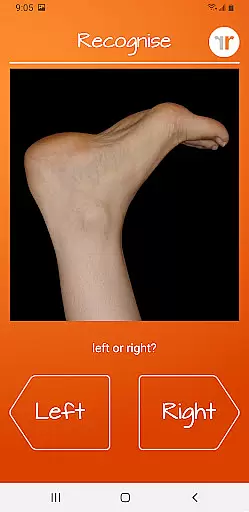
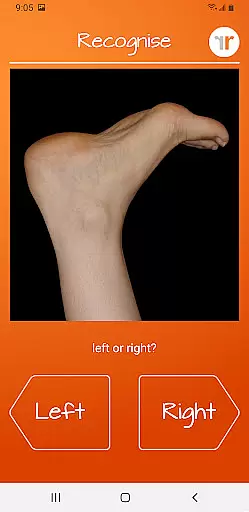
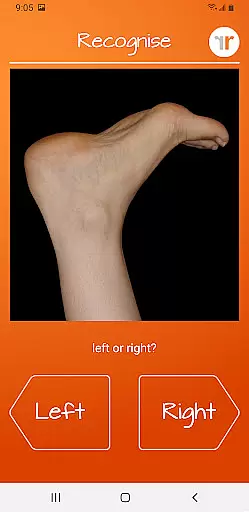
The application offers two main modes - TEST and TRAIN. In TEST mode, users can evaluate their proficiency in recognizing images of body areas as either left or right. TRAIN mode allows users to exercise their brain's neuroplasticity with diverse tools aimed at enhancing this recognition skill. Recognise Foot also provides advanced features such as memory games, speed matching, graded difficulty levels, and personal best challenges, making it an essential tool for both patients and clinicians.
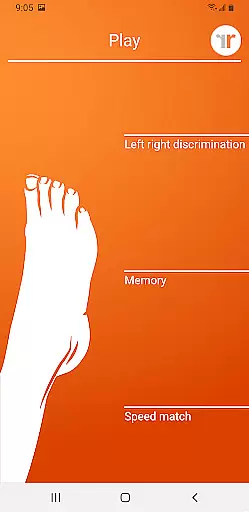
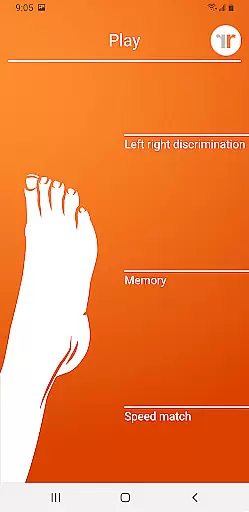
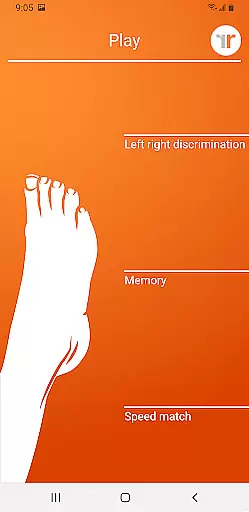
Recognise Foot stands out with its comprehensive approach to motor imagery training. The app includes 'Memory' and 'Speed match' tools that elevate the training experience by engaging users in interactive exercises. These tools are complemented by graded difficulty levels and personal best challenges, ensuring continuous progression and motivation.
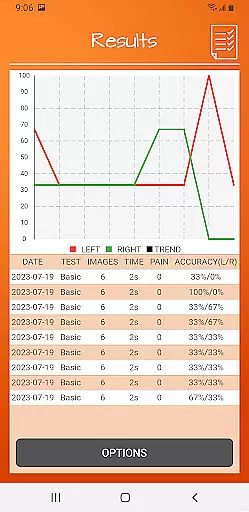
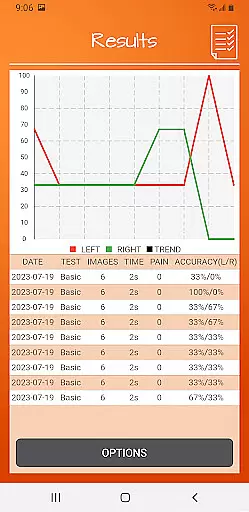
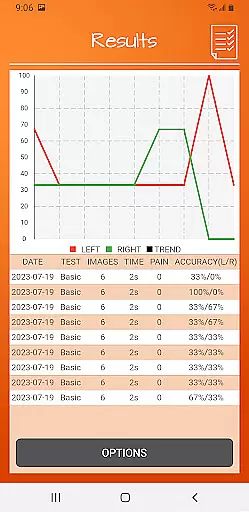
Users can track their progress through detailed onscreen results and graphs. For professional use, the app offers powerful clinical integration tools allowing users to export and email their results directly to healthcare providers. Additionally, the feature to capture and incorporate personal images into training adds a personalized touch to the rehabilitation process. This combination of scientifically-backed methods and user-friendly technology makes Recognise Foot a valuable asset in physical therapy and sports rehabilitation.
Recognise Foot offers a personalized approach to motor imagery training, which is crucial for rehabilitation and performance enhancement. The app's core functionality revolves around Left/Right Discrimination exercises, enabling users to train their brain's ability to recognize and differentiate body areas effectively.
The application provides graded difficulty levels and personal best challenges tailored to individual progress. This ensures that each user receives a customized training experience that adapts as they improve, maintaining an optimal level of challenge and engagement.
With features like 'Memory' and 'Speed match' tools, users can further personalize their training routines. These tools not only enhance the training experience but also contribute to harnessing the brain's neuroplasticity in a structured manner.
Tracking progress is essential for motivation and ensuring the effectiveness of a training program. Recognise Foot excels in progress visualization through detailed onscreen results and graphs that map user advancements over time.
The app allows users to monitor their performance improvements with comprehensive data displays. Users can view their speed and accuracy trends, gaining insights into their rehabilitation journey or performance enhancement process.
Additionally, the feature of exporting and emailing results to clinicians or therapists enhances the tracking process. This clinical integration tool facilitates professional guidance and adjustments to the training regimen based on visualized progress data.
User-friendly interface
Comprehensive training tools
Progress tracking capabilities
Clinical integration options
Customizable image sets
Requires consistent practice
Premium version costs
Limited free features
Steep learning curve
Device compatibility issues

The simplest way to track your 21 Day Program containers, exercises, and water.
 4.50
4.50
Optimization for TRT & Enhanced Athletes
4.5
When the night comes, we prepare your eyes for deep, sweet dreams
4.70
Mind on steroids - relaxation, productivity, meditation and sleep!
4.60
Walk. Earn: Get rewarded for every step! Walk, move, and earn real rewards.
4.70
Step Counter, track steps when you walk or run
4.70
Your portable blood pressure tracker. Record, monitor, and analyze BP anytime.
4.30
This is an application that serves as a companion app for smart watch.
4.20
Workouts for everyone
4.70
Meditation app, head space app provides calm music to help you meditate & sleep
5.00
Power-lifting, weightlifting and Wendler 531 app to track your workout program.
4.90
Medbridge GO gets you moving - get back to doing what you love, faster!
4.90
Measure your Pupil Distance for Eyeglasses and VR headsets in 3 quick steps.
4.70
Get lasting results with Chair Yoga, Wall Pilates, and Walking workouts!
4.60
The Crunch Mobile app - Find a gym, manage favorites, reserve & cancel classes.
4.60
Grow with self-tests and personal routine.
4.30
The app helps you address digestive symptoms based on the Fast Tract Diet.
3.50
Live Heart Rate Pro - Real Time Heart & Workout Data For Wear OS & Bluetooth BLE
3.20
The Wear OS BeechBand app is designed to alleviate anxiety and other conditions
4.5


User Reviews