
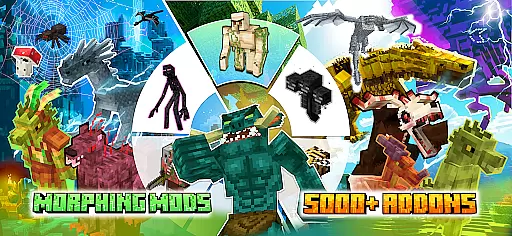
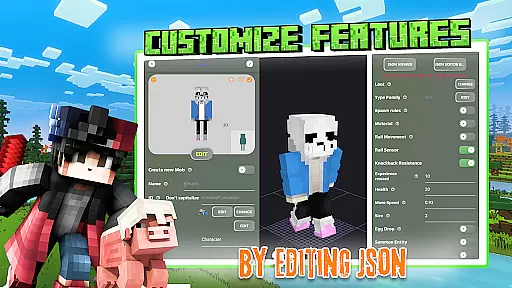
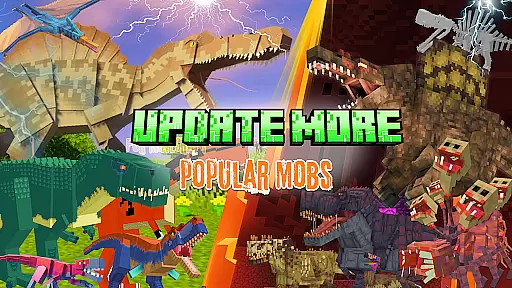
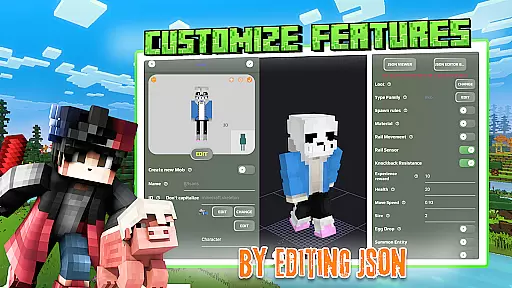
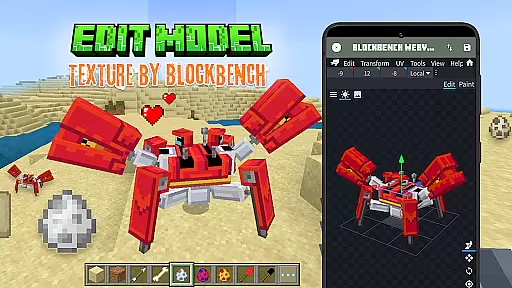
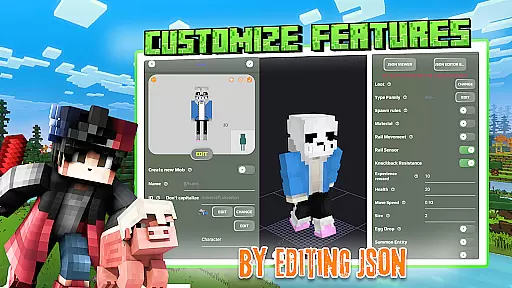
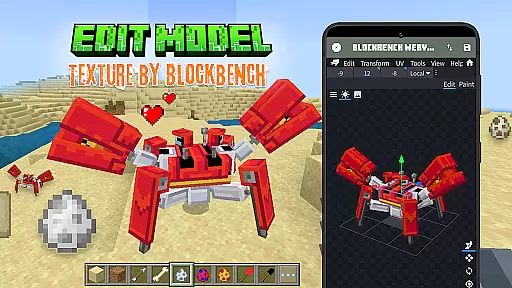
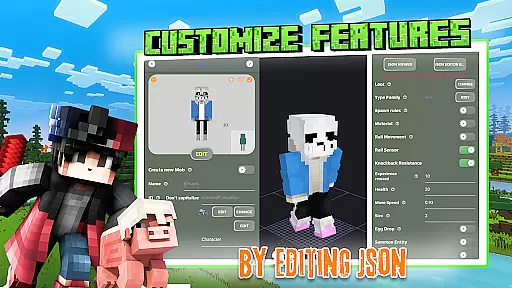
Mobs Maker for Minecraft PE is a powerful toolkit designed to help users create custom mobs and player models for Minecraft Pocket Edition without requiring coding skills or advanced drawing abilities. The app provides an intuitive interface that allows creators to edit official mobs, design new animals, and modify 3D textures, skins, animations, and JSON behaviors.
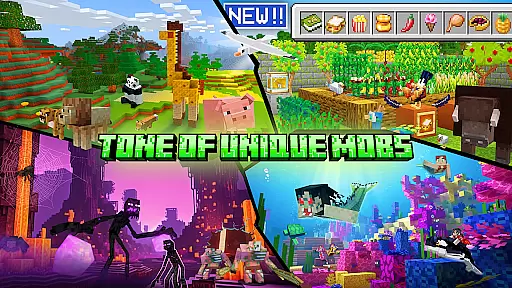
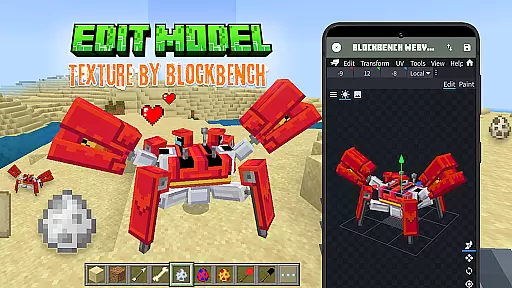
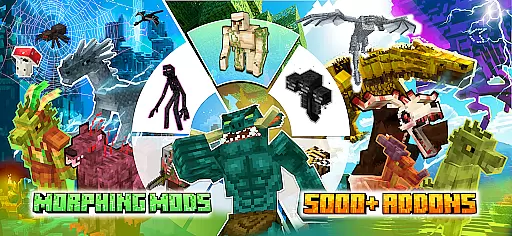
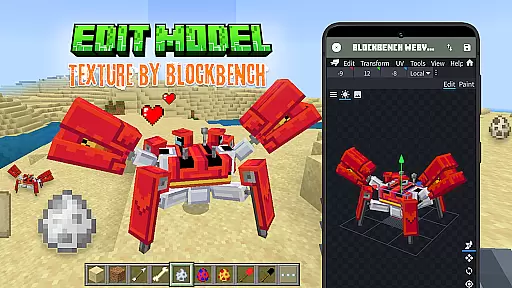
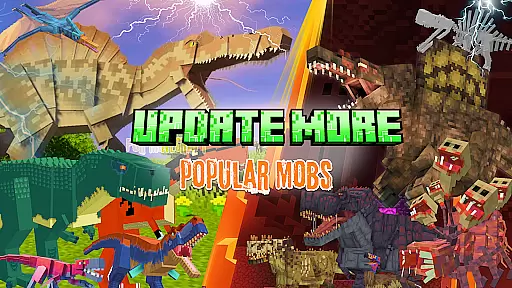
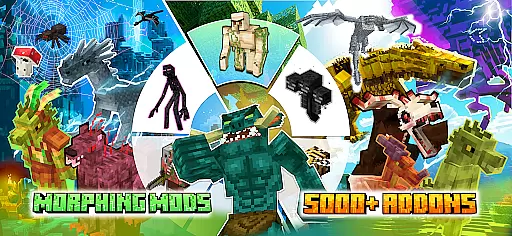
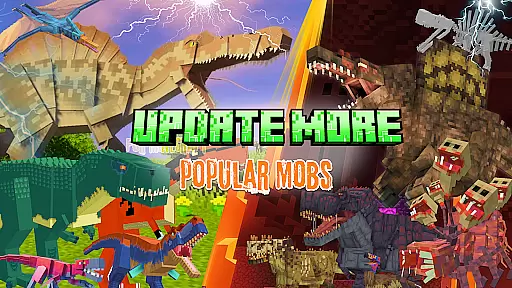
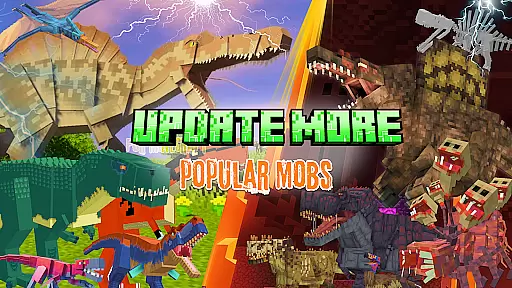
With seamless integration with Blockbench, the app enables users to export their creations directly into Minecraft Bedrock Edition. It also features a rich library of rare community-created mobs and offers tools to explore trending mods and addons like Ender Dragon, Golem, and Warden. Whether you're a beginner or aspiring to become a professional Minecraft mob creator, this app equips you with everything needed to customize models and add unique animation effects.
This tool is ideal for Minecraft enthusiasts who want to expand their creative horizons by designing professional-quality mobs and sharing them with a vibrant community of players.
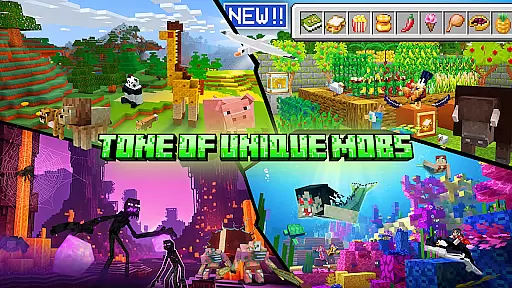
The Mobs Maker for Minecraft PE app boasts a comprehensive set of features tailored for both novice and experienced creators. Users can create fully customizable player models and design unique animals or mobs using advanced animation and JSON editing tools. The built-in support for Blockbench ensures smooth texture and skin modifications while offering professional-grade 3D model editing capabilities.
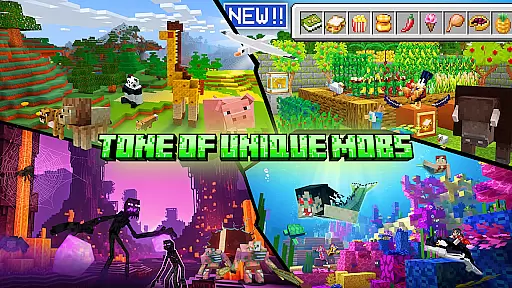
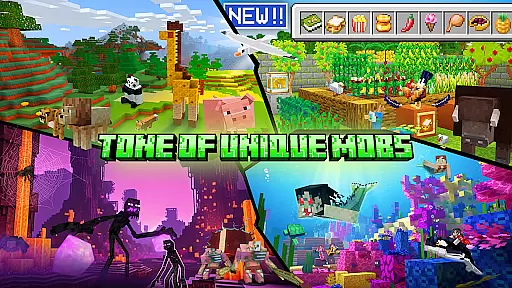
One standout feature is the ability to import custom mobs directly into Minecraft PE, allowing creators to see their work come alive in-game. Additionally, the app grants access to an extensive library of rare mobs shared by the community, providing inspiration and resources for expanding your Minecraft addons. Regular updates promise even more functionality, including advanced mob creation tools and enhanced UI elements.
By combining powerful creation tools with an active community platform, Mobs Maker empowers users to easily produce high-quality content and share it across various platforms such as Facebook, YouTube, and mcpeaddons.com.
Functionality completeness refers to the range and depth of features an application offers to fulfill its intended purpose. For Mobs Maker for Minecraft PE, this involves providing users with a comprehensive toolkit for creating custom mobs and player models without requiring advanced coding or drawing skills. The app includes features such as editing official mobs, modifying 2D/3D textures, skins, animations, and JSON behaviors, which collectively ensure that users have all necessary tools at their disposal.
The app's support for Blockbench and professional 3D model editing enhances its functionality, allowing creators to design unique animals and mobs with detailed customization options. By enabling the import of custom mobs directly into Minecraft Bedrock Edition, Mobs Maker demonstrates a thorough understanding of its user base's needs, covering the entire workflow from creation to integration within the game.
Users benefit from this wide functionality coverage by gaining access to a library of rare mobs and the ability to share their own creations. This encourages creativity and learning while expanding the possibilities within Minecraft. As the app continues to develop, with planned features like advanced mob creation and more animation tools, its completeness and coverage will only increase, solidifying its position as an essential tool for Minecraft addon creators.
Usability is a critical factor in determining how easily users can navigate and operate an application. In the case of Mobs Maker for Minecraft PE, usability is enhanced through intuitive design and straightforward functionalities that cater to both beginners and experienced creators. The app allows users to edit official mobs or design customizable player models from community contributions without needing extensive technical knowledge, making it accessible to a broad audience.
Operational smoothness is achieved by integrating efficient processes for modifying textures, skins, animations, and exporting creations directly into Minecraft. The seamless connection with Blockbench and the built-in 3D editor ensures that users can focus on their creative process without being hindered by complex operational procedures. Additionally, regular updates and planned improvements indicate the developers' commitment to refining the user experience continuously.
By prioritizing usability and operational smoothness, Mobs Maker not only simplifies the creation of custom addons but also enriches the overall user engagement. Users can effortlessly explore new ideas, download trending mods, and expand their Minecraft worlds, knowing they have a reliable and smooth-operating tool at their fingertips.
User-friendly interface
Extensive customization options
Active community support
Regular feature updates
Seamless Blockbench integration
Requires Minecraft PE
Limited official support
Some features under development
Premium content may require payment
Not officially affiliated with Mojang

The Free Catholic Latin American Bible in complete Spanish
 4.60
4.60
Block and secure the microphone and protect from secret listening and recording.
4.50
Identify securely online
3.10
A great tool help you to format Micro SD memory Card
3.10
Connect and Find your smart tag via our app.our app is compatible with smarttag.
3.30
Study Bible King James Version: the correct way to learn the Bible with audio
4.80
Demo version of the mcpro24fps manual video camera. Try and buy a full version!
4.00
Looking to connect your phone to your car screen? Mirror Link is the solution.
3.20
Manage apps & elevate your gaming experience with Game Launcher: Gaming Hub app.
4.30
Tune your game graphics with our GFX optimizer for optimal gaming experience
4.50
MirrorLink for connecting your Android phone to your car’s infotainment screen.
4.50
Game booster GFX may reduce interruptions and improve gaming experience.
4.50
View your cameras anywhere and anytime
4.20
use your smartphone as Remote control drones .
4.20
Test DPC is a sample device policy controller for use with Android Enterprise.
4.20
A Pydroid Quick Install repository provider.
4.00
The best PS2 games from your childhood come to life in their mobile version!
4.00
Ps2 plugins for 64 bit artitechture
3.70
Mirror phone to TV effortlessly! Stream, share & connect with Airplay ease.
3.60


User Reviews