
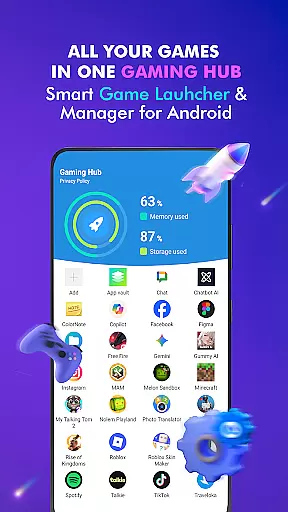

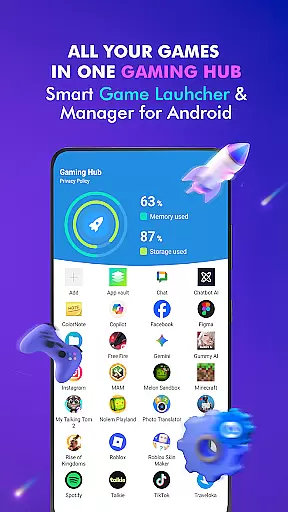

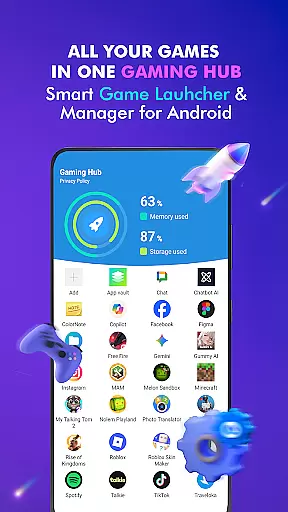

Gaming Hub is a comprehensive app management solution designed to simplify the organization and launching of games and apps on Android devices. The app serves as a centralized hub where users can easily access their favorite applications without the clutter of navigating through multiple screens.
Key features include an intuitive game launcher, automatic detection of popular games from top publishers, manual addition options, performance monitoring tools for tracking RAM usage and storage, and quick-launch capabilities. This makes it particularly useful for gamers and power users who need efficient ways to manage numerous apps while optimizing device performance.
The app's value lies in its ability to streamline app management, providing users with a seamless experience that enhances productivity and enjoyment. Whether you're a casual gamer or someone who frequently uses various apps, Gaming Hub ensures everything is just a tap away.
Gaming Hub stands out with its robust set of features tailored for efficient app management. One of the standout functionalities is the Android Game Launcher, which allows users to manage both games and regular apps effortlessly. This feature centralizes all your applications, making them easily accessible from one location.
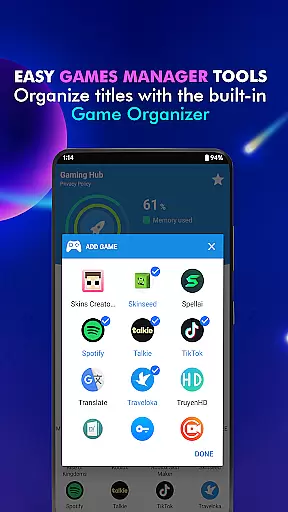
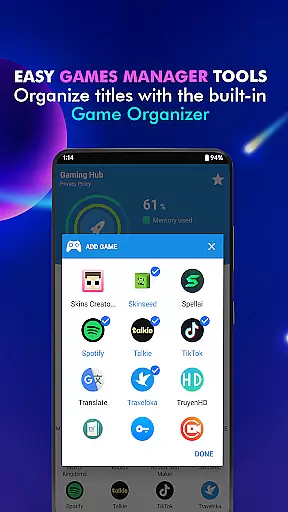
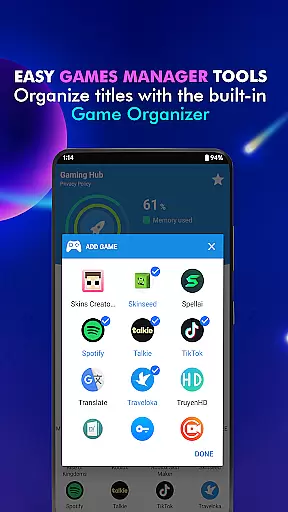
Another significant aspect is the App Organization tool, known as Organizer Master. It automatically detects and adds popular games from renowned publishers, ensuring that your library stays up-to-date with minimal effort. For personalized control, users also have the option to manually add their preferred apps, giving them complete flexibility over their app collection.
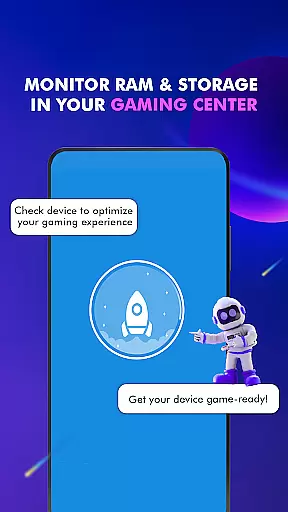
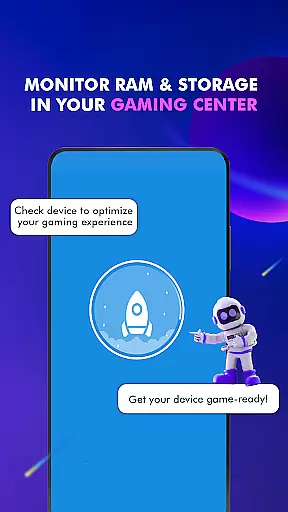
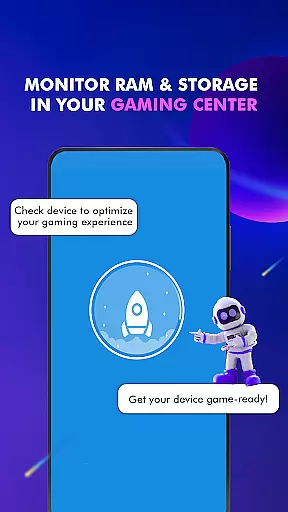
Performance Monitoring is another critical feature, enabling users to keep track of RAM usage and device storage. This helps in maintaining optimal device performance, especially during intensive gaming sessions. Additionally, the Smartphone Gaming Center provides quick and easy access to launch apps, further enhancing user convenience by reducing the steps needed to start using their favorite applications.
Functionality completeness is a critical aspect of any app, ensuring that users have access to all the features they need for effective app management. Gaming Hub App excels in this area by providing a comprehensive suite of tools designed to simplify the organization and launching of apps and games on Android devices.
The app includes an intuitive Game Launcher feature that centralizes all your games and apps, making them easily accessible from one location. Additionally, the Organizer Master automatically detects popular games from well-known publishers, while also allowing manual additions, ensuring that no matter what games you enjoy, they can be added to your library.
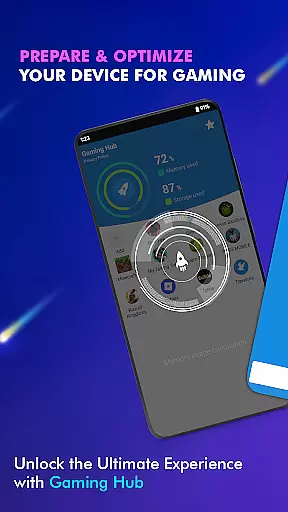
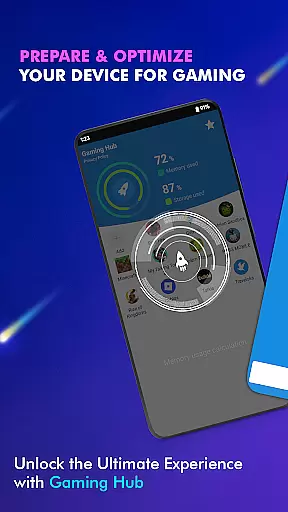
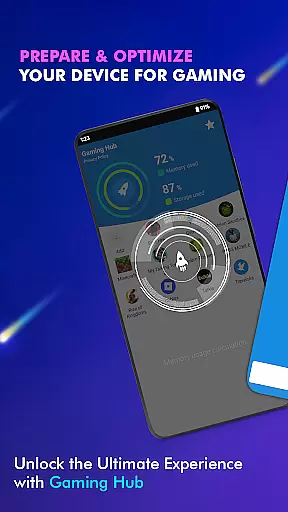
Users benefit from the Performance Monitoring feature, which provides valuable insights into RAM usage and device storage. This allows gamers to optimize their device's performance, ensuring smooth gameplay without unnecessary interruptions or slowdowns.
By offering these robust features, Gaming Hub App ensures that users have everything they need to manage their gaming experience effectively, enhancing both convenience and enjoyment.
Usability and operational smoothness are essential for any application aiming to provide a seamless user experience. Gaming Hub App achieves this by focusing on creating a user-friendly interface that simplifies the process of managing and launching apps and games on Android devices.
The app's design emphasizes ease of use, with straightforward navigation and clear options that make it simple for users to find and launch their favorite games. The inclusion of a Launcher feature means that apps can be started quickly and efficiently, streamlining the user's interaction with their device.
Gaming Hub App also pays attention to the details that enhance operational smoothness. For instance, the app provides information on storage and RAM, helping users maintain optimal device performance. While it doesn't act as a game booster, this data empowers users to manage their resources better, indirectly supporting a smoother gaming experience.
Overall, Gaming Hub App delivers a high level of usability and operational efficiency, ensuring that users can enjoy their games without being bogged down by complex management tasks or sluggish performance.
User-friendly interface
Centralized app management
Automatic game detection
Manual app addition
Performance monitoring tools
No direct game boosting
Limited customization
Storage tracking only
Occasional bugs
Ads in free version

Tune your game graphics with our GFX optimizer for optimal gaming experience
 4.50
4.50
Wireless reverse charging using phone now is possible
4.30
Demo for Key Attestation feature of the Android system.
4.80
Connect and find your Smarttag devices through our app.
4.00
A great tool help you to format Micro SD memory Card
3.10
An essential GFX utility developed for specific FPS mobile games
4.50
Mirror Link Car Display to share your screen with car dashboard wirelessly
4.5
Looking to connect your phone to your car screen? Mirror Link is the solution.
3.20
Mirror link car connector to share your screen with car dashboard
3.80
The Free Catholic Latin American Bible in complete Spanish
4.60
Block, disable and secure phone camera from secretly taking photos by spyware.
4.50
Easily evaluate the performance of Scandit's barcode and ID scanning SDK
4.10
Connect your phone to any endoscope camera, USB camera, or borescope with ease.
3.70
Connect and find your Smart Tag 2 devices through our app.
3.60
Mobs maker Minecraft help MCPE creators make their own mob by using Blockbench
3.50
Now Available on Android ™
3.40
Collection of Maps and Mods for Dmod
3.30
Endoscope camera an app to connect with endoscope cam or any device
3.30
Identify securely online
3.10


User Reviews