
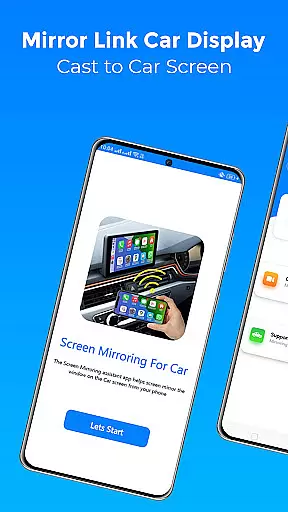
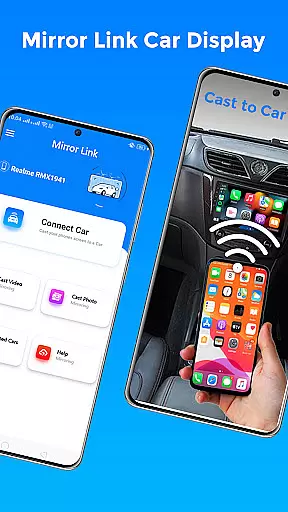
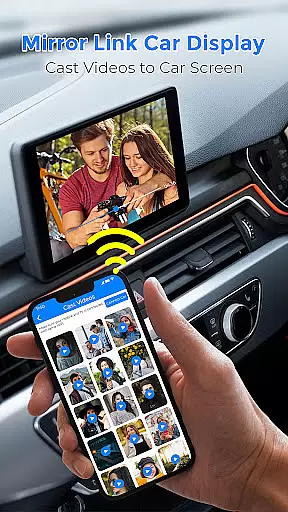
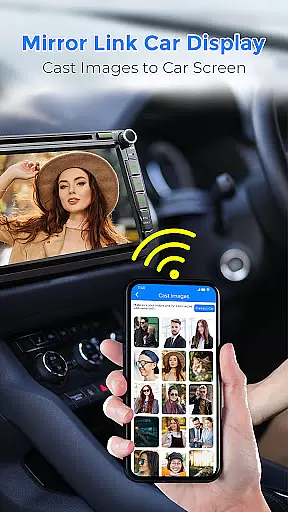
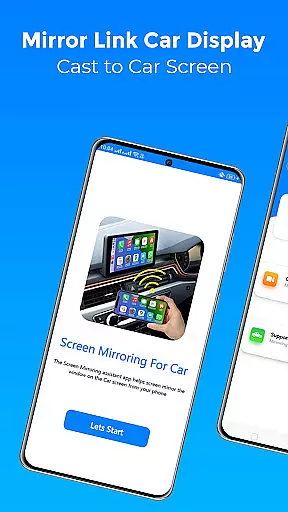
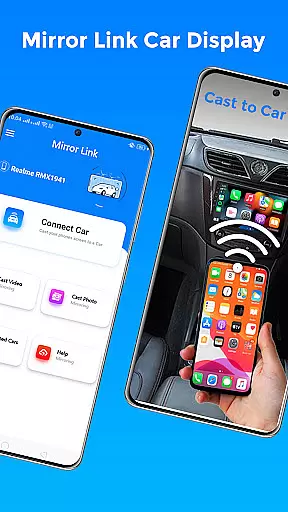
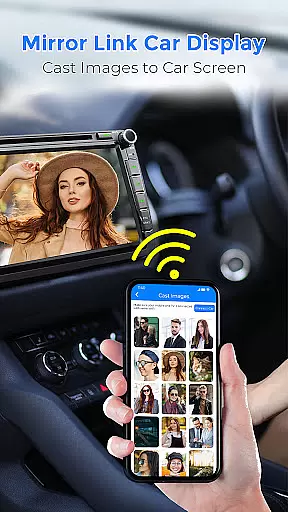
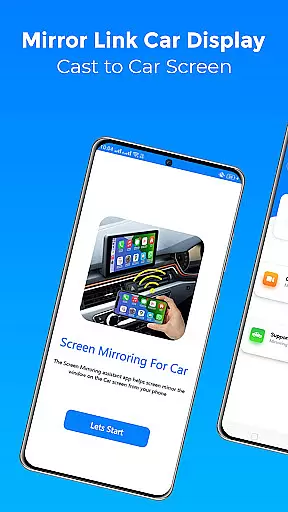
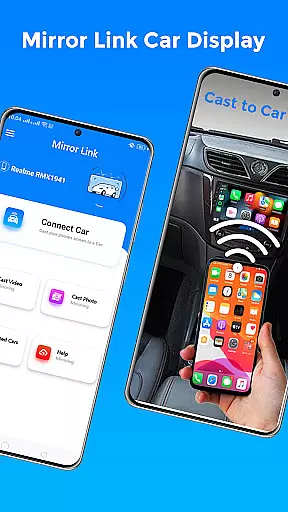
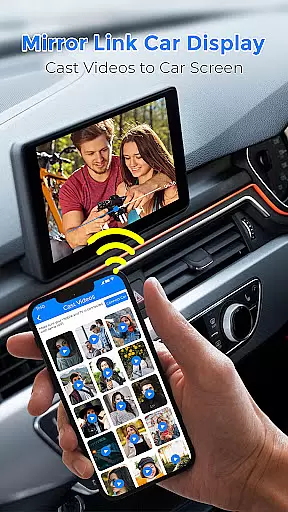
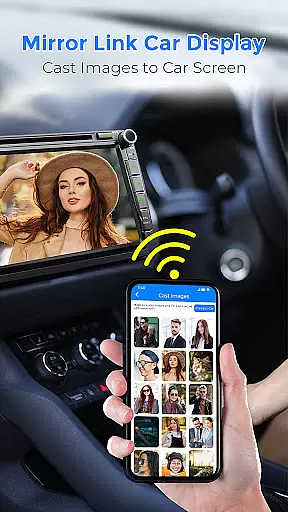
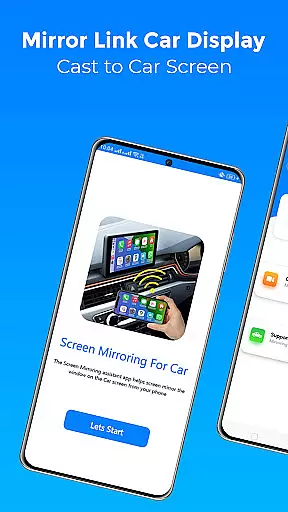
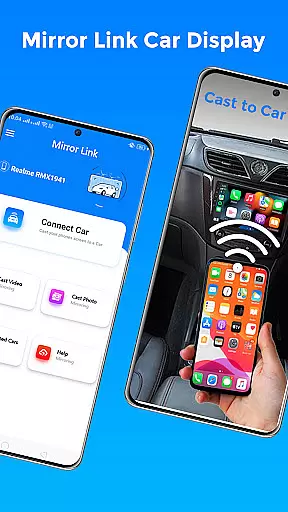
Mirror Link Car Display is a cutting-edge application designed to seamlessly connect your smartphone with your car's display system. This app enables users to mirror their phone screens onto their car's dashboard, providing a safer and more convenient driving experience. With support for both Android Auto and Apple CarPlay, it ensures compatibility across various devices and car models.
The app's core functionality revolves around wireless screen mirroring, allowing drivers to access navigation, media playback, and communication features directly from their car's touchscreen interface. Whether you're looking to stream videos, play music, or use map applications, Mirror Link Car Display transforms your vehicle into an extension of your mobile device.
Perfect for long drives or daily commutes, this app enhances road safety by minimizing distractions and keeping essential functions within easy reach. The ability to control your phone through the car's interface means less time handling your device and more focus on the road ahead.
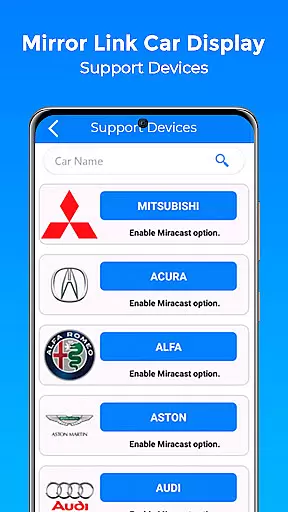
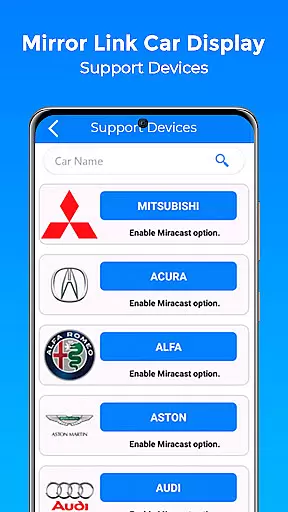
Mirror Link Car Display boasts an impressive array of features that cater to modern drivers' needs. One standout capability is its one-click wireless connection, which establishes a stable link between your phone and car display without the need for cumbersome cables. This feature supports both Miracast and Wireless Display options, ensuring broad compatibility with various devices.
The app provides comprehensive access to your phone's functionalities through the car's touchscreen. Users can enjoy movies, music playlists, and even manage calls and texts while driving. Its smart mirroring technology works seamlessly with both older and newer car models, making it an ideal solution for upgrading any vehicle's infotainment system.
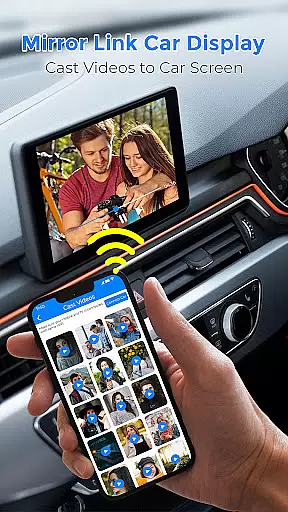
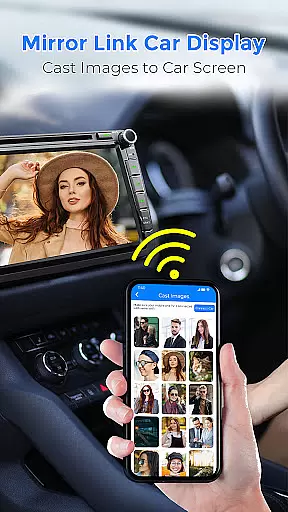
Additional features include automatic playback management when connecting to your car's display and support for web video streaming. The app also facilitates photo casting and audio streaming, creating a versatile entertainment hub in your vehicle. These capabilities transform your driving experience by bringing the full functionality of your smartphone to your car's larger display.
Mirror Link Car Display offers a comprehensive solution for drivers seeking to integrate their mobile experience with their vehicle's display system. This app ensures that users can mirror their phone screens onto their car's dashboard, providing access to navigation, media, and communication apps without distraction.
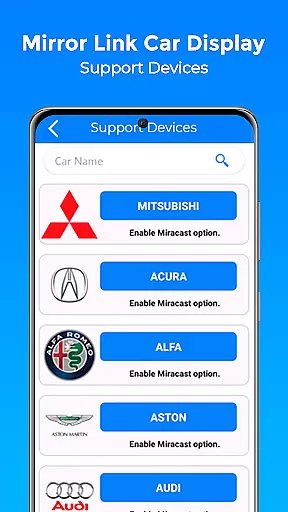
The functionality extends beyond basic screen mirroring by incorporating wireless connectivity, which eliminates the need for cumbersome cables and enhances the overall user experience. With support for both Miracast and Wireless display options, it covers a wide range of devices and vehicles, making it versatile and widely applicable.
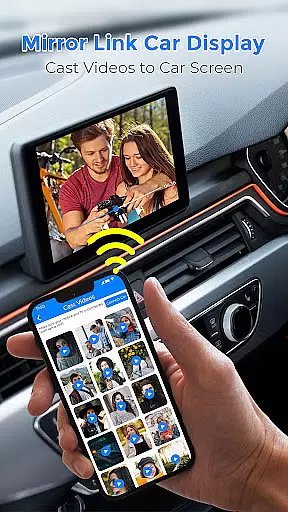
By including features such as automatic playback control when connecting to a car's TV display, Mirror Link Car Display demonstrates its commitment to offering a complete package. Users can enjoy streaming videos, photo slideshows, and audio directly from their phones to their car's entertainment system.
This application is not limited to new car models; it works seamlessly with older vehicles too, ensuring that all users can benefit from modern smartphone integration regardless of their car's age or brand.
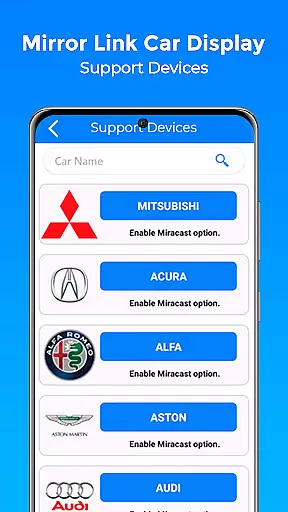
When it comes to usability, Mirror Link Car Display excels by providing an intuitive interface that simplifies the process of connecting a smartphone to a car's display. The straightforward setup involves enabling Miracast on both the phone and car systems, then allowing the app to establish a connection effortlessly.
Operational smoothness is evident in how the app handles various tasks while driving. It allows users to watch movies, listen to music, and even manage calls and texts through the caru2019s touchscreen, thus promoting safer driving practices. The wireless driving mode further enhances this by integrating smoothly with existing car systems like MirrorLink and Android Auto.
The app also supports one-click screen sharing, reducing the steps needed to start using the mirrored display. This ease of use contributes significantly to the overall driving experience, allowing users to focus more on the road and less on operating their devices.
With stable connections and broad compatibility across different devices and car brands, Mirror Link Car Display ensures that users encounter minimal disruptions during their journeys, thereby maintaining a high level of operational reliability.
User-friendly interface
Wireless connectivity
Broad device compatibility
Comprehensive media support
Enhanced driving safety
Requires compatible hardware
Occasional connection issues
Limited offline functionality
Dependent on Wi-Fi stability
Potential battery drain

Do you want to drive easy ? do you wanna full mirror link Mobile with your car
 4.10
4.10
You can remote control and play much easier.
4.10
Connect and Find your smart tag via our app.our app is compatible with smarttag.
3.30
Study Bible King James Version: the correct way to learn the Bible with audio
4.80
a wireless controller that provides a seamless and gaming experience for players
3.80
Al QURAN-القرأن الكريم app to read Quran offline just like an actual Quran book
4.30
DamonSx2 is the open Source LGPL Emulator
3.20
A Pydroid Quick Install repository provider.
4.00
Endoscope camera an app to connect with endoscope cam or any device
3.30
Tune your game graphics with our GFX optimizer for optimal gaming experience
4.50
Block and secure the microphone and protect from secret listening and recording.
4.50
Wireless reverse charging using phone now is possible
4.30
An impressive collection of tools, characters, weapons, skins and more!
4.30
Game Booster GFX for smoother gaming experience. Enjoy 120 FPS and 4x Game Space
4.20
Android secret code for smart phone, mobile codes, with secret codes app
4.20
Connect and find your Smarttag devices through our app.
4.00
Now Available on Android ™
3.40
Collection of Maps and Mods for Dmod
3.30
Zlink Carplay Android a mirror link app with a Carplay interface style
4.2


User Reviews