
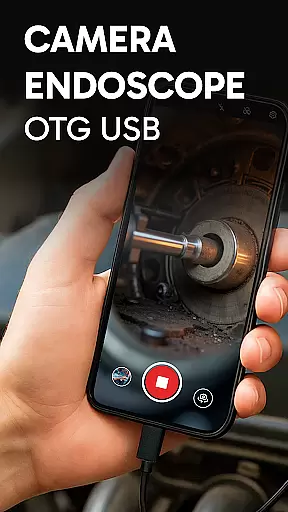
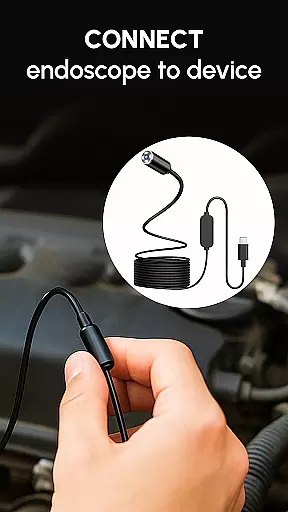
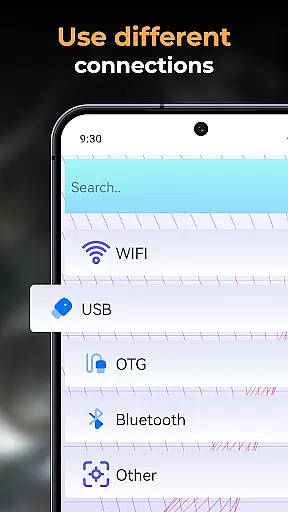
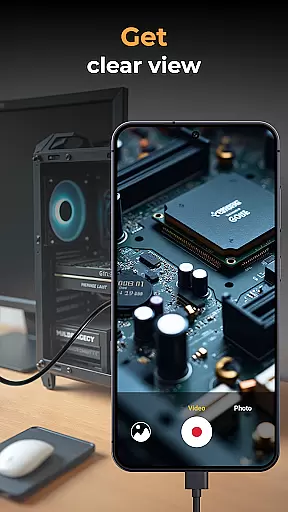
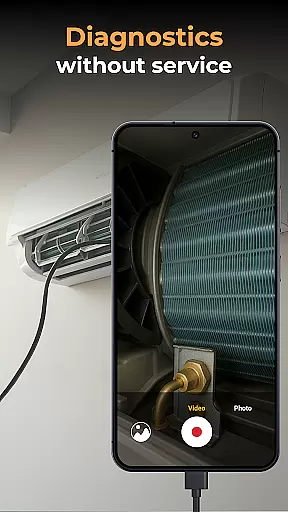
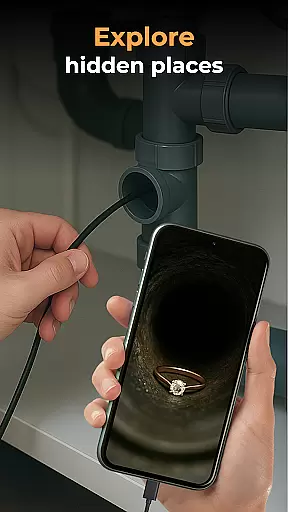
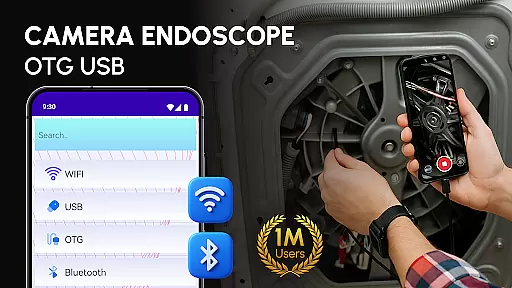
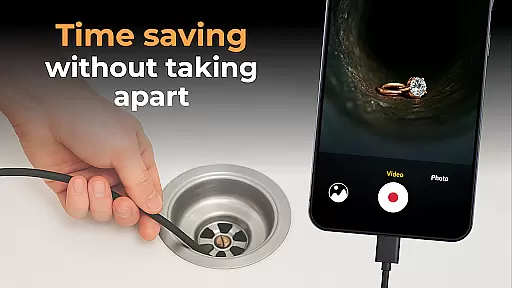
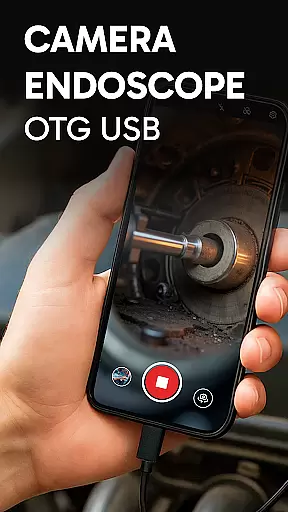
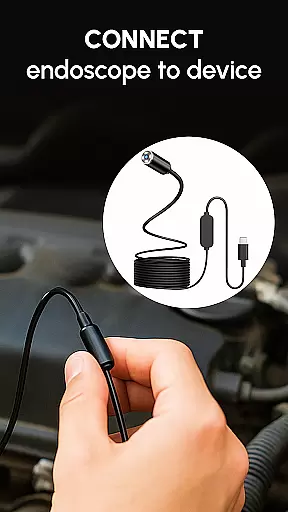
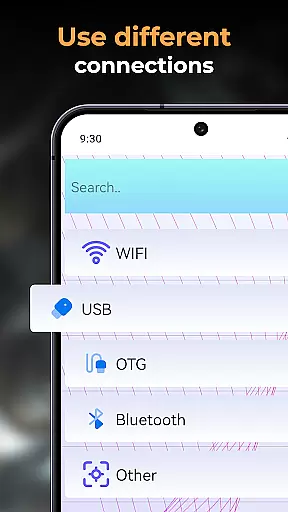
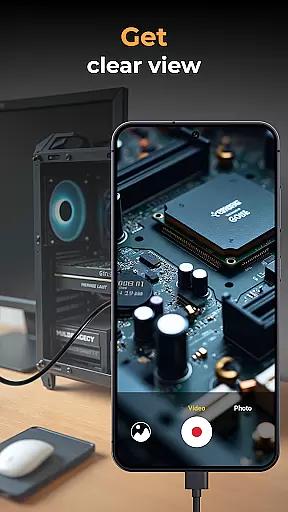
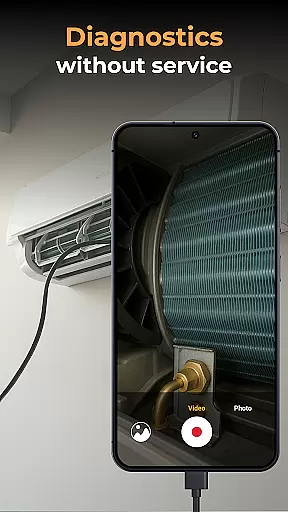
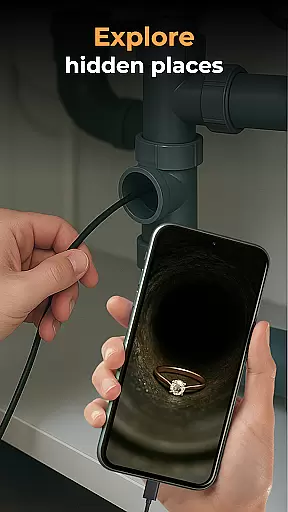
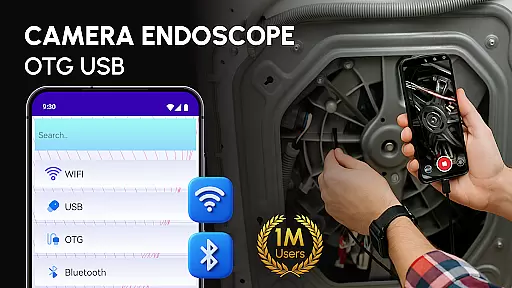
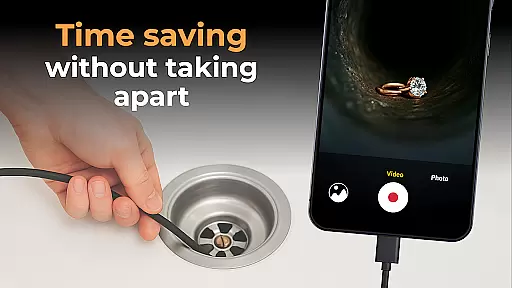
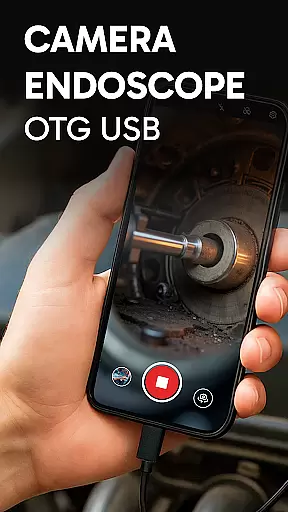
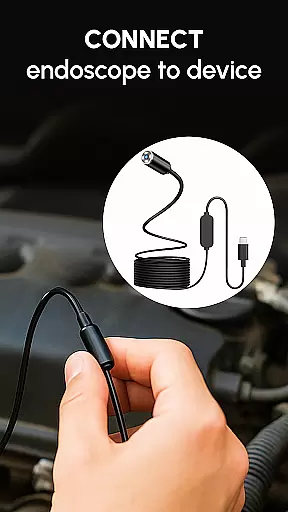
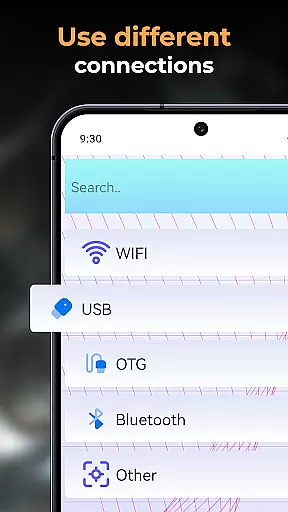
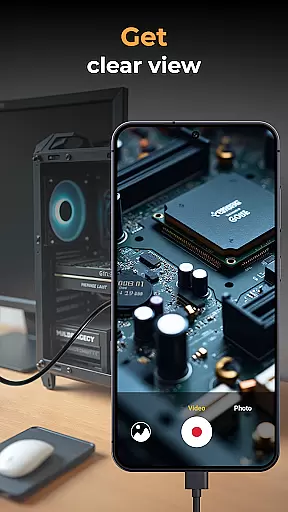
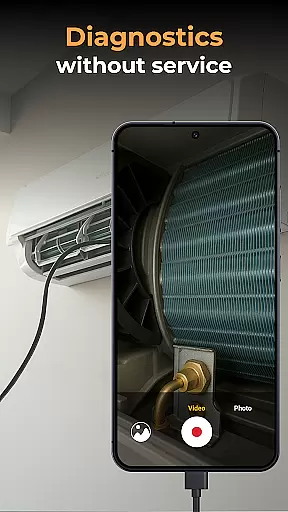
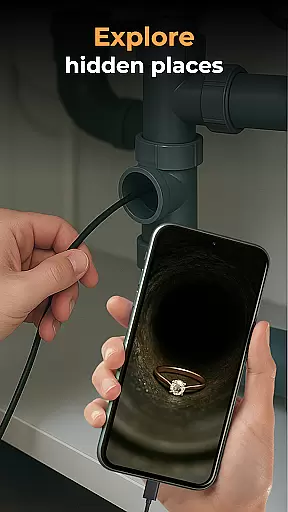
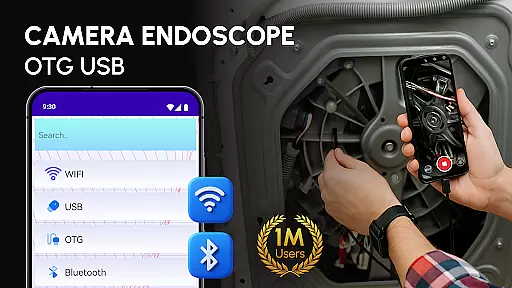
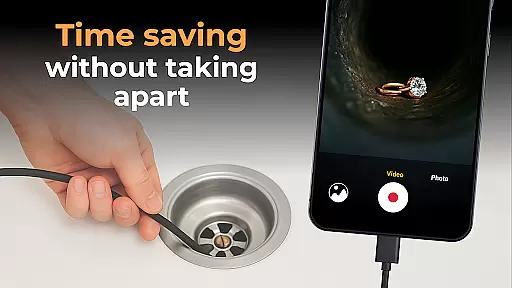
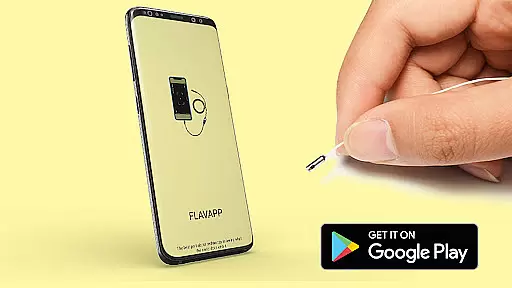
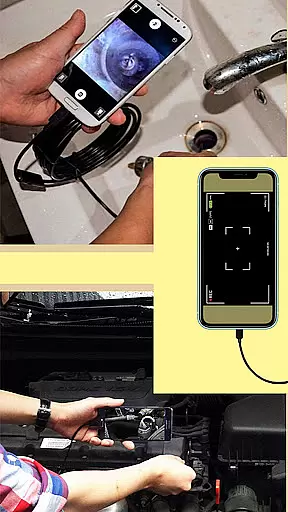
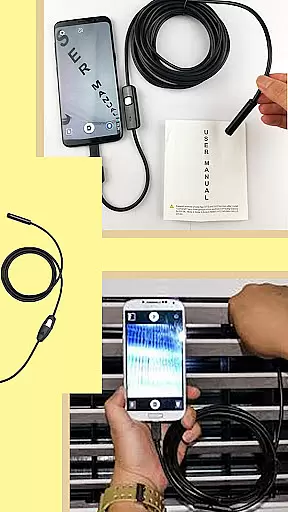
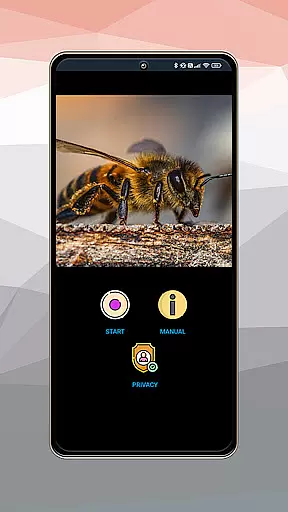
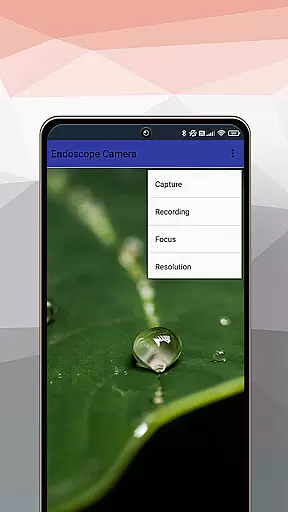
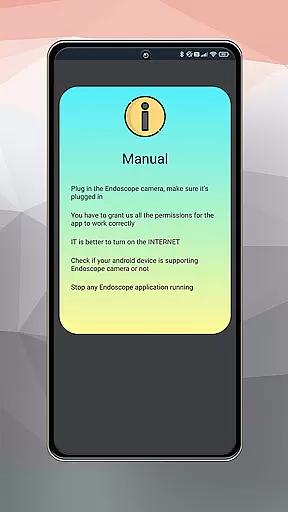
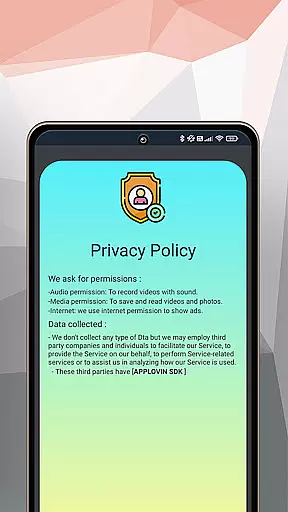
Camera endoscope / OTG USB is an innovative inspection tool that transforms your Android device into a professional diagnostic system. This application supports real-time video capturing through external cameras like borescopes and microscopes, making it ideal for detailed inspections in hard-to-reach areas.
The app's core functionality lies in its ability to connect seamlessly with various external devices using the USB OTG interface. Users can easily record high-quality images and videos while exploring tight spaces or examining intricate machine parts. The built-in gallery provides efficient media management features including view, delete, and share options.
This versatile inspection solution is particularly valuable for technicians and DIY enthusiasts who need to diagnose plumbing issues, automotive problems, or electronic malfunctions. By providing clear visuals of otherwise inaccessible areas, Camera endoscope / OTG USB significantly enhances diagnostic accuracy and efficiency.
One of the standout features of Camera endoscope / OTG USB is its comprehensive support for various external inspection tools. The application enables real-time video streaming from endoscopes, borescopes, and microscopes, allowing users to capture detailed visuals in challenging environments.
The app offers exceptional ease of use with its plug-and-play functionality and stable connection performance. Its intuitive interface lets users quickly switch between different camera modes and adjust settings as needed. The integrated media gallery not only stores all captured content but also provides essential management functions such as file organization and sharing capabilities.
What sets this application apart is its optimization for professional use while maintaining user-friendly features. The software ensures smooth operation even during extended inspection sessions and maintains consistent performance across multiple compatible devices. These characteristics make it an indispensable tool for both casual users and professional technicians seeking reliable inspection solutions.
When evaluating an application like Camera Endoscope / OTG USB, functionality completeness refers to the app's ability to offer a wide array of features that cater to the needs of its users. This particular app excels in providing comprehensive support for USB OTG cameras, transforming Android devices into powerful inspection tools.
The app covers various aspects of camera usage, including real-time video capturing, compatibility with external devices such as borescopes and microscopes, and seamless integration through OTG Connector Software. These capabilities ensure that whether you're a DIY enthusiast or a professional technician, the functionalities provided will meet your inspection needs.
Additionally, the app offers media management features, allowing users to record, store, view, delete, and share high-quality videos and images directly from the built-in gallery. Such extensive coverage of features eliminates the need for additional software, making it a one-stop solution for inspection tasks.
Ultimately, the completeness and coverage of Camera Endoscope / OTG USB significantly enhance user experience by providing all necessary tools within a single platform, thus maximizing convenience and efficiency during inspections.
Usability and operational smoothness are crucial factors that determine how effectively users can interact with an application. For Camera Endoscope / OTG USB, usability is demonstrated through its intuitive design and straightforward setup process, which allows users to quickly start using the app without a steep learning curve.
Operational smoothness is evident in the app's stable and fast connections when using different types of external cameras. Whether inspecting plumbing work or diagnosing electronic devices, users benefit from the app's reliable performance, ensuring a seamless experience even in demanding environments.
Moreover, the app simplifies complex tasks by offering easy-to-use plug-and-play features with endoscopes, borescopes, and microscopes. This ease of use extends to file management, where users can effortlessly organize, delete, or share their media files through an intuitive interface.
In summary, the high level of usability and operational smoothness in Camera Endoscope / OTG USB ensures that users can focus on their inspection tasks without being hindered by technical difficulties, thereby improving overall productivity and satisfaction.
User-friendly interface
Real-time video capture
Wide device compatibility
Efficient media management
Stable connection performance
Limited free features
Requires OTG adapter
Device compatibility issues
No cloud backup
Premium feature costs

Record with Double Camera Video Recording using Dual Camera Front and Back Video
 3.00
3.00
Wireless reverse charging using phone now is possible
4.30
Collection of Maps and Mods for Dmod
3.30
Mirror Link Car Display to share your screen with car dashboard wirelessly
4.5
Explore The Holy Quran Majeed for Muslim. Listen to MP3 Quran & Al Quran Kareem.
4.80
CloudEye 365 is a easy-handling APP
3.60
An impressive collection of tools, characters, weapons, skins and more!
4.30
Ps2 plugins for 64 bit artitechture
3.70
Now Available on Android ™
3.40
Tune your game graphics with our GFX optimizer for optimal gaming experience
4.50
An essential GFX utility developed for specific FPS mobile games
4.50
Manage apps & elevate your gaming experience with Game Launcher: Gaming Hub app.
4.30
Game Booster GFX for smoother gaming experience. Enjoy 120 FPS and 4x Game Space
4.20
View your cameras anywhere and anytime
4.20
The best PS2 games from your childhood come to life in their mobile version!
4.00
Connect and Find your smart tag via our app.our app is compatible with smarttag.
3.30
A great tool help you to format Micro SD memory Card
3.10
Collection of high-quality, trendy skins and outfits!
4.3
Enjoy hours of entertainment with our Roblox mobile games app
4.5


User Reviews