
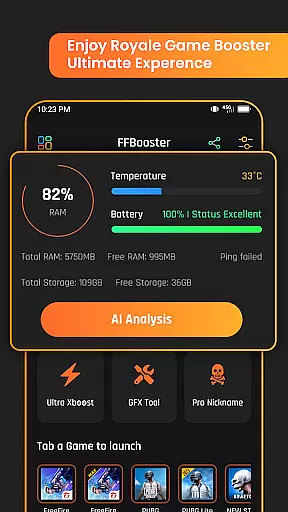
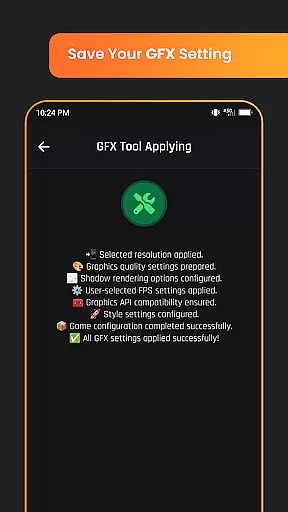
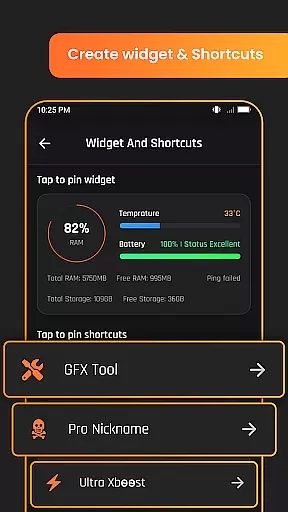
Game Booster GFX Fire Fix is a powerful utility app designed to enhance your mobile gaming experience. This app focuses on optimizing graphics settings and performance for battle royale games, ensuring smoother gameplay with improved visual quality.
The application provides advanced GFX tools that allow gamers to customize their gaming experience. Key features include support for HDR and Ultra HD graphics, FPS boost up to 120 on compatible devices, instant game launch, and custom resolution settings. These capabilities make it an essential tool for competitive gamers seeking the best performance.
Whether you're looking to fine-tune your graphics settings or gain a competitive edge through optimized performance, Game Booster GFX Fire Fix delivers practical solutions. Its AI analysis and realistic graphic style options help players achieve the perfect balance between performance and visual fidelity.
Game Booster GFX Fire Fix stands out with its comprehensive feature set tailored specifically for mobile gamers. The app's most notable capability is its advanced graphics optimization tools, which include support for both HDR and Ultra HD resolutions.
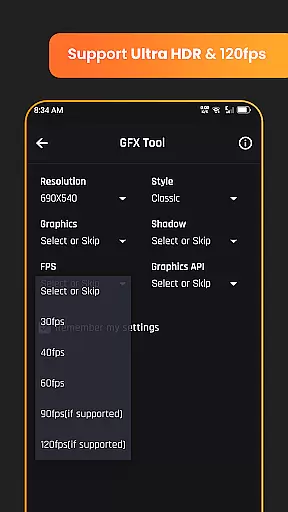
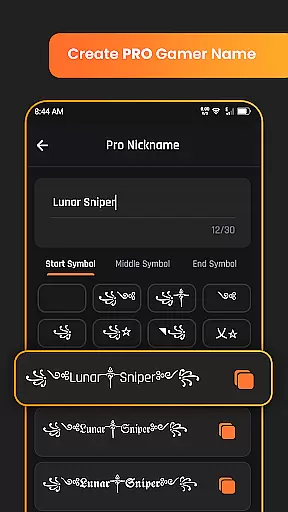
One of the key innovations is the ability to push frame rates up to 120 FPS on compatible devices, significantly enhancing the smoothness of gameplay. The custom resolution settings and shadow control options give players precise control over their visual experience. Additionally, the app includes a unique Pro nickname generator for creating distinctive gamer tags.
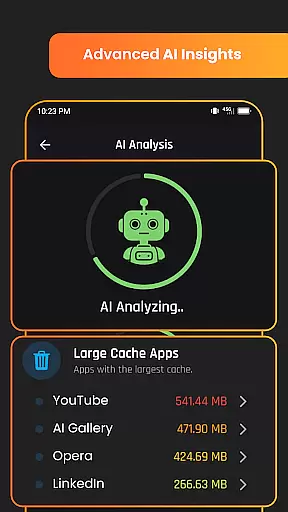
What sets this app apart is its implementation of AI analysis to optimize game settings automatically. The app also emphasizes safe usage by recommending users launch games through its extension for optimal results. As an independent utility, it maintains compatibility with various games without affiliations to specific titles or publishers.
Functionality completeness is a critical aspect of any utility application, and Game Booster GFX Fire Fix excels in this area. The app offers a comprehensive suite of tools designed to enhance the gaming experience across multiple dimensions.
The application supports advanced graphic settings such as HDR and Ultra HD, ensuring that games look their best on compatible devices. It also allows users to customize their gaming experience with options for up to 120 FPS, custom resolution settings, and the ability to enable or disable shadows.
Beyond graphics, the app provides features like instant game launch and realistic graphic style options in GFX, which cater to gamers looking for both performance and aesthetic enhancements. Additionally, unique offerings such as the Pro nickname generator add an extra layer of personalization.
By covering a wide range of functionalities from core gaming enhancements to creative utilities, Game Booster GFX Fire Fix ensures that users have all the tools they need at their fingertips, making it a complete solution for optimizing mobile gaming experiences.
Usability and operational smoothness are essential for any application aiming to provide a seamless user experience. Game Booster GFX Fire Fix achieves this by focusing on intuitive design and efficient performance optimization.
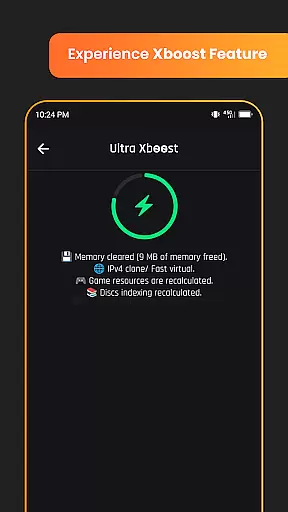
The interface is crafted to be user-friendly, allowing gamers to easily navigate through various settings and apply changes without hassle. Features like instant game launch significantly reduce waiting times, providing a smoother transition into gameplay.
Moreover, the app's support for advanced AI analysis showcases its commitment to staying ahead in terms of technology and usability. This feature helps users understand their gaming habits better and optimize accordingly.
Overall, Game Booster GFX Fire Fix not only enhances gaming visuals but also ensures that every interaction within the app feels responsive and reliable, contributing to an overall smoother and more enjoyable user journey.
Advanced GFX optimization
Up to 120 FPS support
Custom resolution settings
AI-powered analysis
Instant game launch
Limited game compatibility
Premium features locked
Device requirements high
Occasional stability issues
No cross-platform support

Record with Double Camera Video Recording using Dual Camera Front and Back Video
 3.00
3.00
Collection of high-quality, trendy skins and outfits!
4.3
use your smartphone as Remote control drones .
4.20
Demo version of the mcpro24fps manual video camera. Try and buy a full version!
4.00
a wireless controller that provides a seamless and gaming experience for players
3.80
Phone Software Update Quick Checker helps you to keep your phone apps up to date
4.50
Mirror phone to TV effortlessly! Stream, share & connect with Airplay ease.
3.60
The best PS2 games from your childhood come to life in their mobile version!
4.00
Now Available on Android ™
3.40
Explore The Holy Quran Majeed for Muslim. Listen to MP3 Quran & Al Quran Kareem.
4.80
Read Holy Quran Feel Like Real Quran & Listen Al Quran Mp3 Audio Online Offline.
4.70
An essential GFX utility developed for specific FPS mobile games
4.50
MirrorLink for connecting your Android phone to your car’s infotainment screen.
4.50
Barcode scanning made simple!
4.40
Android secret code for smart phone, mobile codes, with secret codes app
4.20
Connect and find your Smart Tag 2 devices through our app.
3.60
CloudEye 365 is a easy-handling APP
3.60
Simulator of real black light
3.50
Experience virtual reality on your smartphone with Cardboard.
3.50


User Reviews