
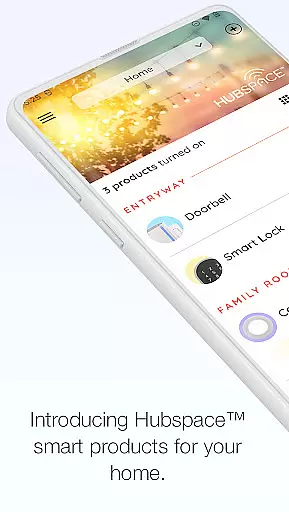
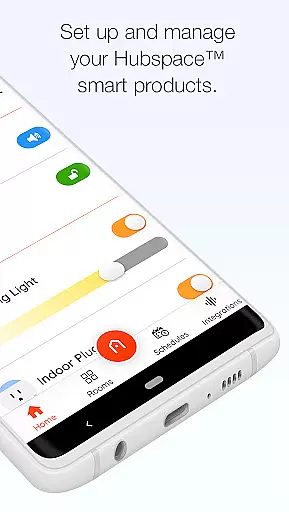
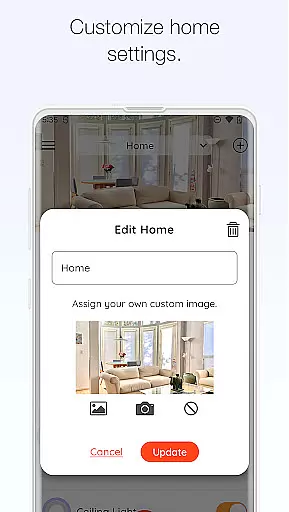
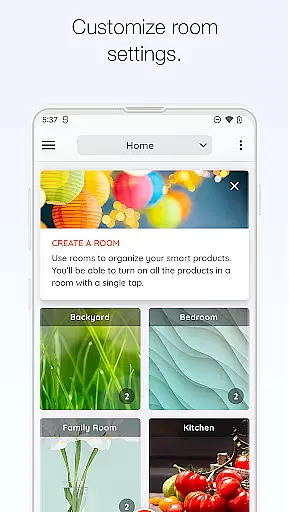
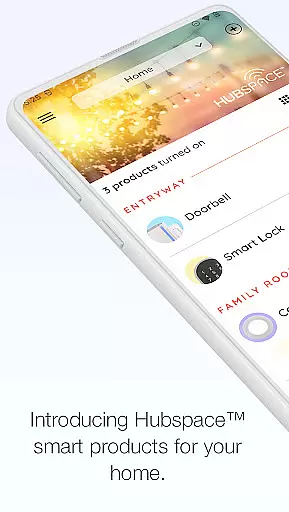
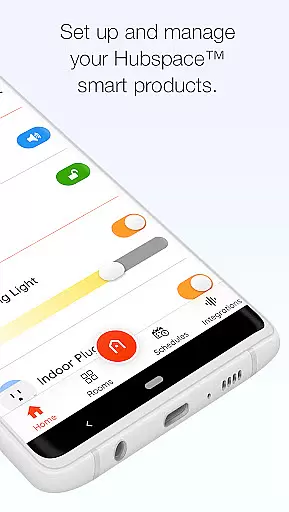
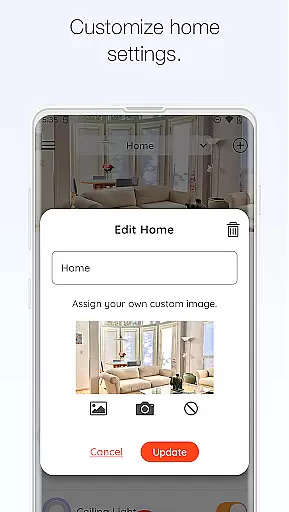
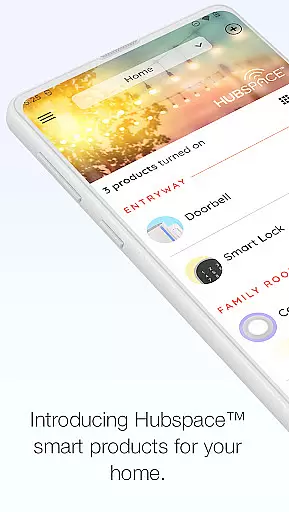
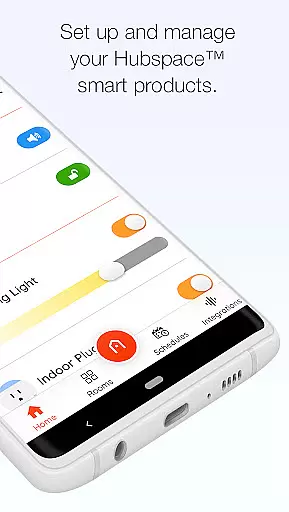
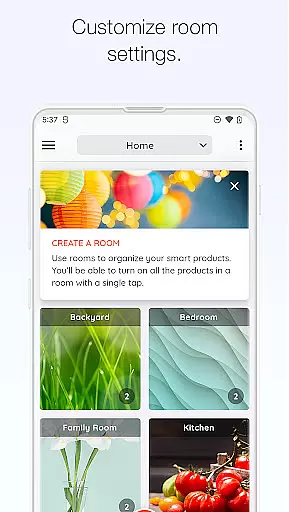
Hubspace is a comprehensive smart home management application designed to help users effortlessly control and monitor their connected devices. The app allows you to organize smart products by room and property making it easy to manage multiple devices across different locations.
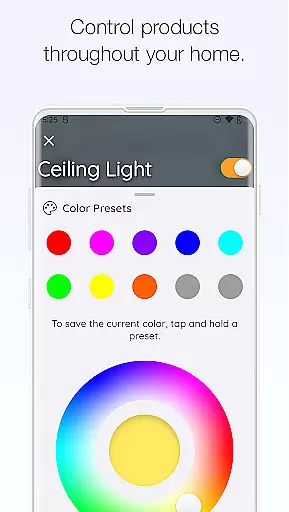
With intuitive controls you can adjust device settings such as on/off states light color temperatures fan speeds and scheduling. Whether you're at home or away the app provides seamless remote access to all your smart devices ensuring optimal convenience and energy efficiency.
The app also supports integration with popular voice assistants like Google Assistant and Alexa enhancing its versatility. This makes Hubspace an ideal solution for users seeking a centralized platform to manage their smart home ecosystem.
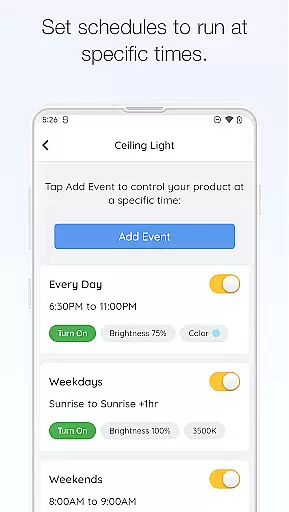
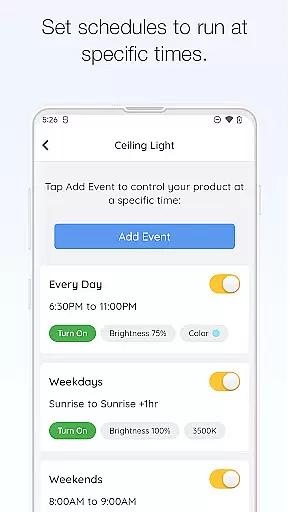
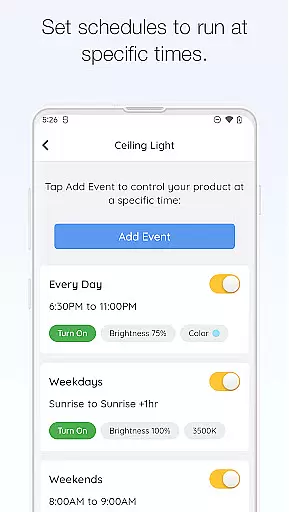
Hubspace offers an impressive array of features that cater to various smart home needs. One of its standout capabilities is the ability to create customized schedules for different devices allowing users to automate routine tasks and conserve energy.
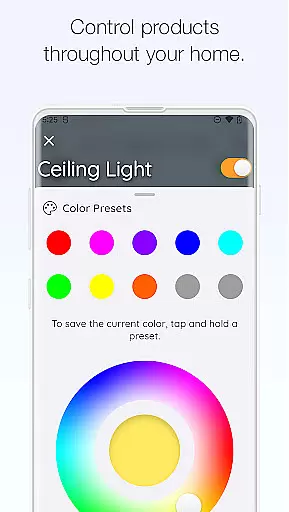
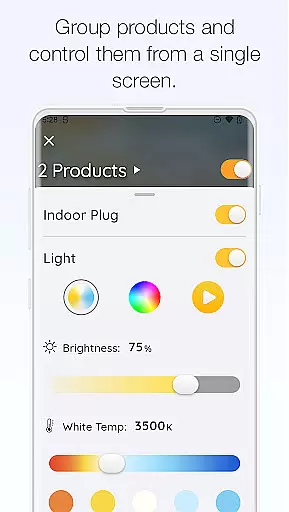
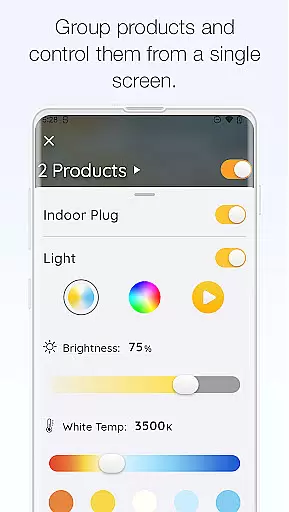
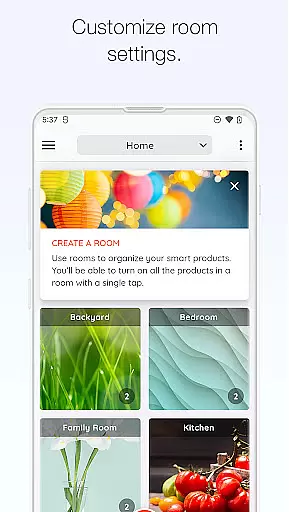
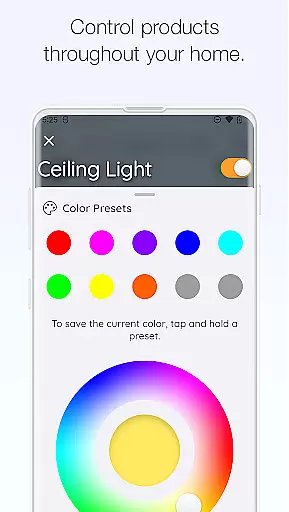
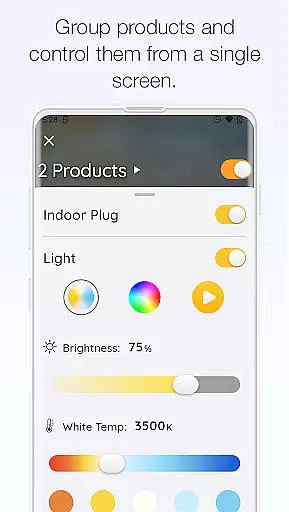
The app excels in its device grouping functionality which enables simultaneous control of multiple devices. For instance you can group all living room lights together and adjust them with a single command. Additionally the color temperature and color setting options for lights provide users with precise control over their home ambiance.
Integration with voice assistants adds another layer of convenience while the remote monitoring feature ensures peace of mind when you're away from home. These features collectively make Hubspace a powerful tool for modern smart home management.
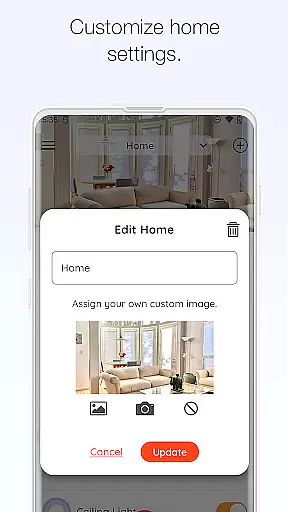
When managing a connected home through Hubspace, the authenticity of property listings becomes crucial. This app allows users to organize smart products by room and property, ensuring that each device is accurately represented within its designated space. The importance of this feature lies in providing users with a clear and reliable overview of their smart home setup.
Hubspace achieves property listing authenticity by enabling users to categorize and manage their devices systematically. Each product is linked to its specific location, allowing for precise monitoring and control. This structured approach ensures that users can trust the accuracy of their home's digital representation within the app.
The benefit to users is significant as it simplifies home management. With authentic property listings, homeowners can easily locate and adjust settings for any smart device. This level of organization not only saves time but also enhances the overall smart home experience by making it more intuitive and efficient.
Effective home management is at the core of Hubspace's functionality. This feature encompasses various aspects such as scheduling, remote access, and integration with popular voice assistants like Google Assistant and Alexa. These capabilities are essential for modern homeowners seeking convenience and efficiency in managing their connected homes.
Hubspace implements these features through an intuitive interface that allows users to set schedules, change settings remotely, and integrate with other smart systems. The ability to group products and control them collectively or individually adds another layer of sophistication to home management. Additionally, real-time monitoring provides peace of mind whether at home or away.
Users gain substantial advantages from these features. They can automate routine tasks, receive timely notifications, and maintain optimal conditions in their homes effortlessly. Such comprehensive home management tools not only improve daily living but also contribute to energy savings and enhanced security, making Hubspace a valuable asset for any smart home ecosystem.
User-friendly interface
Wide device compatibility
Remote access capability
Voice assistant integration
Energy-saving scheduling
Limited third-party support
Occasional connectivity issues
Basic automation features
No IFTTT integration
Some advanced features require premium

Make Renting Easy
 4.40
4.40
Design house plans in 2D & 3D, style furniture, and preview renovation layouts
3.70
Universal TV Remote for TV, control all Smart TVs with your mobile phone.
4.5
Download today to join the community to help bring lost pets home faster.
4.70
Control the scent and ambiance of your home and car, right from your phone.
4.50
Innovative and budget-friendly housing options
4.60
Design your dream home with 3D planning app, Visualize your dream home in 3D.
4.20
Control your Vivint Smart Home with the next generation Vivint App.
4.30
The Merkury Smart app makes it easy to control your smart devices.
4.50
Real estate app to find homes for sale or rent in the right neighborhood for you
4.70
Find homes for sale and apartments for rent in the best neighborhood.
4.70
Map-based search app for apartments and homes for rent.
4.60
Plants, Beauty, Collectibles
4.60
SmartRent - Opening Doors To A Smarter World
4.40
AI Home Designer & Room Planner: Decorate your interior space with AI
4.40
Set up your devices, customize settings, and monitor your home—from anywhere
4.40
Control your thermostat, comfort, and home monitoring from your phone
4.30
Draw your floor plan smartly. Make house design blueprint with home planner app
3.60
Unlock AI-based barcode scanning and support the development of Grocy Android
4.2


User Reviews