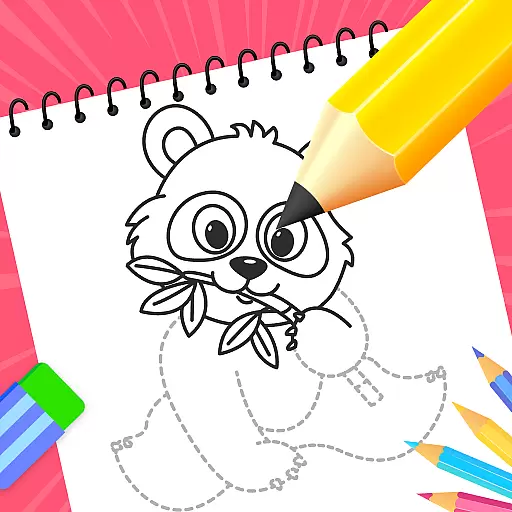
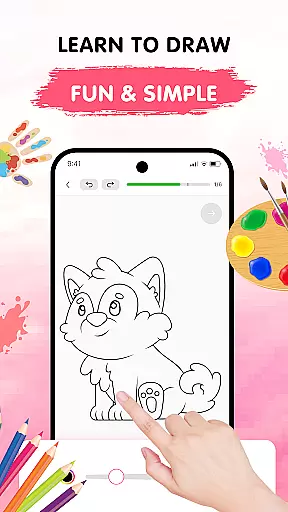
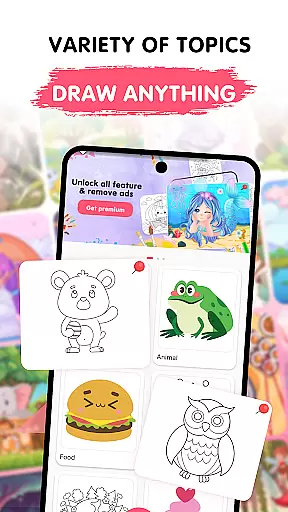
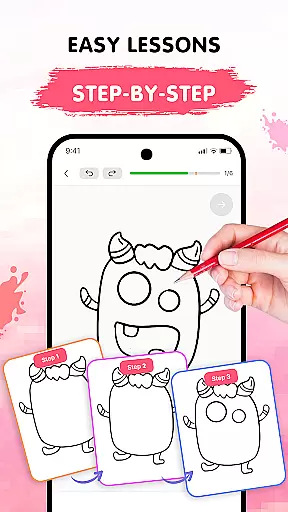
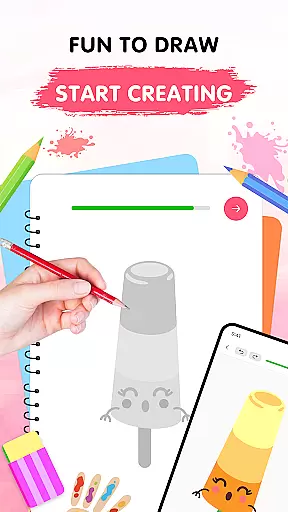
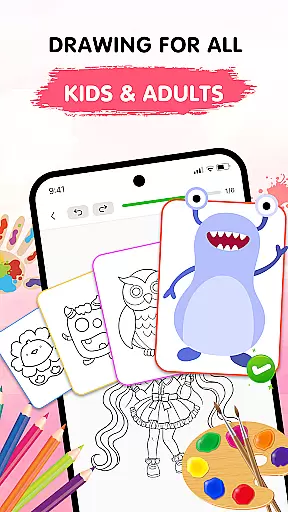
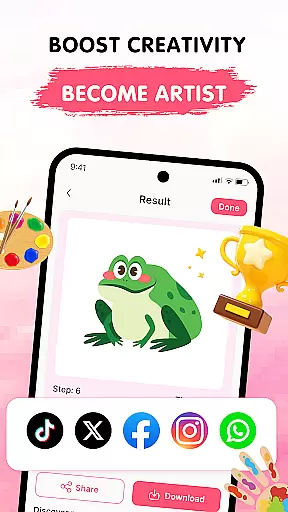
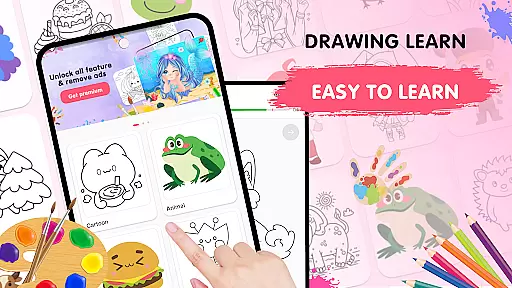
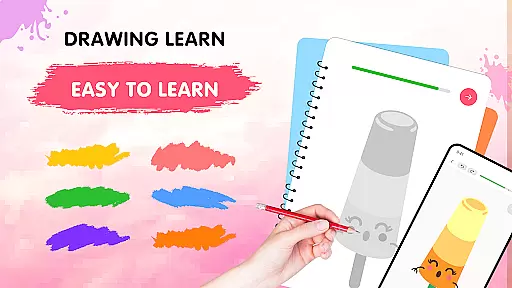
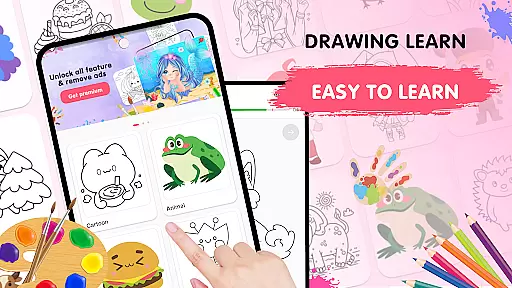
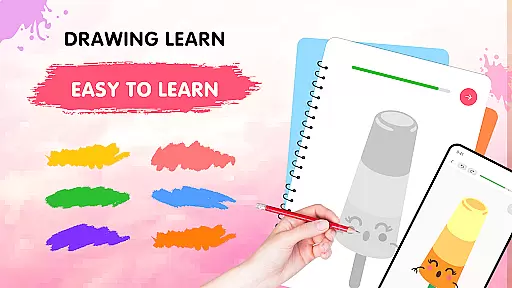
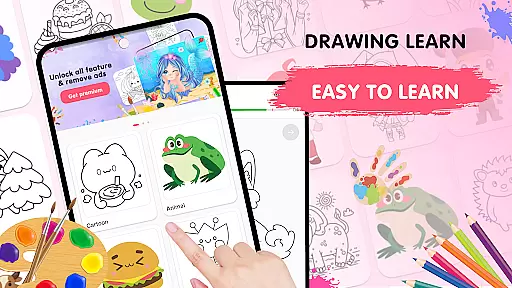
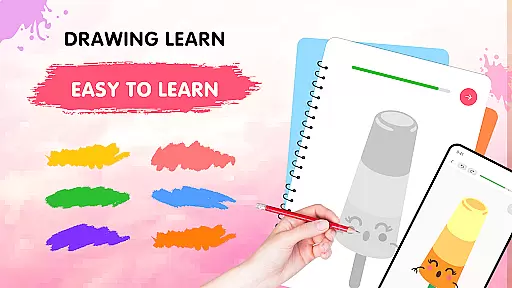
Easy Draw: Learn How to Draw is an innovative educational app designed to help users develop their artistic skills. This personal art tutor offers a structured learning experience with step-by-step drawing tutorials suitable for all skill levels.
The app features a comprehensive library of drawing themes including animals, cartoons, food, and more. With intuitive drawing tools, adjustable brush settings, and a vibrant color palette, Easy Draw makes the creative process both accessible and enjoyable. Whether you're a beginner or looking to refine your technique, this app provides a supportive environment to practice and improve your drawing abilities.
Users can save their artwork and share it with others, making it perfect for those who want to document their progress or showcase their creations. The app's user-friendly interface and guided lessons create an optimal learning experience that helps artists build confidence and technical proficiency.
Easy Draw stands out with its diverse range of drawing categories and carefully designed learning tools. The app offers hundreds of tutorials across various themes, each broken down into manageable steps that make learning to draw less intimidating.
A key strength is its customizable drawing tools. Users can adjust brush sizes, experiment with different colors, and utilize practical functions like undo/redo and eraser without limitations. These features provide complete creative freedom while ensuring a stress-free drawing experience.
Additional notable capabilities include offline access to lessons, progressive difficulty levels in tutorials, and social sharing options. The combination of structured learning paths with flexible creative tools makes Easy Draw a valuable resource for anyone seeking to establish or enhance their drawing skills in an organized yet enjoyable manner.
In the realm of digital learning, content accuracy is paramount, and Easy Draw: Learn How to Draw excels in this area. The app provides a structured learning environment where each drawing lesson is crafted with precision and care. This ensures that users are learning the correct techniques and methods for improving their art.
Easy Draw employs a team of experienced artists and educators who design each tutorial. They bring their expertise to every lesson, offering authoritative guidance on everything from basic shapes to complex compositions. This expert-backed approach gives learners confidence that they're receiving top-quality instruction.
The app's dedication to accurate content extends to its diverse range of themes. Whether users are sketching animals or exploring cosmic landscapes, they can trust that the subjects are portrayed authentically. This commitment helps users develop a well-rounded skill set while fostering a deeper appreciation for various art forms.
One of Easy Draw's standout features is its ability to create personalized learning paths for users. Recognizing that every artist's journey is unique, the app offers a flexible system that adapts to individual needs and preferences. This personalization begins with the wide selection of drawing categories available, allowing users to focus on subjects that truly inspire them.
The step-by-step nature of Easy Draw's tutorials naturally supports personalized progression. Learners can spend as much time as needed on each stage, repeating steps or advancing quickly based on their comfort level. This self-paced approach ensures that each user's learning path aligns perfectly with their current abilities and goals.
Furthermore, the app's adjustable tools and settings contribute to this personalized experience. Users can fine-tune brush sizes, experiment with color palettes, and utilize different drawing techniques to make each piece uniquely their own. These customizable elements, combined with the ability to save and share work, create a comprehensive learning environment that grows with the artist.
User-friendly interface
Step-by-step guidance
Variety of themes
Customizable tools
Offline functionality
Limited advanced techniques
Occasional ads
Premium content locked
Basic community features
Device compatibility issues

AR planetarium app that brings the solar system to you via XREAL Glasses.
 4.5
4.5
Build math skills in: addition, subtraction, multiplication and division.
4.10
Age-Related Child Developmental Milestones
4.80
Welcome to the Speak Navajo Language Application - Volume 1
4.50
Hasbro's Classic Board Game - Make Cavity Sam better or get the buzzer!
3.50
Hasbro’s classic CANDY LAND game is now a gorgeous interactive storybook app.
2.30
A realistic sky map to observe stars, planets, satellites and constellations!
4.80
Professional Award-Winning Astronomy Star Map App With Telescope Control
4.40
Plant identifier: Identify plants, trees, weeds, flowers. Disease diagnosis.
4.30
Universe simulator: Find & explore planets system, outer space, astronomy events
4.60
Turn scrolling hours into improving your knowledge, communication, intelligence
4.50
Intuitive Transformer Lab - By a Lineman, For Linemen & Apprentices
4.50
Stack the Countries makes learning world geography fun!
4.50
One of the most engaging and innovative ABC apps on the market.
4.30
Turns you phone or tablet into TI graphing calculator (ROM required).
4.20
A magical world of fun, building, and learning with Mickey Mouse and more!
4.20
Nighty Night Circus - Bedtime story for kids
4.10
Learn to make peaceful contact with extraterrestrial civilizations
4.10
The official CCM Glossary app, including 700+ terms and definitions.
2.90


User Reviews