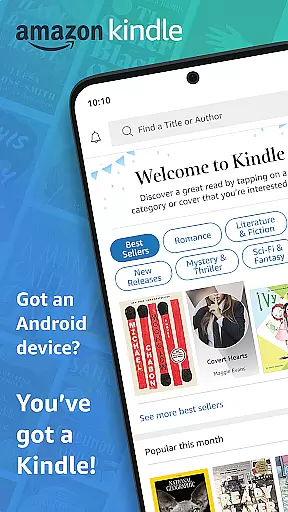
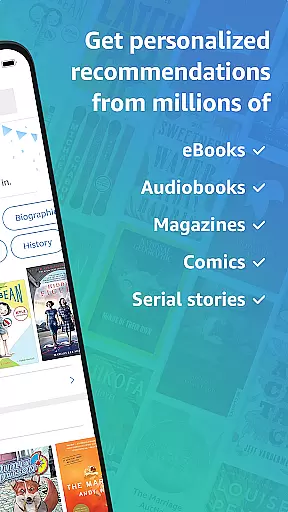
Amazon Kindle is the ultimate reading companion that transforms your mobile device into a portable library. With access to millions of books, magazines, audiobooks, and comics, you can read anytime, anywhere. Whether you're commuting, taking a break, or relaxing at home, Kindle ensures you always have something engaging to explore.
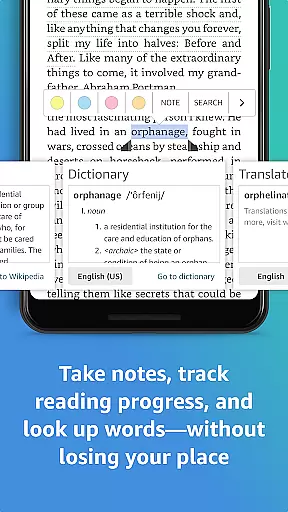
The app goes beyond basic reading by offering advanced customization options and helpful features. You can personalize text size, font type, and even page orientation while enjoying conveniences like built-in dictionaries, translations, and X-Ray for deeper insights into characters and themes. Syncing across devices means you can seamlessly switch between your phone, tablet, or other gadgets without losing your place.
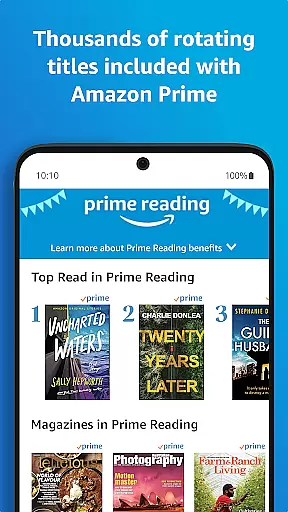
Kindle also caters to diverse reading preferences with specialized content such as Amazon Charts bestsellers, Kindle Unlimited's vast library, and Prime Reading's exclusive titles. Whether you're diving into novels, exploring non-fiction, or catching up on magazines, Kindle provides an immersive experience tailored to every reader's needs.
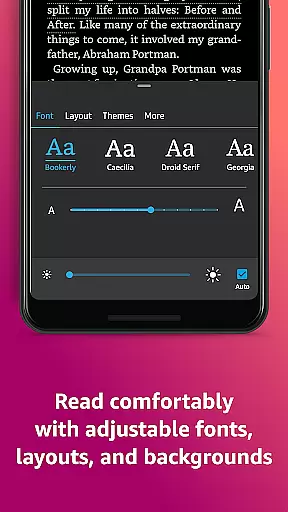
One of the standout features of the Amazon Kindle app is its ability to customize your reading experience. You can adjust text size, font type, margins, and brightness to suit your comfort level. The app supports both portrait and landscape orientations and allows continuous scrolling or traditional page-turning based on your preference.
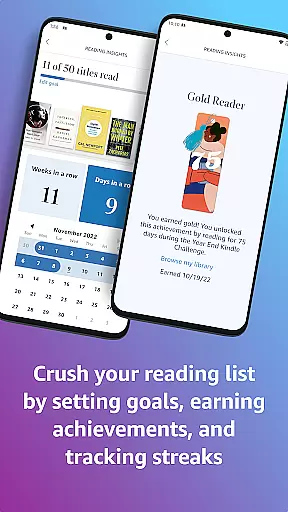
Beyond customization, Kindle offers powerful tools to enhance comprehension and engagement. Built-in dictionaries help clarify unfamiliar words, while X-Ray provides detailed information about characters, places, and themes within a book. Additionally, features like Page Flip let you skim through pages without losing your spot, and real-time progress tracking shows how much time is left in each chapter.
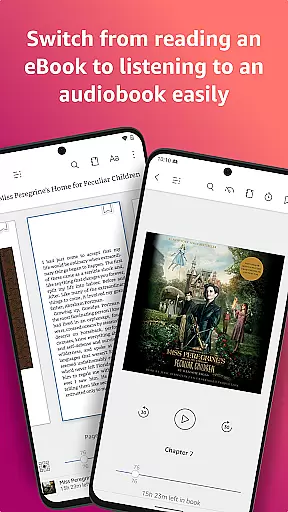
Syncing capabilities ensure a seamless experience across multiple devices. Your bookmarks, highlights, and notes are automatically saved and updated wherever you go. For added convenience, Kindle integrates Audible narration so you can switch between reading and listening effortlessly. These innovative features make Kindle more than just an e-reader—it's a complete literary ecosystem.
When it comes to digital reading, the size and authenticity of an e-book library are crucial factors for avid readers. The Amazon Kindle app boasts an extensive collection of millions of books, including bestsellers, magazines, newspapers, comics, and manga. This vast library ensures that users have access to a diverse range of reading materials, from the latest releases to timeless classics.
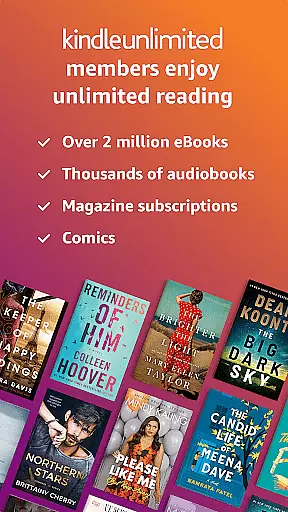
Copyright authenticity is another cornerstone of the Kindle experience. Every title available in the Kindle store is legally licensed, providing peace of mind that your reading material respects intellectual property rights. This commitment to copyright compliance extends to Kindle Unlimited and Amazon Prime offerings, where members enjoy unlimited access to over a million titles, thousands of audiobooks, and current magazines, all verified for authenticity.
The app's integration with Amazon's vast ecosystem means that users can trust the legitimacy of their purchases. Whether you're exploring new genres or diving into well-known series, the Kindle app guarantees a legitimate and extensive content library. This dedication to quality and legality sets Kindle apart as a leader in the digital reading space.
For a seamless reading experience across various devices, format compatibility plays a pivotal role. The Amazon Kindle app excels in this area by supporting a wide array of e-book formats. This versatility allows readers to access their favorite books on any device, regardless of the original file type, ensuring that no book is left behind due to format restrictions.
Whether you're using a smartphone, tablet, or dedicated e-reader, the Kindle app synchronizes your library effortlessly. It supports popular formats such as AZW, MOBI, PDF, and even allows for conversion of other formats like EPUB through Amazon's personal document service. This flexibility empowers users to customize their reading experience according to their preferences and device capabilities.
Moreover, the app's ability to sync not just books but also bookmarks, highlights, and notes across devices enhances the multi-format compatibility. Readers can switch between devices without losing their place or annotations, making the Kindle app a versatile tool for modern bibliophiles who demand both quantity and quality in their digital libraries.
User-friendly interface
Extensive library access
Customizable reading settings
Cross-device synchronization
Built-in dictionary and X-Ray
Limited offline functionality
Subscription fees for premium
No direct PDF support
Ads in free version
Occasional sync issues

Flora of Virginia Project (www.floraofvirginia.org)
 5.00
5.00
The ultimate military vehicle identification (Equipment ID) guide.
4.40
Crowd-sourced listing of businesses with anti-gun signs, and pro-2a alternatives
4.60
University of North Carolina Herbarium presents the flora of TN, AL, & MS.
4.2
Read aloud texts, audiobooks, PDFs or any eBook with text to speech AI audio
4.60
Enjoy your favorite books
3.50
Werewolf novels & romance stories in audiobooks for book lovers! Werewolf storie
4.60
"Do you like green eggs and ham?"
4.70
Daily Prayer, personalized Bible Study, AI-guided Insights, and Spiritual Growth
4.80
“I am the Lorax. I speak for the trees.”
4.80
The favorite Christmas story comes to life!
4.80
Read and study the Bible and other content in over 1,000 languages.
4.80
A lightweight reader for comics and mangas files (.cbr, .cbz, .cbt, .pdf, ...)
4.80
"Five Dr. Seuss titles in one omBook!"
4.60
Master AKC Rally signs with in-depth hints, diagrams, and expert guidance.
4.50
Bible Spiritual Companion
4.40
Manage collectibles, survey and treasure maps in Elder Scrolls Online.
4.40
Essential Technical Rescue Field Operations Guide 6, the Industry Standard Guide
4.20
ISAIAH EXPLAINED with Avraham Gileadi Ph.D.
4.00


User Reviews