
Visual Attention Therapy is a specialized medical application designed to assist individuals with visual attention deficits, particularly those recovering from brain injuries or strokes. The app focuses on retraining the brain to correctly move the eyes across the screen from left to right, which is crucial for improving reading, concentration, memory, and attention to detail.
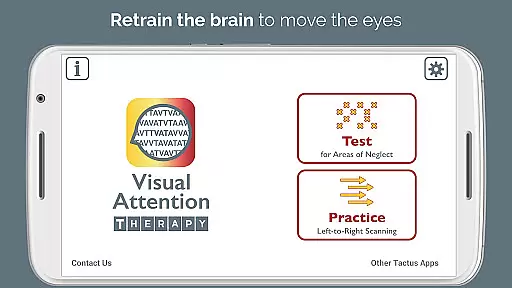
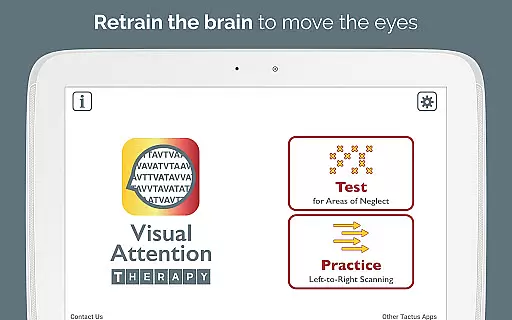
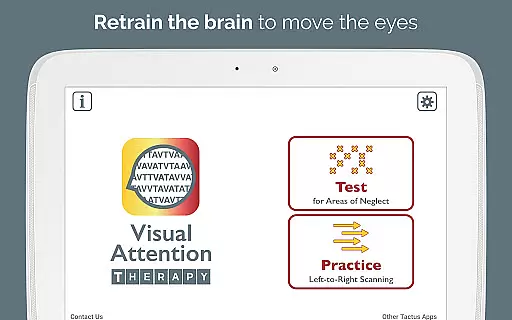
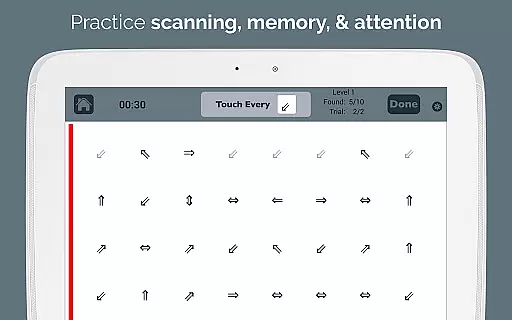
The app offers two primary modes of operation: Test mode and Practice mode. Test mode helps determine if a visual attention deficit exists and its location. Practice mode trains users to scan by finding targets in sequence, promoting thorough scanning of the entire screen before progressing. This feature is especially beneficial for occupational therapy (OT) and speech therapy (SLP) professionals assessing and treating right or left neglect.
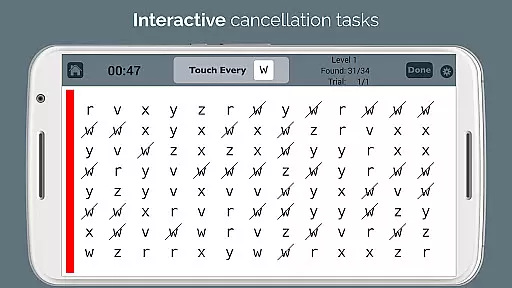
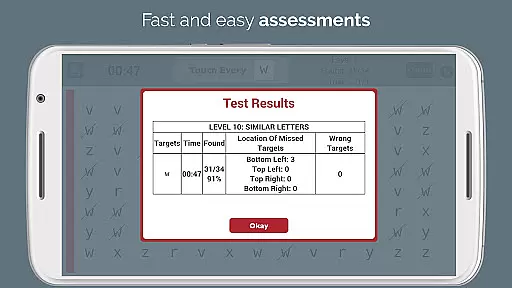
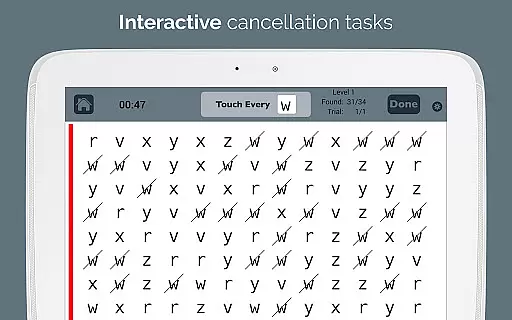
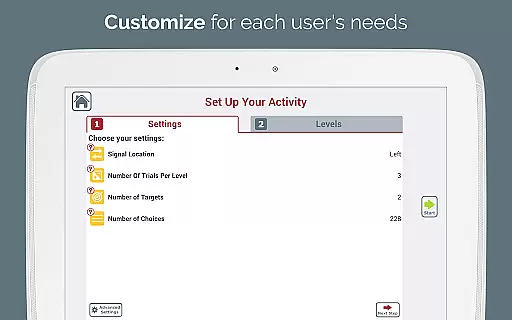
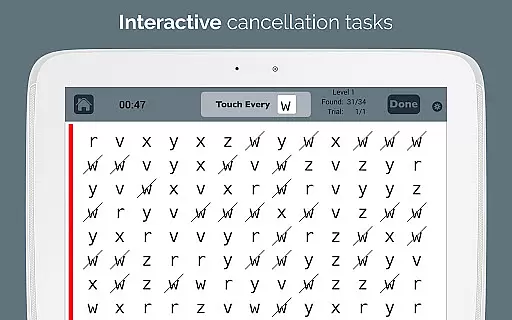
Visual Attention Therapy transforms traditional cancellation tasks into an interactive tool suitable for all ages. It incorporates technological advantages such as immediate feedback through visual and auditory cues, timed exercises to encourage quick and accurate work, automated scoring with professional emailed reports, adjustable layouts, and multiple difficulty levels. These features collectively enhance user engagement and allow customization to meet varying needs.
Visual Attention Therapy stands out due to its comprehensive approach to addressing visual attention deficits. One of its key features is the requirement for users to tap targets in a specific order from left to right and top to bottom in Practice mode. This trains users to slow down and methodically scan the entire screen, reinforcing correct eye movement patterns.
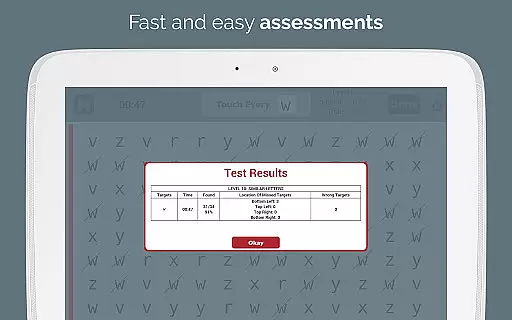
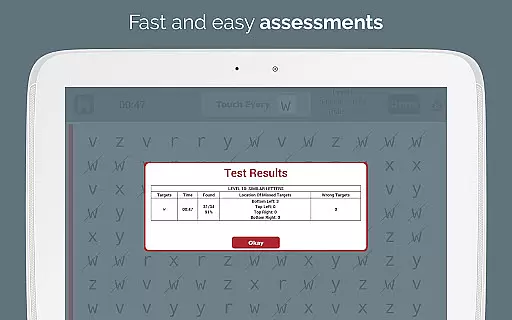
Another significant feature is the provision of immediate feedback using visual and auditory cues, which keeps users engaged and motivated. Timed exercises further enhance this motivation by encouraging users to work both quickly and accurately. Additionally, the app automates the scoring process, providing detailed data on accuracy by quadrant, completion time, and mistakes, all included in professional emailed reports.
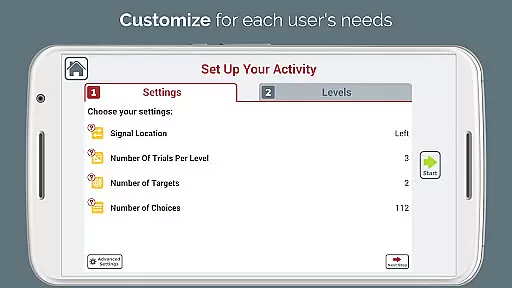
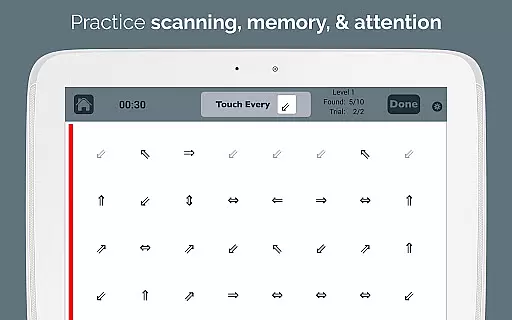
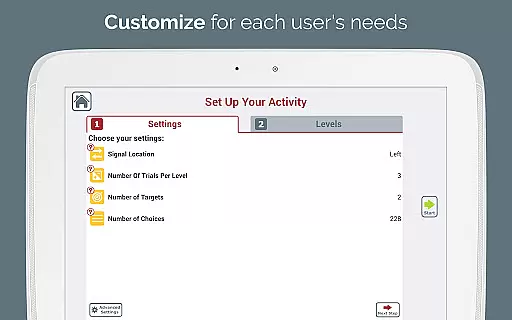
The app also offers adjustable layouts and ten levels of difficulty, allowing therapists to customize the experience for different users and needs. A sidebar signal that flashes in various colors draws attention to specific areas, while an endless variety of combinations ensures that users do not need to rely on photocopied exercises. The option to use one or two targets challenges users with working memory and alternating attention deficits, making it a versatile tool for cognitive training.
Visual Attention Therapy stands out for its strong foundation in medical expertise and professional validation. Developed by a certified Speech-Language Pathologist (SLP), the app ensures that all therapeutic exercises are grounded in scientific research and clinical best practices.
The application is widely used by occupational therapists, speech therapists, neuropsychologists, and reading specialists worldwide. This widespread adoption by professionals underscores the app's credibility in providing effective rehabilitation solutions for adults recovering from strokes and brain injuries, as well as children with dyslexia and attention deficits.
One of the key strengths of Visual Attention Therapy is its ability to offer dynamic, interactive tools that cater to users of all ages. The app includes features such as immediate feedback with visual and auditory cues, timed exercises, and automated scoring, which collectively enhance the therapy experience while maintaining professional standards.
Moreover, the app's adjustable layouts and varying levels of difficulty allow therapists to customize treatment plans according to individual needs. This flexibility, combined with the app's foundation in expert knowledge, makes Visual Attention Therapy a reliable tool in both clinical settings and home-based rehabilitation programs.
While Visual Attention Therapy does not provide traditional teleconsultation services, it excels in offering remote therapeutic solutions that maintain high-quality standards. The app bridges the gap between patients and healthcare providers by enabling consistent and structured therapy sessions that can be conducted from the comfort of one's home.
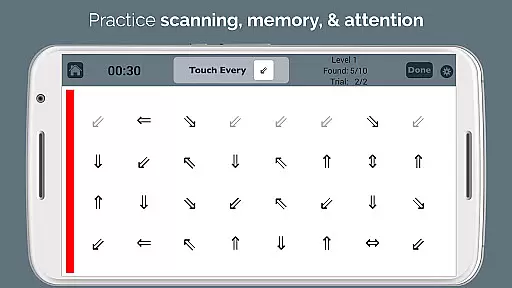
The Practice mode within the app trains users to improve essential skills like scanning, concentration, memory, and attention to detail. By incorporating timed exercises and immediate feedback mechanisms, the app ensures that users remain engaged and motivated throughout their therapy sessions. This interactive approach mimics the guidance a patient might receive during an in-person consultation.
Additionally, the automated scoring system generates detailed reports that can be emailed directly to healthcare professionals. These reports include critical data such as accuracy by quadrant, completion time, and mistakes made, allowing therapists to monitor progress and adjust treatment plans accordingly without needing to be physically present.
Visual Attention Therapy effectively modernizes traditional therapy exercises, making it an invaluable tool for stroke and brain injury rehabilitation. Its ability to deliver professional-grade therapy remotely ensures that patients receive the highest quality care, regardless of their location.
User-friendly interface
Customizable difficulty levels
Immediate feedback mechanism
Automated scoring system
Versatile target options
Limited free version
Requires internet connection
Premium features locked
Occasional performance lags
Steep learning curve

Easy telehealth appointments + urgent care
 4.70
4.70
Hearing aid app for Android solves your hearing problems.
4.00
HealtheLife lets you easily manage your health online.
3.20
Perform pure-tone audiometry and a speech intelligibility test on your phone.
4.50
Master AEMT with 1,400+ study items, TEIs, practice tests, and scoring.
4.10
Over 1,200 review questions and 5 exams—pass the NREMT with EMT Review Plus!
4.10
Take your aphasia therapy to the next level with 4 evidence-based advanced apps
4.70
Continuous Glucose Monitoring
3.40
Online Doctors & Condition Management
4.40
The Better Pharmacy Experience
4.90
Live vet support by text/video
4.80
Coaches you through labour using hypnobirthing techniques & tracks contractions
4.70
The doctor will see you now
4.70
PPP provides quick offline access to over 350 field treatment protocols.
4.60
Anthem/Wellpoint and other health insurance plans
4.60
Download OctaApp for easy access to your plasma donation info
4.40
Conveniently receive lab results, schedule lab appointment and pay your bills
3.70
Easy access to benefits and rewards
3.70
ECG modules improve rhythm ID. ACLS is a simulator for cardiac arrest scenarios.
4.4


User Reviews