
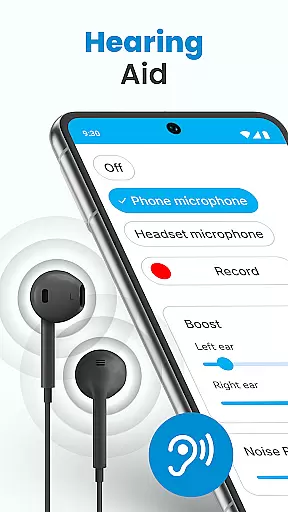
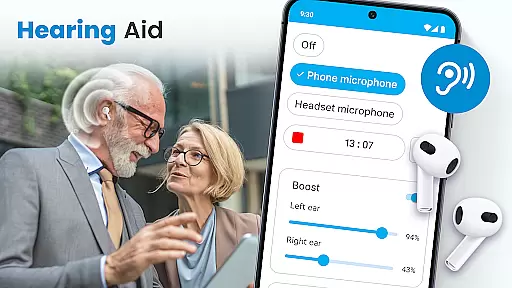
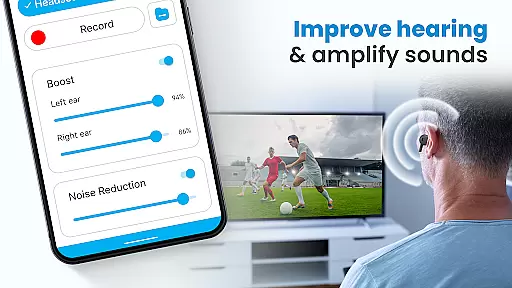
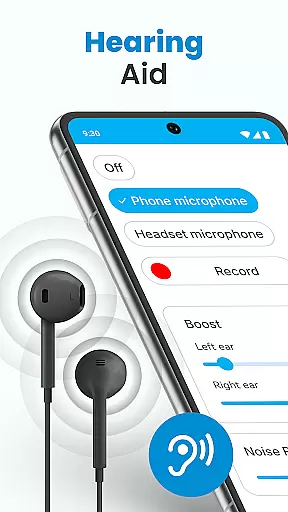
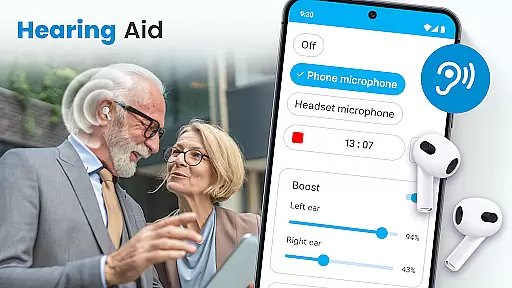
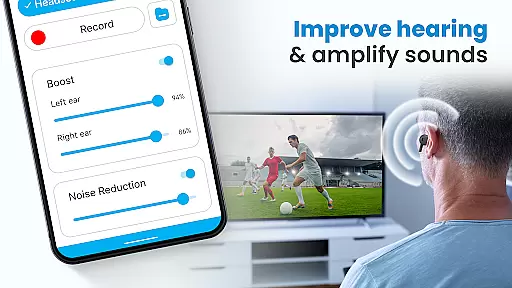
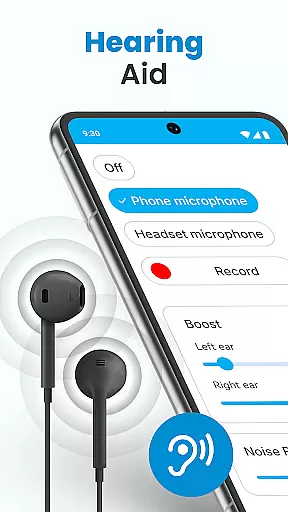
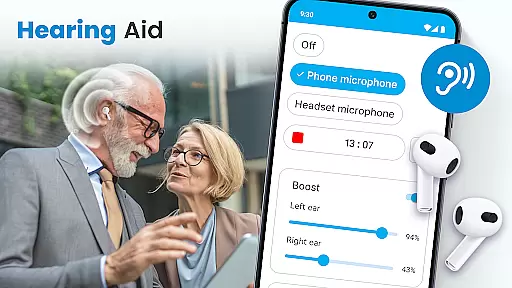
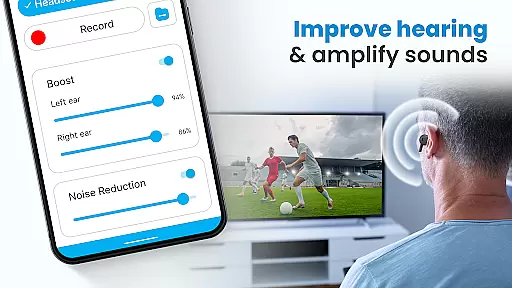
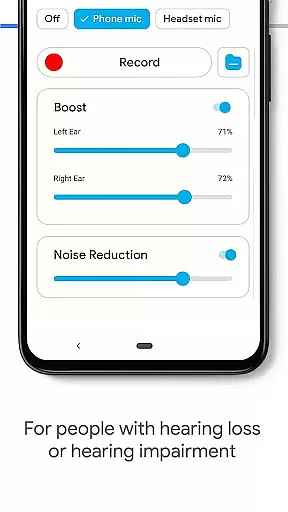
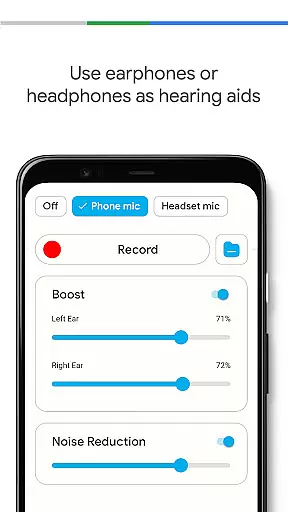
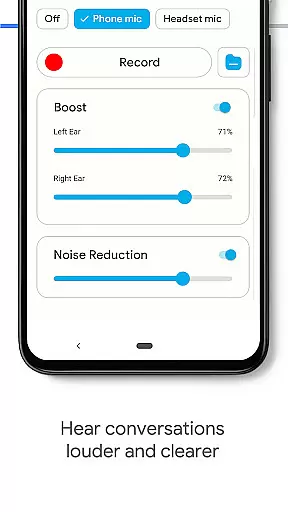
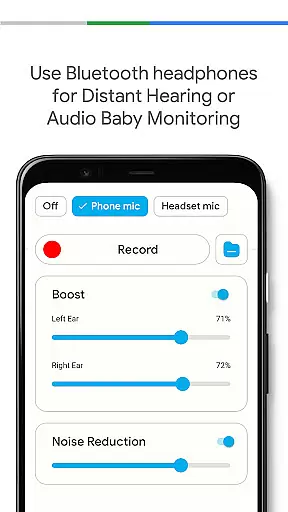
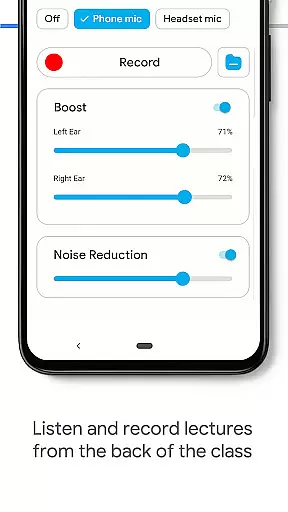
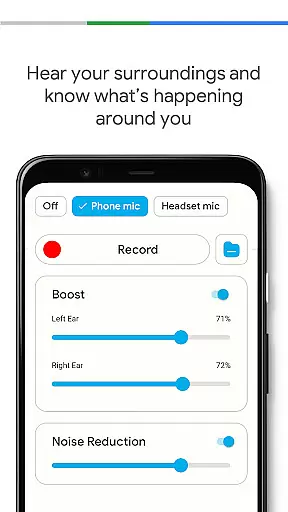
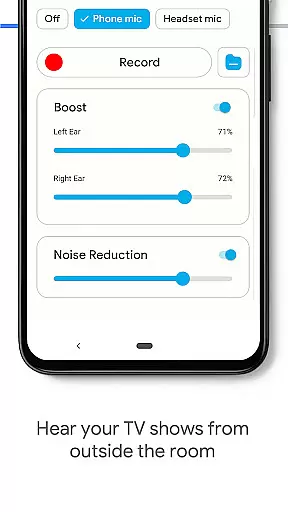
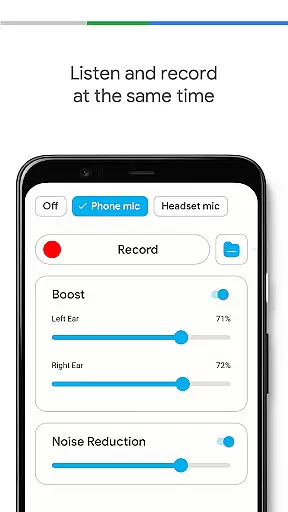
Hearing Aid App for Android is a revolutionary mobile application designed to enhance hearing capabilities and amplify sounds for users with mild hearing impairments. This app transforms your Android device into a powerful hearing aid by capturing external sounds, reducing background noise, and streaming clearer audio at increased volumes.
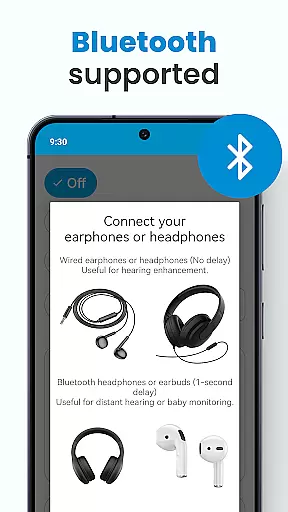
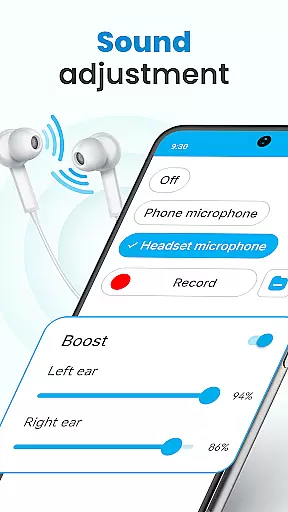
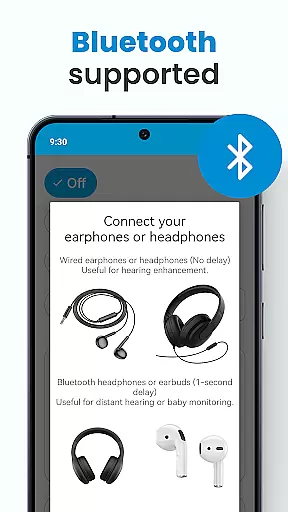
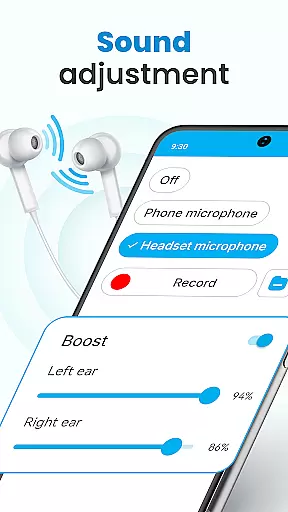
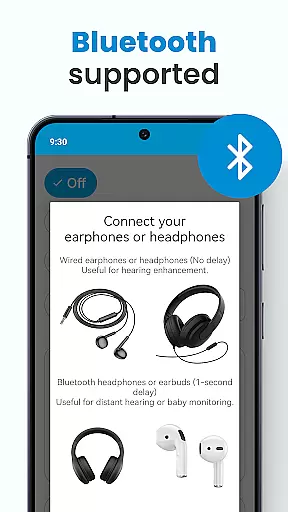
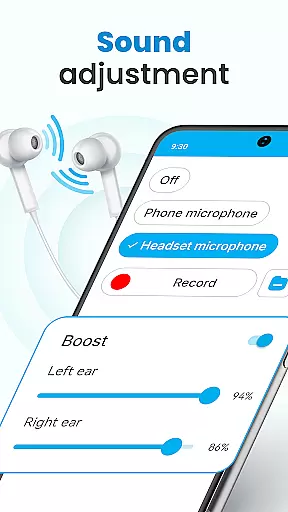
The app offers advanced features such as left and right ear sound adjustment, customizable environmental sound settings, and Bluetooth support for seamless connectivity with wireless earphones. Whether you're attending meetings, lectures, or social events, this app ensures every word is heard with exceptional clarity.
Perfect for everyday use, the Hearing Aid App provides an accessible solution for those seeking general hearing assistance without investing in expensive medical devices. Its user-friendly interface and practical functionalities make it an essential tool for improving communication and overall quality of life.
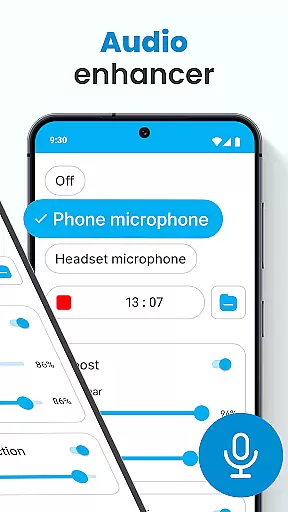
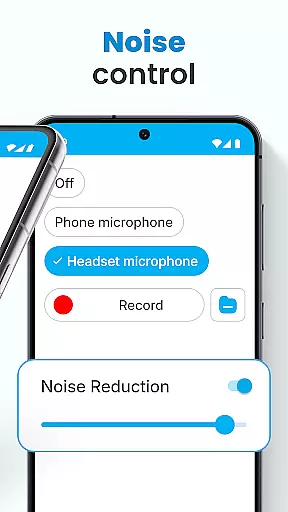
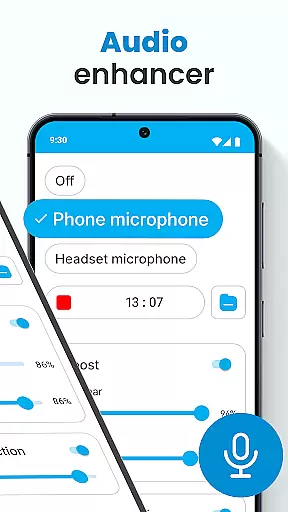
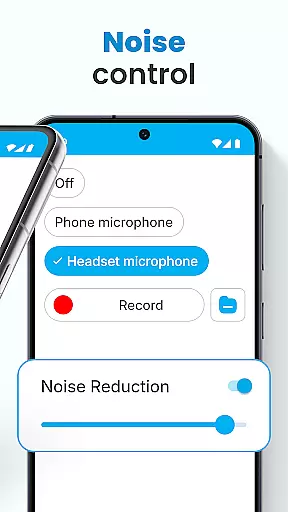
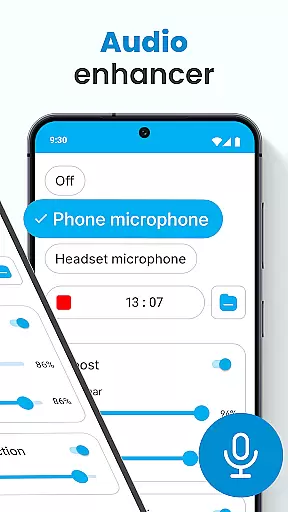
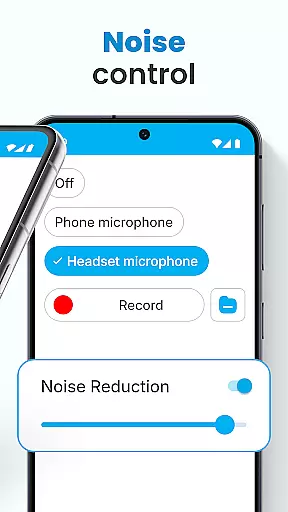
Hearing Aid App for Android stands out with its comprehensive set of features designed to optimize hearing experiences. The app's core functionality includes an advanced Audio Enhancer that significantly boosts volume levels while maintaining sound quality. Its intelligent Noise Control system effectively eliminates background disturbances, ensuring crystal-clear audio reception in various environments.
One of the app's most valuable features is its Super Hearing Volume Booster, which allows users to utilize either their phone's microphone or a connected headset mic for optimal sound amplification. The innovative Left and Right Ear Adjustment feature enables personalized sound enhancement for each ear, while the Background Mode permits continuous listening even when using other apps or when the device is locked.
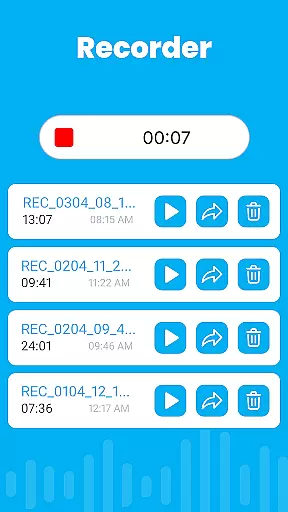
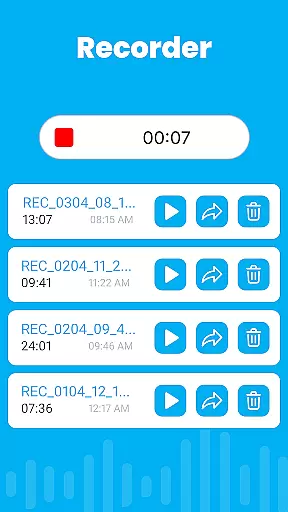
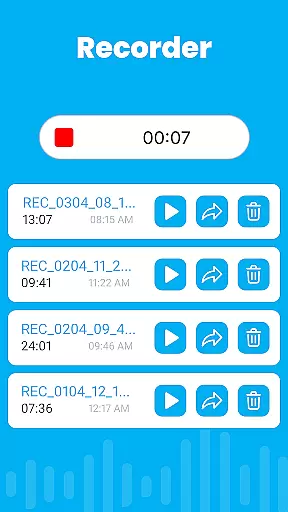
Additionally, the app's Audio Recorder functionality lets users capture and customize sounds, while its Bluetooth compatibility extends usability to wireless devices. These features collectively create a versatile hearing solution that adapts to different situations, from professional settings to casual conversations, making it an indispensable tool for anyone seeking improved auditory experiences.
In the realm of mobile health applications, ensuring the credibility of medical content is paramount. The Hearing Aid App for Android excels in this area by providing features that are not only designed to improve hearing but also grounded in sound medical science. This app amplifies sounds and enhances hearing through carefully crafted functionalities such as noise control and audio enhancement, which are essential for users with mild hearing impairments.
The app's development is informed by expert knowledge, ensuring that each feature serves a practical purpose in aiding auditory clarity. For instance, the Super Hearing Volume Booster allows personalized adjustments for each ear, catering to individual hearing needs. Such detailed attention to user-specific requirements reflects a deep understanding of audiological principles, reinforcing the app's reliability as a supplementary hearing aid.
Users benefit significantly from these expert-reviewed features, gaining access to a tool that genuinely understands and addresses their hearing challenges. By eliminating background disturbances and enabling clear audio capture, the app ensures that every word is heard with precision. This level of accuracy and care in feature implementation provides peace of mind to users who rely on such technology daily.
While the Hearing Aid App for Android primarily focuses on enhancing hearing capabilities, it indirectly supports teleconsultation quality by ensuring clear communication. In scenarios where users engage in remote consultations, the app's ability to amplify sound and reduce background noise can be invaluable. This ensures that both parties in a teleconsultation can communicate effectively without misunderstandings caused by auditory barriers.
The app's robust features like the Audio Enhancer and Noise Control play a critical role in maintaining high-quality teleconsultations. These tools help in distinguishing speech in noisy environments, making virtual meetings or consultations more productive. Users can adjust volume levels according to their surroundings, ensuring they never miss important details during a conversation.
Moreover, the inclusion of Bluetooth support and background mode functionality further enhances the teleconsultation experience. Users can remain engaged in consultations while multitasking or using their device for other purposes. This seamless integration of practical features underscores the app's commitment to delivering an uninterrupted and high-quality auditory experience, even in professional healthcare settings.
User-friendly interface
Effective noise reduction
Customizable sound settings
Bluetooth compatibility
Background mode support
Limited to mild hearing loss
Requires compatible hardware
May drain battery quickly
No advanced medical features
Dependent on device quality

HealtheLife lets you easily manage your health online.
 3.20
3.20
Pelvic Floor Muscle Exercises
4.80
Radiographic Positioning Guide for Medical Imaging Professionals and Students
4.50
Save up to 80% on your pharmacy prescriptions & medications with free Rx coupons
4.70
Use the phone microphone or headset mic as sound amplifier for louder hearing.
4.30
Over 1,200 review questions and 5 exams—pass the NREMT with EMT Review Plus!
4.10
Boost reading, writing, speaking and listening with a scientifically proven app.
4.70
Pelvic Floor Muscle Exercises
4.80
The Client Portal app empowers you to manage care from one secure place
4.10
Be more confident prescribing homeopathy at home for your family.
4.80
Remote, medical-grade heart care at your fingertips
4.70
Sync your blood glucose device, log values automatically and tame your diabetes!
4.60
ASCCP Management Guidelines- There’s an app for that!
4.60
Secure video visits with your VA care team from anywhere
4.50
We’ve made it easy for Oscar members to get care on the go.
4.30
Donating plasma just got easier with the BioLife Plasma Services mobile app.
3.90
Conveniently receive lab results, schedule lab appointment and pay your bills
3.70
Continuous Glucose Monitoring
3.40
ECG modules improve rhythm ID. ACLS is a simulator for cardiac arrest scenarios.
4.2


User Reviews