
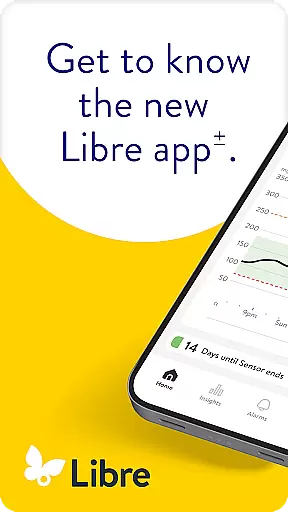
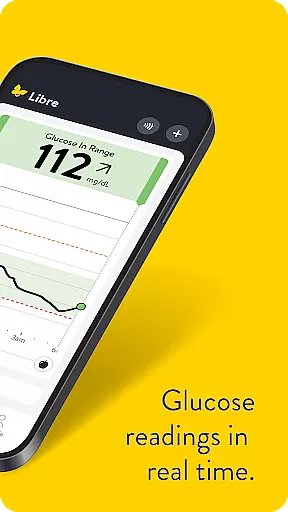
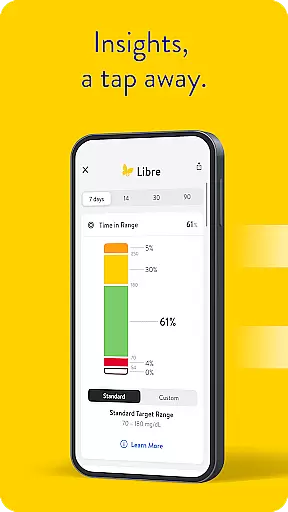
Libre by Abbott is a leading continuous glucose-monitoring (CGM) application tailored for individuals managing diabetes. This app enables users to track their glucose levels with precision and ease, offering real-time updates directly on their smartphones. Compatible with FreeStyle Libre 2 and FreeStyle Libre 3 system sensors, it ensures accurate readings every minute.
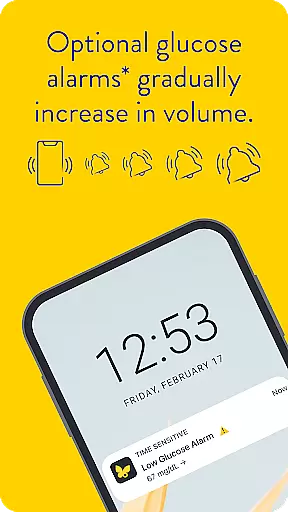
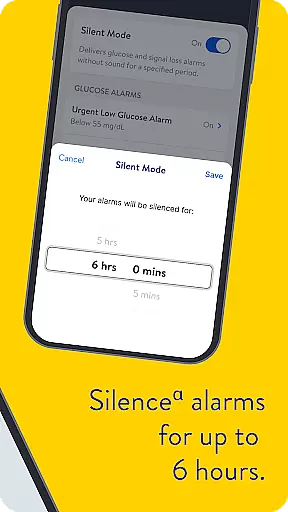
One of the standout features of Libre app is its optional alarms that discreetly notify users when glucose levels are too high or too low. These alerts can be silenced for up to six hours, providing flexibility and control over notifications. The app also integrates seamlessly with LibreView data management software, allowing both patients and healthcare professionals to analyze historical glucose data effectively.
Designed for users aged four and older when paired with specific sensors, Libre by Abbott supports informed treatment decisions. It's crucial to consult a healthcare professional to determine if this app suits your needs and to understand how to utilize it best in managing diabetes.
Libre by Abbott offers an array of sophisticated features designed to enhance diabetes management. Its core functionality lies in providing automatic glucose readings every minute, ensuring users have the most current data at their fingertips. This real-time tracking capability empowers users to make timely and informed decisions regarding their health.
The app includes customizable alarm settings that alert users to critical glucose level changes. These alarms can be tailored to individual preferences, including the option to silence them temporarily. Additionally, Libre app supports integration with LibreView, a comprehensive data management platform that facilitates detailed analysis and evaluation of glucose trends over time.
Another notable feature is its compatibility with a range of mobile devices, although this may vary based on the phone model and operating system. Users can access extensive support resources and ensure their device meets compatibility requirements by visiting the official support page. Overall, these features collectively contribute to a robust tool for effective diabetes management.
In the realm of diabetes management, the credibility of medical content is paramount. Libre by Abbott app provides users with continuous glucose monitoring that is rooted in clinically validated technology. The app's compatibility with FreeStyle Libre 2 and FreeStyle Libre 3 system sensors ensures that patients receive accurate readings that are essential for effective diabetes care.
Every feature within the Libre app is designed following rigorous testing and validation by healthcare professionals. This includes the automatic minute-by-minute updates and optional alarms for high or low glucose levels, which are critical alerts for maintaining optimal health conditions. Such precision instills confidence in users who rely on these readings to make informed decisions about their treatment plans.
Moreover, the app offers comprehensive support materials including user manuals accessible directly through its interface. These resources not only guide usage but also reinforce the importance of consulting healthcare providers when interpreting data or adjusting therapies. By prioritizing expert-reviewed content, Libre by Abbott establishes itself as a trustworthy tool in managing diabetes effectively.
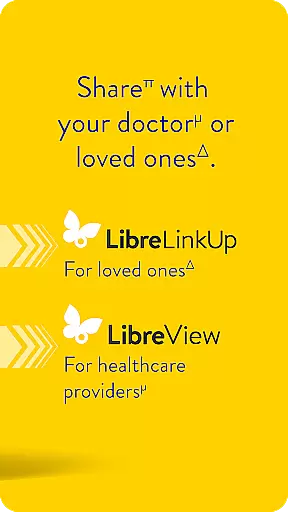
Teleconsultations have become an integral part of modern healthcare delivery, especially for chronic conditions like diabetes. With Libre by Abbott, teleconsultation quality is significantly enhanced due to real-time access to reliable glucose data. Healthcare professionals can remotely monitor their patients' glucose trends and patterns thanks to seamless integration between the app and compatible sensors.
The ability to share detailed reports from the Libre app during virtual consultations allows doctors to provide personalized advice based on current metrics rather than relying solely on patient recall or sporadic testing results. This level of detail supports more precise adjustments to medication dosages or lifestyle recommendations, ultimately leading to better outcomes for individuals living with diabetes.
Furthermore, the assurance provided by regulatory compliance and professional endorsements adds another layer of trustworthiness to teleconsultations conducted using this platform. Patients can feel secure knowing that their shared information adheres to stringent standards set forth by governing bodies, thus facilitating open communication channels between them and their healthcare team without compromising privacy or accuracy.
User-friendly interface
Real-time glucose tracking
Customizable alarm settings
Seamless data integration
Comprehensive support resources
Limited device compatibility
Requires internet connectivity
Alarm settings can be complex
Premium features need subscription
Initial setup may be challenging

myVCA is your tailor-made guide to raising a healthy and happy pet.
 4.90
4.90
A comprehensive medical disease app.
5.00
3rd trimester? Counting Kicks is what moms should do-It’s important & easy too!
4.30
A rapid reference for prehospital providers caring for pediatric patients.
4.5
Master AEMT with 1,400+ study items, TEIs, practice tests, and scoring.
4.10
Elegant, easy-to-use period tracker for fertility, PMS symptoms, and more
4.90
The Better Pharmacy Experience
4.90
Internal medicine literature at your fingertips.
4.50
MyChart for Android
4.50
CPR Timer for High Performance AHA BLS / ACLS
5.00
Spruce is the leading platform for HIPAA-compliant communication and care.
4.90
Pelvic Floor Muscle Exercises
4.80
Manage your healthcare through the FollowMyHealth® Universal Health Record.
4.80
Coaches you through labour using hypnobirthing techniques & tracks contractions
4.70
World's largest contact lens store
4.60
Secure video appointments
4.50
700 questions, 2 full exams, Predictive Scoring—your key to NREMT success!
3.90
Care Simplified by MyChart
3.40
A fantastic 3d reference that includes over 300 structures and a quiz function.
3.00


User Reviews