
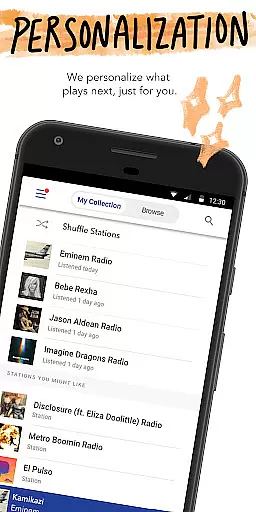
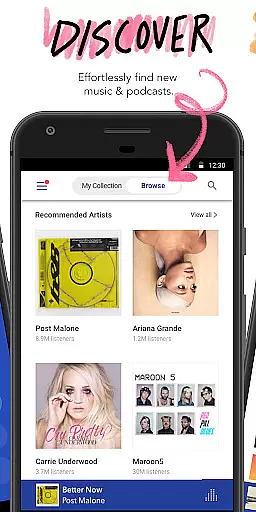
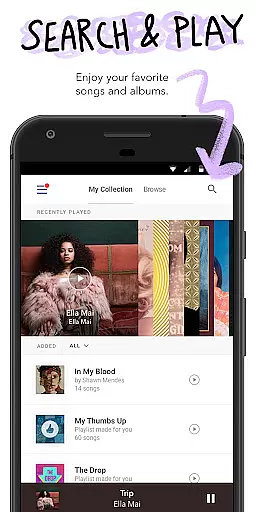
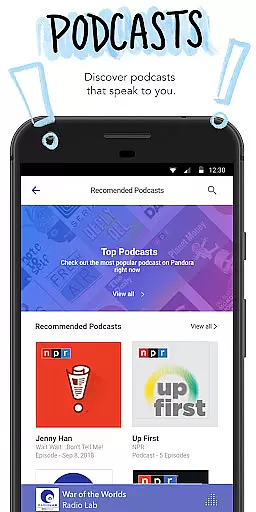

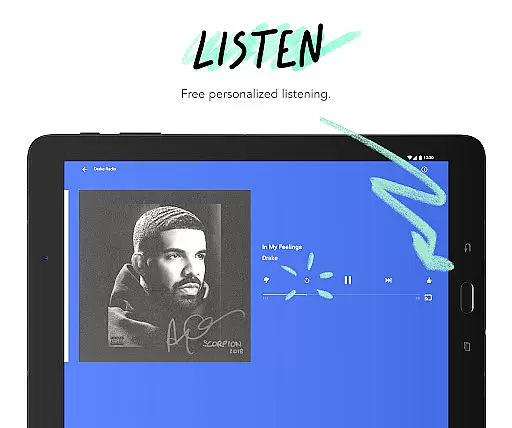
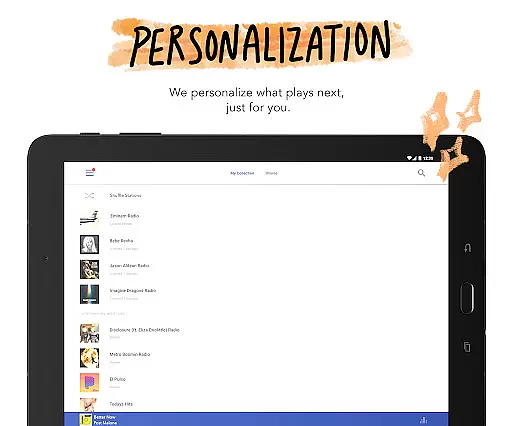
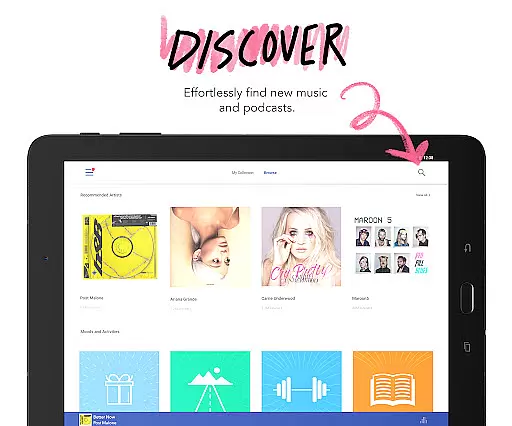
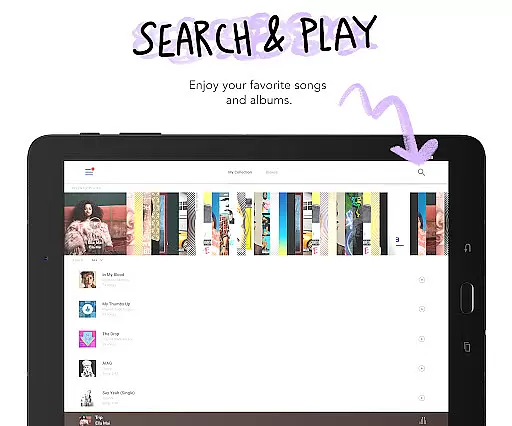

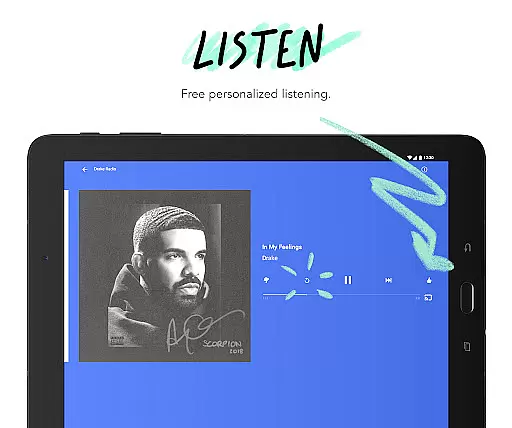
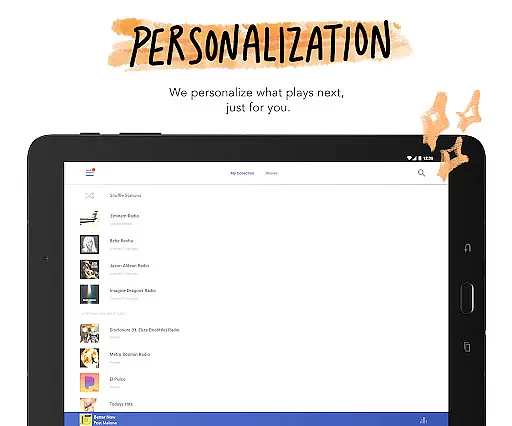
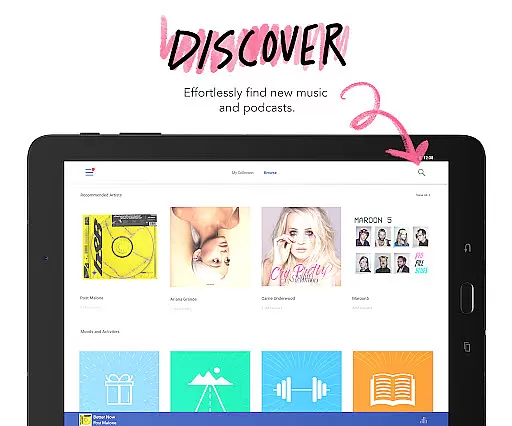
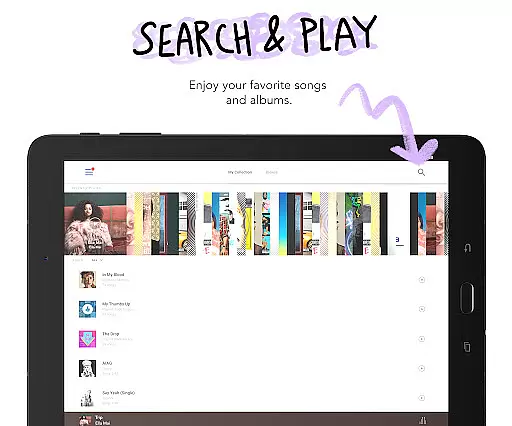


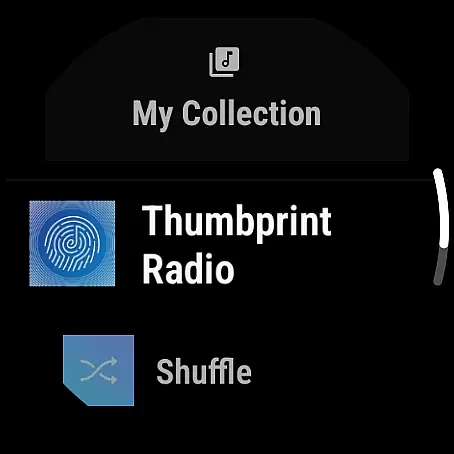


Pandora is a leading music streaming service that offers users a personalized listening experience through its Android Wear integration. The app allows you to create custom radio stations based on your favorite songs, artists, or genres, and provides curated recommendations for various moods and activities. With the ability to stream directly from your wrist using Wear OS, Pandora ensures you can enjoy your music even when you're on the go or exercising without your phone.
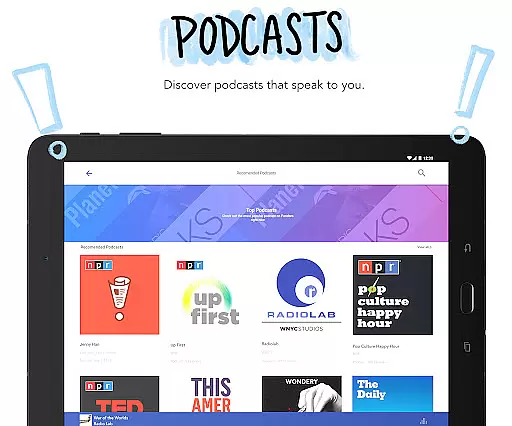
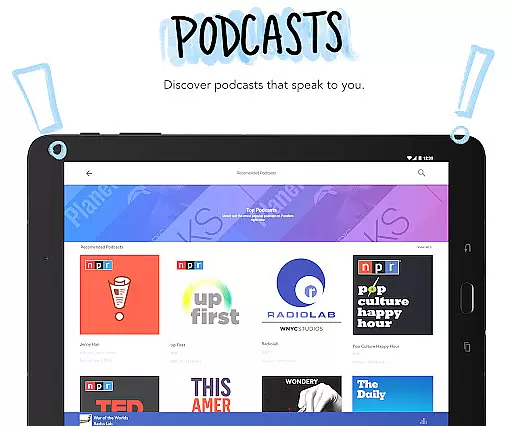
One of Pandora's standout features is its advanced voice mode, which lets you control playback with simple voice commands. Whether you want to play, pause, skip tracks, adjust volume, or give feedback via thumbs up, it's all possible hands-free. Additionally, the app supports podcasts, offering personalized podcast recommendations that cater to individual tastes. For those seeking an enhanced experience, Pandora Premium and Plus subscriptions provide on-demand music, ad-free listening, offline downloads, and higher audio quality.
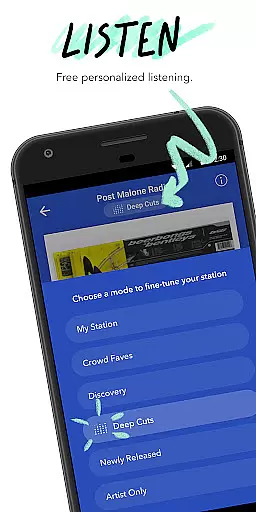
Pandora stands out with its innovative Pandora Modes feature, allowing users to customize their station experiences in six distinct ways. You can choose between options like 'Crowd Faves' for popular tracks, 'Deep Cuts' for lesser-known songs, or 'Discovery' for new artists. This flexibility ensures that listeners always have fresh content tailored to their preferences. Furthermore, the app integrates seamlessly with Android Auto, making it perfect for commutes and road trips by providing easy access to your favorite music and podcasts.
For power users, Pandora offers two subscription tiers: Pandora Plus and Pandora Premium. Pandora Plus focuses on personalized radio with benefits such as ad-free listening, unlimited skips, and offline stations. Meanwhile, Pandora Premium takes it a step further by offering on-demand access to songs, albums, playlists, and podcasts, along with the ability to download music for offline use. Both tiers deliver high-quality audio and an uninterrupted listening experience, ensuring that users get the most out of their music discovery journey.
Companion app integration is essential for a seamless wearable experience. Pandora excels in this area by offering robust synchronization between its mobile application and Wear OS devices. This ensures that your music preferences, station selections, and listening history are consistently updated across all platforms.
The integration allows users to control playback directly from their smartwatch. Whether you want to change tracks, pause, or skip songs during a workout, the functionality remains smooth and reliable. This interconnected system provides the convenience of accessing your favorite stations without needing your phone nearby.
Additionally, Pandora's voice mode enhances the companion app experience. With simple voice commands, users can manage their music effortlessly while on the go. This feature not only simplifies navigation but also makes the overall interaction with the app more intuitive and engaging.
By prioritizing strong companion app integration, Pandora ensures that listeners enjoy a personalized and uninterrupted music experience, whether they're commuting, exercising, or relaxing at home.
Device compatibility is crucial for ensuring that applications like Pandora function optimally across various devices. Pandora supports a wide range of Wear OS devices, making it versatile and accessible to many users. This broad compatibility means you can enjoy your favorite music and podcasts regardless of your specific smartwatch model.
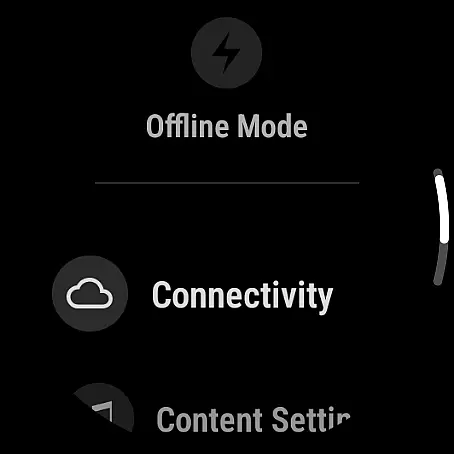
Pandora's optimization for Wear OS guarantees that features such as offline listening and station management work seamlessly. Users can download stations for offline playback directly on their smartwatches, which is particularly useful when phones are not within reach. This flexibility enhances user convenience and satisfaction.
Furthermore, Pandora's interface is designed to adapt to different screen sizes and resolutions typical of Wear OS devices. This adaptability ensures that visuals remain clear and controls stay responsive, providing an optimal user experience. The app's performance is consistently smooth, minimizing battery consumption while maximizing functionality.
With its commitment to Wear OS/device compatibility, Pandora delivers a dependable and enjoyable listening experience, empowering users to take their music anywhere with confidence.
Personalized music stations
Voice command support
Podcast recommendations
Offline listening options
High-quality audio streams
Limited free version
US-only availability
Data usage concerns
Subscription costs
Complex navigation

Diet tracker for weight loss - track calories, food and macros. Simple and easy!
 4.70
4.70
A customizable Christmas watch face for Wear OS with a countdown.
4.20
Highly customizable hybrid watch face for Wear OS, perfect for everyday use.
4.60
Embrace the holiday spirit with this magical animated watch face!
4.40
A heartwarming Christmas scene featuring a cute image of Santa and Rudolf
4.1
A modern hybrid informative watch face for Wear OS designed by BALLOZI
4.80
A digital watch face that celebrates Christmas.
4.00
Your local weather forecast, storm tracker, radar maps & live weather news
3.40
Want to take charge of your health? Let Google Fit help you reach your goals.
3.50
Walking app for weight loss: walk & step tracker, pedometer, indoor treadmill
4.60
Real-time results, stats, schedules and player profiles for all leagues
4.60
Stylish, Energizing and Modern Watch Face crafted by Dominus Mathias.
4.50
Bold, Modern Hybrid Watch Face for Wear OS. 10 Colors, Rich Info Display.
4.30
Daily Weather forecast with 15 weather images for Day & Night plus Big Bold time
4.10
A Wintery Snow Globe on Your Wrist; now celebrating Christmas!
4.4
Analog watch face with 8 complications and expedition styling
4.4
Fitness interactive virtual pet super fighter boy watch face
4.5
Funny animated watch face for Thanksgiving
4.3
Hybrid Vibrant Health Watch Face for Wear OS
4.4


User Reviews