
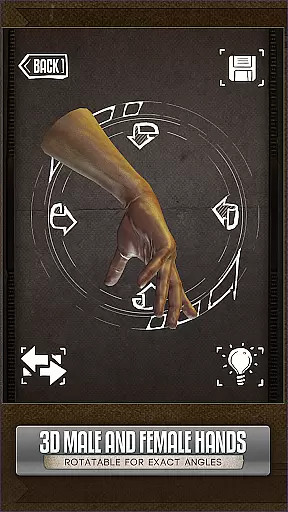
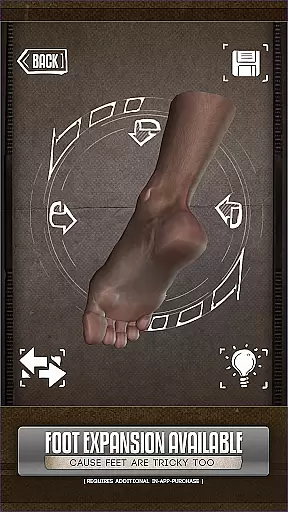
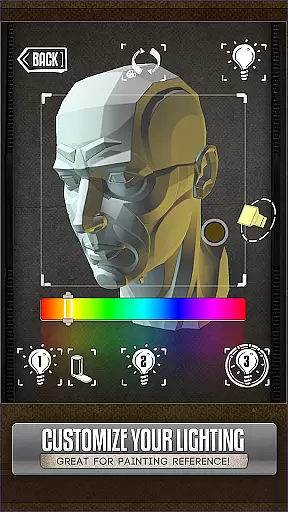
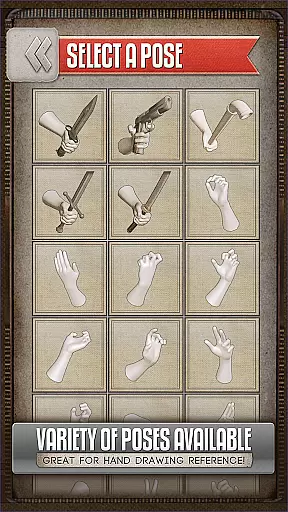
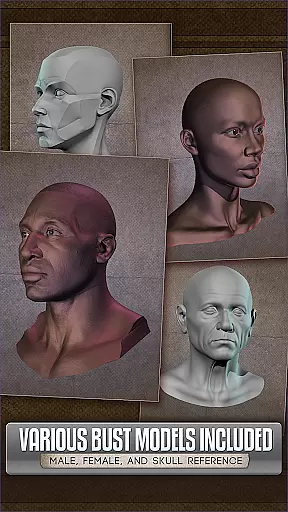
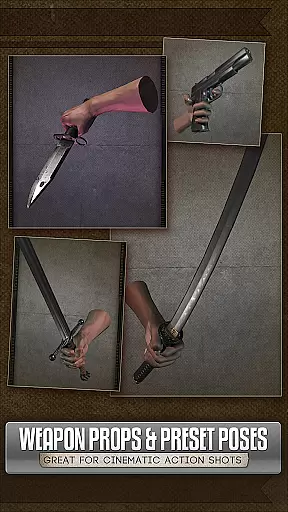
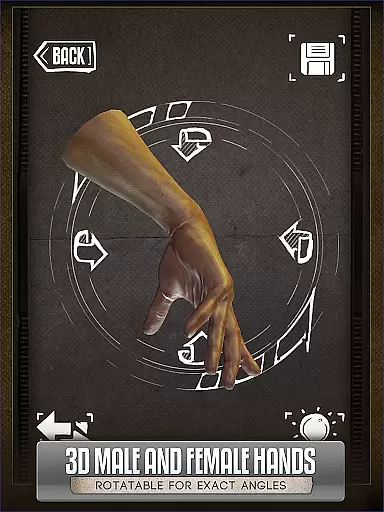
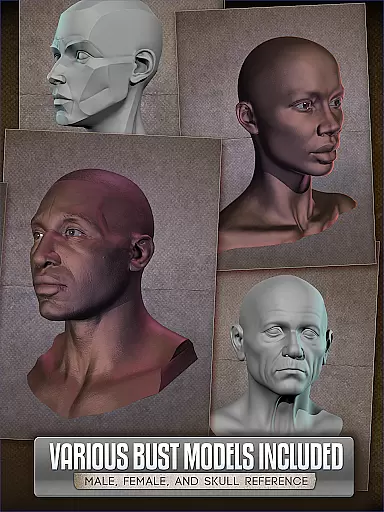
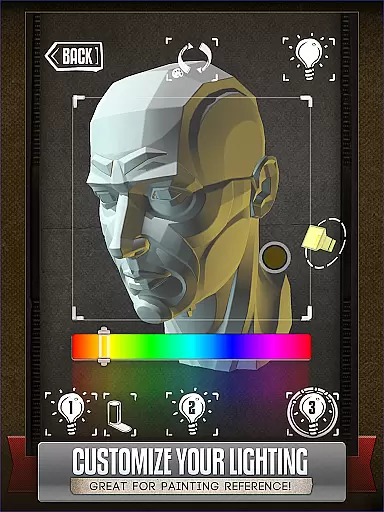
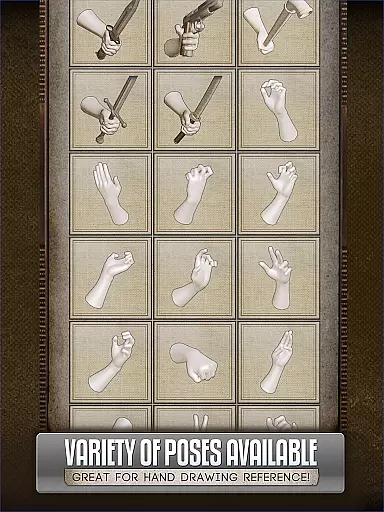
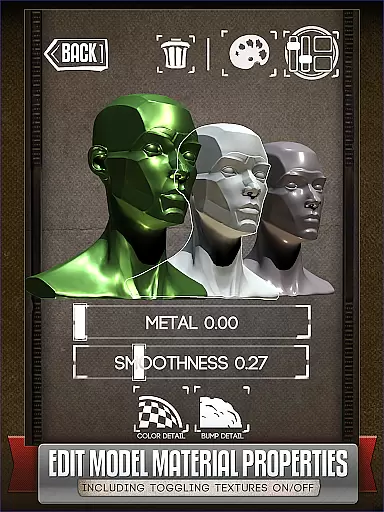
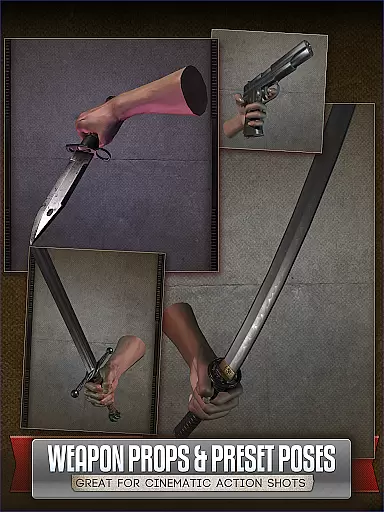
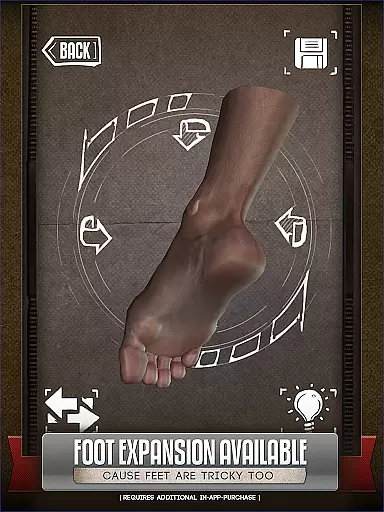
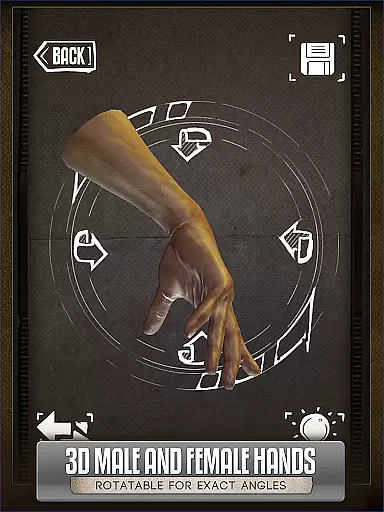
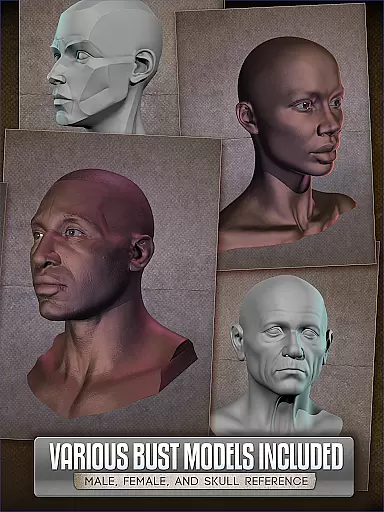
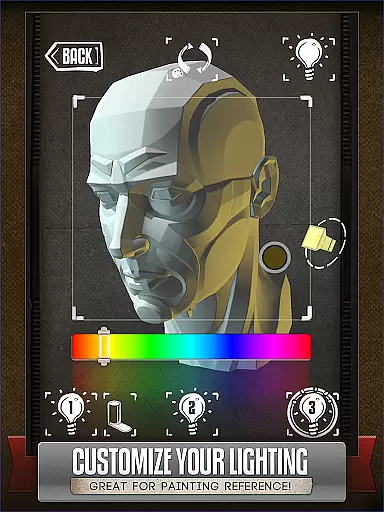
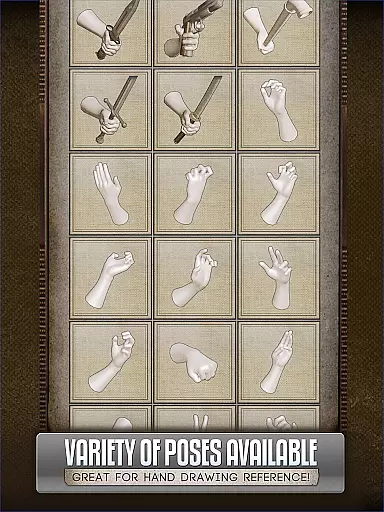
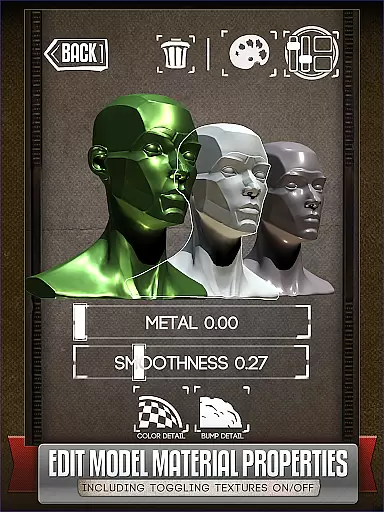
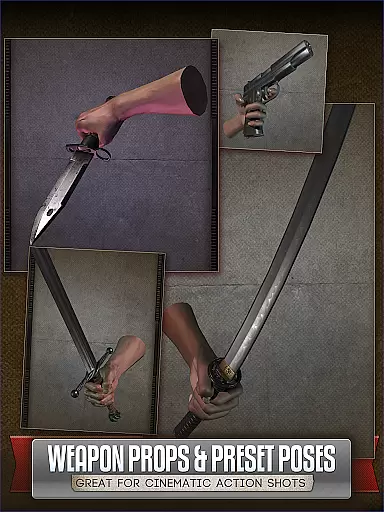
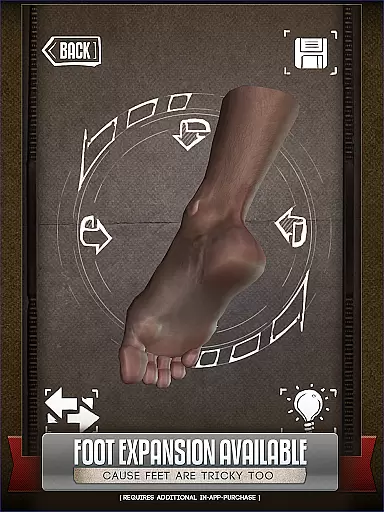
Handy Art Reference Tool is an innovative reference app designed specifically for artists. This application provides rotatable 3D models of hands, feet, and skulls that can be easily manipulated to serve as drawing references without the need for awkward physical posing. The app also features adjustable 3-point lighting, allowing users to experiment with different lighting scenarios on over 10 included 3D head busts.
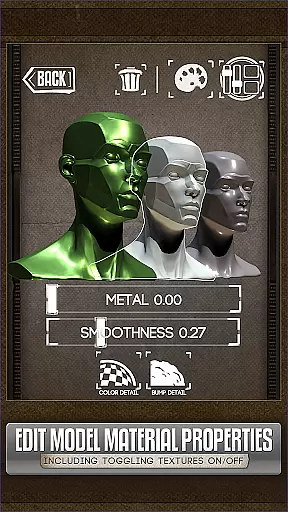
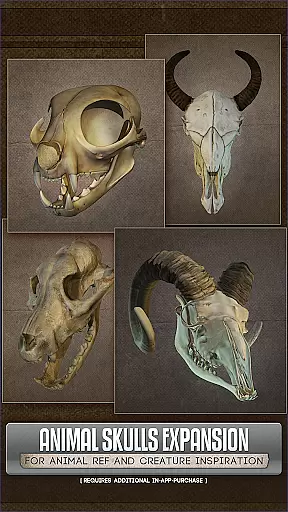
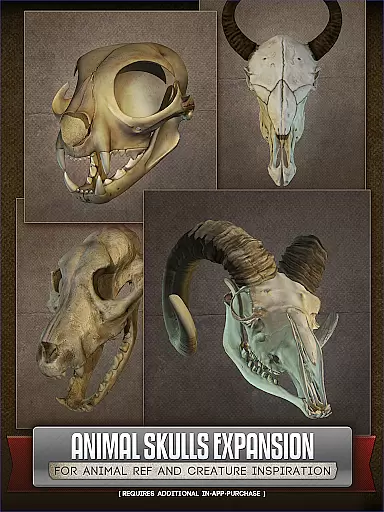
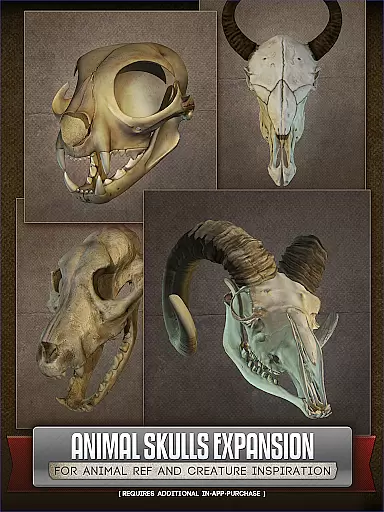
In addition to human anatomy, Handy offers an optional Animal Skulls pack, providing inspiration for creature design with more than 10 animal species. With the latest update, artists can now modify model materials, adjusting textures, specularity, and colors. Whether you are a comic book artist, painter, or casual sketcher, this tool is crafted to enhance your creative process.
One of the standout features of Handy Art Reference Tool is its collection of customizable 3D models. Users have access to various poses for hands, feet, and skulls, which can be tailored to individual needs. The adjustable 3-point lighting system allows precise control over lighting conditions, crucial for achieving realistic shadows and highlights in artwork.
For those interested in creature design, the optional Animal Skulls pack offers diverse anatomical references. The recent update enhances these capabilities by allowing material editing, enabling artists to turn off textures, adjust specularity, or apply color tints to models. These comprehensive features make Handy an indispensable tool for artists seeking versatile and detailed reference materials.
For comic book artists and illustrators, having access to a diverse range of references is crucial. HANDYu00ae offers an extensive library of rotatable 3D limbs, heads, and other anatomical references that cater specifically to the needs of artists working in the comics genre.
The app includes over 10 different 3D head busts, each with customizable poses and adjustable lighting. This allows users to simulate various comic scenarios and character angles with ease. The addition of the Animal Skulls pack further expands this library, providing inspiration for creature design and anatomical studies.
With regular updates and new features, such as the ability to edit model materials introduced in Handy v5, the app continues to grow its library. Users can now adjust textures, specularity, and colors, offering even more variety for their creative projects.
Authenticity and proper licensing are vital when using reference materials for professional work. HANDYu00ae ensures all its 3D models, including hands, feet, skulls, and animal skulls, are original creations, thereby avoiding any copyright infringement issues.
Artists can use these references confidently, knowing they are working with legitimately licensed content. The optional add-ons like the Animal Skull pack and foot rigs are also proprietary models, ensuring complete legal compliance.
This commitment to authenticity extends to the app's recognition in the industry, being featured in ImagineFXu2019s Top 10 Must-Have Apps. Artists can trust HANDYu00ae as a reliable tool that respects intellectual property rights while delivering high-quality references.
User-friendly interface
Customizable 3D models
Adjustable lighting options
Inspiring creature design tools
Material editing capabilities
Additional purchases required
Limited free content
Advanced features may overwhelm beginners
Occasional performance issues
Steep learning curve

Anime TV App: Watch all anime online,anime tv subtitles online with big anime tv
 3.80
3.80
Your key to unlocking manga and webtoons on the go
3.50
Comic reader app: open ZIP, RAR, CBZ, CBR, and PDF files
3.00
Find free mangas in Spanish
4.70
Read officially manga titles from Japan including Attack on Titan
3.80
Experience the largest selection of DC comics anywhere with DC UNIVERSE INFINITE
3.40
Read official webcomics, webtoons, Korean manga & webnovels
3.70
SQUARE ENIX's official Manga app!
4.40
The largest manga, comics, and manhwa community with millions of fans!
4.50
The most popular comic book reader.
4.80
See the newest comic book releases and manage your comic collection or pull list
4.70
매일 매일 새로운 네이버 웹툰
4.50
Pocket Toons: Free Webtoons, Comics, & Manga - New Chapter Drops Everyday
4.30
Read latest manga with this minimal reader with NO ADS.
4.30
Daily updates & FREE chapters
4.00
Pose Tool 3D for the Artists, create any human figure pose quickly for your art.
4.00
Comic Scanner - Book Value - Identify and sell your comic collection with AI.
3.80
Create your personalized cartoon comic strips & comic books.
3.20
Official digital-manga store. Quality translations that support artists.
3.10


User Reviews