
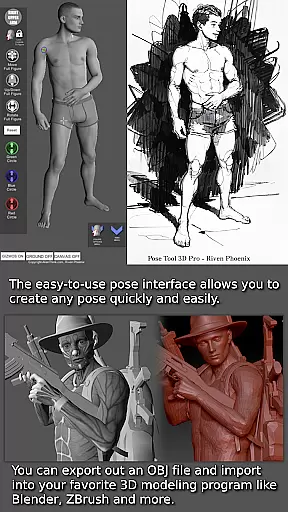
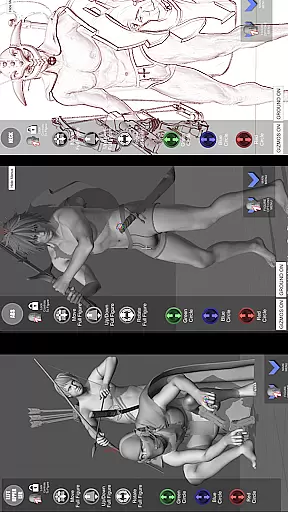
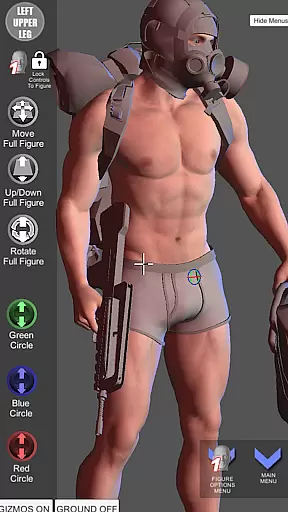

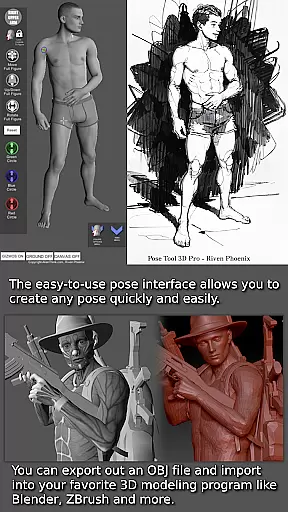
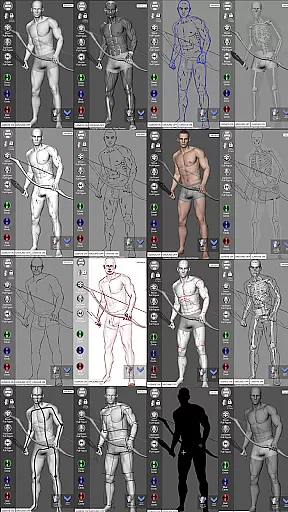
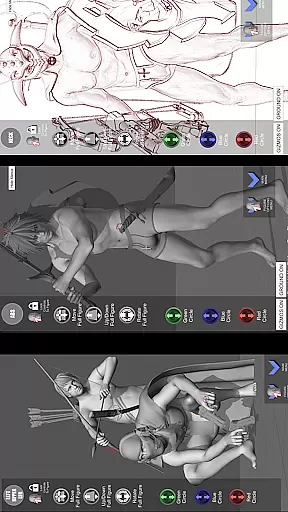


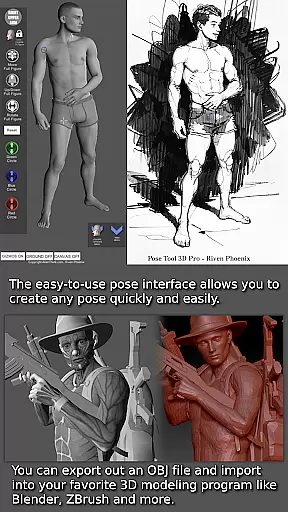
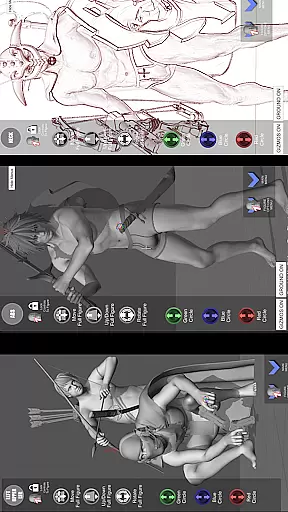
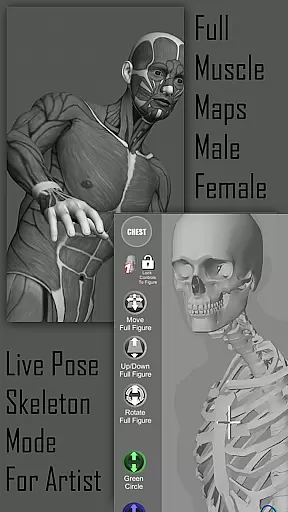
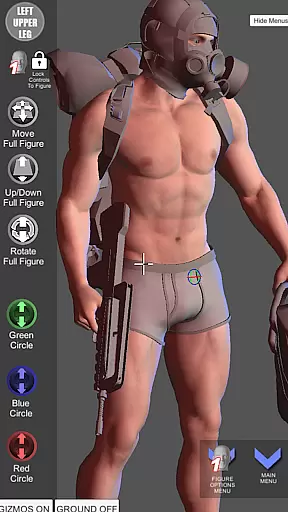
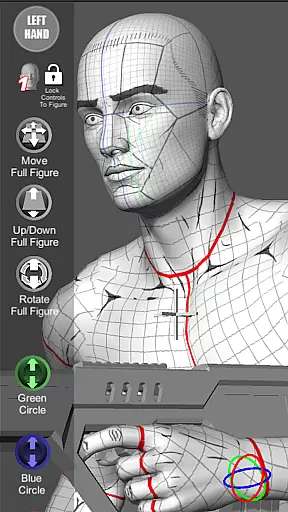

Pose Tool 3D is an essential app for artists, offering a versatile digital posing tool that serves as your personal reference model. With its intuitive interface, users can effortlessly create any pose using both male and female figures. The app stands out with its unconstrained posing capabilities, allowing geometry to intersect for realistic or extreme poses, making it ideal for various artistic projects including manga, illustration, and storyboarding.
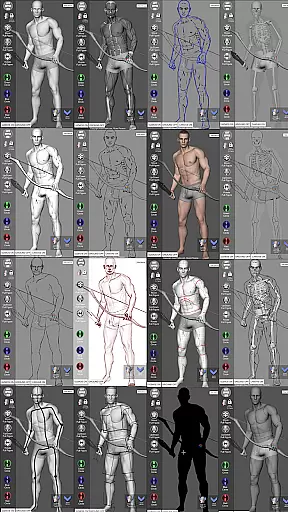
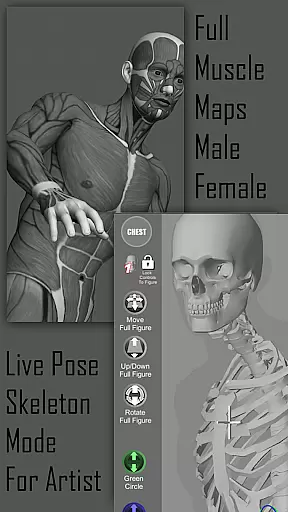
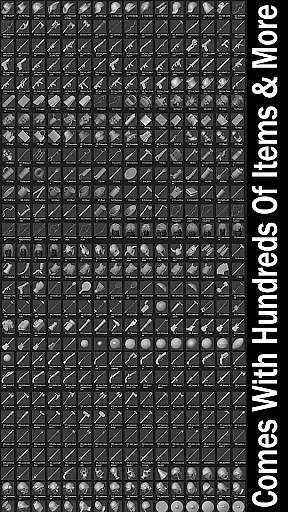
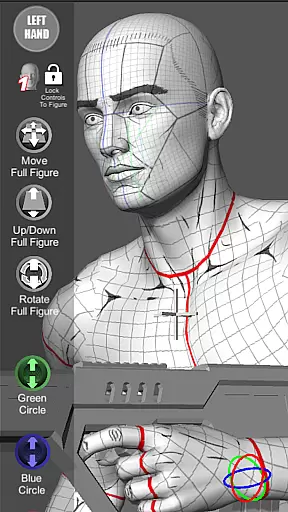
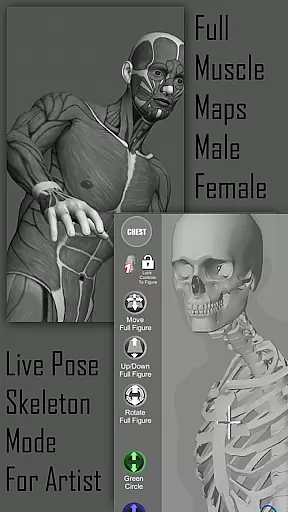
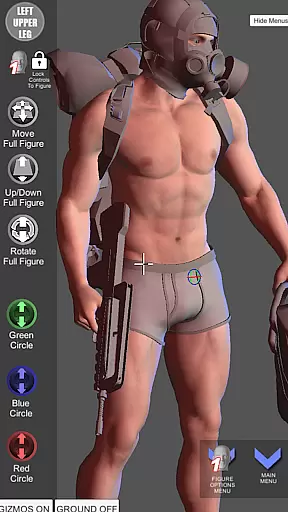
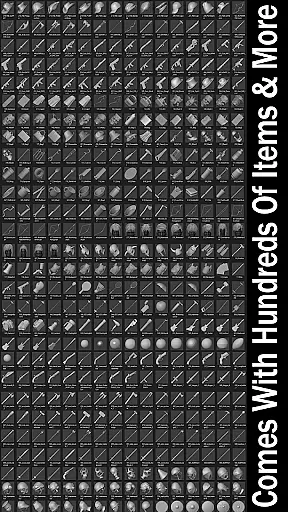
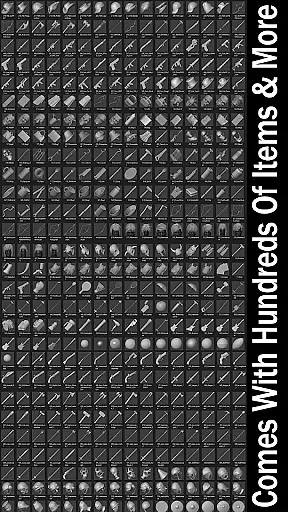
One of the unique features of Pose Tool 3D is its extensive range of drawing modes and muscle maps. These tools help artists visualize the human figure in different perspectives while understanding muscle movements. Additionally, the app provides hundreds of items and weapons that can be attached to figures, enhancing compositions with depth and detail. Whether you're working on simple portraits or complex scenes, Pose Tool 3D supports diverse artistic needs.
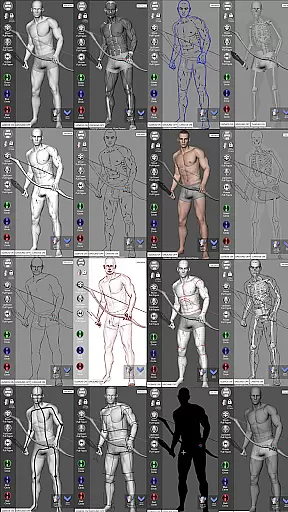
The Pose Tool 3D app boasts powerful features tailored for artists. It includes an inventory system with hundreds of items, easy pose buttons, and multiple figure types ranging from average to muscular body types. Users can switch between various modes such as Mannequin Mode, Skeleton Mode, and Comic Sketch Mode, each providing unique ways to visualize and refine artwork.
Advanced functionalities like the 3-point lighting system, perspective grids, and camera FOV settings allow for dramatic and dynamic compositions. Touch controls enable precise adjustments; one-finger orbiting, two-finger zooming, and panning facilitate quick setup of complex angles. Furthermore, specialized modes like Muscle Maps and Life Drawing Modes offer deeper insights into anatomy, enhancing the realism of poses.
For artists and creators in the comic industry, having access to a diverse and extensive library of resources is crucial. Pose Tool 3D offers an impressive collection of male and female figures with six variations each, providing users with a wide range of body types including average, heavy, old, skinny, and muscular forms. This diversity allows creators to explore different character designs and compositions.
In addition to the variety of human figures, the app includes hundreds of inventory items that can be attached to the characters' hands and body parts. These everyday objects and weapons enhance the storytelling potential by adding depth and context to each pose. Whether you're crafting a simple scene or an elaborate battle sequence, these accessories help bring your vision to life.
The app also supports various artistic styles through its multiple drawing modes. From pencil sketches to comic book renderings, users can switch between modes like Pencil Sketch, Comic Sketch, and Life Drawing to suit their preferred aesthetic. This flexibility ensures that artists working in manga, illustration, character design, animation, storyboarding, or comic books will find value in this versatile tool.
With regular updates and new content additions, Pose Tool 3D maintains a fresh and dynamic library that evolves with the needs of its users. The ability to save and load poses further extends the creative possibilities, enabling artists to build a personal repository of reference material tailored to their projects.
When using digital tools for creative work, ensuring the authenticity and proper licensing of content is essential for professional integrity. Pose Tool 3D addresses this concern by providing properly licensed and authenticated content. Each figure and object within the app has been carefully designed and vetted to ensure compliance with copyright laws and industry standards.
The inclusion of muscle maps on the figures demonstrates the app's commitment to anatomical accuracy and educational value. These maps are not only useful for creating realistic poses but also serve as a learning tool for artists studying human anatomy. By offering these detailed visual aids, Pose Tool 3D supports both novice and experienced artists in honing their craft responsibly.
Furthermore, the app's developer, AlienThink, maintains transparency about the origins and permissions of the content included in Pose Tool 3D. Users can trust that the assets they utilize in their artwork are legally sound and ethically sourced. This assurance allows creators to focus on their artistic process without worrying about potential legal issues arising from unauthorized use of materials.
By prioritizing content authenticity and licensing, Pose Tool 3D establishes itself as a reliable resource for artists seeking high-quality reference material. The peace of mind provided by knowing that all elements within the app are properly authorized enables users to fully immerse themselves in their creative endeavors.
User-friendly interface
Versatile posing options
Comprehensive drawing modes
Extensive inventory system
Detailed muscle maps
Limited free features
Occasional bugs
Steep learning curve
Subscription cost
Heavy on resources

Scan comics instantly! Find comic value, price, and key collector details fast.
 4.50
4.50
Daily updates & FREE chapters
4.00
Official digital-manga store. Quality translations that support artists.
3.10
Joke book collection with the funniest dad jokes and riddles for you to enjoy!
4.60
Pocket Toons: Free Webtoons, Comics, & Manga - New Chapter Drops Everyday
4.30
MangaRise - Your Manga and Manhwa Companion
3.90
The ultimate app for comic lovers
4.50
Manga reader for manga, manhua, manhwa & webtoon, online & offline, update daily
4.50
매일 매일 새로운 네이버 웹툰
4.50
Read comics & manga
4.70
Follow your favorite manga and get notifications for new chapters!
4.50
Crunchyroll Manga—unlimited, uninterrupted reading with offline access & more!
4.50
SQUARE ENIX's official Manga app!
4.40
Read Manga, Comics & Manhwa of Romance, Action, Fantasy, Drama, BL and more!
4.40
The anime tv for fans Sud and Dub
4.20
from HipComic: Value Your Comic Book Collection with Just the Snap of a Photo.
3.80
Experience the largest selection of DC comics anywhere with DC UNIVERSE INFINITE
3.40
A free paradise specially built for comic lovers. When you step into this comic universe full of surprises, it is like opening a door to endless joy. You are immediately immersed in the wonderful world brought by reading and enjoy the infinite charm of reading.
4.2
Read manga, comics, and manhwa
4.3


User Reviews