
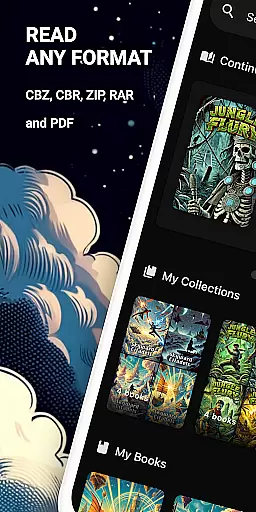
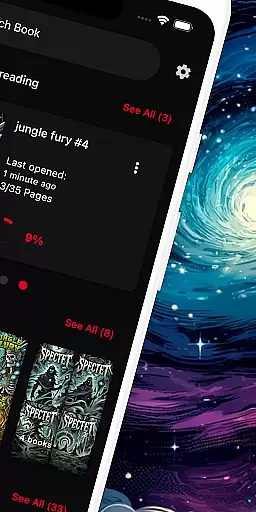
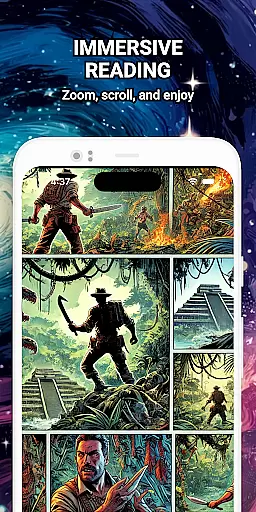
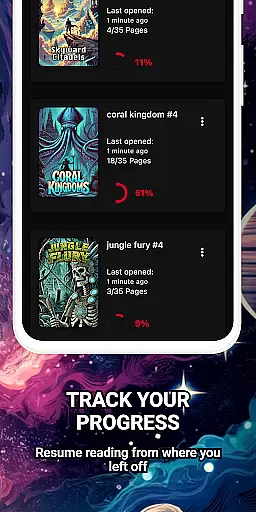
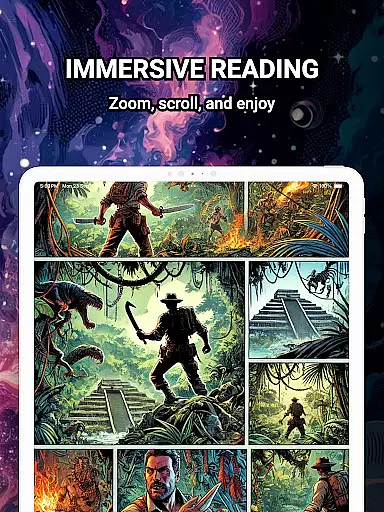
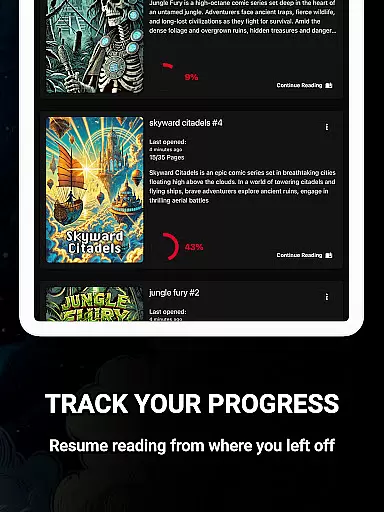
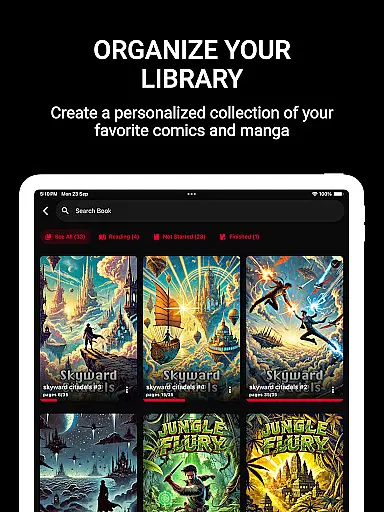
ComiQuest is a feature-rich comic reader app tailored for fans of CBR, CBZ, and PDF formats. It offers seamless navigation, automatic reading progress tracking, and customizable collections to organize your library efficiently. Whether you're into graphic novels, manga, or webtoons, this app provides an ad-free experience with advanced features like eye comfort mode to reduce strain during long reading sessions.
This app is ideal for comic enthusiasts who want a distraction-free environment to enjoy their favorite stories. With support for direct file imports from local storage or USB drives, ComiQuest ensures that users can access their entire collection without the need for format conversion. Its elegant design and smart library management make it a top choice for managing extensive comic libraries on mobile devices.
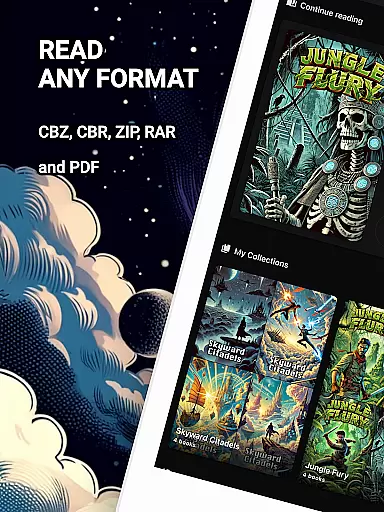
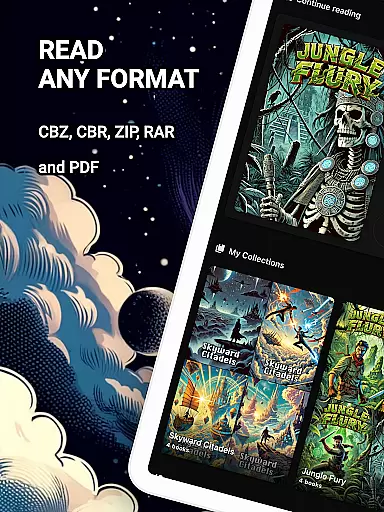
ComiQuest stands out with its comprehensive support for popular comic formats including CBR, CBZ, and PDF, allowing users to read without switching apps. The intuitive interface simplifies file access, enabling direct imports from local storage or USB drives while maintaining an organized library structure.
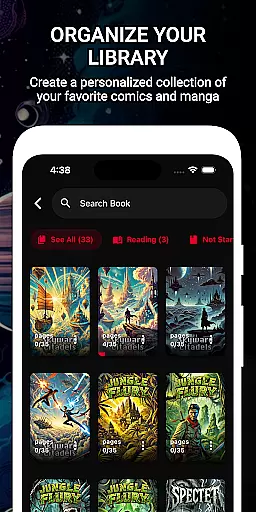
One of the key highlights is the ability to sort comics into custom collections, making it easy to manage different genres such as graphic novels, manga, or webtoons. Additionally, the app includes an experimental blue light filter for CBR and CBZ files, enhancing eye comfort during extended reading sessions. Premium features unlock unlimited imports and continuous updates, ensuring a consistently smooth and enjoyable experience.
ComiQuest offers an extensive comic library that supports multiple file formats including CBR, CBZ, and PDF. This ensures that users can access a wide variety of comics without the need for format conversion or switching between different apps.
The app allows easy file access from local storage or USB drives, making it convenient to import and manage your entire comic collection in one place. Whether you're a fan of graphic novels, manga, or webtoons, ComiQuest recognizes and opens your files effortlessly.
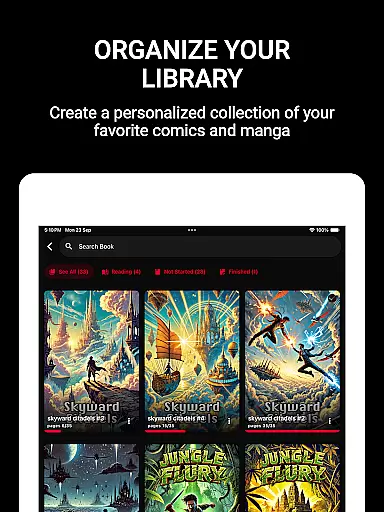
With the ability to sort comics into custom collections, users can organize their library according to personal preferences. This feature not only keeps your collection tidy but also enhances navigation, allowing you to jump back into your favorite stories with ease.
ComiQuest places a strong emphasis on content authenticity and licensing by providing tools that help users manage their legally acquired comic books. The app supports direct imports from personal storage, ensuring that users maintain control over their authentic collections.
While offering a seamless reading experience, ComiQuest respects copyright laws by focusing on personal file management rather than distributing content. Users can enjoy an ad-free reading environment knowing they are engaging with their legitimately owned comics.
For enthusiasts looking to expand their collection, the premium version unlocks unlimited imports and continuous updates, reinforcing the app's commitment to delivering high-quality, authentic content while respecting intellectual property rights.
User-friendly interface
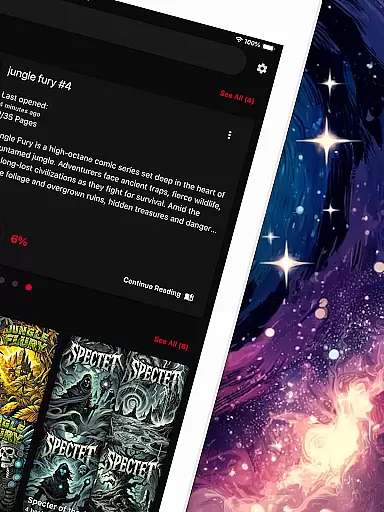
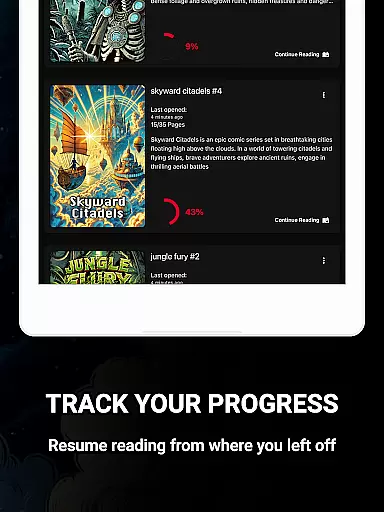
Automatic progress tracking
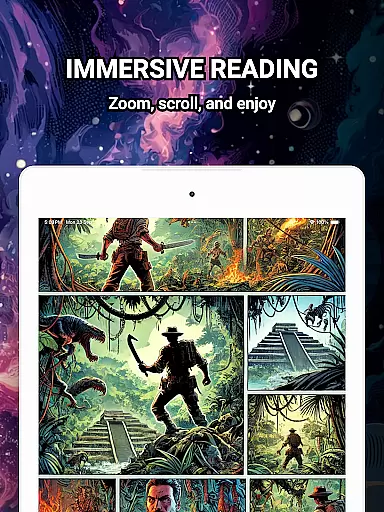
Ad-free reading experience
Customizable collections
Eye comfort mode
Premium features locked
Limited free imports
Experimental eye filter
No cloud sync
Heavy on storage

Read manga, comics, and manhwa
 4.2
4.2
Your key to unlocking manga and webtoons on the go
3.50
Create your personalized cartoon comic strips & comic books.
3.20
Hot-blooded / Romance / Science Fiction All themes, Smart Recommendation + HD Reading
3.10
Pocket Toons: Free Webtoons, Comics, & Manga - New Chapter Drops Everyday
4.30
The most powerful and fast image/comics viewer.
4.10
Welcome to SnapSaga - your ultimate manga and novel destination!
4.5
Experience the largest selection of DC comics anywhere with DC UNIVERSE INFINITE
3.40
Read and track manga across the web with ease
4.90
This application will enable donated users only function in Perfect Viewer.
4.90
Instant access to over 30,000 Marvel comics with new issues added every week.
4.70
TMOLector is an app to read all kinds of manga and stories!
4.50
Manga reader for manga, manhua, manhwa & webtoon, online & offline, update daily
4.50
Draw the comics with glow brushes! Easy and relax!
4.40
SQUARE ENIX's official Manga app!
4.40
Alpha Manga is a Japanese manga app where you can read isekai manga.
4.10
MangaRise - Your Manga and Manhwa Companion
3.90
Read officially manga titles from Japan including Attack on Titan
3.80
+Not your everyday comic. Everyday.
3.50


User Reviews