
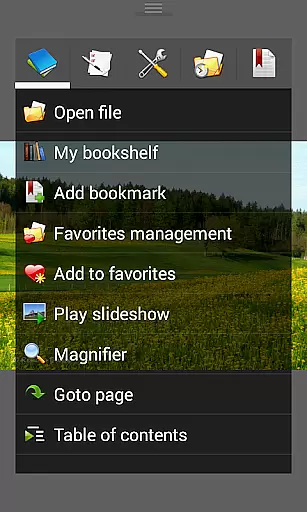
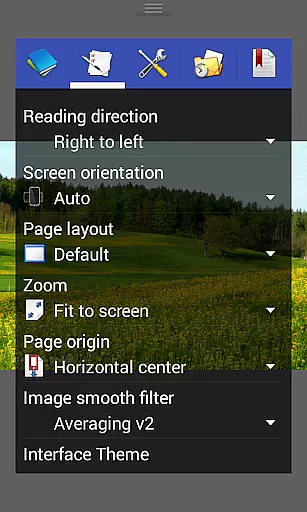
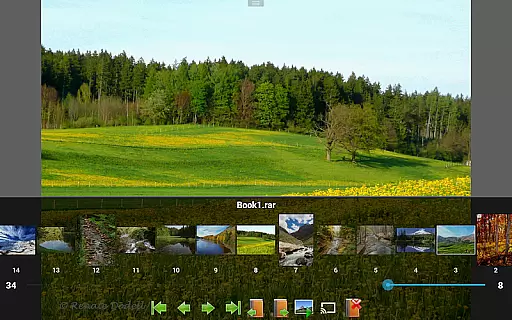
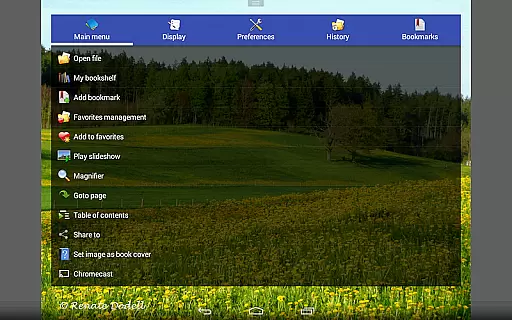
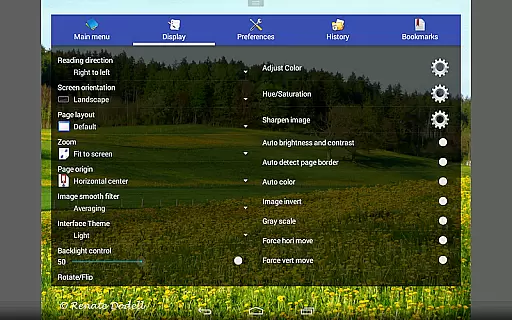
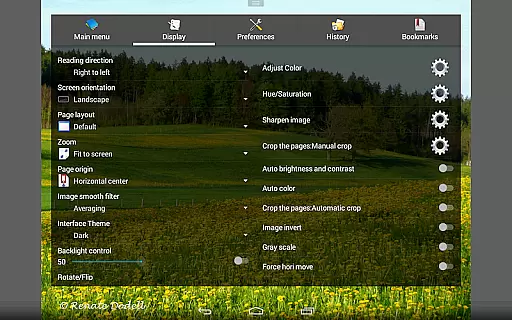
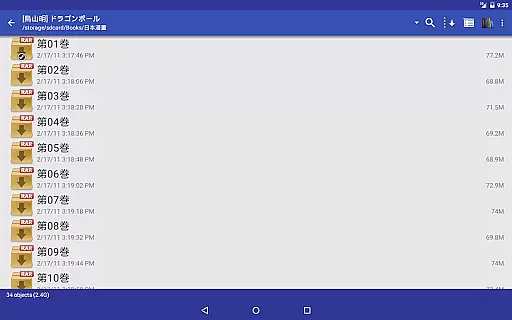
Perfect Viewer is a versatile and fast image, comic, and ebook viewer designed for seamless reading experiences. The app supports multiple file formats including EPUB, PDF, CBZ/ZIP, CBR/RAR, and more, making it ideal for digital comic enthusiasts and avid readers alike. With advanced page layout options such as auto single/dual pages and adaptive screen orientation, users can customize their reading experience to suit their preferences.
In addition to its robust format support, Perfect Viewer offers innovative features like smooth filters, five view modes, and pinch-to-zoom functionality. Whether you're browsing images in thumbnail mode or setting an image as wallpaper, the app ensures high-quality rendering and intuitive navigation. Its integration with cloud services like Google Drive and Dropbox further enhances accessibility, allowing users to manage and read their files from virtually anywhere.
Perfect Viewer stands out with its comprehensive feature set tailored for comic and ebook lovers. One of its key strengths is the ability to handle various file formats, including EPUB, HTML, TXT, JPEG, PNG, GIF, and even PDFs with a plugin. This versatility ensures that users can access all their content without compatibility issues. Additionally, the app's support for network file sharing (CIFS/SAMBA), FTP, and cloud storage solutions like Google Drive and Dropbox makes it easy to open and manage files remotely.
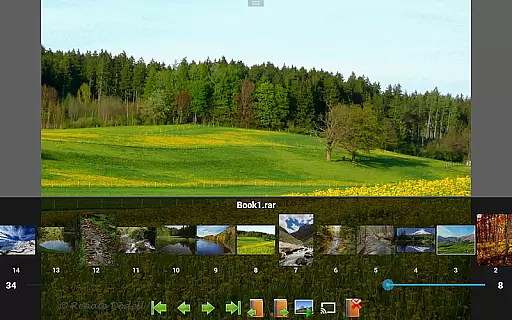
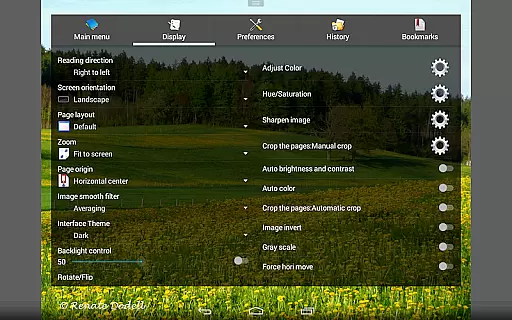
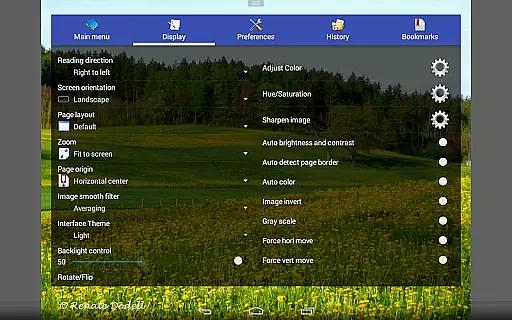
The app also excels in customization, offering three viewer modes—Page mode, Vertical scroll mode, and Horizontal scroll mode—to cater to different reading styles. Users can further enhance their experience with adjustable brightness, contrast, and gamma settings, as well as smooth filters like Bilinear and Lanczos3. Features like auto-cutting white borders, balloon magnifiers, and Google Chromecast support demonstrate the app's attention to detail and commitment to delivering a polished reading experience.
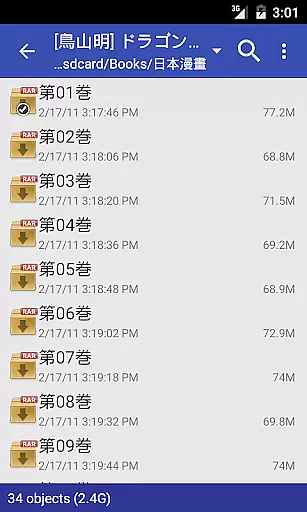
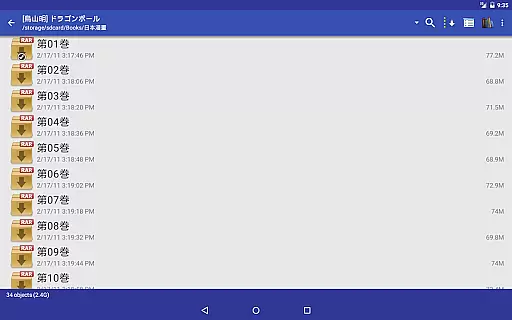
Perfect Viewer offers an extensive comic library that supports multiple file formats including CBZ/ZIP, CBR/RAR, 7Z/CB7, and LZH. This ensures users have access to a wide variety of comics in different formats.
The application also supports PDF, XPS, and DJVU files with an additional plugin, further expanding the range of available content. This versatility allows users to enjoy their favorite comics without worrying about compatibility issues.
With the ability to open files from network file sharing, FTP, SFTP, and cloud services like Google Drive, Dropbox, and OneDrive, Perfect Viewer provides seamless access to your entire comic collection regardless of where your files are stored.
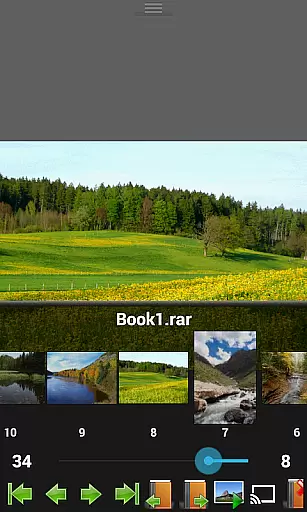
Additionally, the app's support for various page layouts and viewer modes enhances the reading experience by catering to individual preferences, making it easier than ever to dive into a diverse world of comics.
Perfect Viewer respects content authenticity and copyright laws by providing tools that allow users to manage their legally acquired comic collections effectively. The app does not host or distribute any content itself but focuses on delivering a superior reading experience.
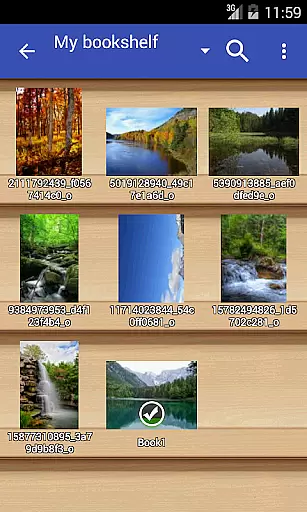
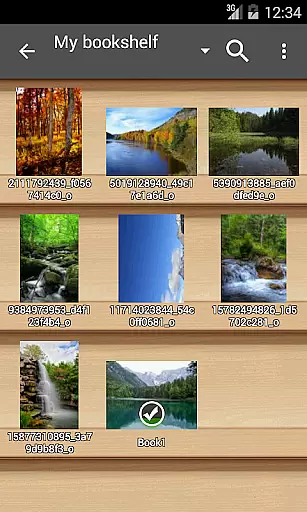
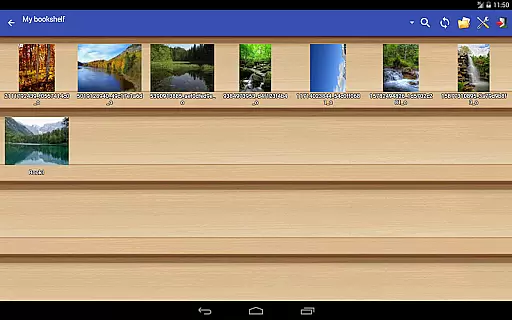
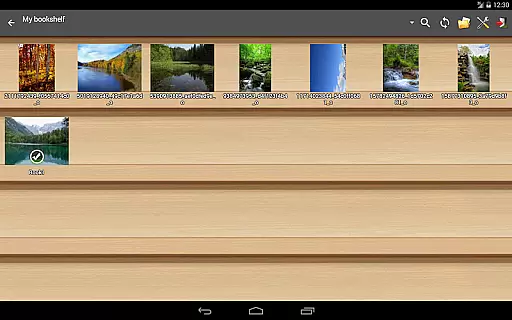
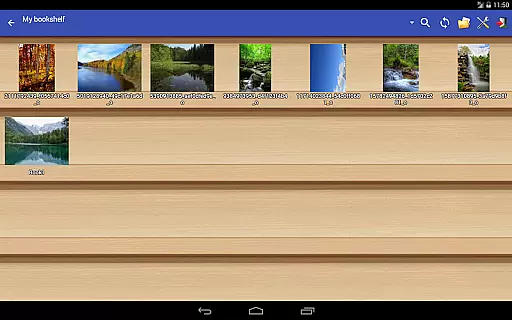
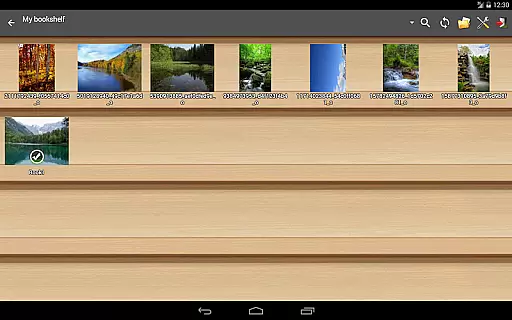
Users can organize their comics using features such as the bookshelf function, which helps maintain a structured and authentic library. Simple file management options like delete and rename ensure users can curate their collection responsibly.
Furthermore, Perfect Viewer includes a donation feature that unlocks additional customization options, encouraging users to support the developers who work hard to provide a high-quality viewing experience while respecting intellectual property rights.
By focusing on licensed and user-owned content, Perfect Viewer creates a trustworthy environment where comic enthusiasts can enjoy their collections safely and legally.
Fast and responsive performance
Wide range of supported formats
Customizable viewing options
Cloud storage integration
Advanced image enhancement tools
Some features require donation
Occasional ads in free version
Complex interface for beginners
Limited offline functionality
Large app size

Comic reader app: open ZIP, RAR, CBZ, CBR, and PDF files
 3.00
3.00
Hot-blooded / Romance / Science Fiction All themes, Smart Recommendation + HD Reading
3.10
Goat sound simulator. This app makes for fun.
4.5
Discover manga stories & stream anime series with unlimited entertainment access
4.40
매일 매일 새로운 네이버 웹툰
4.50
File management and show images, comics and pictures in compressed cbr, pdf file
4.70
Catalog your collection. Just scan covers with your device camera. (US $20/yr)
4.80
Welcome to SnapSaga - your ultimate manga and novel destination!
4.2
Read comics, manhwa, manga & novels Official webtoons with daily updates
4.30
Instant access to over 30,000 Marvel comics with new issues added every week.
4.70
See the newest comic book releases and manage your comic collection or pull list
4.70
TMOLector is an app to read all kinds of manga and stories!
4.50
Comic Book Identifier Value - Scan comics & prices. Your comic book price guide!
4.50
Crunchyroll Manga—unlimited, uninterrupted reading with offline access & more!
4.50
Browse and read all your comics and mangas from YACReaderLibrary
4.20
Arabic manga reader
4.00
Toomics is a premium comic service with every genre for all readers to enjoy!
4.00
Anime TV App: Watch all anime online,anime tv subtitles online with big anime tv
3.80
Read officially manga titles from Japan including Attack on Titan
3.80


User Reviews