

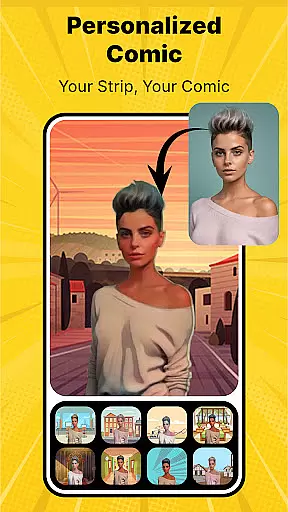
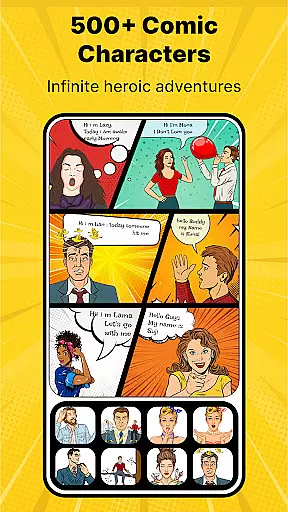
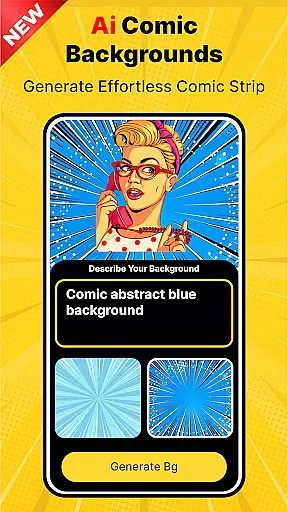
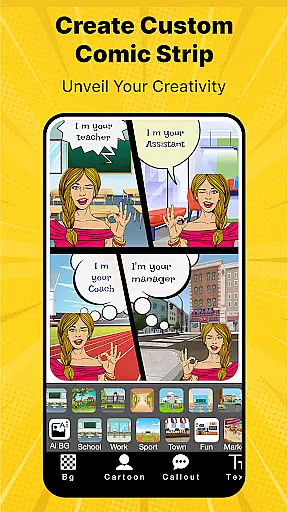
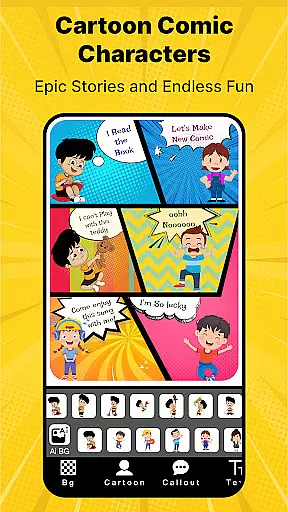
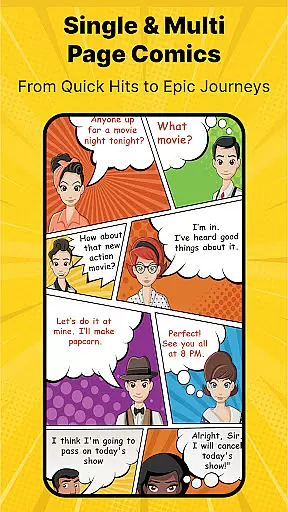

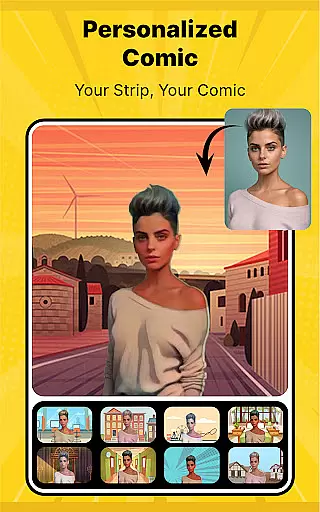
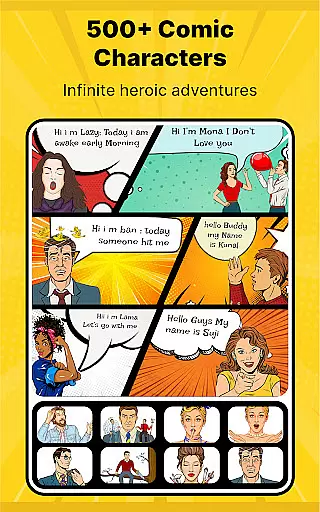
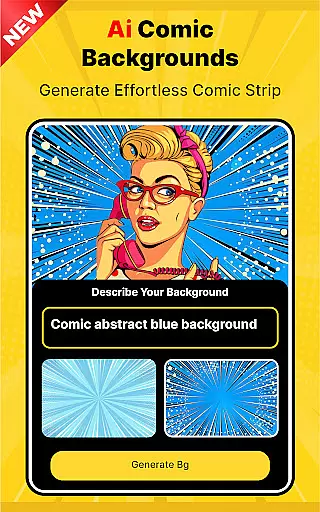
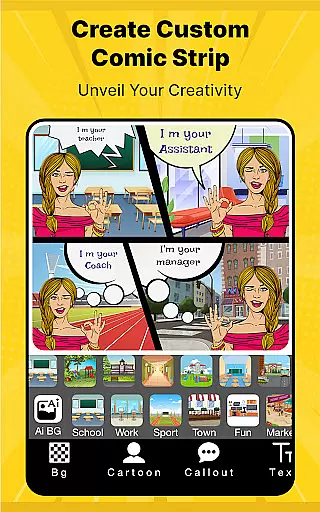
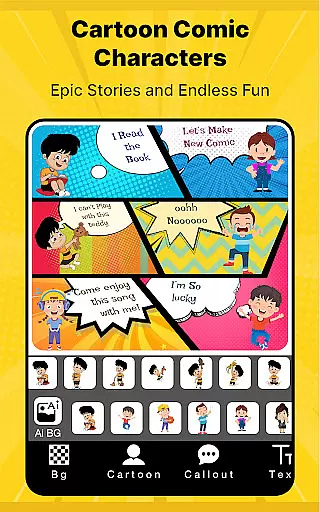


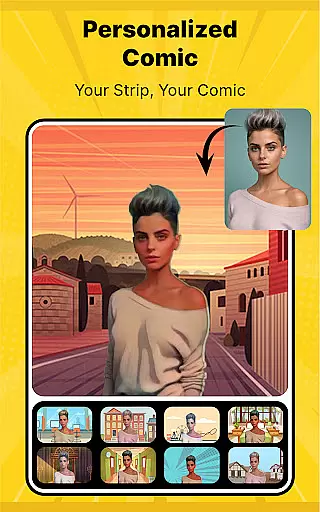
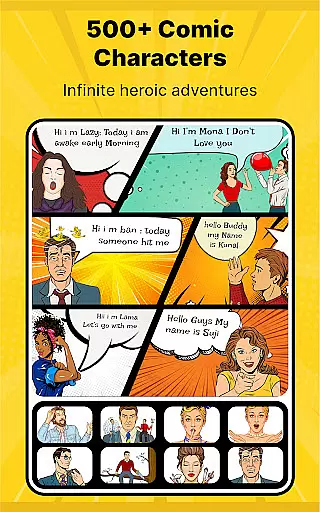
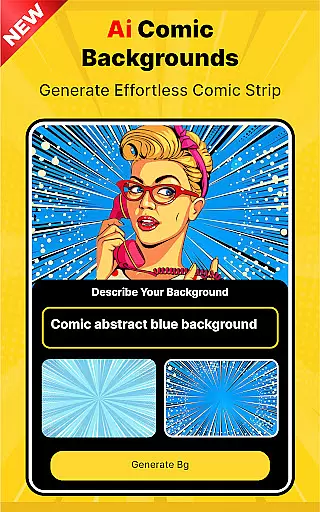
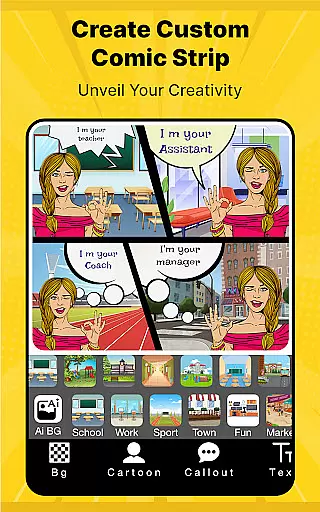
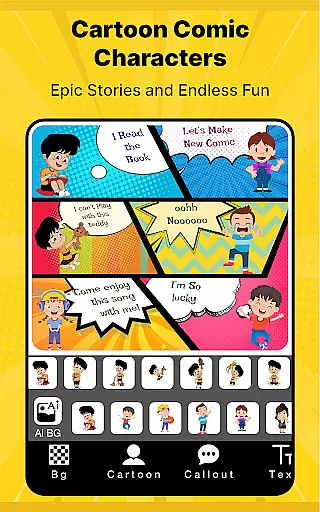

Cartoon Comic Strip Maker is a creative tool designed for comic enthusiasts and storytellers who want to craft their own comic strips, storyboards, and memes. This app provides an engaging platform where users can select from over 100 anime, avatar, and superhero characters, each with distinct emotions, allowing for rich storytelling possibilities.
The app offers various background images and speech bubbles that help bring stories to life. Whether you're creating content for educational purposes, entertainment, or simply to share laughs with friends and family, Cartoon Comic Strip Maker equips you with professional templates and HD backgrounds to make your work stand out. Its intuitive interface makes it easy to express complex ideas through visuals and dialogue.
With the ability to save projects as PDFs or images and share them across social media platforms like Facebook and Twitter, this app not only fosters creativity but also helps users showcase their artistic talents to a wider audience.
Cartoon Comic Strip Maker stands out with its diverse range of features tailored for both amateur and experienced creators. The app includes customizable storyboard layouts, allowing users to choose how their panels are arranged, thus offering complete creative control over the narrative structure.
One of the key highlights is the extensive library of characters, including popular options such as anime figures, superheroes, and avatars. These characters come with multiple emotional expressions, enabling users to convey nuanced stories effectively. Additionally, the app provides different types of speech bubbles and high-definition backgrounds, ensuring every creation looks polished and professional.
For those looking to share their work, Cartoon Comic Strip Maker supports saving projects in multiple formats (PDF or image) and sharing them directly on social media channels. This feature ensures that your comics reach your intended audience without any hassle, making it ideal for educators, parents, and artists alike.
Cartoon Comic Strip Maker offers an extensive library of over 100 characters, including anime, avatars, and superheroes, ensuring a wide variety to suit any creative need. The app's diverse selection allows users to choose characters with different emotions, enhancing the storytelling experience.
In addition to its rich character library, the app provides various background images and speech bubbles, which are essential for creating engaging comic strips. This diversity enables users to experiment with different storytelling styles, from humorous memes to detailed storyboards.
The app stands out by educating users on simplifying complex stories and concepts through visual and dialogue-based narratives. With professional templates crafted by cartoonists and artists, it ensures high-quality output for both amateur and experienced creators.
Cartoon Comic Strip Maker emphasizes content authenticity by offering professionally designed strip pages, ensuring that all materials are original and created by skilled artists. This approach not only enhances the quality of the comics produced but also assures users of the legitimacy of the content they are utilizing.
All characters, backgrounds, and speech bubbles provided in the app are properly licensed, giving users peace of mind when creating and sharing their stories. This commitment to legal compliance supports creators in distributing their work across social media platforms without concerns about copyright issues.
By providing HD backgrounds and the ability to save projects as PDFs or images, the app ensures that users can create professional-grade comics while maintaining content integrity and authenticity throughout the creative process.
User-friendly interface
Extensive character library
HD-quality backgrounds
Multiple export options
Social media integration
Limited free content
In-app purchases required
Occasional ads
Advanced tools locked
Learning curve for beginners

Follow your favorite manga and get notifications for new chapters!
 4.50
4.50
A free paradise specially built for comic lovers. When you step into this comic universe full of surprises, it is like opening a door to endless joy. You are immediately immersed in the wonderful world brought by reading and enjoy the infinite charm of reading.
4.3
Dive into creative online comics, short video, graphic novels and web novels!
4.60
Read manga, comics, and manhwa
4.3
TMOLector is an app to read all kinds of manga and stories!
4.50
Comic reader app: open ZIP, RAR, CBZ, CBR, and PDF files
3.00
Manga Reader for Comics, Webtoons & Manhwa. Read Mangas, Chat Stories and Novel.
4.30
100k comics, manga & webcomics, including Batman, Invincible, Hellboy & more
4.60
Read and track manga across the web with ease
4.90
This application will enable donated users only function in Perfect Viewer.
4.90
Dive into the App for Premium Comics, Webtoons and Manga!
4.80
Instant access to over 30,000 Marvel comics with new issues added every week.
4.70
Comics and stories from Japan
4.60
Read your favorite mangas for free
4.50
Discover manga stories & stream anime series with unlimited entertainment access
4.40
Webtoons, comics, web novels, and e-books are all here! RIDI, my own space to enjoy stories
4.30
Read comics, manhwa, manga & novels Official webtoons with daily updates
4.30
Official digital-manga store. Quality translations that support artists.
3.10
Get the latest manga chapters daily, released simultaneously with Japan.
3.10


User Reviews